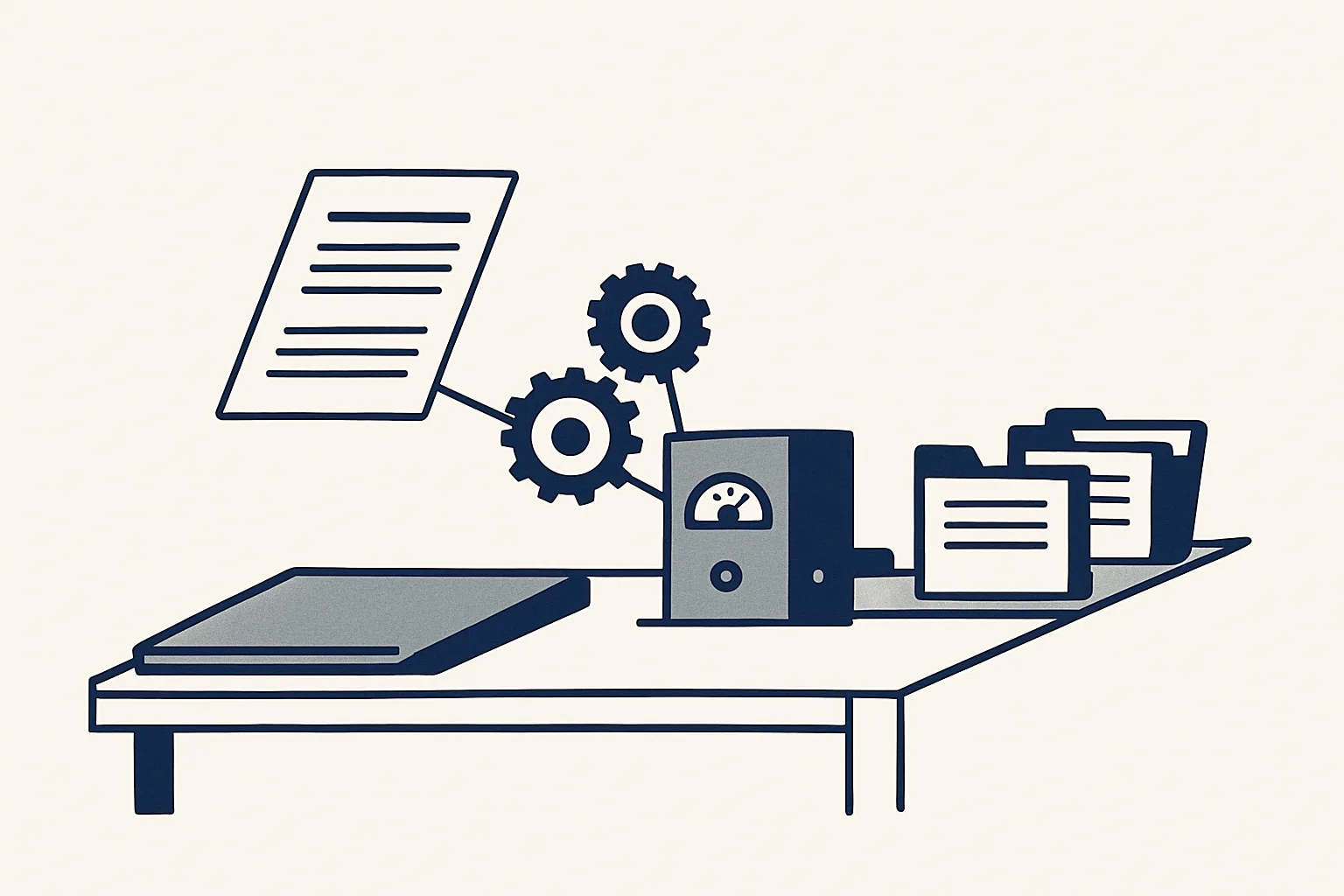
AI for business pays back first in repetitive office work: reading invoices and bills, sorting the inbox, drafting replies and quotes, and keeping registers up to date. Start with one routine job, let the AI draft it inside your own tools, and keep a person approving what leaves the company.
What AI for business means in practice
In practice, AI for business means software that reads, sorts and drafts the routine paperwork of a company, so people spend less time typing and more time deciding.
The phrase covers a lot of ground. For some people it means a chat window that answers questions; for others it means a model that forecasts sales or writes marketing copy. For most small and mid-sized companies, the useful version is plainer: a system that takes one repetitive office job, such as entering supplier bills or sorting the morning's email, and does the reading, typing and filing that the job involves.
That is the sense used in this guide. AI in business is worth having when it works inside the tools the company already uses, produces something a person can check quickly, and stops on anything it cannot do exactly. A clever answer on a screen still has to be copied somewhere by hand. A draft invoice that is already in the accounting system, with the PDF attached and filed, does not.
Two terms are worth defining. A workflow is one job with a clear start and finish, such as "supplier invoice arrives, draft bill is created". An AI employee is our name for an automation built to run one workflow end to end, triggered by something that happens in the business rather than by someone typing a question.
The office jobs where it saves hours first
AI for business saves hours first in jobs that repeat often, follow written rules and end in a document, an entry or an email.
Think of a plumbing contractor, a dental practice, a wholesaler or a small design studio. The trades differ, but the back office looks much the same: invoices to raise, supplier bills to enter, an inbox that fills overnight, prices to look up before a quote, and registers that fall behind when the week gets busy. Those jobs share three traits that make them good candidates. The work arrives in a predictable place, the steps are the same each time, and checking a result is faster than producing it by hand.
The table lists the common candidates and says honestly where each one stands with us: running today for a client, or offered and built to order on the same engine.
| Job | What the AI does | Status with us |
|---|---|---|
| Sales invoices | Prepares the invoice from a sheet that remembers clients and products, renders and files the PDF, leaves a draft invoice and a draft email | Running today |
| Supplier bills | Reads the mailbox and a drop folder, creates draft bills with the PDF attached, files each PDF under the supplier | Running today |
| Purchase orders | Turns one confirmed row in a sheet into an order PDF, filed, with a draft email | Running today |
| Morning inbox digest | Lists the previous day's new and unanswered emails across several mailboxes, sorted by business, each with a short gist | Running today |
| Price history for quotes | Keeps a register of every product line bought and sold with its unit price, so a quote starts from the last price | Running today |
| Customer replies | Reads incoming customer emails and drafts a reply from your own past answers for a person to check and send | Offered, built to order |
| Expense receipts | Reads receipt photos and PDFs and prepares draft expense entries with the image attached | Offered, built to order |
| Bank matching | Suggests which bank lines match which invoices and bills | Offered, built to order |
What stays with people
Judgement, relationships, approvals and money stay with people; AI for business takes the typing, not the decisions.
This is the part most guides skip, and it matters more than the list of jobs. An AI can read a supplier invoice faster than anyone, but it cannot know that the delivery was short, that the price was renegotiated on the phone last week, or that this customer always pays late and should be chased gently. Those things live in people's heads and in conversations, and that is where they should stay.
For AI for business owners, the practical rule is to hand over the reading, copying and filing, and keep everything that commits the company. In our set-up the following never leave a person's hands:
- Sending any email, invoice or document outside the company.
- Approving a draft invoice or a draft bill as final.
- Paying anyone, or touching a bank account.
- Creating a new supplier or customer record without the owner's yes.
- Negotiating prices, settling disputes and handling complaints.
- Deciding what to do with a case the rules do not cover.
Your monthly hours on routine office work
Enter the hours your team spends each week on these four jobs, by your own count. The result is your monthly total today; it is not a promise of what automation would change. The job with the most hours and the fewest exceptions is usually the one to look at first.
How to start with one job
The right way to start with AI for business is with one routine job, measured in your own hours, rather than a company-wide AI plan.
People often ask how to use AI in business without a large project. The answer is to shrink the question. A single workflow can be described on one page, switched on with your yes, checked closely for its first weeks and stopped in one command if it is not right. A plan that tries to change every department at once is hard to check and easy to abandon.
Pick the job by how often it happens and how predictable it is, not by how impressive it sounds. Here is a sensible order of work for a small company.
- List the office jobs that come round every week: invoices, bills, inbox sorting, quotes, data entry into registers.
- Use the calculator on this page to note the hours each one takes today, by your own count.
- Choose the one with the most hours and the fewest exceptions; that is the first workflow.
- Write it down as if briefing a new starter: where the work arrives, what is done with it, where the result goes and who signs it.
- Agree the exceptions in advance: which cases go to a person instead of being drafted.
- Switch it on only with your yes, check every draft closely at first, and keep the kill switch in mind.
- Once the first job runs cleanly, measure it again and decide whether a second one is worth adding.
Rules that make it safe
AI business solutions are safe to rely on when they only produce drafts, keep a full record and hand unclear cases to a person instead of guessing.
Ask these questions of any supplier, including us. Where does the system work: inside your own mailbox, folders, sheets and accounting system, or in a separate tool your team has to learn? What does it produce: drafts for a person to sign, or finished documents that go out by themselves? What happens when it is unsure: does it stop and pass the case on, or does it make its best guess?
The rules our AI employees run under answer those questions plainly:
- The robots only produce drafts; nothing is ever sent by a robot.
- Every action is written to an audit record: what arrived, what was read, what was created and what was passed to a person.
- Anything the robot cannot do exactly goes to a person instead of being guessed.
- Nothing is created, changed or switched on without the owner's explicit yes.
- A kill switch stops any robot in one command.
Running it month after month
AI for business is not a one-off install; it is a service that has to be run, watched and adjusted as the company changes.
Suppliers change their invoice layouts, new products arrive, a colleague starts forwarding bills from a different mailbox. A system that worked well in its first month can drift if nobody looks after it. That is why ours are rented monthly rather than sold: we build them, run them on our servers against the client's own accounts, and keep them working as the business changes.
Today our AI employees work with Gmail and Google Workspace mailboxes, Google Drive, Google Sheets and Xero. The client's data never moves into a separate system: emails stay in the client's mailbox, entries in the client's accounting system, PDFs in the client's folders and registers in the client's own sheet.
The price is one monthly figure per workflow, stated in the quote, based on the hours the job takes out of your routine and on how complex the automation is. Simple jobs are live quickly; jobs that need several AI employees working together take longer to build. If the rental stops, the workflow stops, and every document and record stays yours.
The measure we use for AI for business is the one you can check yourself: the hours the job took before, by your own rule, and the hours it takes now that a person only checks and signs.
Questions
How can AI be used in business?
The most practical uses are in routine office work: reading invoices and bills, sorting the inbox, drafting replies, preparing quotes from past prices and keeping registers up to date. The AI drafts inside your own tools and a person approves what leaves the company.
How can I automate my business using AI?
Start with one job, not the whole business. Pick a routine task that repeats every week, write down its steps and exceptions, and have it drafted inside your own mailbox, folders and accounting system, with a person checking every result at first.
What is the best AI for a small business?
The one that fits a job you actually do. Compare by fit: does it work inside your own accounts, does it produce drafts a person signs, does it keep an audit record, and does it pass unclear cases to a person instead of guessing?
Will AI replace my staff?
No. It takes the typing, filing and copying between systems out of a job. Checking, approving, negotiating and judgement stay with people, and the hours that come back can go to work that needs them.
Is it safe to give AI access to my email and accounts?
It depends on the rules it runs under. Ask whether it only produces drafts, whether anything is ever sent without a person, whether every action is recorded, and whether it can be stopped in one command. For data protection questions in your own country, check with your adviser.
Want hours back from this work?
Write to [email protected] with the routine job that takes most of your hours each month, and we will tell you plainly whether an AI employee fits it.
Talk to us Related service: Services