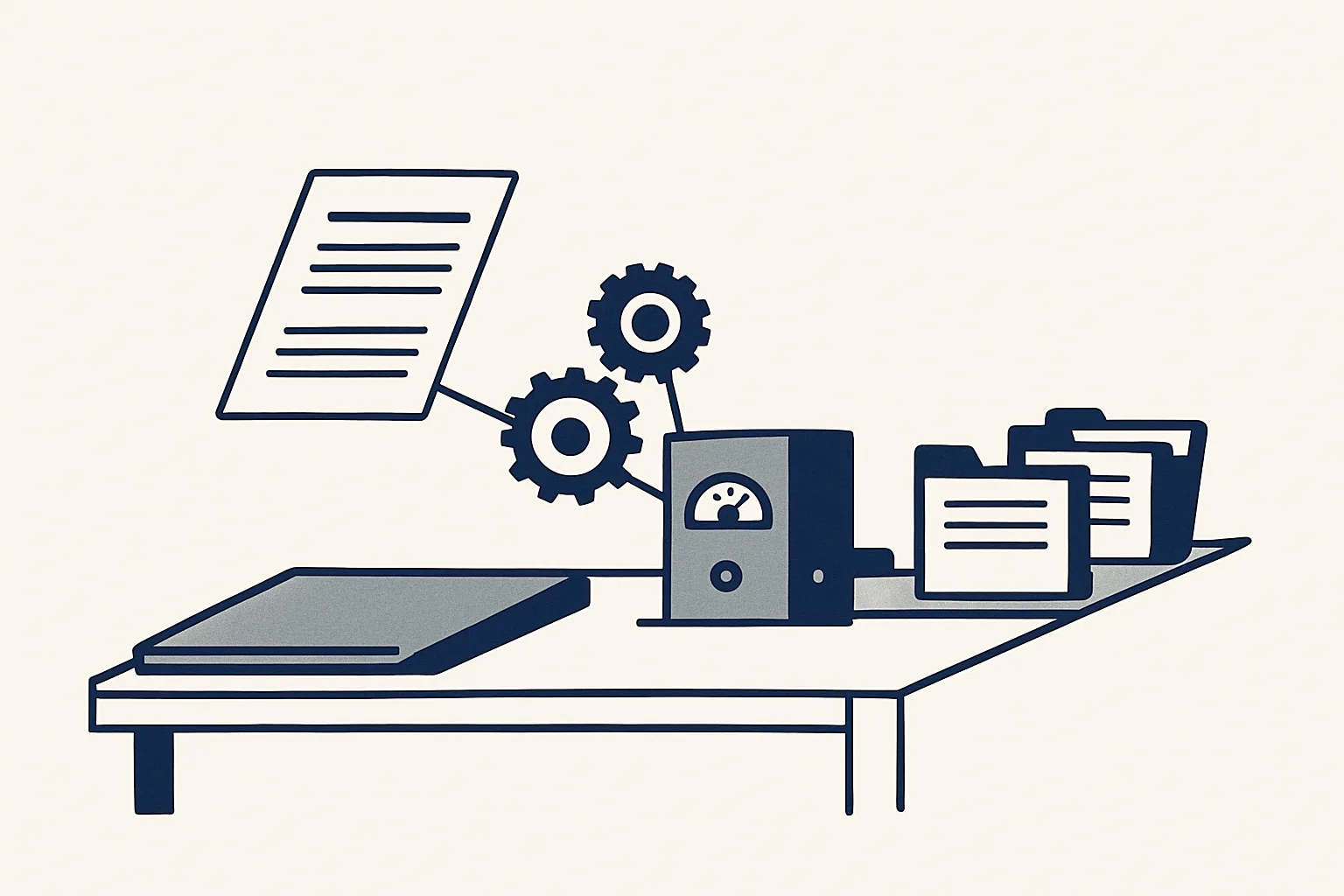
Workflow automation tools let you connect apps and trigger steps without code, but someone still has to design, test and maintain each flow. If nobody in the company has that time, renting a running AI employee that does the same job inside your own tools is often the simpler choice.
What workflow automation tools do
Workflow automation tools connect the apps a business already uses, so that an event in one app starts a chain of steps in the others without anyone copying data by hand.
Every flow has the same three parts. A trigger is the event that starts it, such as a new email, a new file in a folder or a row added to a sheet. Actions are the steps that follow: read a field, create a record, move a file, send a message. Connectors are the links to each app, which let the tool sign in and do those things on your behalf.
Most workflow automation software today is sold as no code workflow automation. Instead of writing a program, you pick a trigger from a list, drag in the actions and map the fields from one app to the next on a visual canvas. That is a real step forward. A person who could never write a script can now build a flow that files attachments or copies form answers into a sheet.
Typical jobs people build with these tools include the following.
- Saving email attachments into a named folder.
- Copying web form answers into a sheet and notifying a colleague.
- Creating a task when a document is marked ready.
- Posting a message to a team channel when a record changes.
- Moving data between two systems that do not talk to each other.
What they need from you
Workflow automation tools supply the building blocks; the design, testing and upkeep of each flow still come from someone in your company.
The platform itself is the easy part, and most workflow automation tools make the first flow look simple. The work sits around it. Someone has to describe the job precisely enough for a machine to follow it: where the work arrives, which cases are normal, which are exceptions and what should happen to each. Someone has to map the fields, connect the accounts with the right permissions and test the flow on real documents, not only the tidy example.
Then the flow has to be looked after. Logins expire, a supplier changes the layout of an invoice, an app renames a field, and a flow that ran cleanly for months starts to skip records. Someone has to notice, find the cause and fix it, usually in the middle of other work.
So the honest cost of a workflow automation platform is not only the subscription. It is the hours of a person who understands both the business rules and the tool, now and every month after. When that person exists and has the time, the tools work well. When the job falls to whoever is least busy that week, it tends to stall.
Where do-it-yourself flows break
Do-it-yourself flows usually break at the exceptions, at the hand-offs between apps, and when the person who built them moves on.
A flow is built around the cases its builder thought of. The first unusual document, such as a credit note that looks like an invoice, a scan instead of a PDF or an email with two attachments, either stops the flow or, worse, pushes through a wrong result that nobody sees. Many automation workflow tools are built to keep going, so a mistake can travel quietly into a ledger or a client folder.
Silent failure is the second weak point. If a connector loses its login, the flow may simply stop running. Nothing looks wrong until someone asks where last week's files went.
The third is ownership. Flows built by one enthusiastic person are often undocumented. When that person changes role or leaves, the rest of the team inherits automations they cannot read and are afraid to touch.
Testing is the fourth. A flow tried on three tidy examples can look finished. The real test is a month of real documents, including the odd ones, with someone comparing each result against what a careful person would have done.
None of this means workflow automation tools are poor. It means a working flow needs the same things any process needs: a written rule for exceptions, a record of what happened and someone responsible for it.
Build it with a tool, or rent it running?
Pick one job you would like to automate. Tick each statement that is true of your company today.
Renting a running automation instead
Renting a running automation means someone else designs, runs and looks after the flow, while it works inside your own mailbox, folders, sheets and accounting system.
That is how our AI employees work. We build each one around a single named job, run it on our servers against the client's own accounts, and rent it monthly: one figure per workflow, stated in the quote. It does the job you might otherwise build with workflow automation tools, but there is nothing for your team to install, map or repair. If a layout changes or a login needs renewing, fixing it is our job.
The rules are the same for every job. The robot only produces drafts; a person checks and signs anything that leaves the company, and nothing is ever sent by a robot. Anything it cannot do exactly goes to a person instead of being guessed. Every action is written to an audit record, a kill switch stops any robot in one command, and nothing is switched on without the client's yes.
Running today for a client: sales invoicing, supplier bills, purchase orders, invoice filing, a price history register, a daily mail digest and online contract signing. Offered and built to order on the same engine: drafted customer replies, enquiry follow-up, expense receipts, onboarding paperwork and bank matching suggestions.
A rented job usually starts like this.
- You describe one job: where the work arrives, what is done with it, where the result goes and who signs it.
- We agree the rules for normal cases and for exceptions, and who receives each notification.
- We build the AI employee and connect it to your own accounts with the access you grant.
- It is switched on only with your yes, and its first drafts are checked closely.
- From then on it runs every time it is triggered, and we look after it while the rental lasts.
Side-by-side comparison
The main difference between building with a tool and renting a running automation is who carries the design, the fixing and the responsibility.
Both routes can automate the same job, and workflow automation tools are a sound choice for many of them. The table compares them on the points that matter once the flow is live, not on the day it is built.
| Question | Build it yourself with a tool | Rent it running |
|---|---|---|
| Who designs the flow? | Someone in your company | We do, from your written description of the job |
| Who fixes it when it breaks? | Whoever built it, if they are still there | We do, as part of the monthly rental |
| Where does your data live? | In your apps, passing through the tool's servers | In your own accounts; the robot runs on our servers and works in them |
| What does it send? | Whatever the flow is set to send, often automatically | Nothing; it prepares drafts and a person sends |
| What happens to unclear cases? | Depends on how the flow was built | They go to a person instead of being guessed |
| What record is kept? | The tool's run history, if someone checks it | An audit record of every action |
| How is it paid for? | A subscription plus your own team's hours | One monthly figure per workflow, stated in the quote |
| What if you stop? | The flows stop; you keep your data | The workflow stops; your data and documents were always yours |
How to decide
Build with workflow automation tools if you have a person with the time and skill to own the flows; rent a running automation if you do not.
Workflow automation tools are a good fit for short, low-risk flows: moving attachments, copying form answers, posting a notice. If a mistake is cheap and someone enjoys building, there is little reason to pay anyone else.
Renting fits better when the job touches money, clients or suppliers, when exceptions are common, or when nobody can spare the hours to look after it. Invoices, bills and purchase orders are good examples: the rules are clear, but a wrong entry costs time to undo, and a draft that a person signs is safer than a message sent by itself.
Ask the same questions of any supplier, whether you buy a tool or rent a running job: does it work inside your own accounts, does it stop on unclear cases instead of guessing, does it keep a record of every action, and can it be stopped at once if something looks wrong?
Many businesses end up doing both. Simple flows stay on a tool, and the heavier jobs are rented running. Whichever route you take, measure the job the same way: how often it happens and how long each one takes by hand. That figure, in hours, is the only fair way to compare the options. The self-check on this page is a quick way to test one job.
Questions
What are workflow automation tools?
They are software that connects your apps so that an event in one, such as a new email or file, starts a chain of steps in the others. Most are no code: you build the flow on a visual canvas instead of writing a program.
What is an automation workflow?
It is a set of steps that runs on its own once something triggers it. For example: a supplier invoice arrives, it is read, a draft bill is created with the PDF attached and the file is saved under the supplier.
How do you automate a workflow?
Write the job down first: where the work arrives, the steps, the exceptions and who signs the result. Then either build it with a tool and test it on real documents, or have it built and run for you.
Can you give me some examples of automation?
Filing email attachments into folders, copying form answers into a sheet, preparing draft invoices from a sheet, entering supplier bills as drafts and sending a morning digest of unanswered emails.
Is it cheaper to build workflows yourself?
The subscription is often cheaper, but count your own team's hours to design, test and fix each flow. Compare that total with one monthly figure per workflow before deciding.
Want hours back from this work?
Write to [email protected] with one job and the hours it takes you each month, and we will tell you plainly whether to build it yourself or rent it running.
Talk to us Related service: Services