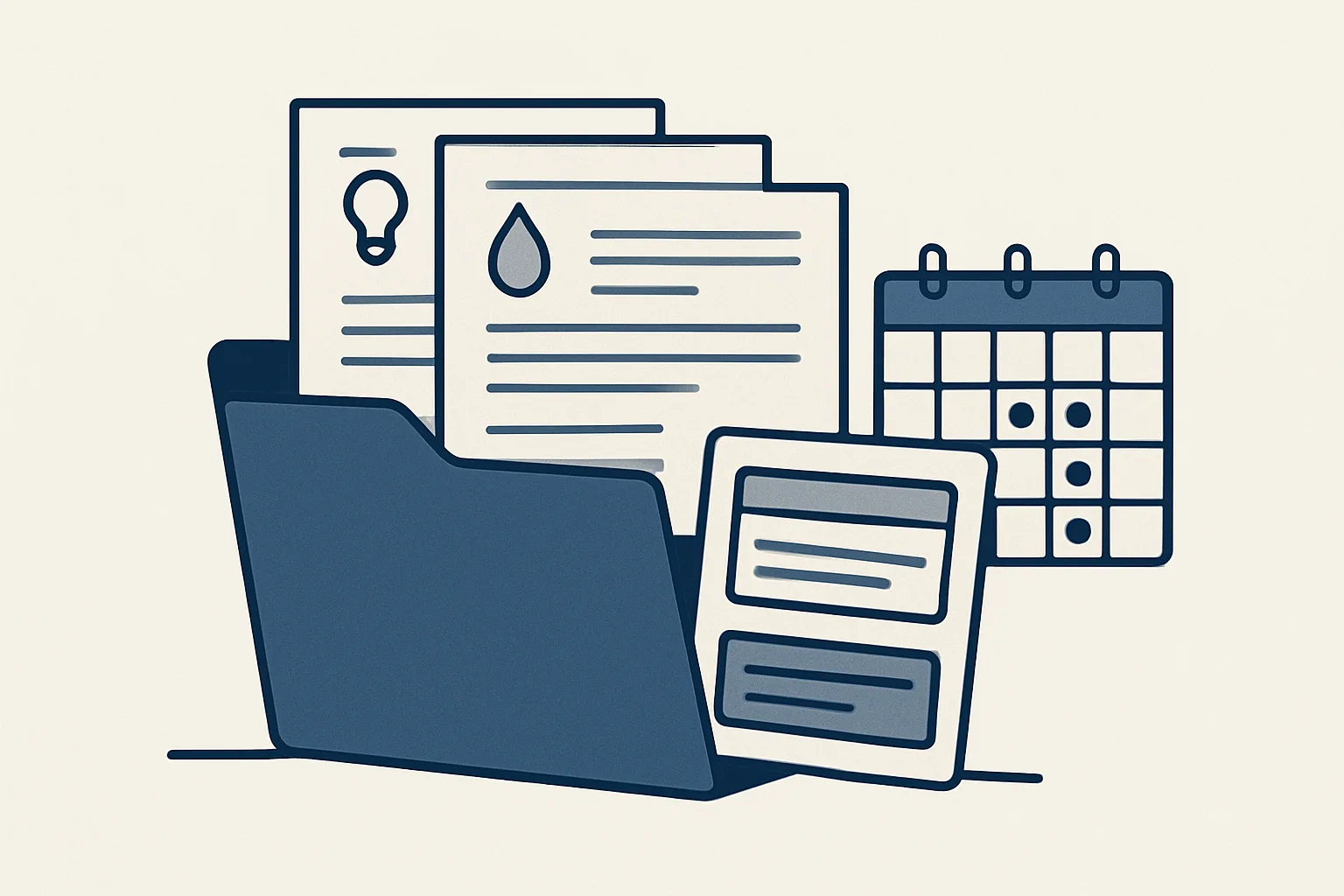
A bill management app keeps a list of the bills you type in. An assistant finds them in your mailbox for you, tracks due dates and renewals, and tells you what's coming. Either way, you pay every bill yourself.
What's the difference between an app and an assistant?
A bill management app is a list you keep yourself. An assistant keeps the list for you, by reading where the bills actually arrive.
Most homes have the same problem. Bills come by email, by post, through banking apps and online accounts. Some renew by themselves. Some go up quietly at renewal. A late fee or a renewal you didn't want is rarely about money you didn't have. It's about a date you didn't see.
A typical household management app gives you a calendar and reminders. That works if you type in every bill. The weak spot is the typing. In a busy week a new bill never reaches the app, and the app can't remind you about what it doesn't know.
An assistant works the other way round. It reads your mailbox, where most bills land, and builds the list from there. Ours is offered and built to order.
| Question | Bill management app | Assistant reading your mailbox |
|---|---|---|
| Where does the list come from? | You type in each bill | Found in your mailbox and the documents you share |
| A new bill in a busy week? | Missed unless you enter it | Picked up when it arrives |
| Renewals and price rises? | Only if you note them | Read from the notices and flagged |
| Who pays? | You | You, always |
| Where is the record? | In the app's account | In your own sheet and folders |
How does it find bills in my inbox?
It reads each new email and attachment, spots the bills, renewals and price notices, and puts them on one list with the amount and due date.
Picture a family where the electricity, phone, insurance and school fees all arrive by email. Some come with a PDF. Others send a link and a summary. The assistant reads both, picks out who it's from, what it's for, how much and by when, and adds a row to your list. Paper bills you photograph into a shared folder join the same list.
It uses the same reading skill as our supplier bills robot, which runs today for a business client. For a home, the result is a row on your list and a copy of the bill in a folder by provider and year.
Anything it can't read clearly, or a bill from a provider you've never used, is shown to you instead of guessed. It doesn't log in to your accounts, and it reads only the mailbox you choose to connect.
How are due dates and renewals tracked?
Each bill's next date sits on the list, and the ones coming up are put in front of you early enough to act.
A list is only useful if it tells you what's next. A short summary each week or month, of what's due and what renews, is usually plenty. Renewals deserve more warning than payments. If you want to switch, haggle or cancel, you have to do it before the renewal date, not after.
Here's how a personal admin assistant works through it.
- A bill or renewal notice arrives in your mailbox, or you drop a photo of a paper bill into your folder.
- The assistant reads the provider, the amount, the due date and any price change.
- It adds the row to your list and files the document by provider and year.
- Before each due date, it puts what's coming up in a short summary.
- Before each renewal, it flags the date and any price change.
- You pay, switch or cancel yourself, and the list shows what you decided.
How do I find subscriptions I forgot?
Look for repeated receipts from the same sender, then list them and decide what to keep.
Streaming, apps, gym memberships, cloud storage, a meal box: subscriptions are easy to start and easy to forget. Each sends a receipt by email, often every month. Read together, those receipts show what you're really paying for. The calculator on this page adds up your own figures.
If you decide to cancel something, the assistant can find the provider's cancellation route in its own emails and draft the message. You send it. It never cancels or signs up for anything itself. Things worth checking:
- Monthly and yearly receipts from the same sender.
- Free trials that turned into paid plans.
- Double plans under different family members' names.
- Price rises announced by email before they take effect.
- The cancellation confirmation, kept with the bill records.
What your subscriptions add up to
Enter your own figures. The result is what your subscriptions cost over the months you choose. It's your own count, not advice on what to keep.
Who pays the bills?
You do. An assistant should never move money for you, and every payment stays with you.
That's the firm rule in our work. Automatic payments you set up yourself with a provider are your own business and stay under your control. The assistant's job is to make sure you know what's due, what changed and what renews, early enough to act.
Every action goes in a log, so you can see what was read and listed. One command stops the assistant. Questions about tax, benefits or money decisions belong with your adviser.
How does a household share the list?
A shared household works best with one list everyone can read, one person looking after each bill, and the documents in one place.
In many homes the bills are split. One partner handles energy and insurance, the other the phones and the car, and a parent still helps with something for a grown-up child. Each set lands in a different mailbox. That's where things slip, especially when someone is away and nobody knows a renewal is coming.
A shared app helps if both of you keep typing. An assistant reading the mailboxes you choose can put every bill on the same list, with a column for who looks after it. Each person sees what's theirs, and anyone can see what's due.
The same list helps when life changes: a move, a new car, a child heading to university. Having every provider, account and renewal date in one place makes those changes much less stressful.
How do I get set up?
Choose which mailbox to connect, where the list and folders should live, and how often you want a summary.
If your home has only a handful of bills and you don't mind typing them in, a simple app or a calendar may be all you need, and that's a fine answer. An assistant earns its place when bills arrive in several places, several people are involved, or renewals keep catching you out.
Ours is part of our AI assistant for personal life, covering bills, subscriptions, renewals, appointments and personal documents. It's offered and built to order. It's rented monthly and runs on our servers against your own mailbox and folders. If the rental stops, the assistant stops, and your list and every filed bill stay where they were.
Questions
What's the best way to keep track of household bills?
One list with every bill, its amount, due date and renewal date, kept current from where the bills really arrive, mostly your mailbox. Add a short summary of what's due soon.
Can an app pay my bills automatically?
Banks and providers offer automatic payments you set up yourself. An assistant like ours never pays. It lists and reminds, and you pay.
How do I find subscriptions I forgot about?
Search your mailbox for repeated receipts from the same sender and look at your bank statements for small regular charges. An assistant can list them for you.
Is an AI assistant for personal life safe with my email?
Connect only a mailbox you're comfortable with it reading, and check what it can and can't do. Make sure it can't send, pay or sign up for anything on its own.
Do I need an assistant if I already use a bill app?
Not if you type in every bill and it works for you. An assistant helps when bills arrive in many places and the typing is what slips.
Tell us your workflow. We will build it around you.
Tell us how many bills and subscriptions your household handles and how long they take each month. Write to [email protected] and we'll say plainly whether an assistant fits.
Talk to us Related service: Personal assistant

