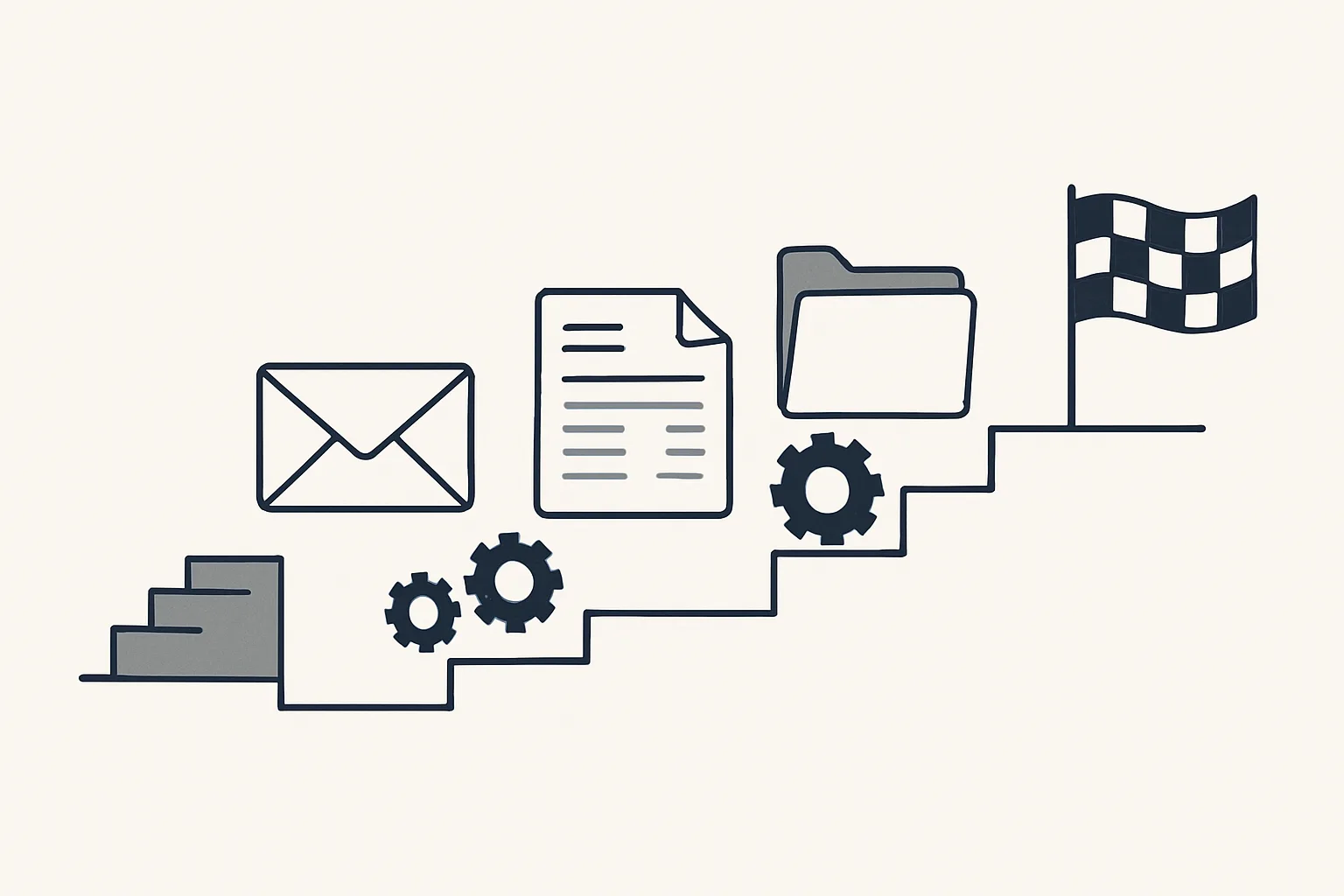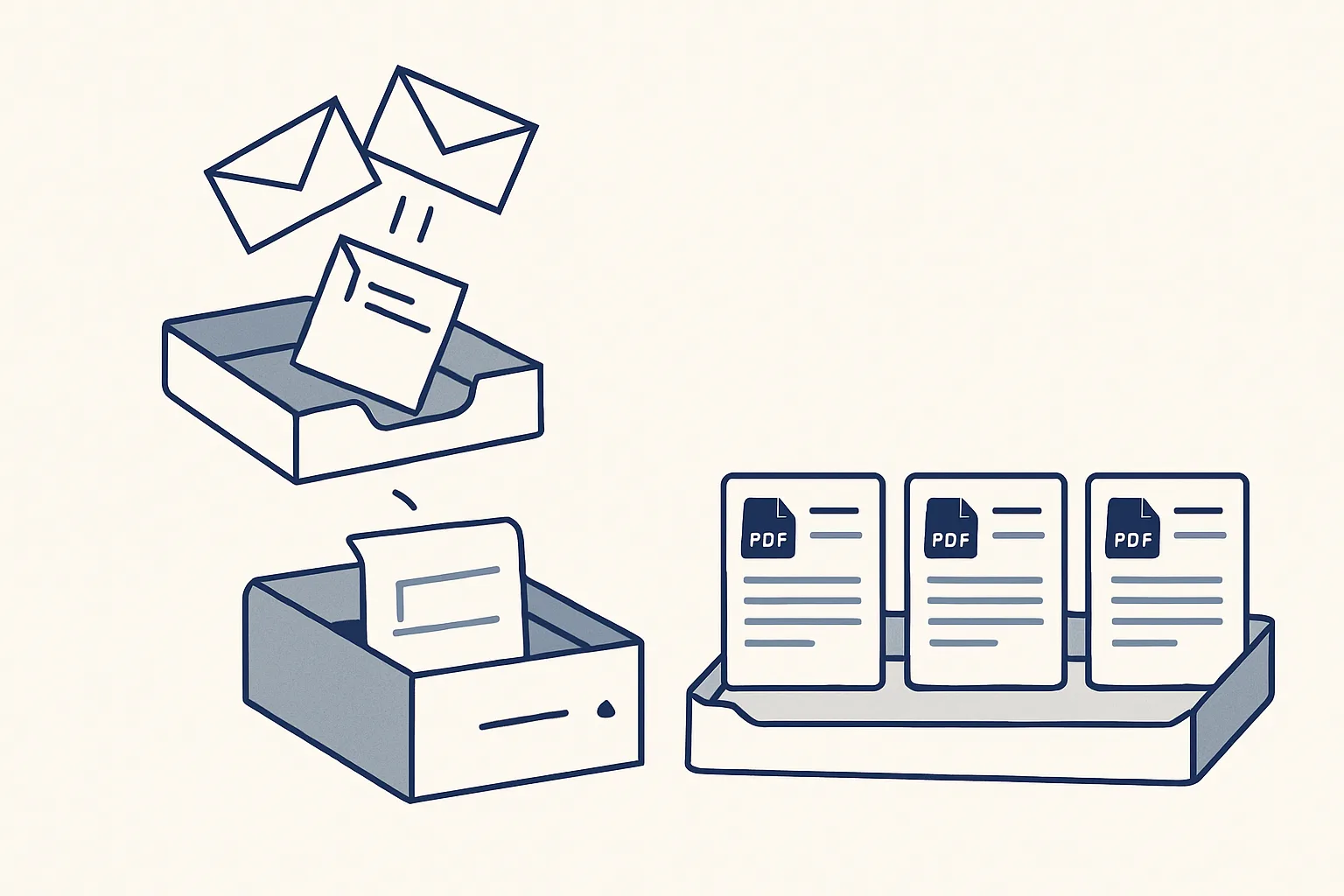
Accounts payable automation means supplier invoices are picked up from the mailbox or a drop folder, read, matched to the supplier and entered as draft bills in your accounting system with the PDF attached. A person reviews and approves; anything unclear, such as a credit note or an unknown supplier, goes to a person instead of being guessed.
What accounts payable automation means
Accounts payable automation is software that takes supplier bills from the moment they arrive to a draft entry in your accounting system, ready for a person to approve.
Accounts payable, or AP, is the money a business owes its suppliers. The work behind it is mostly supplier invoice processing: finding each invoice, reading it, typing it in, attaching the document and filing a copy. So when people ask what is accounts payable automation, the practical answer is that the reading, typing and filing are done by a robot, while the approving and paying stay with people.
This guide walks through how that works, step by step. If you want to see the AI employee we run for this job, our supplier bills service page describes it in full; it is running today for a client, and the steps below follow the same route.
The AP process before and after
Accounts payable process automation changes who does the typing and filing; it does not change who approves and pays.
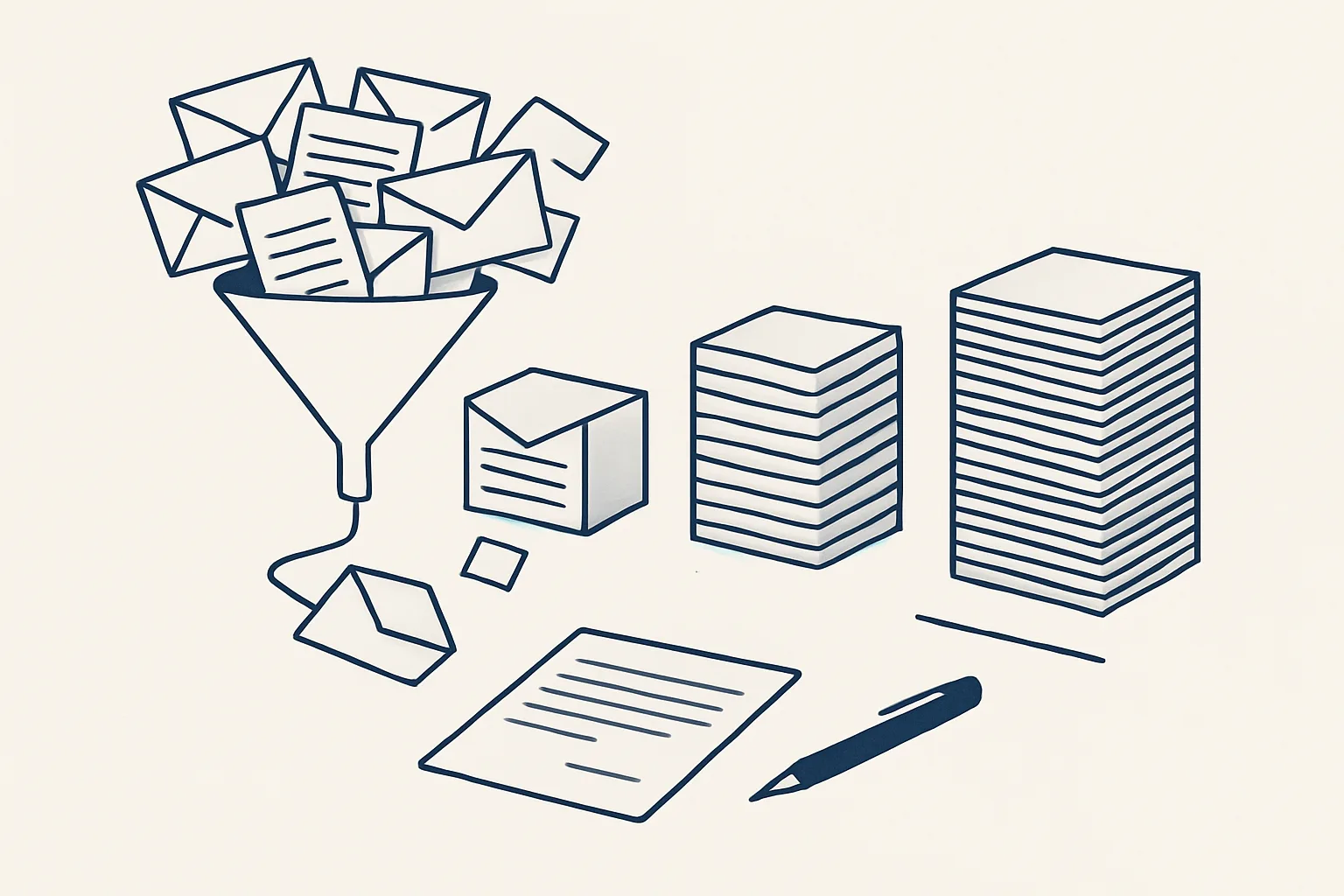
Picture a restaurant with separate suppliers for food, drink, cleaning and repairs. Bills land in the manager's inbox, the chef forwards a few from a phone, and the drinks supplier still sends paper with each delivery. At the end of the month someone spends an evening finding, typing and filing them, and one or two tend to go missing. Automation does not change the suppliers or the approval; it changes where that evening goes.
By hand, someone opens each email, downloads the attachment, works out which supplier sent it, types the date, number, amounts and tax into the accounting system, attaches the PDF and saves a copy in the right folder. Credit notes arrive mixed in with invoices, some bills come as scans, and a few are forwarded by colleagues from their own mailboxes.
The table shows the same steps before and after, for a typical business that buys from many suppliers.
| Step | By hand | With automation |
|---|---|---|
| Finding the bill | Someone searches the inbox and forwarded mail | The robot reads the mailbox and a drop folder for new documents |
| Reading it | Someone reads the supplier, date, number and amounts | Read by template, by text recognition for scans, or with a model's help |
| Telling invoice from credit note | Done by eye, sometimes missed | Recognised and treated differently; unclear ones go to a person |
| Entering it | Typed into the accounting system | Created as a draft bill with the PDF attached |
| Filing the PDF | Saved in a folder, if someone remembers | Filed under the supplier, every time |
| Approving it | A person | A person |
| Paying it | A person | A person; the robot never moves money |
How invoices are read: templates, scans and AI
Supplier invoices are read in one of three ways, and a good system uses the cheapest reliable method for each document.
Most businesses buy from a core group of regular suppliers whose invoices look the same every month. Those are best read by template: the system learns where the number, date and totals sit on that supplier's layout and reads them the same way each time. Templates are fast, predictable and easy to check.
Scans and photographed paper bills need text recognition first, which turns the image into readable text. The rest, from occasional suppliers with unfamiliar layouts, are read with the help of an AI model that can find the supplier, number and amounts on a page it has never seen.
Whichever method reads a document, the result has to agree with itself before a draft is created.
- The supplier on the document matches a supplier already in your accounting system.
- The net amount, the tax and the total add up.
- The invoice number has not been entered before for that supplier.
- The document is clearly an invoice or clearly a credit note, not a statement or a quote.
- The PDF is attached and readable.
Approvals, exceptions and new suppliers
Every draft bill waits for a person's approval, and every document the robot cannot enter exactly goes to a person instead of being guessed.
Exceptions are where AP mistakes tend to happen, so they deserve a rule of their own. In a sound set-up, a refund, a credit note that does not match an invoice or a document from a supplier the system has never seen is passed to a person with the document attached, instead of being forced into a draft.
New suppliers need special care. A fake or mistyped supplier record is how money ends up in the wrong place. Our bills robot creates a new supplier only after the owner approves it; until then the bill waits.
Is AI replacing accounts payable? It takes the typing, not the approval. Someone still decides what is owed, checks that goods arrived, agrees disputes with suppliers and presses pay. That work is easier when every bill is already entered, attached and filed.
Your hours on bill entry
Enter your own figures. The result is the time your team spends on supplier bill entry today, by your own count; it is not a promise of what automation would change.
Filing the PDF and keeping an audit record
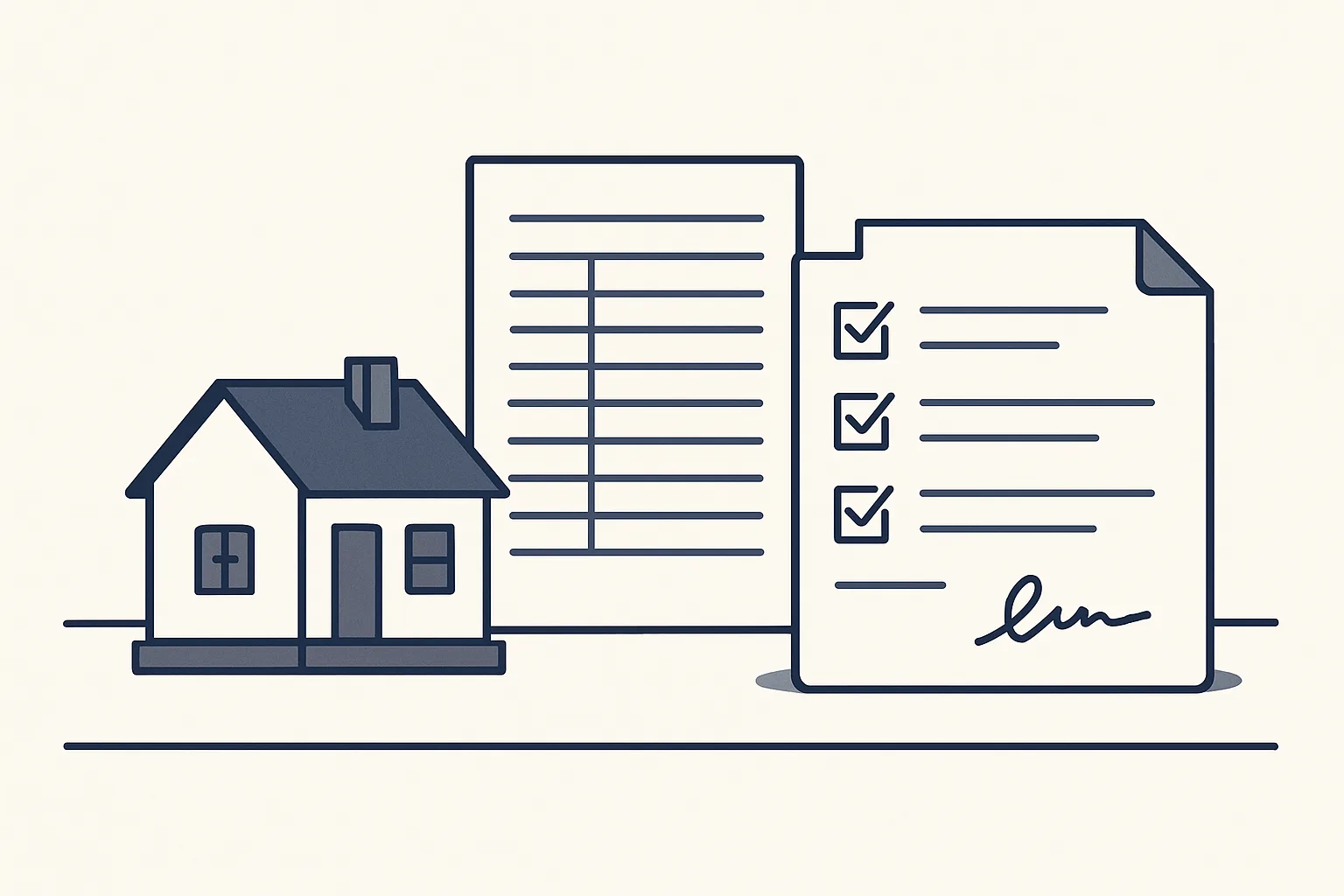
Every bill should end up in two places: as a draft entry with its PDF attached, and as a file under the supplier's name in your own folders.
Filing is the step that slips first when a team is busy, and it is the step an accountant notices at the end of a quarter. When the PDF is attached to the bill and also filed under the supplier, any question about a bill can be answered in seconds by whoever is asked.
An audit record sits behind both. Each action is written down: when the document arrived, how it was read, what draft was created, what was passed to a person and why. If a bill is questioned months later, the record shows exactly what happened to it.
Two registers in your own sheet complete the picture: a supplier register, kept as new suppliers are approved, and a bill register, with one line per document the robot handled.
Benefits, and what it does not do
The benefits of accounts payable automation are hours back from data entry and a more precise ledger, with every bill attached and filed.
Precision matters as much as time. The common AP errors are a bill entered twice, a credit note entered as an invoice, the same supplier coded to different accounts and a PDF that cannot be found. A system that checks each document the same way, and stops on anything unclear, makes those errors less likely.
It is just as important to know the limits. Our bills robot does not:
- Pay anything, or touch your bank account.
- Approve its own drafts or post a bill as final.
- Create a supplier without the owner's yes.
- Guess at a document it cannot read exactly.
- Settle a dispute with a supplier or decide what is really owed.
How to start with your own suppliers
The way to start is to look at where your bills arrive, which suppliers send most of them, and how long each one takes today.
Accounts payable automation for small business does not need a new accounting system or a new mailbox. Ours runs on our servers against your own accounts, today with Google Workspace mailboxes, Google Drive, Google Sheets and Xero, and it is rented monthly: one figure per workflow, stated in the quote. If the rental stops, the workflow stops and every bill and PDF stays yours.
A sensible order of work looks like this.
- List where supplier bills arrive today: which mailboxes, which colleagues forward them, and whether paper bills are scanned.
- Pick out your regular suppliers, the ones who bill most often; their layouts become templates.
- Agree the rules for exceptions: refunds, credit notes, unknown suppliers and anything that does not add up.
- Agree where PDFs are filed and who receives the notification for each bill.
- Use the calculator on this page to note your own hours on bill entry, by your own rule.
- Switch the robot on only with your yes, check its first drafts closely, and keep the kill switch in mind: one command stops it.
Questions
How do you automate accounts payable?
Collect bills in one place, such as a mailbox and a drop folder, have each one read and checked, create it as a draft bill with the PDF attached, file the PDF under the supplier, and send anything unclear to a person. A person approves every draft.
What does accounts payable automation mean?
It means the finding, reading, typing and filing of supplier bills are done by software. Approving bills and paying suppliers stay with people.
What is the best software for accounts payable automation?
The one that fits how your bills arrive and the accounting system you already use. Ask whether it works in your own accounts, attaches the PDF, refuses to guess on unclear documents and never pays anything by itself.
Is AI replacing accounts payable?
It takes the typing, not the approval. Deciding what is owed, handling disputes and paying suppliers stay with people.
Can it handle credit notes and refunds?
Our bills robot recognises credit notes. Anything it cannot enter exactly, including refunds, goes to a person instead of being guessed.
Want hours back from this work?
Write to [email protected] with the hours supplier bills take you each month, and we will tell you plainly whether this AI employee fits.
Talk to us Related service: Supplier bills