A useful AI email assistant reads your incoming mail, sorts what matters, summarises long threads, flags what is still unanswered and prepares draft replies from your own past answers. It should never send on its own: you read the draft, change it if needed and press send.
What an AI email assistant does
An AI email assistant is software that reads the mail arriving in your mailboxes and does the sorting, summarising and first drafting that you would otherwise do yourself.
The name covers very different products. Some are writing helpers: you ask for an email and they write one. Some sit inside the mail program and suggest the next sentence. The kind this guide is about works on the inbox as a whole. It reads what arrived, decides what matters, tells you what is still waiting, and prepares drafts for you to check.
Inbox management is the real job here. Most people do not struggle to write a single email; they struggle to see, among hundreds of messages, the handful that need an answer today. A good email assistant AI starts there, with what is new and what is still unanswered, and only then helps with the writing.
Picture the owner of a building supplies firm who also runs a small property business. Supplier queries, customer orders, tenant letters and bank notices arrive across several addresses, and the inbox is read in snatches between site visits. The question each morning is not how to write an email; it is which of yesterday's emails nobody has answered yet. That is the question an AI email assistant should answer first.
The table shows the main features, what each one does, and whether our version runs today or is built to order.
| Feature | What it does | Our status |
|---|---|---|
| Morning digest | Every morning, the previous day's new and unanswered emails across your mailboxes, sorted by business, each with a short gist and the full text one tap away | Running today |
| Filtering | Newsletters and sign-in codes kept out of the digest | Running today |
| Mailbox watch | Emails in a secondary mailbox that are not part of a known thread flagged to the owner | Running today |
| Draft replies | A draft reply written from your own past answers and documents, saved in the mailbox for you to check and send | Offered, built to order |
| Sending | Pressing send | Always you |
Sorting, summaries and a morning digest
The most useful thing an AI powered email assistant can do is tell you, in one place and once a day, what arrived and what still needs an answer.
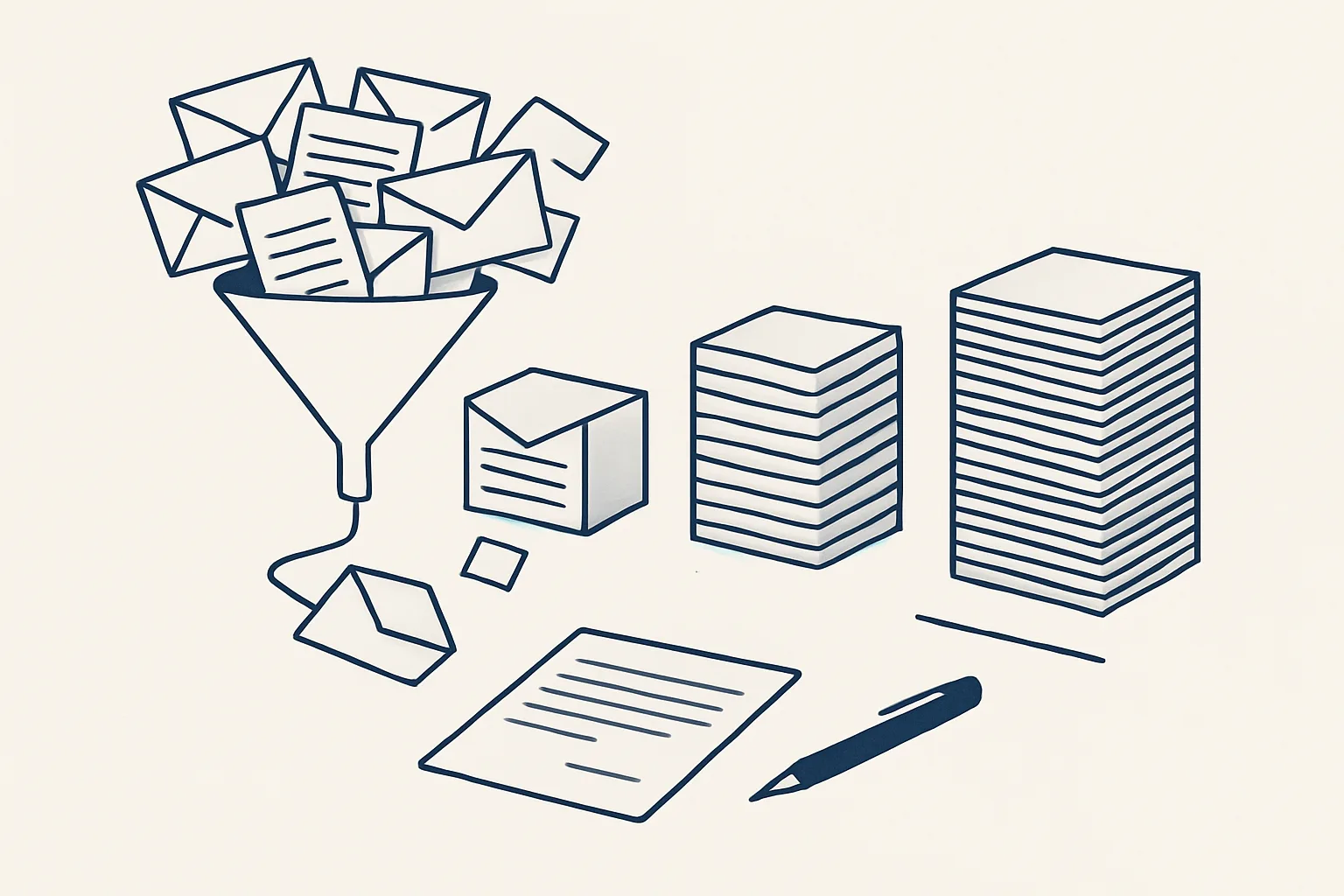
Our daily digest is running today. Every morning it reads the previous day's new and unanswered emails across all the mailboxes of a group of companies, sorts them by business, and gives each one a short gist with the full text one tap away. Newsletters and sign-in codes are filtered out, so what remains is the mail a person actually wrote.
A summary is only useful if it is honest about what it leaves out. A short gist tells you who wrote and what they want; it does not replace reading the email before you answer it. That is why the full text sits one tap away from every line.
A good digest answers a few plain questions at a glance.
- Who wrote to me yesterday that I have not answered?
- Which of my businesses or mailboxes is each email about?
- What does each sender want, in a sentence?
- Which threads are new, and which are replies to something I sent?
- What can I ignore, because it is a newsletter or an automatic code?
Draft replies written from your own answers
A draft reply is useful when it is written from what you have already said and the documents you already have, not from a model's general knowledge.
Many incoming emails ask questions you have answered before: prices, delivery times, opening hours, the documents a new customer needs. An assistant that reads your past replies and your own documents can prepare a draft that sounds like you and states your facts. An assistant that writes from general knowledge sounds plausible and may be wrong.
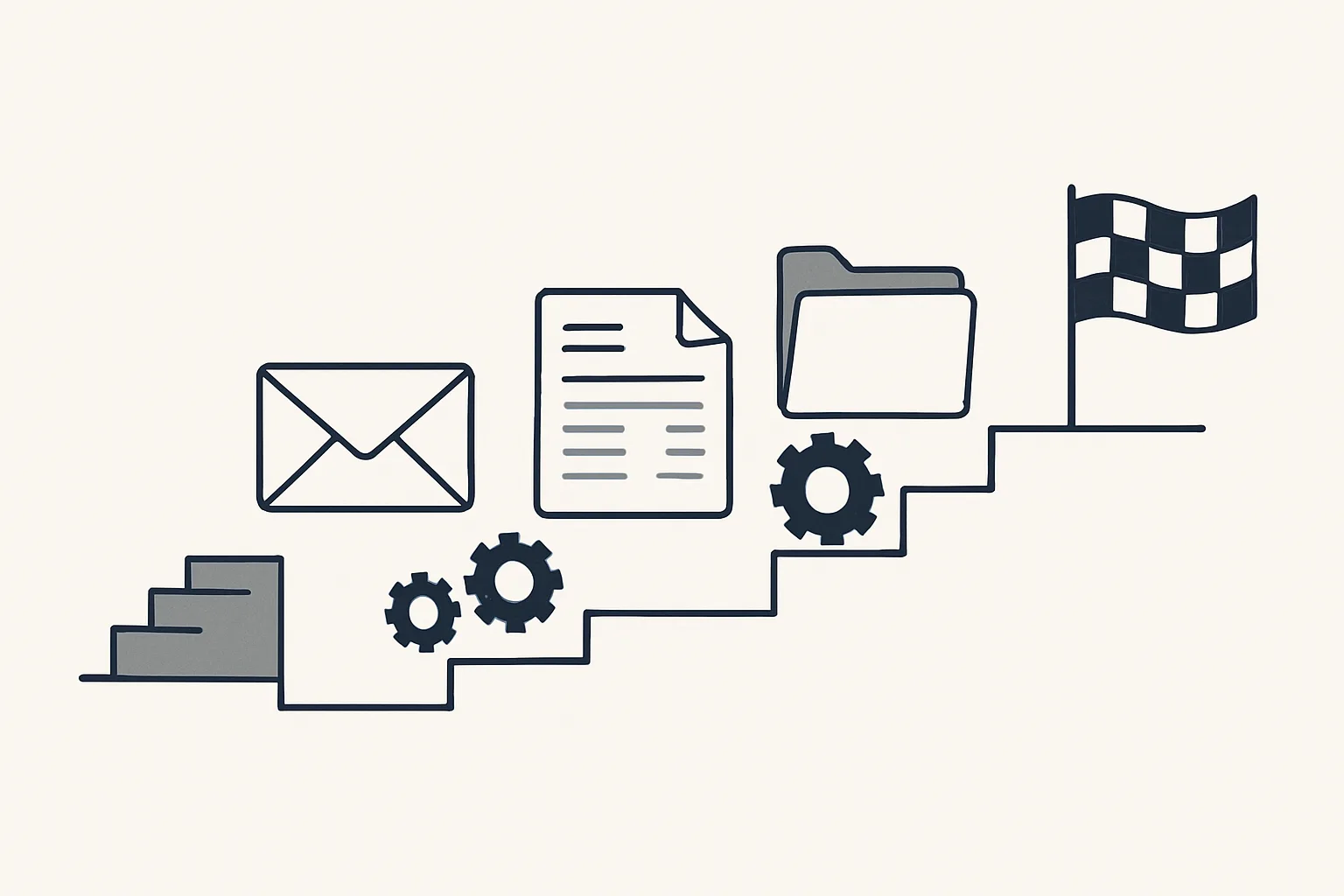
Our drafted-reply workflow is offered and built to order; it is not yet running for a client. Here is how it is designed to work, step by step.
- A customer email arrives in your mailbox.
- It is read and sorted: a question, an order, a complaint or something else.
- Your past answers to similar emails and the relevant documents are looked up.
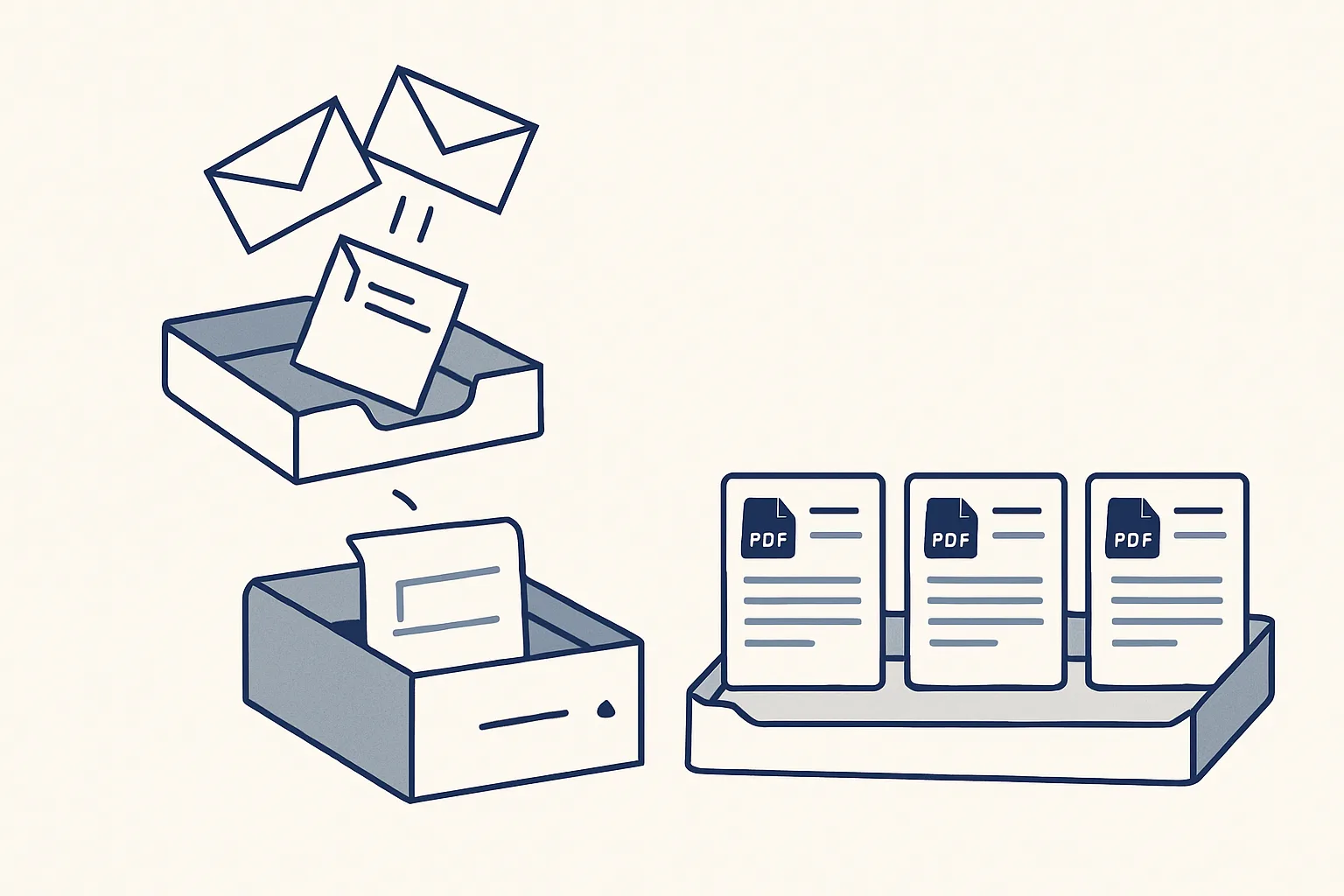
- A draft reply is written and saved in the mailbox, in the same thread, from the same address.
- You read the draft, change anything that needs changing, and press send.
- Anything it cannot answer from your own material is left for you, with a note, instead of being guessed.
Which email assistant features would help you?
Tick each statement that is true of your inbox today. The verdict suggests where an assistant would help first.
Why it should never send by itself
An assistant that sends on its own can say the wrong thing to a customer, a supplier or a bank in your name, and an email cannot be taken back.
AI email automation that sends by itself is tempting because it looks like the biggest time saving. In practice, the time is in the reading and the drafting, not in pressing send. Keeping the send button with a person costs a few seconds per email and removes the worst kind of mistake: a confident, wrong answer that goes out under your name.
Think of a supplier who asks whether a delivery date can move. An assistant drafting from your past answers might suggest the usual reply, but only you know that this customer is already waiting on two late orders. The draft saves the typing; your read adds what no AI email assistant can know.
That is the rule our AI employees run under: nothing is sent by a robot. Every reply is a draft until a person sends it, every action is written to an audit record, and a kill switch stops any robot in one command.
It is also why a good assistant should keep each thread on the address it started from. A reply that arrives from a different mailbox confuses the customer and splits the history.
Working across several mailboxes
An AI assistant for email management earns most when one person handles several mailboxes, because that is where messages are missed.
Owners of more than one business, and teams that share a sales or accounts address, read mail in several places. Each mailbox is checked at a different time, and an email that arrives in the least-watched one can sit for days.
Our digest reads all the mailboxes of a group of companies and sorts the result by business, so one morning read covers them all. The mailbox watch, also running today, flags emails in a secondary mailbox that are not part of a known thread, which is where new enquiries and unexpected letters tend to land.
It runs on our servers against your own mailboxes; today that means Google Workspace mailboxes. Your email stays where it is, and if the rental stops, the workflow stops and nothing has moved.
Choosing one: the questions to ask
The right AI email assistant is the one that fits how your mail arrives and that keeps you in charge of what goes out.
Be wary of any AI email assistant that cannot say plainly what it does with your mail, where it runs, or how to switch it off. The answers matter more than the list of features.
Before choosing any product or service, ask these questions.
- Does it ever send by itself, and can that be switched off completely?
- Does it write drafts from my own past answers and documents, or from general knowledge?
- Can it read several mailboxes and sort the result by business?
- Does it keep each reply in the same thread and from the same address?
- Does it keep a record of what it read and what it drafted?
- Can it be stopped at once?
- What happens to my mail and my drafts if I stop paying?
- How is it priced: per user, per mailbox or per workflow?
Questions
Is there an AI that can respond to emails?
Yes, as drafts. A well-built assistant writes the reply from your own past answers and documents and leaves it in your mailbox; you read it and press send.
How much do AI email assistants cost?
It depends on how they are sold. Ours is rented: one monthly figure per workflow, stated in the quote, based on the hours the work takes from your routine and on how complex the automation is.
Can AI help me write an email?
Yes. A general writing helper can turn notes into a clear email. An inbox assistant goes further: it drafts the reply to an email you received, from your own past answers, in the right thread.
Does it read all my email?
It reads the mailboxes you connect, so it can sort and summarise them. Newsletters and sign-in codes are filtered out of the digest, and every action is written to an audit record.
Will it send anything without me?
No. Nothing is sent by a robot. Every reply stays a draft until you send it.
Want hours back from this work?
Write to [email protected] with how many mailboxes you read and the hours your inbox takes you each week, and we will tell you plainly what would help.
Talk to us Related service: Mailbox digest