Business process automation means handing a repeatable office routine, such as invoices, supplier bills, filing or follow-ups, to software that runs it the same way every time it is triggered. The best candidates are frequent, rule-based tasks, and the safest set-ups keep a person approving anything that leaves the company.
What business process automation means
Business process automation is the use of software to run a routine office process from its trigger to its result, the same way every time.
A process, here, is any piece of work with a clear start and a clear end: an order comes in and an invoice goes out, a bill arrives and gets entered, a document is signed and gets filed. When people ask what is business process automation, they usually mean taking the repetitive steps in between, the reading, copying, typing and filing, and giving them to software.
It is not the same as buying a new system. Good automation works inside the tools a business already has, such as its mailbox, its folders, its spreadsheets and its accounting system, and connects them so that information is typed once instead of several times.
Nor does it mean nobody is involved. The safest set-ups automate the preparation and keep a person on the decision. The software drafts the invoice; a person approves it. The software drafts the reply; a person sends it.
Which processes to automate first
Automate first the processes that happen often, follow written rules and end in something a person can check quickly.
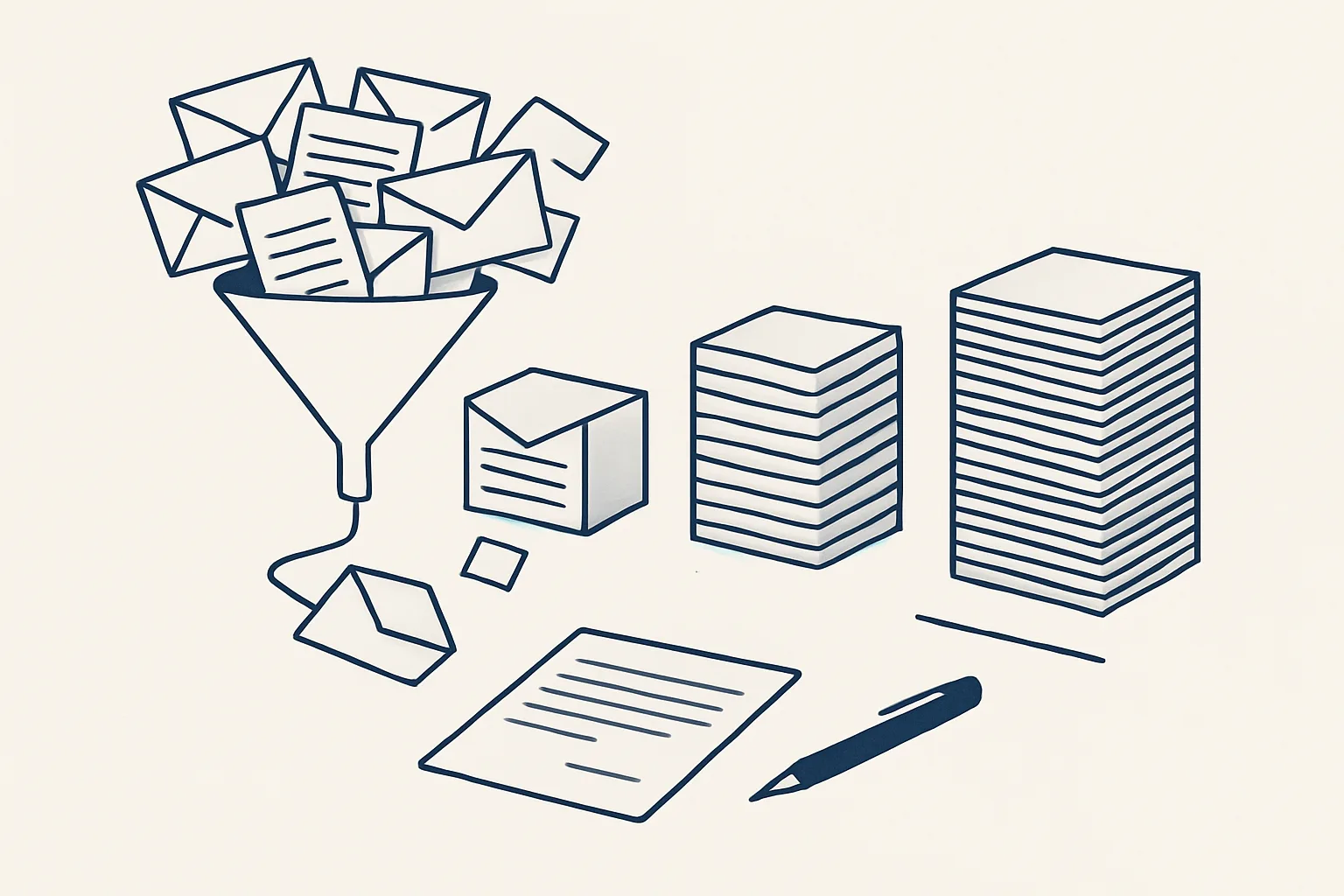
Take a small distributor as an example. Orders arrive by email, someone retypes them into a sheet, an invoice is built by hand in the accounting system, the PDF is saved in a folder and a covering email is written. Each step is simple, but the same facts are typed three or four times, and every retype is a chance for a wrong price or a missing tax line. That is the shape of a good first candidate: frequent, predictable, and checkable at the end.
The benefits of business process automation are hours back from routine work and a more precise result, because the same rule is applied every time. Both benefits are largest where the work is frequent and dull, and smallest where every case is different. A useful first filter is to look at each process against a few plain tests.
- It happens often: weekly at least, and usually more.
- The input arrives in a predictable place, such as a mailbox, a folder or a sheet.
- The steps can be written down for a new starter.
- Most cases follow the rules, and exceptions are easy to recognise.
- The result is a document, an entry or a message that a person can check at a glance.
- A mistake would be caught at the approval step, before anything leaves the company.
Business process automation examples across finance, sales and admin
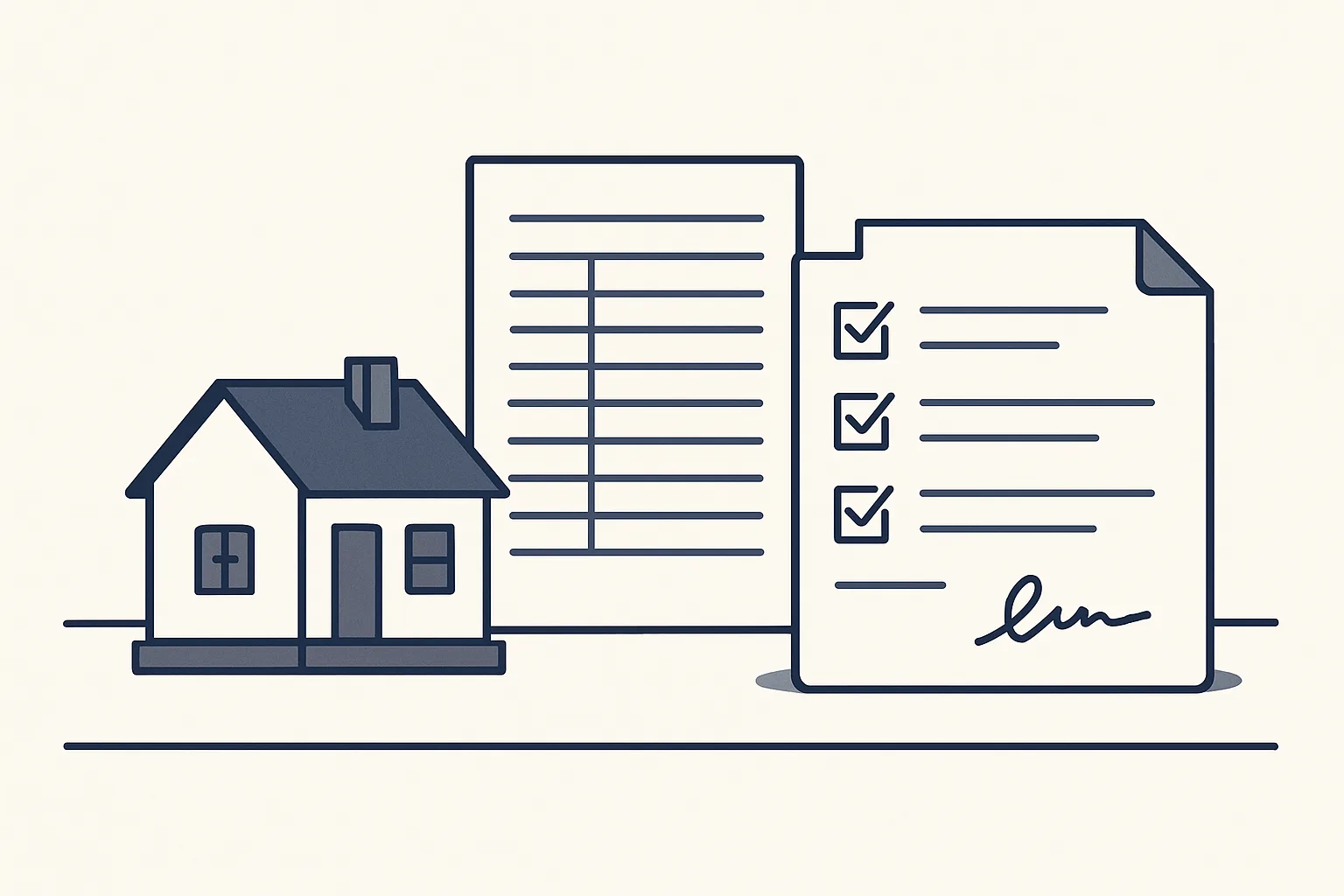
The clearest business process automation examples are in finance and administration, where documents move between a mailbox, a folder and an accounting system.
The table lists processes our AI employees handle. Each line says whether it is running today for a client or offered and built to order on the same engine. In every case the robot prepares a draft and a person signs.
| Area | Process | What the automation does | Status |
|---|---|---|---|
| Finance | Sales invoicing | Prepares the invoice from a sheet that remembers clients and products, files the PDF, creates a draft invoice and a draft email | Running today |
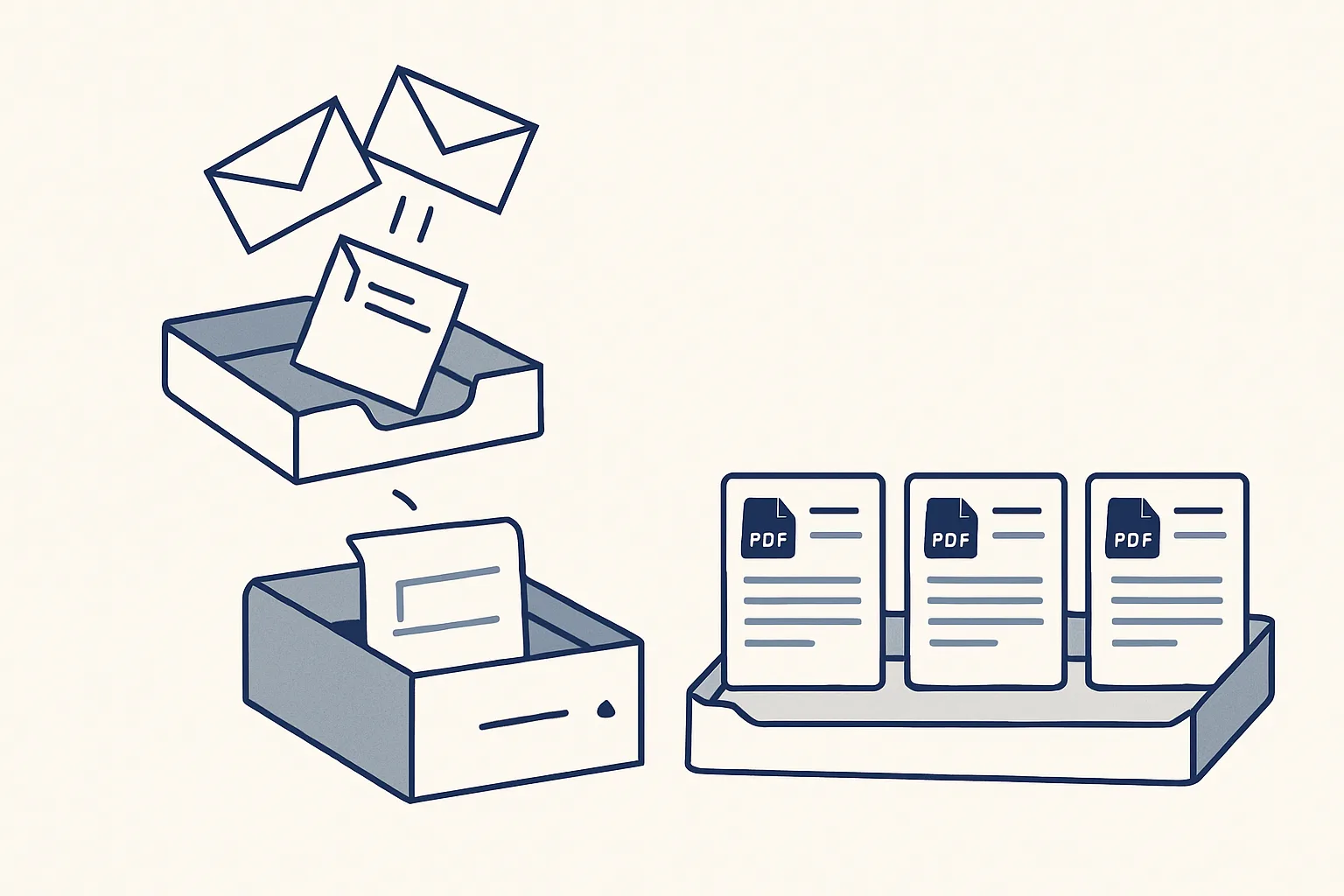
| Finance | Supplier bills | Reads invoices and credit notes from the mailbox, creates draft bills with the PDF, files under the supplier | Running today |
| Finance | Invoice filing | Files invoices arriving in the company mailboxes by month into the accounting folder | Running today |
| Sales | Purchase orders | Turns one confirmed sheet row into an order PDF, filed, with a draft email | Running today |
| Sales | Price history | Keeps a register of every product line bought and sold with its unit price, for quoting from the last price | Running today |
| Admin | Daily mail digest | Sums up the previous day's new and unanswered emails across several mailboxes every morning | Running today |
| Admin | Contract signing | Turns a proposal into a private signing page with a signature certificate | Running today |
| Sales | Enquiries and follow-up | Logs incoming enquiries and drafts first replies and follow-ups | Offered, built to order |
| Finance | Bank matching | Suggests matches between bank lines and invoices or bills | Offered, built to order |
| Admin | Expense receipts | Turns receipt photos and PDFs into draft expense entries | Offered, built to order |
Rules-based automation versus AI
Rules-based automation follows fixed instructions on predictable input; AI handles input that varies, such as a document layout it has never seen. Most good set-ups use both.
Rules-based automation, often called robotic process automation or RPA, copies what a person does on screen or follows fixed if-then rules. It is fast, cheap to run and entirely predictable, but it breaks when the input changes: a supplier moves the total to a different corner of the page and the rule no longer finds it.
AI business process automation adds a model that can read and interpret. It can find the invoice number on an unfamiliar layout, tell a credit note from an invoice by its wording, or write a short gist of a long email. It is more flexible, but its output has to be checked, which is why it belongs in a draft rather than in a final record.
Is RPA better than AI? Neither is better on its own. A supplier bills robot, for example, can read regular suppliers by template, scans by text recognition and only the remaining documents with a model's help. The fixed rules do the predictable work, the model handles the variety, and anything still unclear goes to a person.
Process picker: automate, draft or keep manual?
Think of one process, such as entering bills or sending invoices. Tick each statement that is true of it. The verdict says how much of it suits automation.
Keeping control: approvals, records and a stop switch
Control comes from three things: a person approving every result that leaves the company, a written record of every action, and a way to stop the automation at once.
These are the rules our AI employees run under, and they are worth asking about whoever builds yours.
- Drafts only: invoices, bills and emails are created as drafts; nothing is sent by a robot.
- Sign-off: a person approves, sends or pays.
- No guessing: anything the robot cannot do exactly goes to a person.
- Audit record: every action is written down, so any result can be traced back.
- Kill switch: one command stops any robot.
- Consent: nothing is switched on without the client's yes.
How to start without disrupting the business
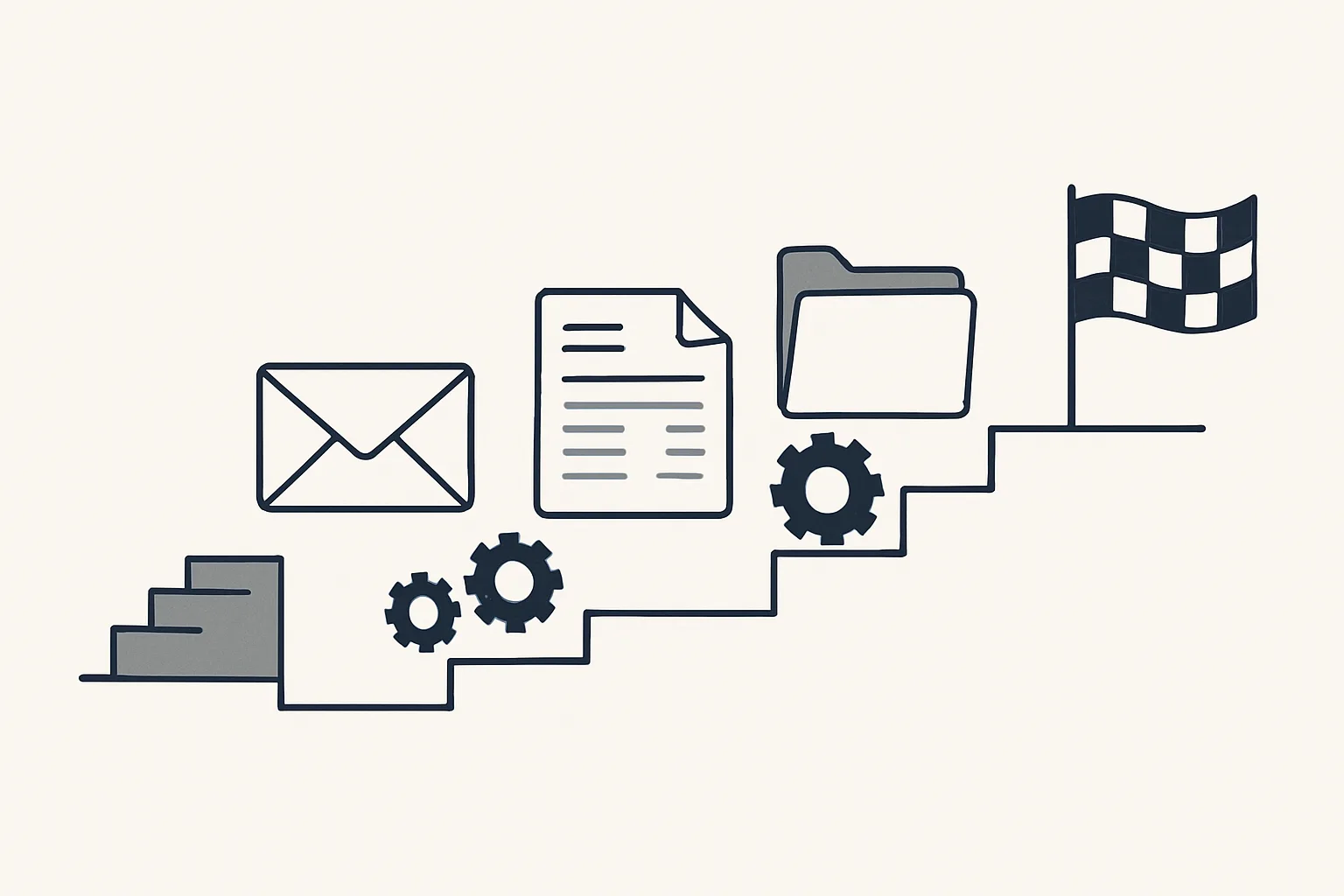
Start with one process, keep the people who do it today in charge of approving it, and let the automation earn trust on a small scale.
The safest path changes as little as possible at once. The team keeps its mailbox, folders and accounting system; the automation works alongside and produces drafts that the same people check.
- Choose one process that passes the tests above and write it down as you would for a new starter.
- Note how often it happens and how long each case takes today, by your own rule.
- Agree what counts as an exception and who receives it.
- Agree where results are filed and where the audit record is kept.
- Switch it on only with the owner's yes and check the first drafts closely.
- Once the drafts are reliably right, move on to the next process.
Buying business process automation services
When you buy business process automation services, ask who runs the automation, where your data sits and what happens when you stop.
Ours are rented monthly. We build each AI employee, run it on our servers against your own accounts and look after it; today that means Google Workspace mailboxes, Google Drive, Google Sheets and Xero. The price is one monthly figure per workflow, stated in the quote, based on the hours the process takes from your routine and on how complex the automation is.
Your data stays yours throughout. If the rental stops, the workflow stops, and every invoice, bill, PDF and register remains in your own accounts. What it does not do: it does not replace your accounting system, give tax or legal advice, or make decisions that belong to you.
Questions
How do I automate my business processes?
Pick one frequent, rule-based process, write its steps down, agree the exceptions and the approval step, and have the automation produce drafts that the same people check. Add the next process once the first is reliable.
Is RPA better than AI?
Neither on its own. Fixed rules are fast and predictable on regular input; AI handles input that varies. A good set-up uses rules where it can, a model where it must, and a person for anything unclear.
Is BPM still relevant?
Business process management, the habit of mapping and improving how work flows, is still the right first step. Automation works best on a process that has already been written down and agreed.
What are the benefits of business process automation?
Hours back from routine work and a more precise result, because the same rule is applied every time. The size of the benefit depends on how often the process happens and how long it takes by hand.
Which processes should not be automated?
Anything that depends on a relationship, a negotiation or a judgement call, and anything a person cannot check before it leaves the company. Those can be supported with drafts, but the decision stays with a person.
Want hours back from this work?
Write to [email protected] with one process and the hours it takes you each month, and we will tell you plainly whether it suits automation.
Talk to us Related service: Services