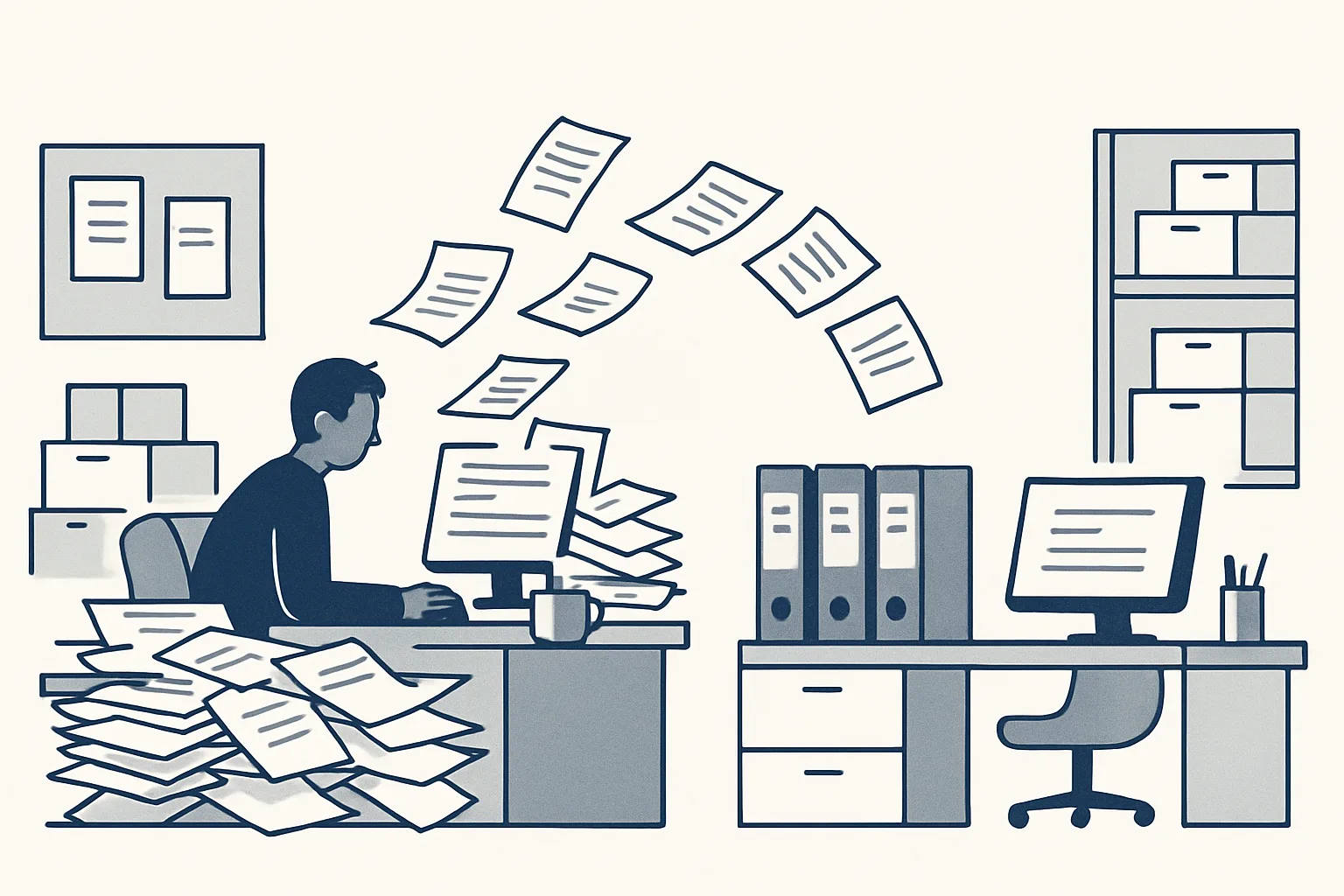
For a small business, AI automation for small business pays off first on the admin that eats evenings: supplier bills, invoicing, a cluttered inbox and chasing documents. Start with one job, check its first drafts closely, and add the next only when the first runs cleanly.
Why small businesses feel admin most
Small businesses feel admin most because the same few people who serve customers also enter the bills, send the invoices and answer the mail.
In a large company, each of those jobs has its own desk. In a small one, they land on the owner or on one office person, usually after the real work of the day is done. That is why AI automation for small business is less about clever technology and more about giving back the hours that admin quietly takes.
The work itself is rarely hard. It is repetitive: open an email, download a PDF, type the supplier, the date and the amounts into the accounting system, file the PDF, move on to the next one. Each task takes minutes, but the minutes repeat every week, and they repeat at the worst moments, such as month end or the week before a holiday.
Automation for small business means handing those repetitive steps to software that follows written rules, while a person keeps the decisions. The rest of this guide explains where to begin, what to prepare and how to stay in control.
The first jobs worth automating
The first jobs worth automating are the ones that repeat often, follow the same rules each time and end in a document, an entry or an email.
Workflow automation for small business works best on a job with a clear start and finish. A supplier invoice arrives, and the job ends when a draft bill sits in the accounting system with the PDF attached. A row is marked ready in a sheet, and the job ends when a draft invoice and a draft email are waiting for approval.
The table below sets out common admin jobs, what starts each one and whether we run it for a client today or offer it built to order on the same engine.
| Job | What starts it | What the robot prepares | Status |
|---|---|---|---|
| Supplier bills | An invoice arrives in the mailbox or a drop folder | A draft bill with the PDF attached, filed under the supplier | Running today |
| Sales invoicing | A row marked ready in a sheet | The invoice PDF, a draft invoice in the accounting system and a draft email | Running today |
| Purchase orders | One row in a sheet and two confirmations | The order PDF, filed, with a draft email | Running today |
| Daily mail digest | Every morning | Yesterday's new and unanswered emails, sorted, each with a short gist | Running today |
| Price history | Every new invoice | A register of every product line with its price per unit | Running today |
| Customer replies | A customer email arrives | A draft reply from your own past answers | Offered, built to order |
| Expense receipts | A photo or PDF of a receipt | A draft expense entry with the image attached | Offered, built to order |
| Payment reminders | An invoice passes its due date | A drafted reminder, ready on the due date | Offered, built to order |
What you need in place first
Before any automation starts, you need the work to arrive in one predictable place and the rules to be written down.
This is the part most people skip. If supplier invoices arrive in three personal mailboxes, on paper and through a messaging app, no automation can find them all. If nobody can say which ledger account a delivery charge goes to, the robot cannot know either. A short tidy-up comes first, and it usually helps the team even before anything is automated.
Here is what to have ready before you ask anyone to build AI automation for small businesses like yours:
- One mailbox or one folder where each type of document arrives.
- An accounting system and a set of sheets that the team already uses, so drafts land somewhere familiar.
- A written description of the job, the way you would brief a new starter.
- A list of the usual exceptions: refunds, new suppliers, missing details, foreign currency.
- The name of the person who will check and approve the drafts.
- A rough count of how often the job happens and how long each one takes today.
Keeping the owner in control
The owner stays in control when the automation stops at a draft, inside the business's own systems, with every action on record.
That is the rule our AI employees run under. They are rented monthly, run on our servers and work inside the client's own mailbox, folders, sheets and accounting system. The invoice waits as a draft in the accounting system, the email as a draft in the mailbox, and the bill is entered with its PDF attached; money never moves, because the robot has no access to it.
People often search for an AI assistant for small business and find chat tools that answer questions on screen. Those can help with writing, but the hours sit in the repetitive steps between systems, and that is where a robot with one written job helps. AI agents for small business is another name for the same idea: software that carries a task through instead of waiting to be asked.
Every action is written to a log, so you can see what arrived, what was created and what was passed to a person. Anything the robot cannot do exactly, such as an unknown supplier or a refund, goes to a person instead of being guessed. One command stops any robot at once, and nothing is switched on without your yes.
Your yearly hours on five admin jobs
Enter the hours your business spends on each job in a normal week, and the weeks you work in a year. The result is your own count of yearly admin hours; the job with the largest weekly figure is usually the place to start. It is not a promise of what automation would change.
Mistakes to avoid
The common mistakes are starting with too many jobs, automating a messy process as it is and letting anything go out unchecked.
Starting with five jobs at once means five sets of exceptions to learn at the same time, and nobody can tell which one caused a problem. Automating a messy process simply produces mess faster. And letting a robot send emails or invoices directly saves a few seconds while putting your name on mistakes nobody saw.
A few other traps are worth naming. Do not choose a job because a tool happens to offer it; choose it because it costs you hours. Do not move your records into a new system just to suit the automation; your data should stay in your own accounts. And do not judge the result in the first week, when the exceptions are still being written down. Judge it once it has handled a normal month of work. The same applies to AI automation for small business of any kind: the first month shows the exceptions, the second shows the routine.
A first-month plan
A sensible first month covers one job: measure it, describe it, run it as drafts and review what went to a person.
The plan below assumes a small team and one job, such as supplier bills. The same order works for invoicing, purchase orders or the morning mail digest. How long the build itself takes depends on the work, so the steps are in order rather than on fixed dates. This is how AI automation for small business stays manageable: one job, finished properly, before the next one starts.
- Pick the job with the most hours behind it, using the calculator on this page, and write down how it is done today.
- Gather the usual exceptions and decide who approves the drafts.
- The robot is built and connected to your own mailbox, folders and accounting system; nothing is switched on yet.
- With your yes, it starts preparing drafts, and you check each one against how you would have done it.
- Review every case it passed to a person and add a rule where the same exception keeps coming back.
- Once it has handled a normal month of work, decide whether to keep it running and which job comes next.
What it does not do
Automation for small business does not replace judgement, relationships or responsibility; it removes typing, filing and copying.
It will not negotiate with a supplier, decide whether to chase a good customer or choose which bill to pay first. It will not fix a process nobody has agreed on. It does not hold your data in its own system; when the rental stops, the workflow stops, and every email, entry, PDF and sheet stays in your own accounts.
How long a build takes depends on the work. Simple jobs are live quickly; jobs that need several AI employees working together take longer. The price is one monthly figure per workflow, stated in the quote, based on the hours the job takes from your routine and how complex the automation is. Questions about tax treatment or bookkeeping rules belong with your adviser.
Questions
How can I automate my business using AI?
Pick one repetitive job, such as entering supplier bills, make sure the documents arrive in one place, write down the rules and the exceptions, and have the automation prepare drafts in your own systems. Add the next job only when the first runs cleanly.
What should a small business automate first?
The job with the most hours behind it that follows the same rules every time. For many businesses that is supplier bills, invoicing or sorting the inbox. Jobs built on relationships or judgement calls are poor first choices.
Is AI automation for small business safe?
It is as safe as the rules around it. Ask for drafts only, a person signing anything that leaves the business, a log of every action, a way to stop it at once and your data kept in your own accounts.
Do I need new software to start?
Not with our model. The robots run on our servers and work inside your own mailbox, folders, sheets and accounting system, so drafts land where your team already works.
How much does AI automation cost for a small business?
Ours are rented monthly: one figure per workflow, stated in the quote. It depends on the hours the job takes from your routine and on how complex the automation is. There is no one-off sale.
Want hours back from this work?
Write to [email protected] with the job that eats most of your evenings and the hours it takes each week. We will tell you plainly whether it can be automated.
Talk to us Related service: Services

