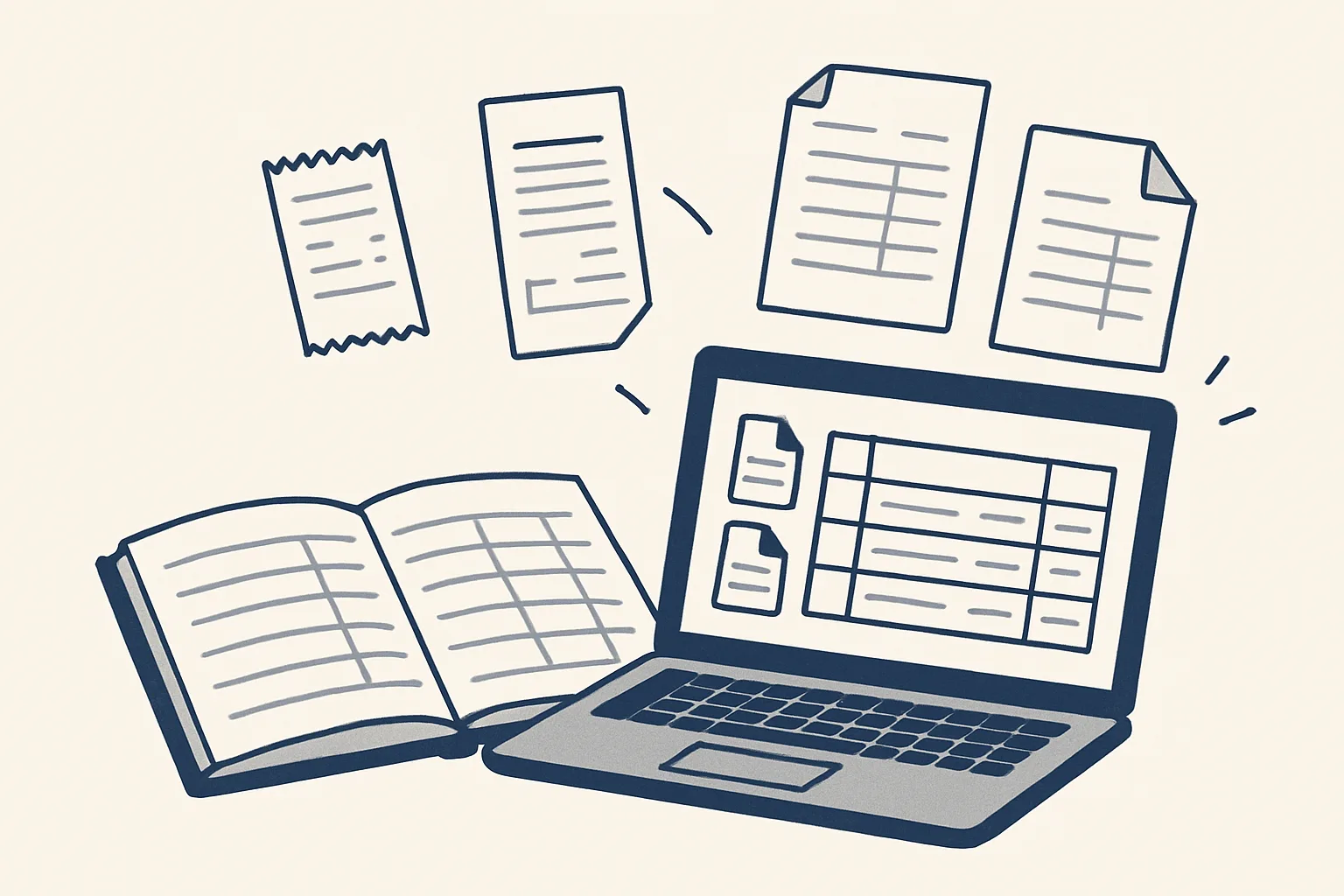
AI bookkeeping uses AI to read source documents, such as supplier invoices, sales invoices and receipts, and prepare the matching entries as drafts in your accounting system, filed with their PDFs. The bookkeeper or owner still reviews, approves and handles anything the robot cannot enter exactly.
What AI bookkeeping means
AI bookkeeping means software reads your source documents and prepares the entries, so the bookkeeper reviews instead of typing.
Bookkeeping has always had two halves. One is reading: opening an invoice, finding the supplier, the date, the number and the amounts, and putting them in the right place. The other is judgment: deciding how something should be treated, spotting what looks wrong and knowing when to ask. AI for bookkeeping is useful on the first half and should be kept away from the second.
One more distinction is worth making early. A chat assistant can explain a bookkeeping question when you ask it. AI bookkeeping in the sense used here does not wait to be asked: it is triggered when a document arrives, carries the job through to a draft and records what it did.
That split matters more than any product name. Whether you look at AI bookkeeping software, an add-on to your accounting system or a bookkeeping AI agent built for you, ask the same question: which steps does it draft, and which does a person still decide? The table shows a sensible split for common tasks.
| Task | What the AI does | What a person does |
|---|---|---|
| Supplier bills | Reads the invoice, drafts the bill, files the PDF | Approves the bill and decides when to pay |
| Sales invoices | Builds the draft from your client and product lists | Checks it and sends it |
| Expense receipts | Reads the image and drafts the expense entry | Approves by person and month |
| Bank lines | Suggests which invoice or bill a line belongs to | Confirms or rejects each match |
| Account coding | Applies the account a regular supplier is usually coded to | Decides for new suppliers and unusual items |
| Tax returns and year-end | Nothing | The accountant prepares and files them |
| Advice | Nothing | Your accountant |
Documents it can read
It can read the documents that carry the numbers: supplier invoices and credit notes, sales invoices, receipts and bank lines.
Reading happens in three ways. For suppliers who send the same layout every time, a template reads each field in the same place. For scans and photos, optical character recognition turns the image into text first. For everything else, an AI model reads the document the way a person would and pulls out the fields. Whichever way a document is read, the result is checked against what you already know, such as your supplier list, before anything is drafted.
In AI bookkeeping, reading is only useful if the output is checked. A supplier name is matched to your supplier list rather than created afresh. The lines are added up and compared with the total on the page. The invoice number is compared with what is already in the books, so the same bill is not entered twice. A document that fails any of these checks is not drafted at all; it goes to a person.
Here is what we run today and what is built to order on the same engine:
- Supplier invoices and credit notes, from the mailbox and a drop folder, entered as draft bills with the PDF attached. Running today.
- Sales invoices, built from a sheet that remembers clients and products and created as drafts in the accounting system. Running today.
- Past invoices, read into a price history of every product line bought and sold. Running today.
- Expense receipts, photos and PDFs turned into draft expense entries with the image attached. Offered, built to order.
- Bank lines, with suggested matches to invoices and bills. Offered, built to order.
Draft entries and approvals
Every entry the AI prepares is a draft, and it becomes a real entry only when a person approves it in the accounting system.
This is the rule our robots run under, and it is the one to insist on whatever you use. A draft can be wrong without harm, because nobody has relied on it yet. An entry posted by a robot can be wrong and already in the books. Here is the route a supplier bill takes:
- The supplier emails an invoice, or someone drops a scan into a shared folder.
- The robot works out whether the document is an invoice, a credit note or something else.
- It reads the supplier, the date, the invoice number, the lines and the totals.
- It checks the supplier against your list and the totals against the lines.
- It creates a draft bill in your accounting system with the PDF attached, coded the way that supplier is usually coded.
- It files the PDF in the supplier's folder and sends one notification.
- A person reviews the draft, approves it, and later decides when it is paid. The robot never moves money.
Which of your bookkeeping tasks could AI draft?
Tick each task that is true of your business today: it takes someone's time and is done the same way each time.
Exceptions it hands back to a person
Anything the robot cannot enter exactly goes to a person instead of being guessed.
This is the most important feature of AI bookkeeping, and the easiest to overlook in a demonstration. A system that guesses well most of the time still has to be checked every time, because you never know which entry was the guess. A system that hands back what it is unsure of lets the bookkeeper spend time only where a decision is needed.
Typical exceptions include a refund or a credit note that does not match an open bill, an invoice from a supplier not on your list, totals that do not add up, a document that is unreadable or only half there, and the same invoice arriving twice. A new supplier is created only after the owner approves it, so the supplier list never fills up with near-duplicates.
Each exception arrives with the document attached and a plain note of what was unclear. The person decides, and the decision is written to the audit record next to everything the robot did.
What stays with your bookkeeper or accountant
Review, judgment, tax treatment, reconciliation sign-off and every payment stay with people.
AI bookkeeping takes the reading and typing out of the job. It does not take responsibility for the books. Your bookkeeper still approves the entries, decides how unusual items are treated and confirms that the bank balances agree. Your accountant still prepares the returns, answers the tax questions and signs off the year. None of this is accounting advice; check with your adviser how anything should be treated.
What changes is where the time goes. Less of it is spent copying numbers from a PDF into a screen, and more on the items that need a trained eye. Every action the robot takes is on the audit record, so when your accountant asks where a figure came from, the answer is a document, not someone's memory. A kill switch stops any robot in one command.
In practice, these stay with people whatever system you choose:
- Approving each draft entry before it counts in the books.
- Deciding how new suppliers and unusual items are treated.
- Signing off the bank reconciliation.
- Every payment, and every decision about when to pay.
- Tax returns, year-end accounts and advice, which belong to your accountant.
How to start
The best way to start is with one document type that arrives often and is entered the same way every time, usually supplier bills.
If you are wondering how to use AI for bookkeeping in your own business, list the documents you enter in a typical month, note roughly how many of each, and how long each takes. The self-check on this page helps you sort which tasks are ready. Pick the one with the most hours behind it and the clearest rules.
Ours is a done-for-you service rather than software you install and learn. The robots are rented monthly: we build them, run them on our servers and look after them, and they work against your own mailbox, folders, sheets and accounting system. Your data stays in your accounts. The price is one monthly figure per workflow, stated in the quote.
Be clear, too, about what AI bookkeeping as we run it does not do. It does not pay suppliers or move money. It does not file returns. It does not post entries on its own. Drafted bank matching and expense receipts are offered and built to order; supplier bills, sales invoices and price history are running today for a client.
Questions
Can AI do my bookkeeping?
AI can do the reading and typing: it turns invoices, receipts and other documents into draft entries filed with their PDFs. A bookkeeper or the owner still reviews and approves the entries and handles anything unusual.
How do I use AI for bookkeeping?
Start with one document type, usually supplier bills. Have the AI read each one and prepare a draft entry with the PDF attached, review the drafts, and let anything unclear come back to a person.
Will AI replace bookkeepers?
It takes typing out of the job, not responsibility. Review, judgment, reconciliation sign-off and the questions only someone who knows the business can answer still need a person.
Is AI bookkeeping accurate?
It is as reliable as its checks. Look for a system that checks totals and suppliers against what you already know, produces drafts rather than posted entries, and hands back anything it cannot enter exactly.
What is a bookkeeping AI agent?
It is an automation that takes a bookkeeping job from start to finish, such as reading a supplier invoice, drafting the bill and filing the PDF, instead of only answering questions. A person approves its drafts.
Want hours back from this work?
Write to [email protected] with the documents you enter each month and the hours they take, and we will tell you plainly which ones AI bookkeeping can draft for you.
Talk to us Related service: Supplier bills

