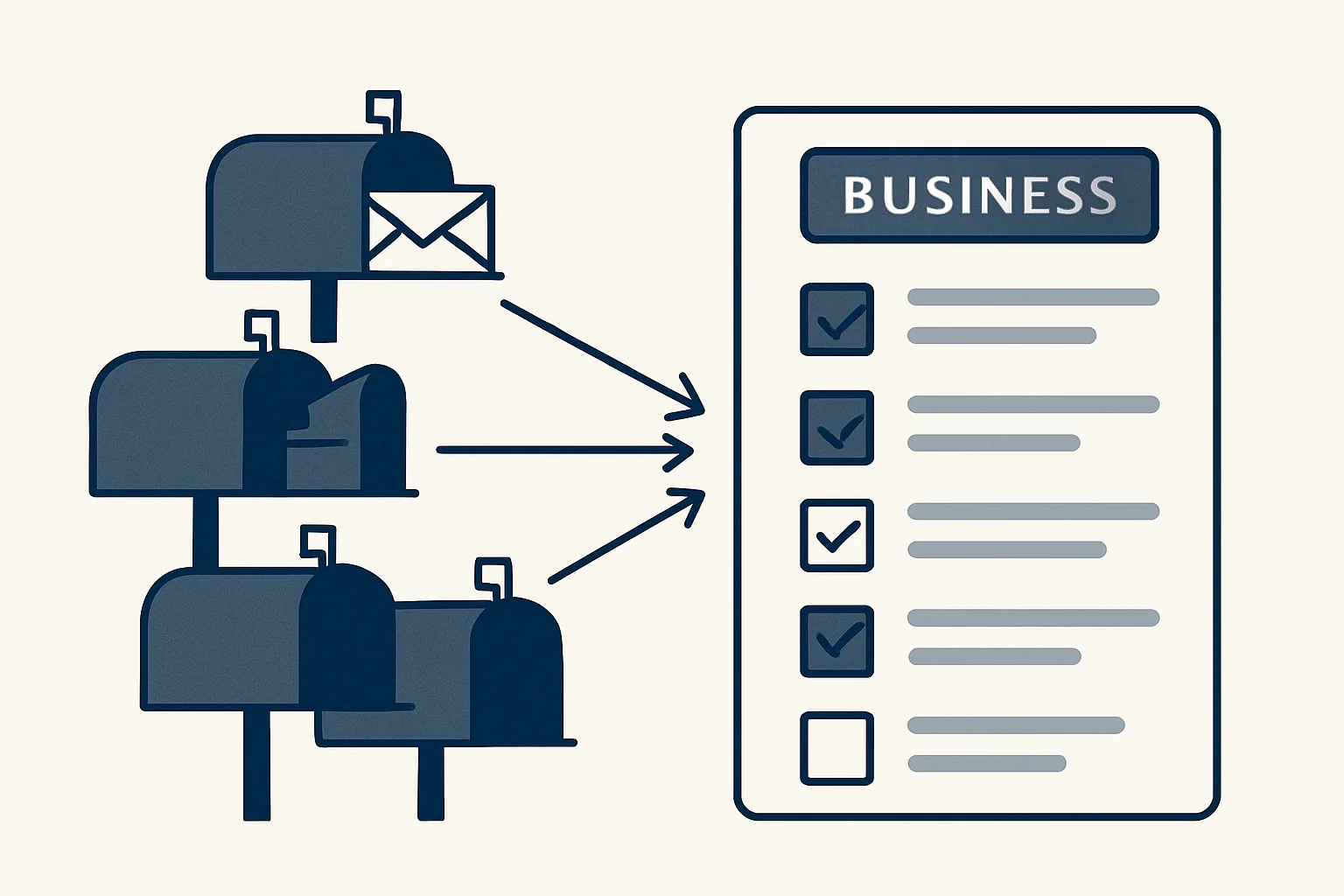
An AI email organizer reads every new message across your mailboxes, tags it by business and type, filters out newsletters and login codes, and gives you one sorted list each morning. It sorts and summarizes. You decide and reply.
Why don't more folders help?
More folders don't fix a crowded inbox, because the real problem isn't where mail is stored. It's that someone has to look at every message to know what it is.
Say you run a small shop and a side business, and you share a support mailbox with a partner. Four inboxes, each with its own pile. Every morning you open each one, scroll, skim and decide what matters. Folders and rules help a little. But new senders, new subjects and odd cases keep slipping through.
That's the heart of AI email automation for a small business. It doesn't replace your judgment. It saves your eyes.
An AI email organizer does the looking for you. It reads each message, works out which business it belongs to and what kind of message it is, and puts it in the right place on one list.
Think of it like a good receptionist who opens the post before you arrive and puts the important letters on top.
You still read what matters. You just don't read everything to find it.
How does it sort by business and type?
Each message gets two tags: which business it's for, and what it is. Typical types are customer question, supplier bill, order, payment, internal, and 'needs an answer'.
Picture a plumber who also rents out a flat. A message about a leaking tap is the plumbing business, a customer question. A message from the letting agent is the flat, a payment. The organizer tags both without being told twice.
This is where an AI assistant for email management beats rules. A rule matches words. The organizer reads the message and understands it. 'Can you do Thursday instead?' is an appointment change, even though it doesn't contain the word 'appointment'.
It also follows how you work. If invoices always go in one pile, it keeps putting them there.
Say a message comes from a new customer you've never heard of. It's tagged as a customer question for the right business, so it doesn't hide among the bills.
A daily mail summary like this already runs for a group of companies. It's one of the things we run today.
How does it filter the noise?
Newsletters, login codes, receipts and automatic notices are filtered out of your main list. They aren't deleted. They're just not in your way.
Think of a restaurant owner. Of forty emails, fifteen are offers from suppliers, ten are system notices, and a few are one-time codes. Four are real: a booking, a complaint, a bill, a question from the accountant. The list shows the four.
Nothing is thrown away. If you want to check what was filtered, it's one tap away. The idea is simply that your attention goes to the messages that need you.
If a filtered message turns out to matter, you can mark it. From then on, similar messages stay on the list.
Here's what usually gets filtered:
- Newsletters and promotions.
- Login and verification codes.
- Automatic receipts and delivery notices.
- System alerts that need no action.
Your time sorting mail
Enter your own figures. The result is the time you spend today opening, scanning and sorting mail across your mailboxes, by your own count. It isn't a promise of what an organizer would change.
What does one list across mailboxes look like?
Each morning, you get one list for the previous day: new mail and mail still waiting for a reply, grouped by business. Each item has a short summary, and the full text is one tap away.
No more opening four inboxes. One list, five minutes, and you know what the day holds.
Say a wholesaler gets a delivery query on Monday that nobody answered. On Tuesday morning it's at the top of the list, marked 'waiting for a reply since yesterday'. It doesn't sink under new mail.
Keeping it simple is the point. A long list defeats the purpose, so each item stays to one line.
If you share a mailbox with a partner, you both see the same list. Nobody replies twice, and nobody assumes the other one did.
This works across any number of Gmail and Google Workspace mailboxes. Good email management for business is less about clever software and more about one honest list.
Can it watch a mailbox you hardly open?
Yes. A secondary mailbox, like a shared admin address, is a place where things get missed. The organizer checks it and flags anything that isn't part of a thread you already know.
Say your accountant writes to the admin address once a quarter. Nobody looks there. The organizer notices a message that doesn't belong to any known conversation and tells you.
This is running today. Replies are different. Drafting an answer from your own past replies is built to order, and it isn't running for a client yet.
A mailbox that is hardly opened is often the one holding the awkward letters: tax notices, bank messages, a supplier's complaint.
Our rule is simple: every step starts with your approval, then you choose when it goes automatic.
How do you set it up?
Setting up takes three decisions: which mailboxes to connect, which business and type tags you want, and what counts as noise.
Start with two mailboxes, not ten. Let the list run for a week. Look at what it tagged right and what it got wrong, and adjust.
A good test is simple: after a week, are you opening your mailboxes less often? If yes, it's working.
Set the morning list to arrive before you start work. Then it replaces the first twenty minutes of opening inboxes.
This kind of AI email automation grows from there. Add more mailboxes when the first two feel right.
Our AI employees are rented by the month and work with your own mailboxes. Your mail stays where it is. If you stop, the list stops, and your mail is untouched.
Use the calculator below to see how much time you spend sorting today.
Questions
What is an AI email organizer?
It's a program that reads your incoming mail, tags it by business and type, filters the noise and gives you one sorted list.
Does it reply to my mail?
No. It organizes and summarizes. You decide and reply.
Can it handle several mailboxes?
Yes, across Gmail and Google Workspace mailboxes, sorted by business.
Is it running today?
The daily mail list and the mailbox watch run today. Drafted replies are built to order.
Is anything deleted?
No. Filtered mail stays where it is, one tap away.
Tell us your workflow. We will build it around you.
Tell us how many mailboxes and businesses you run and how many hours a month you spend sorting mail. Write to [email protected] and we'll tell you plainly what fits.
Talk to us Related service: Mailbox digest

