An AI employee is an automation built to do one business job from start to finish, such as entering supplier bills or preparing sales invoices, working inside your own mailbox, files and accounting system. It prepares drafts and records every step; a person checks and signs anything that leaves the company.
What an AI employee is, and what it is not
An AI employee is an automation with one written job description, which it carries out inside the tools your business already uses.
The idea goes by several names. People call it an AI worker, a digital worker or AI staff, and some suppliers say AI agent employee. Searches for employee AI tools often mix all of these up with chat assistants. Under every name, the useful version is the same: software with one named job, a clear start, a clear finish and a person who signs off at the end.
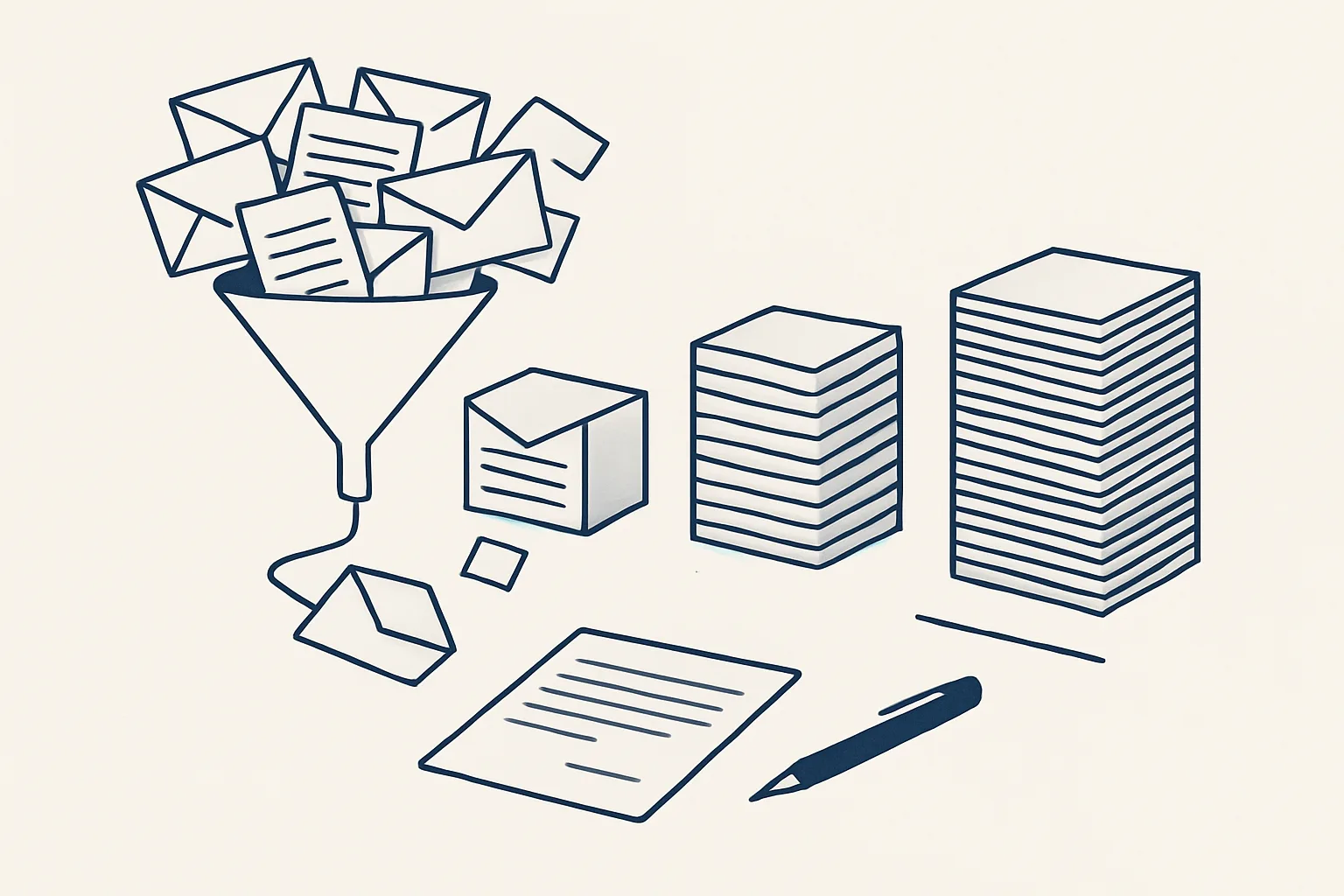
A chat assistant waits for you to type a question and gives you an answer on screen. This kind of automation does not wait to be asked. It is triggered by something that happens in the business, such as a supplier invoice arriving in the mailbox or a row marked ready in a sheet, and it carries the job through: it reads, it applies the rules it was given, it prepares the result and it hands that result to a person.
It is not a person, either. It has no judgement about situations nobody described to it, it does not negotiate, and it does not take responsibility for what leaves the company. Those things stay with the people who run the business. The table below sets out the difference in plain terms.
| Question | Chat assistant | AI employee |
|---|---|---|
| When does it start? | When you type a question | When something happens in the business: an email, a file, a row marked ready |
| What is its scope? | Any topic you ask about | One named job, written down |
| Where does it work? | In its own window | In your own mailbox, folders, sheets and accounting system |
| What does it produce? | An answer on screen | A draft document, entry or email, filed where it belongs |
| Who finishes the job? | You, by copying and pasting | A person who checks and signs the draft |
| What record is kept? | A chat history | An audit record of every action |
The jobs an AI employee does well
An AI employee is good at office jobs that repeat often, follow rules you can write down and end in a document, an entry or an email.
Good candidates share three traits. The work arrives in a predictable place, the steps are the same each time, and a person can check the result faster than doing it by hand. Jobs built on a relationship, a negotiation or a judgement call are poor candidates, however often they happen.
Here is what that looks like in practice. Each line says whether the job is running today for a client or offered and built to order on the same engine.
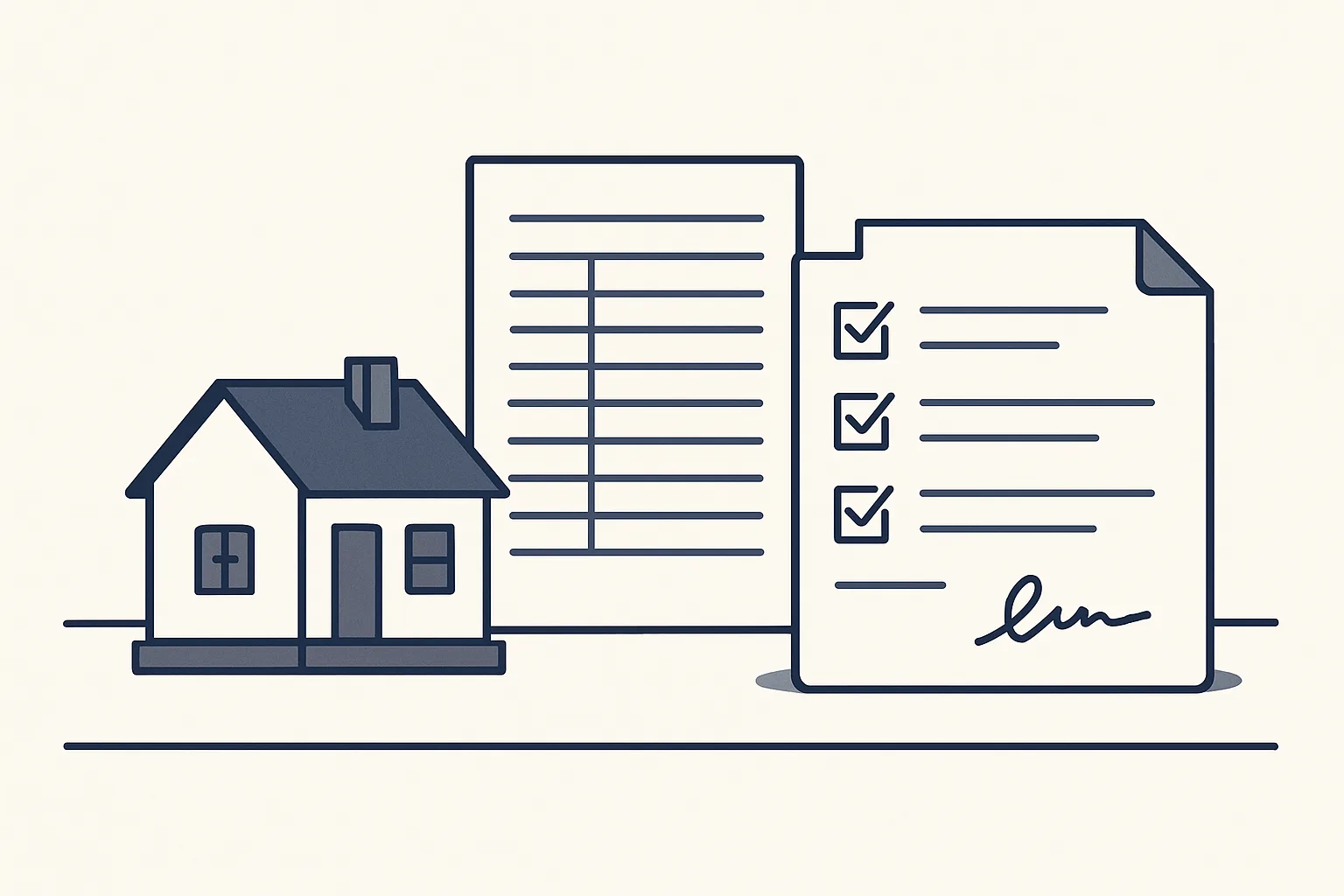
- Sales invoicing: the invoice is prepared from a sheet that remembers clients and products, the PDF is rendered and filed, and a draft invoice waits in the accounting system with a draft email beside it. Running today.
- Supplier bills: invoices and credit notes are read from the mailbox and a drop folder, entered as draft bills with the PDF attached and filed under the supplier. Running today.
- Purchase orders: one row in a sheet and two confirmations, and the order PDF is rendered, filed and attached to a draft email. Running today.
- Daily mail digest: every morning, the previous day's new and unanswered emails across several mailboxes, sorted by business, each with a short gist. Running today.
- Online contract signing: the proposal becomes a private web page, signed by each party, with a signature certificate. Running today.
- Drafted customer replies, enquiry follow-up, expense receipts and onboarding paperwork. Offered, built to order.
How it works inside your own accounts
It reads and writes inside your own mailbox, folders, sheets and accounting system, with the access you grant it.
Ours run on our servers and connect to the client's own accounts. Today that means Google Workspace mailboxes, Google Drive, Google Sheets and Xero. Nothing moves into a separate system the team would have to learn: invoices stay in the accounting system, PDFs stay in the client's folders and registers stay in the client's own sheet.
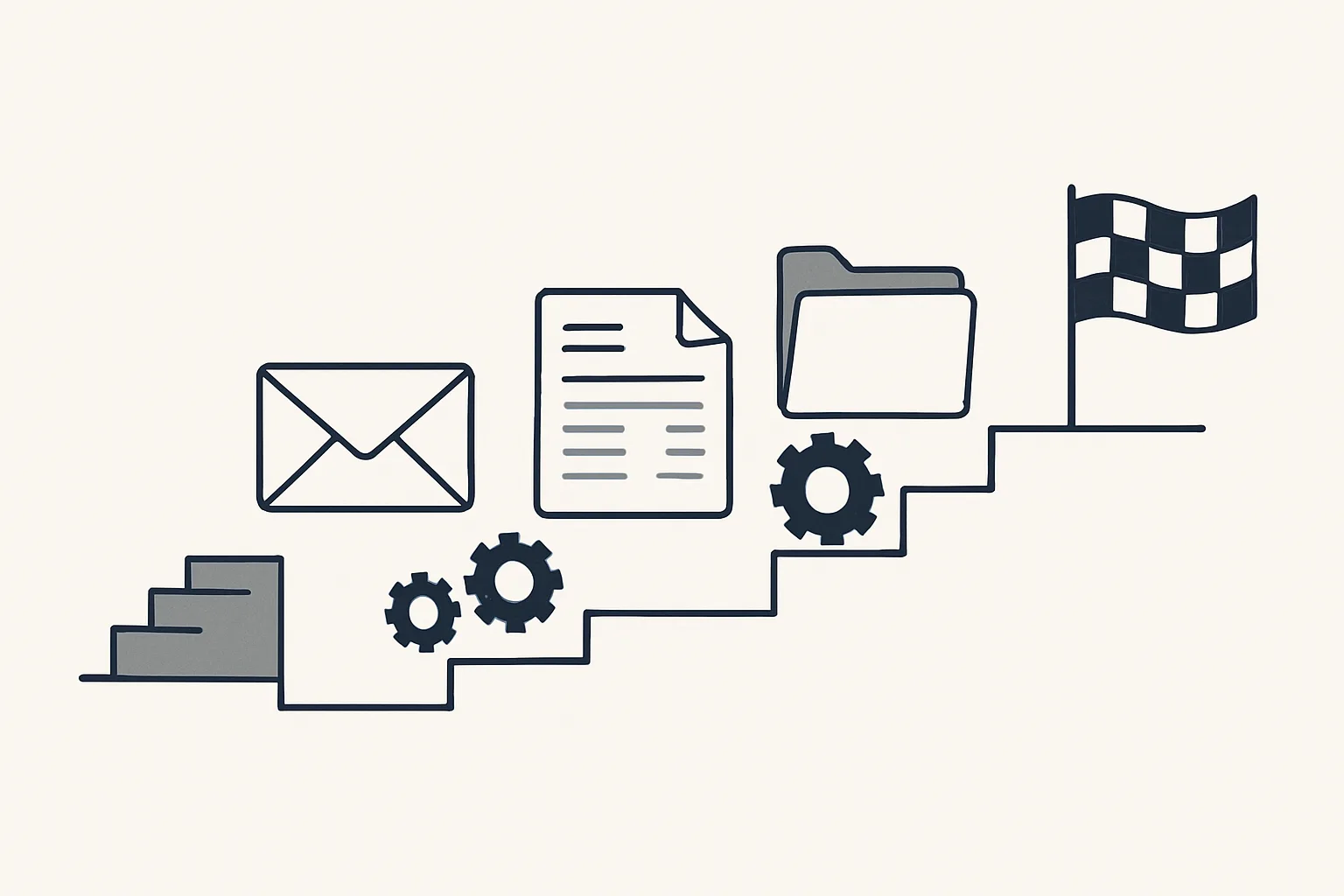
Each job follows a fixed route. Take supplier bills at a wholesale business as an example of what happens when a new document arrives.
- A supplier sends an invoice by email, or someone drops a scan into a shared folder.
- The robot notices the new document and works out whether it is an invoice, a credit note or something else.
- It reads the supplier, the date, the number and the amounts: by template for layouts it knows, and with a model's help for the rest.
- If everything is clear, it creates a draft bill in the accounting system with the PDF attached and files the PDF under the supplier.
- If anything is unclear, such as an unknown supplier or a refund, it stops and passes the document to a person.
- It sends one notification and writes what it did to the audit record.
Is this job ready for an AI employee?
Pick one job you would like to hand over. Tick each statement that is true of it today.
Drafts, sign-off and the audit record
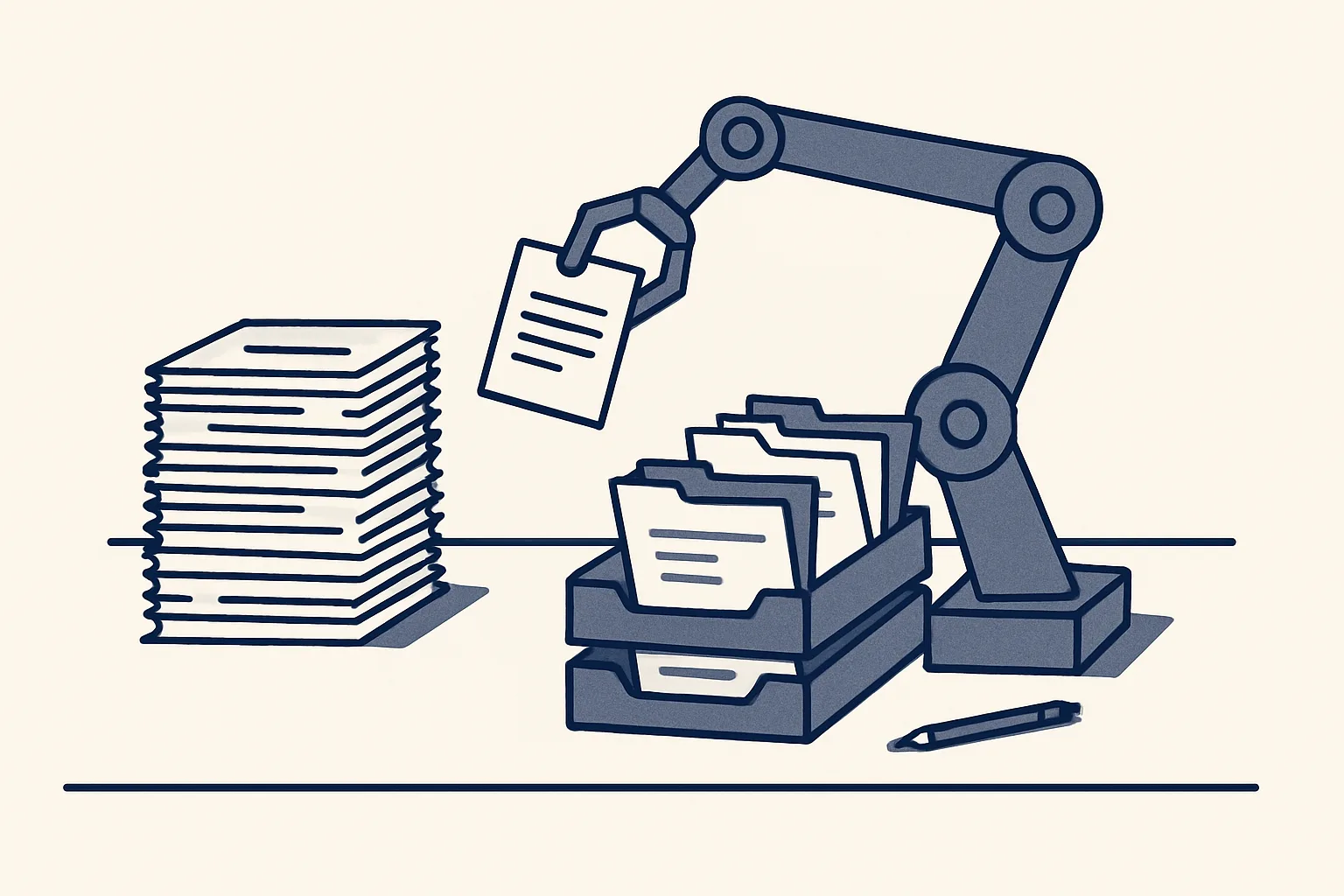
A trustworthy one only ever produces drafts, and a person checks and signs anything that leaves the company.
That is the rule ours run under, and it is worth asking for whoever you work with. Nothing is sent by a robot. An invoice stays a draft in the accounting system until a person approves it. An email stays a draft in the mailbox until a person presses send. A bill is never paid by the robot, because it never moves money.
Every action is written to an audit record: what arrived, what the robot read, what it created and what it passed to a person. When an accountant asks why a bill was coded a certain way, or where a PDF went, the answer is on the record instead of in someone's memory.
Anything it cannot do exactly goes to a person instead of being guessed. This is the difference between automation you can rely on and automation you have to watch. A guess that is usually right still has to be checked every single time; a clean handover of the unclear cases lets a person focus on the few documents that need a decision.
Two more controls sit around every job. A kill switch stops any robot in one command, and nothing is switched on without the client's yes.
How it is rented, run and switched off
Our AI employees are rented monthly: we build them, run them on our servers and look after them, while the client's data stays the client's.
There is no one-off sale and no software for the client to install or maintain. The price is one monthly figure per workflow, stated in the quote. It depends on the hours the job takes out of the routine and on how complex the automation is. A simple job is live quickly; a job that needs several AI employees working together takes longer to build.
If the rental stops, the workflow stops. Because everything was always kept in the client's own accounts, nothing has to be exported or handed back. What stays with the client, whatever happens:
- The mailbox and every email in it.
- The accounting records, both drafts and approved entries.
- The folders and every filed PDF.
- The sheets and registers the robot kept up to date.
- Every decision to approve, send or pay.
Choosing the first job to hand over
The best first job for an AI employee is the one your team repeats most often, by the same rules, and can check quickly.
People often ask which is the best AI employee. The honest answer is that it depends on the job, not on the product. A tool that is excellent at answering visitors on a website is no help with supplier bills, and a bills robot will not answer your customers. Start from the job and look for the fit.
Write the job down as if you were briefing a new starter: where the work arrives, what is done with it, where the result goes and who signs it. If it fits on a page, it is probably a candidate. If every case needs a conversation, it is probably not, or only part of it is.
Then measure it by your own rule: how many times a month it happens, and how long each one takes. That figure, in hours, is what an AI employee is built to give back, and it is the only measure we talk about. The self-check above is a quick way to test one job before you write to anyone.
Questions
What is an AI employee called?
It goes by several names: AI worker, digital worker, AI staff or AI agent. The name matters less than the job description: one named job, done the same way every time it is triggered, with a person signing the result.
Which is the best AI employee?
The best one is the one built for your job. Compare by fit: does it work inside your own accounts, does it produce drafts a person signs, does it keep an audit record, and does it pass unclear cases to a person instead of guessing?
Does an AI employee replace staff?
No. It takes the typing, filing and copying between systems out of a job. Checking, signing and judgement stay with people, and the hours that come back can go to work that needs them.
Which jobs will not survive AI?
Nobody can answer that honestly. What can be said is narrower: repetitive typing, filing and copying between systems are the parts of a job that automation handles well. Relationships, negotiation and decisions are not.
How much does an AI employee cost?
Ours are rented: one monthly figure per workflow, stated in the quote. It depends on the hours the job takes from your routine and on how complex the automation is. There is no one-off sale.
Want hours back from this work?
Write to [email protected] with one job and the hours it takes you each month, and we will tell you plainly whether an AI employee fits it.
Talk to us Related service: Services