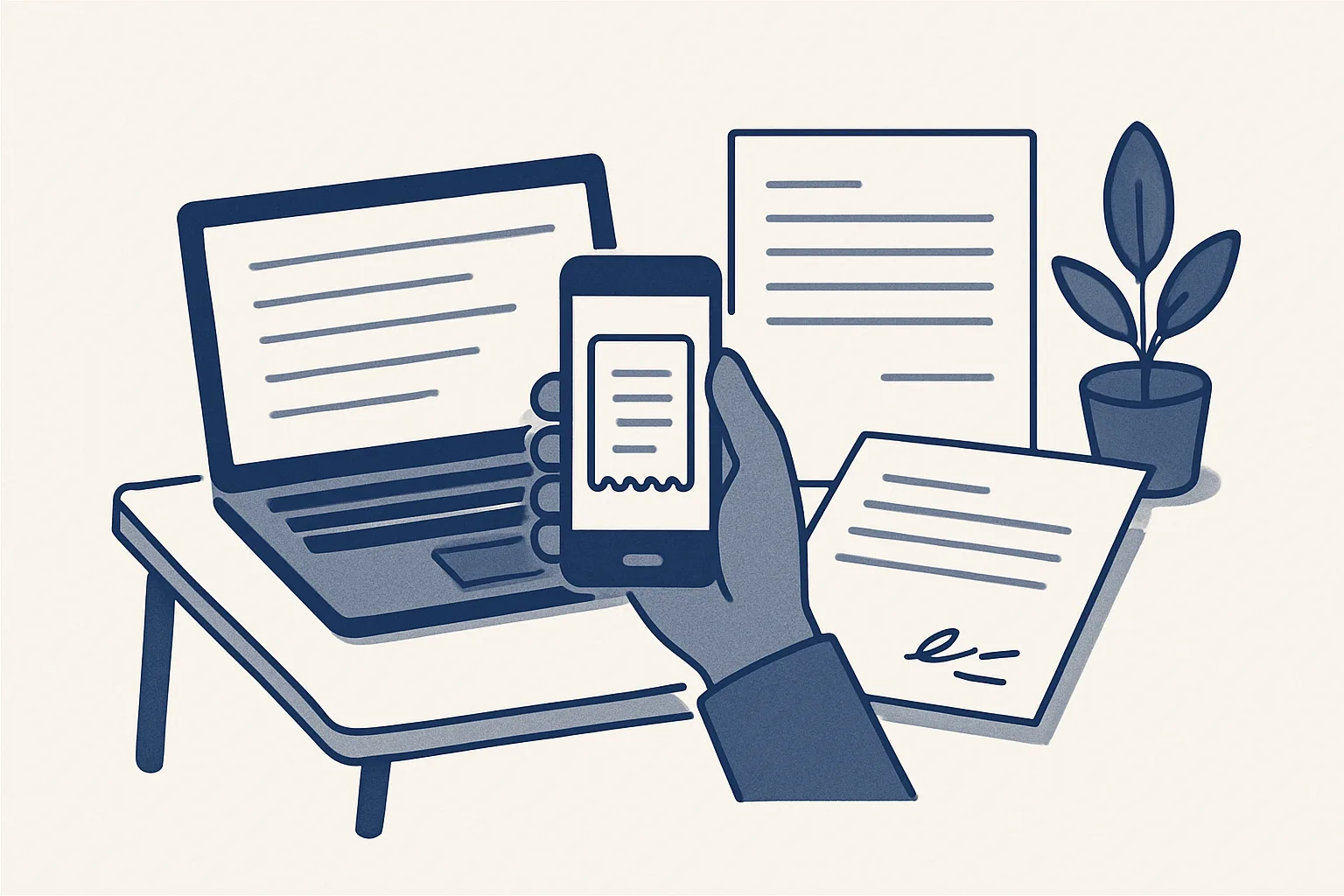
AI for freelancers takes on the admin you keep putting off: receipts photographed into draft expenses sorted by month, invoices prepared from your agreed rates, and contracts signed online with a certificate. You check and send everything.
What admin do freelancers put off?
The most useful AI for freelancers isn't a writing tool. It's help with the admin around the work: receipts, invoices, contracts and the folders your accountant asks for.
You get paid for the work, not the paperwork, so the paperwork waits. Receipts pile up in a wallet or a camera roll. Invoices go out late because the hours are in one place and the rates in another. A new client's contract is agreed by email and never properly signed. Then at year-end, everything has to be found at once.
Each job is small, which is why it gets put off. Together they add up. The calculator on this page shows, from your own figures, how many hours a month your admin takes. If it's small, a tidy folder may be all you need. If it's large and steady, automation can give some of it back.
This applies to designers, developers, consultants, translators, photographers, and anyone who invoices clients directly. Below, we say plainly what runs today for a client and what's built to order.
How do I deal with receipts month by month?
Photograph each receipt as you go. Each one is then read, turned into a draft expense with the picture attached, and sorted by month.
Receipt scanning is the habit most freelancers know they should have and rarely keep. The trick is making capture effortless: a photo into one folder, or a forward of the emailed receipt to one address. Reading, sorting and entering can happen without you.
Emailed receipts are the easy half: software, travel, online orders. Paper ones from a cafe, a ticket machine or a hardware store are the hard half, because they fade and get lost. Photograph those on the day.
Our expense receipts robot is offered and built to order. It runs on the same engine as the supplier bills robot that works today for a client. It reads photos and PDFs, creates draft expense entries with the image attached, and sorts them by month for you to look over. Anything it can't read clearly comes back to you.
What you can claim is a question for your accountant. The robot records what each receipt says. It doesn't decide what's allowed.
Can invoices be prepared from my agreed rates?
Yes. A sheet that remembers your clients and rates prepares each invoice as a draft, so you check it instead of building it from scratch.
This kind of invoice automation is running today for a client. A sheet remembers clients and products. The tax wording is applied for you. The PDF is made and filed in the client's folder, and a draft invoice appears in the accounting system with a draft email beside it. For you, the "products" are your services: a day rate, an hourly rate, a fixed fee for a package.
Say a photographer finishes a wedding shoot. Here's the route for that one invoice.
- You add a row for the job: client, service, quantity and any agreed extras.
- You mark the row ready when you want to bill it.
- The sheet fills in the client's details and your rate, and adds your tax wording.
- The PDF is made and filed in the client's folder.
- A draft invoice appears in your accounting system, with a draft email to the client.
- You check the figures and press send.
How do I sign contracts online?
Put the contract on a private web page. Each side signs there, and a certificate records who signed, when, and exactly which version.
For many freelancers the contract is the thing most often skipped, and the thing most missed when a client argues about scope or payment. Esignature for small business doesn't need a big subscription. Our signing page, running today for a client, turns a proposal into a private page. Each person signs with a drawn signature, a typed name and a consent line. The certificate PDF shows who signed, when, and a fingerprint of the exact document, so any later change shows. No outside signature service is involved.
What the contract says is still up to you. Payment terms, scope and who owns the work should come from your own template and, if needed, your adviser. The page records the agreement. It doesn't write the terms.
| Admin job | What's prepared for you | What you do | Status |
|---|---|---|---|
| Receipts | Draft expenses with the picture, sorted by month | Look them over | Built to order |
| Invoices | A draft invoice and a draft email from your rates | Check and send | Running today |
| Contracts | A private signing page and a certificate | Sign and share the link | Running today |
| Year-end folders | Invoices and receipts filed by month | Hand the folder to your accountant | Invoice filing running today; receipts built to order |
Your own monthly admin hours
Enter your own figures. The result is how long receipts and invoices take you each month today. It's your own count, not a promise of what automation would change.
What about late payments?
Late payments are easier to chase when every invoice has a due date on one list and a friendly reminder waits as a draft the day after.
Chasing money is the admin freelancers like least, because it touches the client relationship. So it's the job most often skipped, and some invoices simply get paid late. Usually a short, friendly nudge the day after the due date is enough. But someone has to notice the date.
Payment reminders are offered and built to order. The invoice sheet already knows each invoice's date, client and amount. When one passes its due date unpaid, a reminder is drafted in your own voice, with the invoice attached. You decide whether to send it, soften it, or pick up the phone.
Nothing goes to a client by itself. A reminder sent to someone who just paid, or who is having a rough week, can cost more than the late payment.
How do I get ready for year-end?
Year-end is easier when every invoice and receipt is already filed by month in one place, so the folder can go to your accountant as it is.
Invoice filing is running today for a client: invoices that arrive in the company mailboxes are filed by month. Add invoices made from your own sheet and receipts sorted by month, and the year's papers end up where they belong, without a weekend of searching.
A tidy year-end folder for a freelancer usually holds:
- Every sales invoice as a PDF, by month.
- Every expense receipt as a picture or PDF, by month.
- Signed contracts with their certificates, by client.
- The year's bank statements.
- A short note on anything unusual your accountant should know.
Do I even need this?
Start by counting how many receipts and invoices you handle each month and how long each takes. If the total is small, a tidy folder and a template may be all you need.
Our AI employees are rented monthly and run on our servers against your own mailbox, folders, sheets and accounting system. You pay one monthly figure per workflow, stated in the quote. That makes sense when the volume is steady. A freelancer who sends a few invoices a month and keeps a handful of receipts probably doesn't need it, and we'd rather tell you so.
Whatever you choose, keep every document in your own accounts. Ours write every action to a log, stop on one command, and switch on nothing without your yes. If the rental stops, the workflow stops, and every invoice, receipt and contract stays where it was.
Questions
How can freelancers use AI for admin?
For receipts turned into draft expenses, invoices prepared from agreed rates, contracts signed online and papers filed by month. You check and send everything.
What's the easiest way to keep receipts as a freelancer?
Photograph each one into a single folder as you get it, and forward emailed ones to one address. Reading and sorting can come later, by you or by a robot.
Can I sign client contracts online without a big subscription?
Yes. Our signing page turns a contract into a private page each person signs, with a certificate showing who signed, when and which exact version.
Will it send invoices to my clients?
No. It prepares a draft invoice and a draft email. You look them over and press send.
Is a monthly rental worth it for a freelancer?
Only with a steady flow of invoices and receipts. With a few a month, a template and a tidy folder are usually enough.
Tell us your workflow. We will build it around you.
Tell us how many invoices and receipts you handle each month and how long they take. Write to [email protected] and we'll say plainly whether it's worth it for you.
Talk to us Related service: Expense receipts

