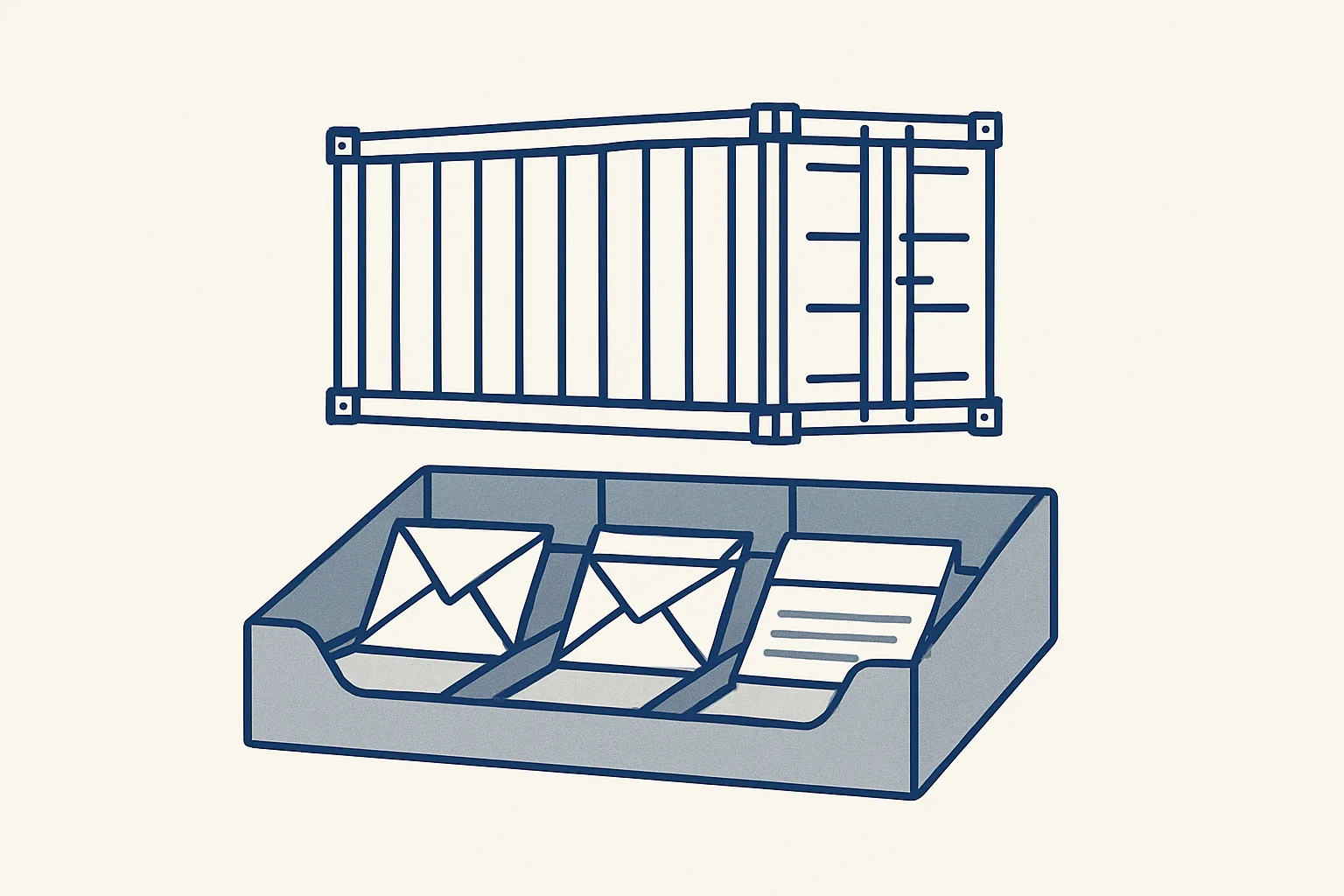
AI for freight forwarders works in the back office, where every shipment makes emails and documents. It sorts mail by shipment, reads documents into a register, flags unanswered threads and enters carrier invoices as draft bills in your accounting software.
Why start with the forwarder's inbox?
The best place to start with AI for freight forwarders is the inbox, because that's where every shipment's work begins and where most of it gets lost.
A single booking can make a surprising pile of mail. The customer sends the request, the carrier confirms space, the shipper sends a packing list, the agent at destination asks a question, the trucker sends a delivery receipt, and at the end several invoices arrive from different people. Multiply that by every open shipment and the inbox becomes the real operating system of the business.
Talk of AI for freight forwarders often jumps to rate prediction or route planning. Those need clean data, and in most small forwarders the data still sits in attachments. Paperwork comes first, and that's where the routine hours are.
Most teams already have a transport system for bookings and rates. The gap is between the mailbox and that system: documents that arrive by email and have to be found, opened, renamed, filed and typed somewhere. That gap is where AI for logistics does its most useful work today. It doesn't replace your operator's judgment about routes, carriers or customers. It takes the sorting, reading and filing off the desk.
How do you sort mail by shipment?
Every email gets tagged with the booking or reference it belongs to, so an operator sees one shipment's whole conversation in one place.
Email triage in a forwarding office is mostly about references. A message mentions a booking number, a container number, a bill of lading or a customer's order number, sometimes in the subject, often only in an attachment. A person scanning the inbox matches these from memory. An AI employee can read each new message and its attachments, find the references and tag the email.
Say an operator starts Monday with forty unread emails. Instead of reading them in arrival order, she opens the shipments she looks after and sees only the mail that belongs to them. Anything unmatched is set aside for a person to place.
Some mail belongs to no shipment: rate requests, newsletters, login codes, carrier announcements. These are sorted apart, so the shipment view stays clean.
Here's what runs today and what's built to order. Our daily mail digest runs today for a client: every morning, the previous day's new and unanswered emails across all the mailboxes of a group of companies, sorted by business, each with a short summary, with newsletters and codes left out. Tagging each email by shipment reference uses the same engine and is built to order for your own reference formats.
How do documents get into a register?
A shipment register is a table with one row per shipment, and AI can fill it by reading documents as they arrive.
This is logistics document management in its plainest form. Each row holds the shipment reference, customer, carrier, origin and destination, key dates and links to every document: booking confirmation, packing list, commercial invoice, transport document, delivery receipt, carrier invoices. When a customer asks for proof of delivery, or an accountant asks which carrier invoice belongs to which sale, someone opens one row instead of searching three mailboxes.
The register can live in a sheet your team already uses, or next to your transport system. Here's how one document travels into it.
- A document arrives as an email attachment or lands in a shared folder.
- The robot reads it and works out what kind of document it is.
- It finds the shipment reference and matches it to an open row.
- It files the document in that shipment's folder with a clear name and links it to the row.
- It fills the fields it can read exactly, like dates, weights and container numbers.
- If the reference matches no row, or two rows, it passes the document to a person with a note instead of guessing.
- Every action is written to a log.
| Document | What the register takes from it | Who checks |
|---|---|---|
| Booking confirmation | Reference, carrier, vessel or truck, dates | The operator, at a glance |
| Packing list | Packages, weights, volumes | The operator, against the booking |
| Transport document | Document number, parties, ports or places | The operator, before release |
| Delivery receipt | Delivery date and any remarks | Customer service, when asked |
| Carrier invoice | Amount, charges, the shipment it belongs to | Accounts, before the draft bill is approved |
Your hours on shipment mail
Enter your own figures. The result is the time your team spends today finding, reading and filing shipment emails and documents, by your own count. It's not a promise of what automation would change.
How do you stop threads going unanswered?
Unanswered threads are the quiet cost of a busy forwarding inbox, and AI can list them every morning so nobody has to remember.
A customer asks for an updated arrival date on a Friday afternoon. The operator who'd normally answer is on leave, the email sits in a shared mailbox, and by Tuesday the customer has called the manager. Nobody did anything wrong. The message just fell between people.
The daily digest that runs today lists the previous day's new and unanswered emails across every mailbox, each with a short summary, so the morning starts with what's waiting, not a search. A second job that runs today, the mailbox watch, flags emails in a secondary mailbox that aren't part of a known thread. That suits addresses that get the odd important message among routine traffic.
Both only report. Neither replies to a customer. A reply written from your own past answers is built to order, and our rule is your approval first, then your choice.
What about carrier invoices?
Carrier invoices can be read from the mailbox and entered as draft bills, with the PDF attached and linked to the shipment.
Forwarders get invoices from carriers, truckers, terminals, agents and warehouses, often several per shipment and in many layouts. Typing them into the accounting software and matching each to the right job is slow, and a missed charge only shows when the margin on a shipment looks wrong.
Our supplier bills robot runs today for a client and does this kind of work. It reads the mailbox and a drop folder, recognizes supplier invoices and credit notes, makes the draft bill in the accounting software with the PDF, files the PDF under the supplier and sends one notice per bill. Anything it can't enter exactly, like a refund or an unknown supplier, goes to a person. A new supplier is added only after the owner says yes. Linking each bill to a shipment row is part of the register, built to order.
Accounts get a simple daily routine: open the draft bills, compare each with the shipment, approve or correct, move on. The document is already attached and filed, so the check is quick.
Here's what it doesn't do.
- It doesn't pay anyone. It never moves money.
- It doesn't decide whether a charge is fair or disputed. It shows the charge to a person.
- It gives no customs or tax advice. Classification, duties and declarations stay with your licensed staff and your adviser.
- It doesn't change your transport system's bookings or rates.
How do you get started?
The simplest way is one job, usually the morning digest or carrier bills, measured against the hours it takes today.
Each AI employee is a monthly rental that runs on our servers and works in your own mailboxes, folders, sheets and accounting software, with one price per workflow in the quote. If the rental stops, the workflow stops and every document stays where it always was, in your own accounts.
Before writing to anyone, count three things for a normal week: how many shipments you handle, roughly how many emails each makes, and how long it takes to find, read and file one. The calculator below turns those into hours. That number, by your own rule, is what decides whether AI for freight forwarders is worth trying in your office.
Questions
How is AI used in freight forwarding?
Mostly in the back office: sorting email by shipment, reading documents into a register, listing unanswered threads and entering carrier invoices as draft bills. Routing, pricing and customer relationships stay with people.
Can AI read shipping documents?
Yes. It can read booking confirmations, packing lists, transport documents and invoices, pull out references, dates and amounts, and file each one. Anything it can't read exactly goes to a person.
Will AI reply to customers for us?
Not ours. The digest and mailbox watch only report. Replies from your own past answers are built to order.
Does it replace our transport management system?
No. It works in the mailbox, folders, sheets and accounting software around it, filling the gap between incoming email and the records your team keeps.
Can AI help with customs declarations?
We don't offer customs work or advice. Classification, duties and declarations stay with your licensed staff and your adviser.
Tell us your workflow. We will build it around you.
Write to [email protected] with your shipments per week and the hours your team spends on shipment mail. We'll tell you plainly which job to hand over first.
Talk to us Related service: Mailbox digest

