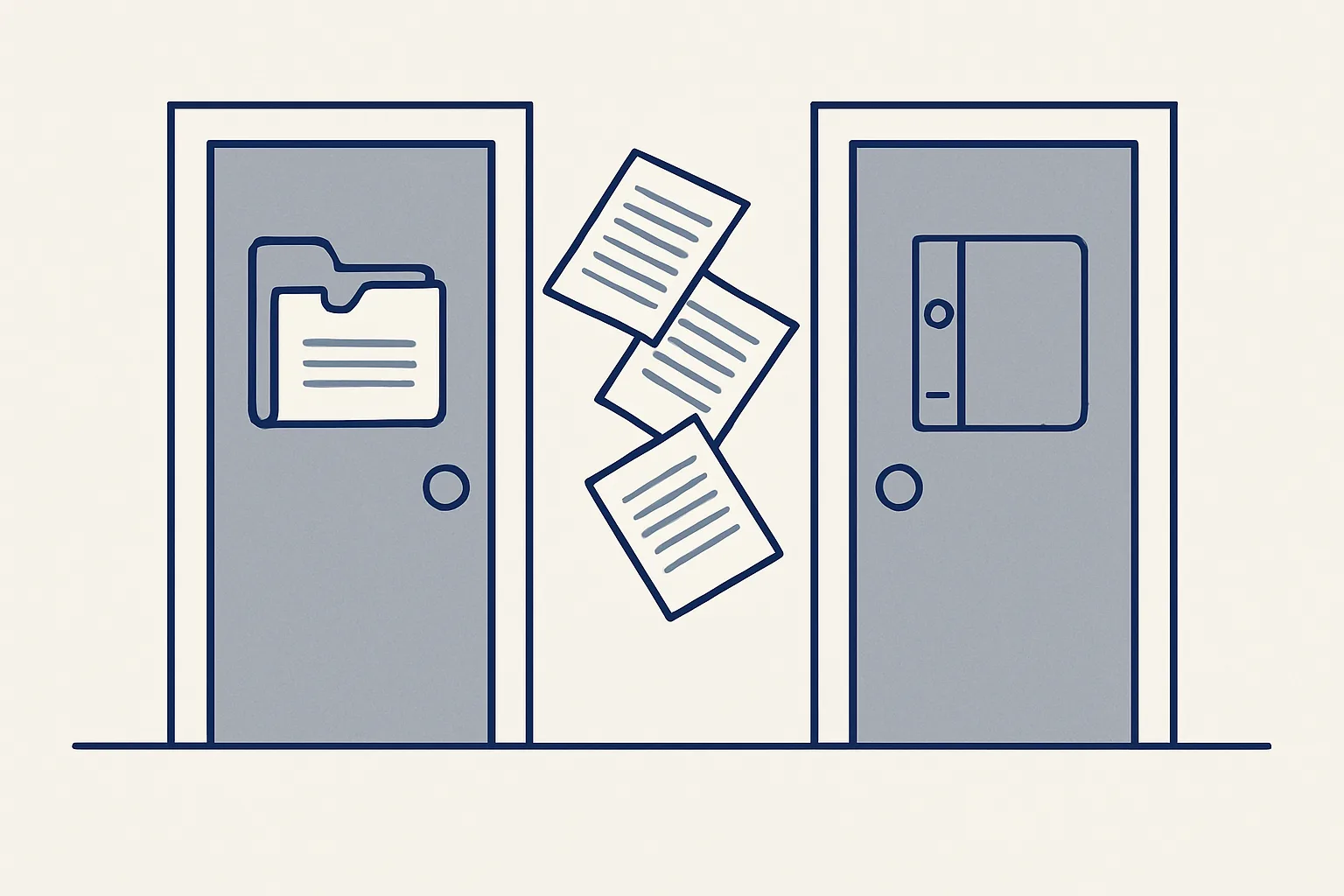
AI for HR departments helps most with paperwork at both ends of a job: starter packs filled in from your own templates and signed online, and handover documents written from a leaver's work trail before their last day. Decisions about people stay with people.
Where can AI for HR departments help safely?
The safest and most useful AI for HR departments works on paperwork, not on people: the documents a joiner needs on day one, and the handover a leaver leaves behind.
HR has two halves. One is judgment: hiring, performance, pay, conflict, wellbeing. The other is documents: contracts, forms, policies to sign, equipment lists, handovers. The second half is heavy and repetitive, and mistakes are easy to make. A missing signature. A form nobody returned. A manager's knowledge walking out the door.
HR automation makes sense for that second half only. A robot can fill a starter pack from your templates, send it for signing, chase what's missing and file the result. It can read a leaver's work trail and draft a handover. What it shouldn't do is decide anything about a person.
This suits an HR team in a mid-sized firm, or an office manager who does HR on top of everything else. Below we say plainly what runs today for a client and what's built to order.
What goes into a starter pack?
A starter pack is your own templates filled in with the joiner's details: the contract draft, the forms, the policies to sign and a first-week checklist.
Most businesses already have these documents. The work is putting them together for each new person. Picture a dental practice taking on a new receptionist: the right contract template, name, start date and hours in the right boxes, the bank details form, the handbook to acknowledge, the list of keys and logins. Done by hand, each pack takes time, and the slips are the kind nobody spots until later.
Our employee onboarding paperwork service is offered and built to order. It fills the pack from your templates, gets it signed on our own signing page, and files it in the employee's folder. It doesn't run payroll or give legal advice. The wording of every template comes from you and your adviser, and you check each pack before it goes out.
A good pack also reaches the people around the joiner. The manager needs the first-week plan, IT needs the access list, and whoever orders equipment needs the start date. The robot can draft each of those messages, so nobody learns about a new colleague on the morning they arrive.
| Document | What the robot prepares | Who's responsible |
|---|---|---|
| Employment contract | A draft from your template with the joiner's details | HR checks it. The wording is yours and your adviser's |
| Personal details form | The form, sent to be filled in | The joiner completes it, HR checks it |
| Policies to acknowledge | The policies, with a signing line | The joiner reads and signs |
| Equipment and access list | A checklist from the role's template | The manager and IT act on it |
| First-week plan | A draft from the role's template | The manager adjusts it |
| Employee folder | Every signed document filed in one place | HR keeps it |
How does online signing work?
Starter documents are signed on a private web page, with a certificate that records who signed, when, and exactly which version. The signed copies go straight into the employee's folder.
Online signing is running today for a client, on our own signing page with no outside signature service. Each document becomes a private page. The joiner, and the company through its authorized signer, sign with a drawn signature, a typed name and a consent line. The certificate PDF shows who signed, when, and a fingerprint of the exact document, so any later change shows.
For HR this fixes two old headaches: chasing paper copies, and not knowing which version was signed. A register row shows what's signed and what's still waiting, so gaps show up before the first day, not months later.
Whether a document can be signed electronically where you are is a question for your adviser. Most everyday HR documents can. Some may need more.
Joiner and leaver paperwork check
Tick each statement that's true of how your business handles joiners and leavers today.
What happens when someone leaves?
When a key person leaves, an employee handover document can be drafted from their own work trail, their mailbox history and attachments, read-only, before their last day.
Notice periods are short, and the person leaving is busy finishing work, not describing it. Much of what the role really did was never written down: which suppliers they chase each month, which reports go to whom, which client always pays late, which deadlines land next quarter. That knowledge sits in their mailbox.
Our handover service is running today for a client. The robot reads the leaver's mailbox history and attachments, read-only, and writes what the role actually did, what's still open, the deadlines, and a handover plan before the last day. The manager reads it with the leaver, corrects it and decides who takes each part. Here's the route.
It helps just as much when someone leaves suddenly and there's no time for a handover chat. A draft from the work trail gives the manager a list of what to pick up first. It's a starting point, not a substitute for the people who know the work.
- The leaver's last day is known and the manager agrees the handover with them.
- Read-only access to their mailbox and documents is given for the handover.
- The robot lists the recurring tasks, contacts, open threads and deadlines it finds.
- It writes a draft handover document with a plan for each open item.
- The leaver and the manager go through it together and fill the gaps.
- The manager gives each item to a named person, and the final document is filed.
What should I never automate?
Never automate decisions about people. Hiring, screening, pay, performance, discipline and dismissal stay entirely with people.
AI for HR is often sold as a way to screen candidates or score employees. We don't do that, and we'd be careful with anything that does. Those decisions change people's lives, carry legal duties that vary by place, and need judgment and accountability that software can't carry. The same goes for anything someone would expect a human to handle, like a complaint or a sensitive talk.
Our work stays on the paperwork side of the line:
- No candidate screening, ranking or scoring.
- No payroll, pay sums or benefits decisions.
- No performance ratings or watching of employees.
- No legal advice. Templates and wording come from you and your adviser.
- Nothing goes to a joiner, leaver or employee without a person looking at it first.
- Handover reading only with the business's agreement, and only for a handover.
How do I get started?
Start with the end that costs you more, joiners or leavers. Count how many you handle in a year and how long the paperwork takes each time.
If you hire often, starter packs are the obvious place. Gather your current templates, note which differ by role, and list the documents most often missing on day one. If a key person is about to leave, the handover can't wait. Start it early in the notice period, not in the last week.
Our AI employees are rented monthly and run on our servers against your own mailbox, folders and sheets, so employee documents stay in your accounts. You pay one monthly figure per workflow, stated in the quote. Every action goes in a log, one command stops any robot, and nothing is switched on without your yes. If the rental stops, the workflow stops, and every signed document and handover stays where it is.
Questions
How can HR departments use AI?
Safely, for paperwork: starter packs from your own templates, online signing and filing, and handover documents when someone leaves. Decisions about people stay with people.
What should be in an employee handover document?
The role's recurring tasks, key contacts, open items and their status, upcoming deadlines, where the files are, and who takes over each part.
What onboarding documents does a new employee need?
Usually a contract, personal and bank details forms, policy acknowledgments, an equipment and access list and a first-week plan. The exact set depends on your business and local rules, so check with your adviser.
Can AI screen job candidates?
Some tools claim to. We don't offer it. Hiring decisions change people's lives and carry legal duties that need human judgment.
Does HR automation include payroll?
Not in our work. Payroll stays with your payroll provider or accountant. We handle documents, signing, filing and handovers.
Tell us your workflow. We will build it around you.
Tell us how many joiners and leavers you handle each year and how long the paperwork takes. Write to [email protected] and we'll say plainly whether it fits.
Talk to us Related service: Employee onboarding

