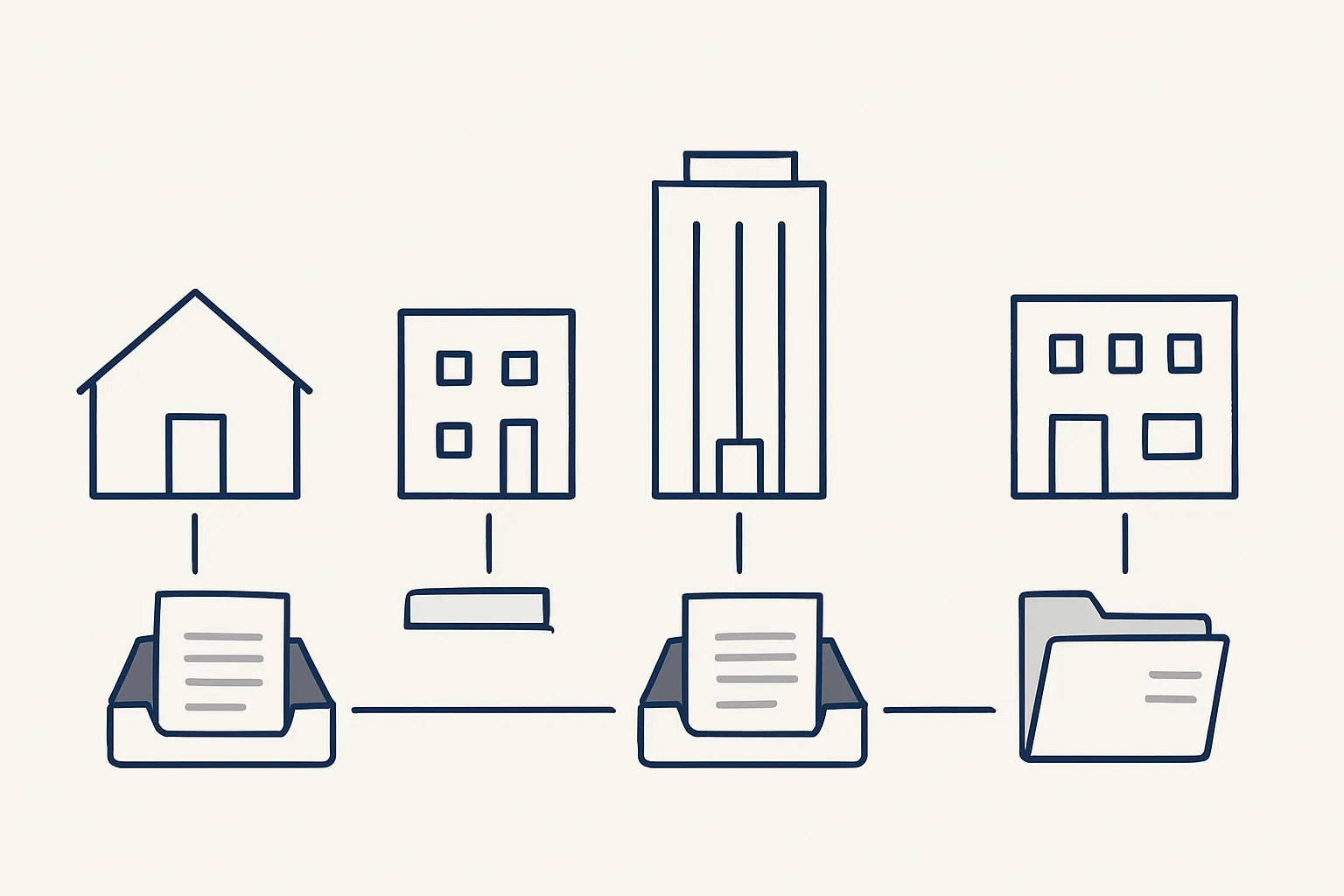
Property managers handle a steady stream of tenant emails, contractor invoices and lease documents. AI for property management sorts and summarises the mail by property, drafts routine replies, enters contractor bills and tracks lease dates, leaving decisions and tenant relationships with the manager.
The property manager's inbox
The property manager's inbox mixes tenant requests, contractor quotes and invoices, owner questions and lease paperwork, and sorting it takes time before any real work starts.
A manager looking after a handful of buildings may receive repair requests, rent questions, noise complaints, utility bills, insurance renewals and contractor invoices, all in the same mailbox and often in the same hour. Some need action today. Many need a short, standard answer. A few need careful thought. The first job each morning is working out which is which.
That sorting is where AI for property management helps most. Not by talking to tenants on the manager's behalf, but by reading the mail, grouping it, summarizing it and preparing drafts, so the manager starts with a clear list instead of a full inbox.
It also helps to be clear about what AI for property management does not do. It does not inspect a building, judge whether a repair is urgent enough to send someone tonight, negotiate with a contractor or calm an upset tenant. Those are the parts of the job that need a person who knows the building and the people in it. The aim is to give that person more of the day for them.
The table sets out the main jobs and what is running today in our own offer, as opposed to offered and built to order.
| Job | What the AI employee prepares | Status |
|---|---|---|
| Morning mail digest | Yesterday's new and unanswered emails across all mailboxes, grouped, each with a short gist | Running today, grouped by business; grouping by property built to your list |
| Mailbox watch | Emails in a secondary mailbox outside any known thread, flagged to the manager | Running today |
| Contractor and utility bills | Draft bills with the PDF attached, filed under the supplier | Running today |
| Draft replies to routine requests | A draft answer from your own past replies and documents | Offered, built to order |
| Lease date register | One row per lease with its key dates, in your own sheet | Offered, built to order |
Sorting mail by property
Sorting mail by property means each email is matched to the building or unit it concerns, so the manager sees one short list per property instead of one long inbox.
Our daily mail digest is running today. Every morning, it gathers the previous day's new and unanswered emails across all the mailboxes of a group of companies, sorts them by business and gives each one a short gist, with the full text one tap away. Newsletters and login codes are filtered out.
For a property manager, the same idea works one level down: by property instead of by business. Building that grouping is configured to your own list of properties and is built to order. The matching uses what is in the mail itself: the address, the unit number, the tenant's name, the contractor and the thread it belongs to.
A workable sorting scheme usually has three layers.
Keep the categories few and identical across properties. Four or five is usually plenty. A scheme with a dozen categories per building looks thorough on paper and becomes another inbox to sort. The digest should be readable over a coffee, with the urgent items obvious at a glance and everything else one tap away.
- One group per property, with a small number of categories inside it, such as repairs, rent, lease and bills.
- One shared group for mail that concerns the whole portfolio, such as insurance or the owners.
- One tray per mailbox for anything the robot cannot match with confidence, which goes to a person to sort.
Draft replies to routine requests
Routine tenant requests can be answered with a draft written from your own past replies, which a person checks and sends.
Many tenant emails ask the same things: when the bin collection is, how to report a leak, when rent is due, who to call out of hours, whether a parcel can be left at reception. Managers answer these again and again, often with almost the same words.
Customer service automation for this work, as we build it, is offered and built to order. Incoming emails are read and sorted, and a draft reply is prepared from your own past answers and documents, such as the house rules and the building's contact sheet. The draft waits in the mailbox, in the right thread, ready to send.
It is not a chatbot on a website and nothing answers a tenant by itself. Anything sensitive, such as a dispute, a complaint about a neighbor, a hardship request or a safety issue, goes straight to the manager without a draft. Tenant relationships stay with people.
Size your mail-sorting scheme
Enter your own figures. The result is the number of groups a by-property sorting scheme would have: one per category in each property, plus one tray per mailbox for mail that needs a person to sort.
Contractor and utility bills
Contractor and utility bills can be entered as drafts in the accounting system with the PDF attached and filed under the supplier, ready for approval.
Property management runs on many small suppliers: plumbers, electricians, cleaners, gardeners, lift engineers, utilities. Their bills arrive by email, as scans and sometimes as photos, and each one has to be entered, attached to the right property and filed. This is accounts payable automation in its plainest form.
Our supplier bills robot is running today. It reads the mailbox and a drop folder, recognizes invoices and credit notes and creates a draft bill in the accounting system with the PDF attached. The route for each bill is fixed.
Filing by supplier is only half of what a property manager needs; each bill also has to be charged to the right building. Where the property can be read from the bill itself, such as a site address or a reference agreed with the contractor, that can be built into the rules. Where it cannot, the bill goes to a person to assign rather than being guessed.
- A contractor emails an invoice, or someone drops a scan into the shared folder.
- The robot recognizes it as an invoice or a credit note.
- It reads the supplier, the date, the number and the amounts.
- It creates a draft bill in the accounting system with the PDF attached, and files the PDF under the supplier.
- Anything it cannot enter exactly, such as a refund or an unknown contractor, goes to a person instead.
- One notification is sent per bill, and the draft waits with its PDF attached, ready to approve.
Lease documents and dates
Lease dates belong on one register, a sheet with one row per lease and its key dates, so renewals and reviews are seen well before they fall due.
Missed lease dates are expensive and embarrassing: a break clause noticed too late, a rent review forgotten, an insurance renewal that lapsed. The dates are usually in the lease documents and in the email threads around them, but not in one place anyone looks at each week.
A lease register kept in your own sheet is offered and built to order, like any custom register or dashboard on your own tools. The dates are read from the lease documents you provide, each row links to the source document, and a person confirms each date before it is relied on. Dates that are unclear in the document are flagged, not guessed.
The register prepares; it does not decide. Whether to renew, review or serve notice remains the manager's and the owner's decision, with advice where needed. We give no legal advice; check with your adviser on what any lease requires.
Getting started
Start with the job that takes the most hours today, usually the morning mail or the contractor bills, and measure it by your own count.
AI for property managers does not need a new mailbox or a new accounting system. Ours run on our servers against your own accounts, today with Google Workspace mailboxes, Google Drive, Google Sheets and Xero. They are rented monthly, one figure per workflow, stated in the quote. Everything they produce stays in your own systems.
A sensible order for AI for property management is mail first, then bills, then the lease register. The morning digest shows quickly whether the grouping by property matches how you think about the portfolio. Bills follow the same supplier rules every month. The lease register takes the most care, because every date in it has to be confirmed against the documents.
Use the helper on this page to size your sorting scheme from your own numbers: how many properties, how many categories per property and how many mailboxes. The result is the number of groups the scheme would have, which tells you whether a simple per-property list is enough or whether properties should be grouped first.
Then write the first job down: where the mail arrives, which properties and categories you use, what counts as urgent, and who approves bills. Nothing is switched on without your yes, and one command stops any robot at once.
Questions
How can property managers use AI?
For the paperwork and mail around the properties: sorting and summarizing emails, drafting routine replies, entering contractor bills and keeping a register of lease dates. Decisions and tenant relationships stay with the manager.
Will AI reply to tenants automatically?
Not as we build it. Replies are prepared as drafts from your own past answers, and a person checks and sends each one. Nothing answers a tenant by itself.
Can AI enter contractor invoices?
Yes. Our supplier bills robot, running today, reads bills from the mailbox and a drop folder and creates draft bills with the PDF attached. A person approves them, and the robot never pays anything.
Can it track lease renewals?
A lease register in your own sheet, with dates read from the documents and confirmed by a person, is offered and built to order. Whether to renew or serve notice remains your decision.
Do tenants need to use a new app or portal?
No. Tenants keep writing to the same mailboxes. The sorting, summaries and drafts happen on our side, inside your own accounts.
Want hours back from this work?
Write to [email protected] with the hours tenant mail and contractor bills take you each month. We will tell you plainly where an AI employee fits.
Talk to us Related service: Mailbox digest

