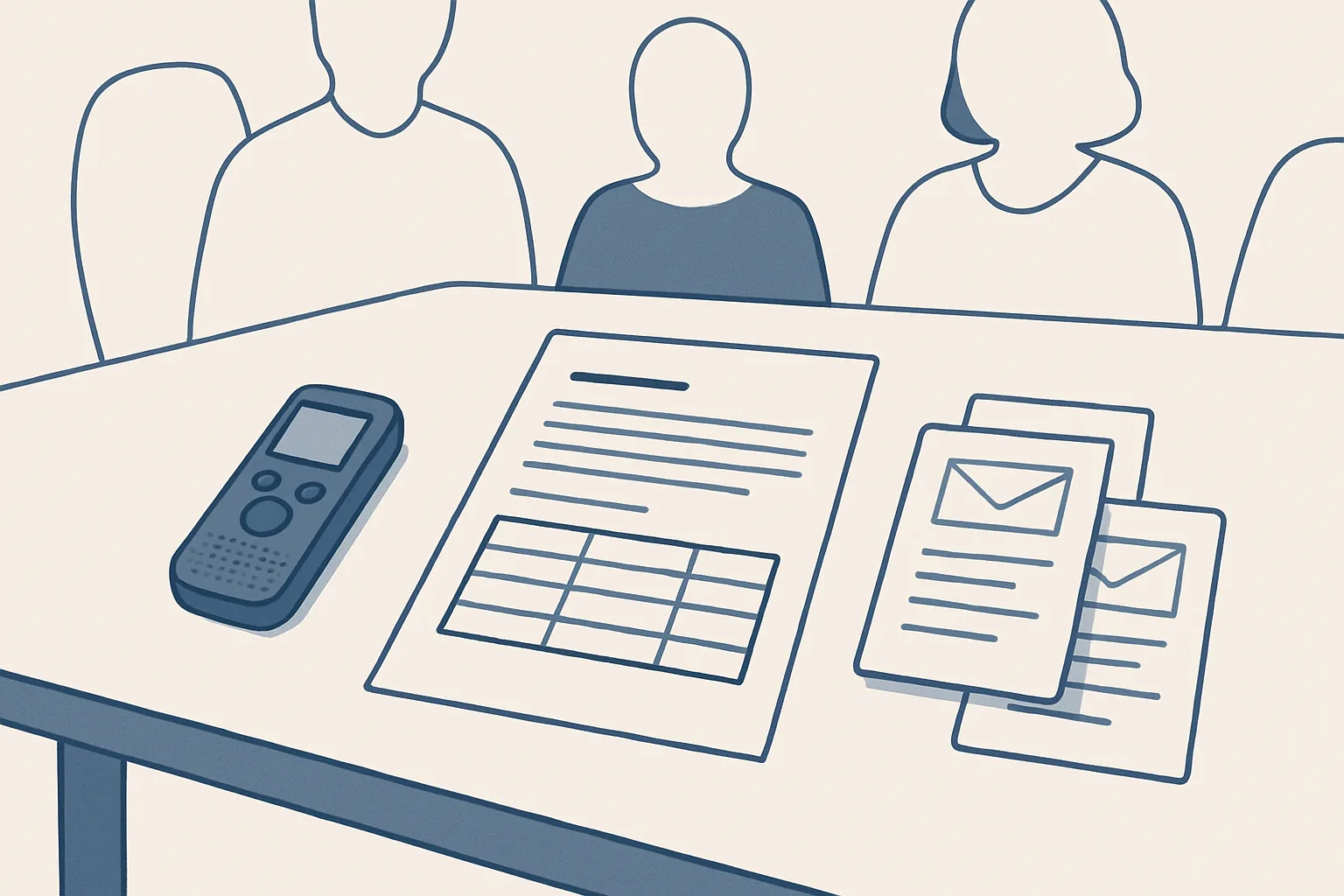
AI meeting notes turn a recording or rough notes into draft minutes: what was decided, a list of actions with owners and dates, and draft follow-up emails. A person reads and corrects the draft before anything is shared.
From recording to draft
AI meeting notes start from a recording or from rough notes and end as a draft that a person corrects and approves.
Most meetings produce the same problem. People agree on things, someone says they will take care of it, and a week later nobody is sure who said what. The notes, if anyone took them, are a page of half sentences. Writing proper meeting minutes takes time that the person who took the notes rarely has.
A meeting minutes generator changes where that time goes. Instead of writing from memory, the note-taker reads a draft that already lists the decisions, the actions, the owners and the dates, and corrects it. The draft is not the record; the corrected and approved version is.
Rough notes work as well as recordings, and sometimes better. A few lines typed during the meeting, such as who agreed to what and the dates mentioned, give the robot a clear frame to build on. Many teams start this way because it needs no recording at all, and move to recordings only for the meetings where everyone is comfortable with them.
Our meeting minutes service is offered and built to order; it is not running for a client today. It works only from meetings the client chooses to record, or from notes the client provides. The route from meeting to minutes:
- With everyone's agreement, the meeting is recorded, or someone takes rough notes.
- The recording or the notes are saved in a shared folder the robot reads.
- The robot transcribes the recording and identifies the topics, the decisions and the actions.
- It writes draft minutes in your own template, with an action table of owners and dates.
- It prepares draft follow-up emails to the people who own actions.
- The note-taker or the chair reads, corrects and approves the minutes, and the emails are ready.
What good minutes contain
Good minutes record who attended, what was decided, what will be done by whom and by when, and what is still open, without trying to capture every word.
A transcript is not minutes. A full record of who said what is long, hard to search and often unwelcome. An AI meeting summary is closer, but a summary of the discussion still misses the point if the decisions and actions are buried in paragraphs. Minutes are a working document: someone should be able to read them in a few minutes and know what changed and what they must do.
The usual parts, in order:
Use one template for every meeting of the same kind, so people know where to look. The robot fills your template rather than inventing its own layout, which keeps board minutes, team meetings and project reviews each consistent with what came before. If your organization has a required format for formal minutes, that format is the template.
- The meeting name, date, time and place or call link.
- Who attended, who sent apologies and who chaired.
- Approval of the previous minutes, where your organization uses that step.
- Each topic discussed, with a short summary of the main points.
- Each decision, stated plainly in one sentence.
- The action table: what, who, by when.
- Open questions to carry to the next meeting, and the date of that meeting.
Actions, owners and dates
Every action in the minutes needs one owner and one date; an action without both is a wish.
Meetings are full of soft commitments: we should look at that, someone needs to call them, let us come back to this. Automated meeting minutes are only useful if they turn those phrases into clear actions, or flag them as unclear so the chair can assign them. When the robot cannot tell who took on an action, or by when, it says so in the draft instead of guessing.
The table shows how a soft commitment from the meeting becomes a clear action in the minutes.
Dates need the same care. Phrases like next week, before the season or as soon as possible are converted into a real date where the meeting made one clear, and left flagged where it did not. The chair can then fix the few unclear ones in a minute, instead of discovering at the next meeting that nobody knew when an action was due.
| What was said | Action in the minutes | Owner | Date |
|---|---|---|---|
| We should get a second quote for the new van. | Request a second quote for the van | Operations lead | End of next week |
| Someone needs to tell the landlord about the leak. | Report the leak to the landlord in writing | Office manager | Tomorrow |
| Let us review the price list before the season. | Draft a revised price list for review | Sales lead | Before the next meeting |
| Can we find out what the new rules mean for us? | Ask the adviser about the new rules | Owner to decide | Unclear, flagged for the chair |
Are your meeting minutes complete?
Open the minutes of your last meeting, whether written by hand or drafted from AI meeting notes. Tick each statement that is true of them.
Follow-up emails as drafts
After the minutes, the follow-up emails can be prepared for each action owner and left in the mailbox.
The most common reason actions slip is that nobody wrote to the person who owns them. A short email that says what was agreed, what they are doing and by when is often enough. With AI meeting notes, those emails can be drafted from the action table, one per owner or one per external party, in the same mailbox the business already uses.
Our rule applies here as everywhere: the robot drafts, and the draft waits in the mailbox with the action table behind it, ready on the day the minutes are approved. That matters most when the email goes outside the business, to a customer, a supplier or a board member, because it carries the organization's name.
Inside the business, a different kind of follow-up helps: a short list for each person of the actions they own, sent once the minutes are approved. The same action table feeds it, so nobody has to retype anything, and the list matches the minutes exactly.
Consent and which meetings to record
Record only meetings where everyone knows and agrees, and only the meetings the business chooses; some conversations should never be recorded.
Rules on recording conversations differ from place to place, and some require every participant's agreement. Tell people at the start, ask for their agreement and respect a no. When people from outside the business attend, ask them too. Check the rules that apply to you with your adviser.
Some meetings are better left unrecorded: personal matters, staff issues, confidential negotiations and anything where people would speak less freely with a recorder running. For those, AI meeting notes can still work without any recording: rough notes taken by a person are turned into draft minutes in the same way.
Recordings are personal data in most places. Decide who can open them, where they are kept and when they are deleted once the minutes are approved. Our robots work inside the client's own folders, so recordings and minutes stay in the client's own accounts.
Filing minutes
Approved minutes should be filed in one place, in date order, beside the recording or notes they came from and the actions they created.
A simple structure works best: one folder per meeting series, one document per meeting, named by date, with the action table also copied into a register so open actions can be seen across meetings. When someone asks when a decision was made, the answer is a search away rather than a memory test.
Before the next meeting, the register shows which actions are done, which are late and which have no update. Bringing that list to the meeting closes the loop that the minutes opened, and makes the next set of minutes shorter.
Our AI employees are rented monthly, run on our servers and work inside the client's own mailbox, folders and sheets. Every action is written to a log, and one command stops any robot at once. The price is one monthly figure per workflow, stated in the quote. Used this way, AI meeting notes take the writing out of the job and leave the record, and every decision in it, with the people who made it.
Questions
Can AI take meeting minutes?
It can draft them from a recording or rough notes: decisions, an action table with owners and dates, and follow-up emails. A person should read, correct and approve the draft before it is shared.
What is the difference between meeting notes and minutes?
Notes are whatever someone wrote down during the meeting. Minutes are the approved record: attendance, decisions, actions with owners and dates, and open questions, in a consistent format.
Is it legal to record a meeting for minutes?
Rules differ from place to place, and some require every participant's agreement. Tell everyone, ask for their agreement before recording and check the rules that apply to you with your adviser.
How accurate are AI meeting summaries?
They depend on the recording quality, how clearly people speak and how clearly decisions are stated. They can miss nuance or misattribute an action, which is why a person who was in the meeting should check the draft.
Should the AI send the minutes and follow-up emails?
Not in our model. The minutes and every follow-up email are drafts. At the start you approve the minutes and send each email; later you can choose to automate the sending.
Tell us your workflow. We will build it around you.
Write to [email protected] with how many meetings you minute each month and the hours the writing takes. We will tell you plainly whether drafting them fits your work.
Talk to us Related service: Meeting minutes

