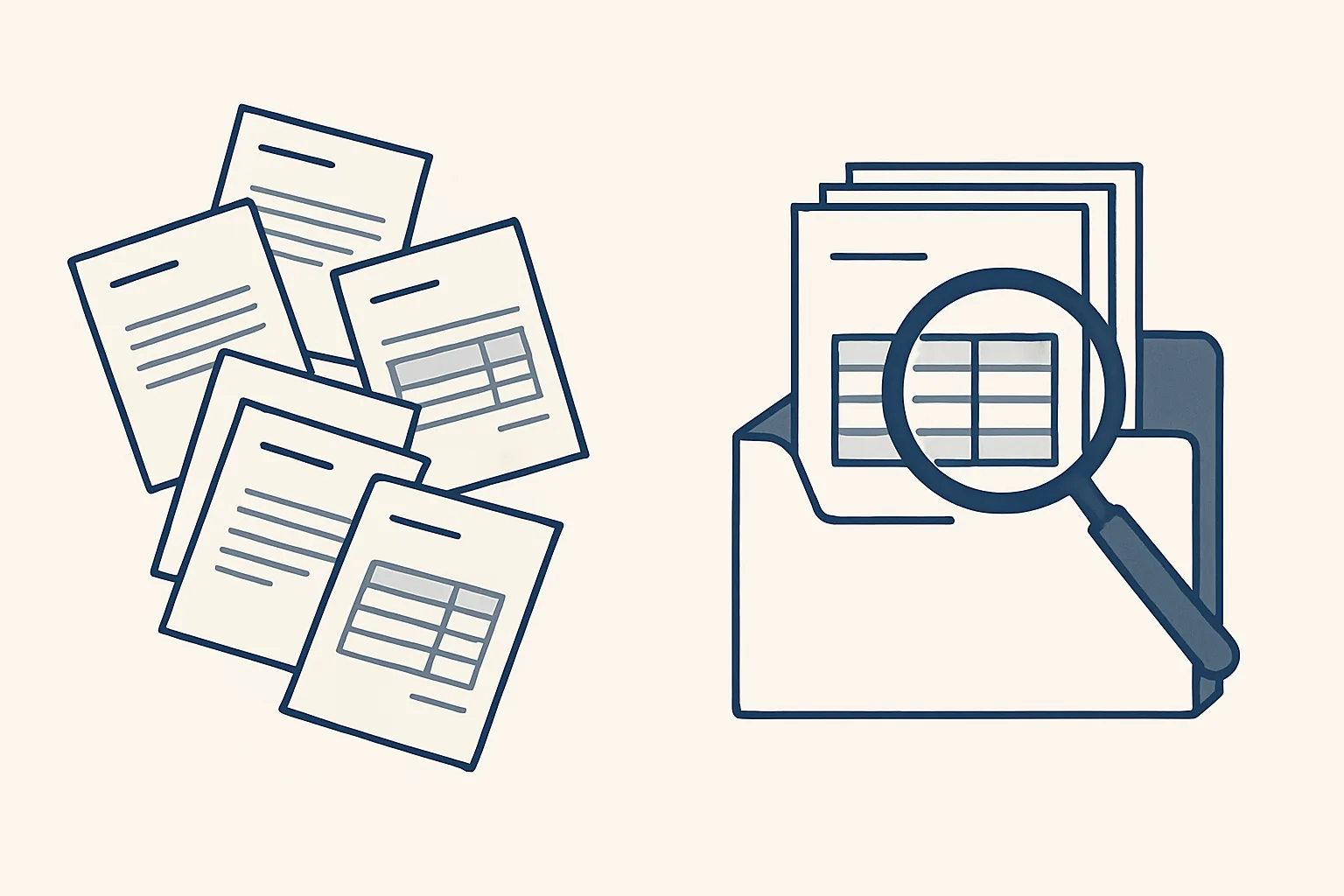
The benefits of invoice automation are fewer retyped details, the same tax wording every time, every PDF filed in one place and invoices ready sooner after the work is done. You can check each one yourself against your own invoices, before and after.
Why check the benefits yourself?
The benefits of invoice automation are easy to promise and easy to doubt. So here's a better idea: measure them on your own invoices.
Say you run a small print shop. Take twenty of last month's invoices and check them against a short list. Do the names match your client records? Does the wording match for the same type of sale? Can you find each PDF in a minute? You'll know your starting point.
We don't promise a number. Every business is different. What we can say is what the automation does, and what you can check afterwards.
Many owners ask what the benefits of invoice automation are in practice. This article answers with things you can count.
Two routes run today for a client: sales invoicing and supplier bills. The invoice automation benefits below follow what each one changes.
Does it cut retyped details?
Yes, because details are typed once and then reused. The client name, address and tax number come from the client record. The price comes from the price list or the agreed quote.
Think of a bakery that invoices a café every week. Someone types the name, the address and the usual order. One week a digit is wrong, and the invoice bounces back. With the details stored once, the sheet fills them in the same way each time.
This is invoice automation at its simplest. The invoice isn't typed from scratch. It's put together from things you already told the system once.
How this works: a sheet remembers your clients and products. You mark a row as ready. A check makes sure nothing is missing. Then the invoice is prepared.
To check this benefit, compare each invoice in your sample with the client record. Count the mismatches.
Does the wording stay the same?
Yes. The tax wording is applied when the invoice is made, using the rules from your accountants, so the same situation always gets the same words.
A sale to a customer at home and a sale abroad need different wording. When someone types it by hand, it varies from invoice to invoice. When a rule applies it, it doesn't.
Say a trading company sells to a customer in another country. The wording that applies is already stored, so nobody has to look it up on the day.
This matters most when an accountant or a tax office reads your invoices. Steady wording means fewer questions.
To check this benefit, group your sample by type of sale and see whether invoices of the same type carry the same wording.
Does filing get easier?
Yes. Every invoice PDF is filed in the same place under the same naming rule, as part of making the invoice.
Picture a plumber hunting for last March's invoice to a landlord. In a messy system, it takes ten minutes and a phone call. With one naming rule and one folder per client, anyone on the team finds it in a minute.
The bills side works the same way. A bills robot, also running today for a client, enters supplier invoices as draft bills with the PDF attached and files them under the supplier.
To check this benefit, ask someone who didn't make an invoice to find it. Time them.
Your own invoice baseline
Take a sample of your recent invoices and check them against these points. Tick each statement that holds for every invoice in the sample. Keep the result to compare later.
Do invoices go out sooner?
Yes, because the draft is ready the moment the job is marked finished. There's no waiting for an evening to sit down and type.
Say a small building firm finishes a job on Tuesday. With a draft ready on Tuesday, the invoice can leave on Wednesday. Before, it left in the next month's batch.
Faster invoices tend to mean faster payment. We can't promise a number for that, but you can watch it: note how many days pass between finishing a job and sending the invoice, before and after.
Check it with your own calendar. Pick five jobs and count the days between 'finished' and 'sent'.
A draft invoice and a draft email wait beside it. You read, you change anything, and you send.
Who stays in control?
You do, on both sides of the ledger. Invoices going out and bills coming in both reach a draft first, and a person reads them.
Here's the one rule we run under: every step starts with your approval, then you choose when it goes automatic. You may leave sending on approval forever.
You see what the robot did, and you stay free to change any draft before it goes out.
For supplier bills, anything the robot can't enter exactly, such as a refund or an unknown supplier, goes to a person. A new supplier is only created after the owner approves it. These are the benefits of accounts payable automation that matter to an owner: speed without losing control.
Every action is written to a log, and one command stops any robot.
How do you measure your own baseline?
Take a sample of recent invoices, check them against the list below and write down what you find. That's your baseline.
A good sample is twenty invoices from a normal month. Note which points fail and how often. Also note how long each invoice takes from start to send.
If you automate later, run the same check. The checks should still pass, with less typing. That is the honest way to see the benefits of workflow automation: your own figures, before and after.
Our AI employees are rented by the month and work with your own accounting software, mailbox and folders. If you stop, the workflow stops, and your invoices stay where they were filed.
Tick the list below for your own sample.
Questions
What are the benefits of invoice automation?
Fewer retyped details, the same tax wording every time, every PDF filed in one place and invoices ready sooner after the work is done.
Can you promise how much time it saves?
No. Every business is different. Measure your own baseline first, then compare.
Is it running today?
Sales invoicing and supplier bills both run today for a client.
Does it send invoices by itself?
No, not unless you choose. A draft invoice and a draft email wait for you to read and send.
What happens to our invoices if we stop?
They stay in your accounting software and folders, exactly where they were filed.
Tell us your workflow. We will build it around you.
Tell us how many invoices you send each month and how long they take. Write to [email protected] and we'll tell you plainly whether invoice automation fits.
Talk to us Related service: Sales invoicing

