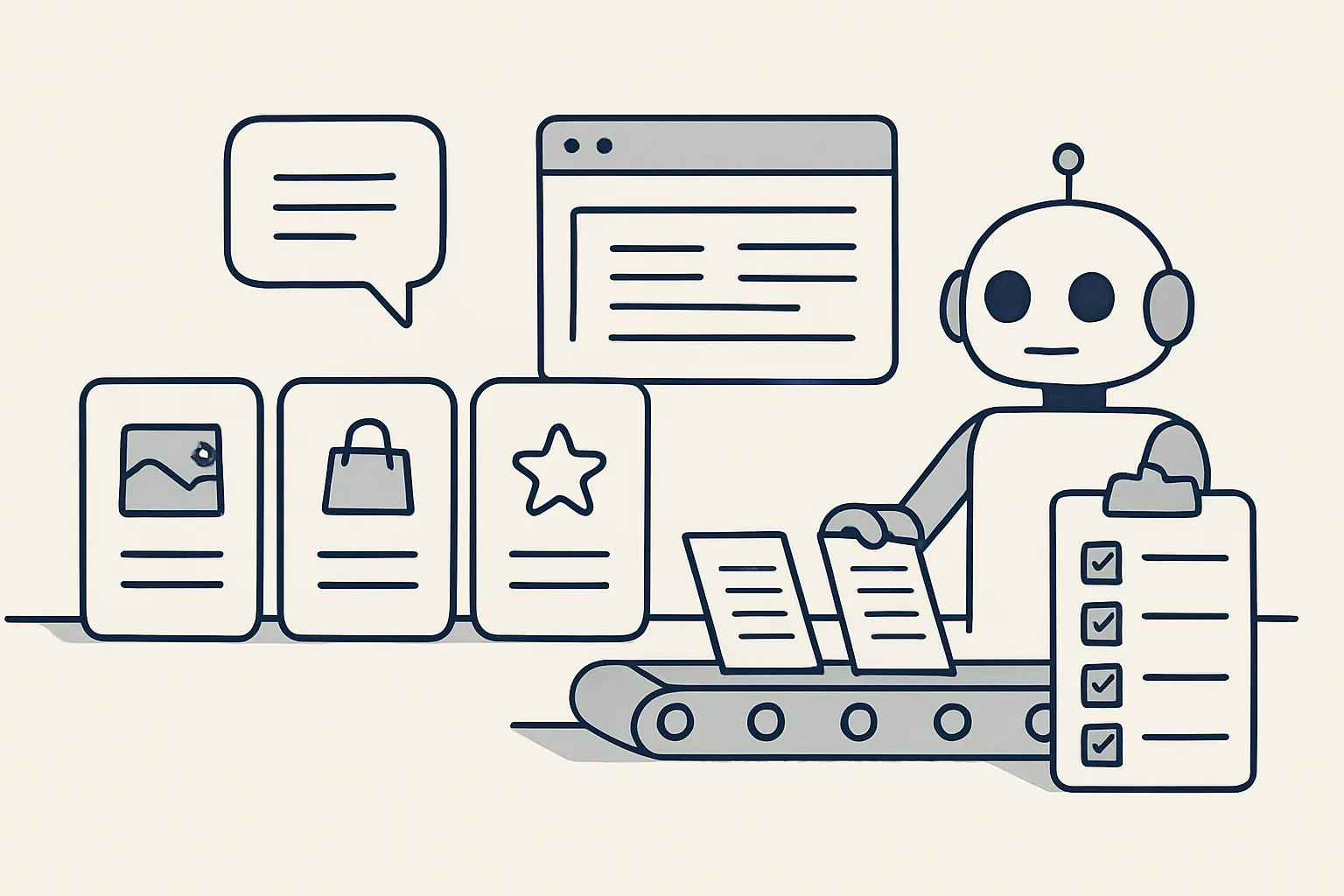
The best AI for small business is the one that finishes a specific job you do every week, inside the systems you already use. Compare options by the job done, who checks the output and what happens to your data, not by the length of the feature list.
Why 'best tool' is the wrong question
Asking for the best AI for small business is like asking for the best vehicle: the answer depends on what you need to carry.
Lists of AI tools for small businesses rank products by features, price tiers and reviews. They rarely ask the one question that decides whether a tool earns its keep: which job, done every week in your business, will it finish? A tool that writes excellent marketing copy does nothing for a pile of supplier invoices. A robot that enters bills will not answer a customer.
So start from the job. Write down the tasks that take the most hours each week, the ones that repeat by the same rules and end in a document, an entry or an email. Then look for the option that finishes that job, inside the mailbox, folders and accounting system you already use, with a person still in charge of what leaves the business.
Size matters too. A small business rarely has someone whose job is to set up and look after software. An option that needs weeks of configuration, training and tidying of data before it does anything useful may be the right choice for a large company and the wrong one for a team of five. The best AI for small business is one that fits the people you have, not the people a vendor imagines you have.
This guide sets out the three broad kinds of option, the criteria that matter and the warning signs, and ends with a simple scorecard you can use on any tool or provider.
Chat assistants, apps and done-for-you automation
Most options fall into three groups: chat assistants you talk to, apps with AI features built in, and done-for-you automation built around one of your jobs.
A chat assistant answers what you type. It is flexible and quick to start, and good at drafting text, summarizing a document or explaining something. It does not start by itself, and the result stays on screen until you copy it somewhere. Many people searching for the best AI assistant for small business mean this kind of tool.
An app with AI features is software for one area, such as accounting or email, with automation added. It works well if your process matches the way the app expects you to work, and if you are willing to keep your records in it.
Done-for-you automation is built around your process and your accounts. Someone writes down your job, builds a robot that carries it out each time the work arrives and runs it for you. Those searching for the best AI agent for small business are often looking for this: software that carries a task through rather than waiting to be asked. The table compares the three.
| Question | Chat assistant | App with AI features | Done-for-you automation |
|---|---|---|---|
| What starts it? | You type a request | An action inside the app | Something in your business: an email, a file, a row marked ready |
| Who sets it up? | You | You, following the app's way of working | The provider, from your written job description |
| Where does the result go? | On screen, for you to copy | Inside the app | Into your own mailbox, folders, sheets and accounting system |
| Who checks the output? | You, every time | Depends on the app's settings | You, step by step, then your choice |
| Where does your data live? | In the assistant's history | In the app | In your own accounts |
| Best for | Writing, summarizing, one-off questions | Teams happy to work the app's way | Repetitive jobs with clear rules |
Criteria: job done, control, data, cost model
Judge any option on four things: whether it finishes the job, who stays in control, where your data lives and how you pay.
These criteria apply equally to the best AI tools for small business on a review list and to a provider who builds for you. They matter more than any single feature.
- Job done: does it take the job from start to finish, or only one step of it? A tool that reads an invoice but leaves you to type the entry has finished only part of the job.
- Control: does every step start with your approval, with a way to graduate to automatic, or does it send and post by itself from day one? Can you stop it at once?
- Exceptions: what happens to the cases it cannot handle exactly? They should go to a person, not be guessed.
- Record: is every action written to a log you can read?
- Data: does your data stay in your own accounts, and what happens to it if you stop?
- Cost model: is it a per-seat subscription, a usage charge, a one-off build or a monthly rental per job? Which one matches how you will use it?
Scorecard for any AI tool or provider
Pick one job, such as supplier bills, invoicing, email or documents, and one option you are considering. Tick each statement you have confirmed for that option.
Matching options to common jobs
Each common small-business job tends to suit one kind of option better than the others.
For drafting a one-off letter, summarizing a long document or brainstorming, a chat assistant is usually enough. For a job that repeats every week by the same rules, such as entering supplier bills, preparing sales invoices or sorting the morning mail, done-for-you automation fits better, because it starts by itself and puts the draft where your team already works.
Some jobs sit in between. Customer emails, for example, can be drafted by a chat assistant if someone pastes each one in, but that keeps a person copying and pasting all day. A done-for-you robot that reads the mailbox and leaves a draft reply beside each email removes the copying, while a person still reads and sends every reply. The test is simple: count the steps a person still has to do by hand for each option, and compare.
For transparency, here is where our own work stands. Our AI employees are rented monthly, run on our servers against your own accounts, and work under one rule: every result is a draft in your own systems, with every action on record. Supplier bills, sales invoicing, purchase orders, invoice filing, price history, the daily mail digest, online contract signing and handover documentation are running today. Drafted customer replies, enquiry follow-up, expense receipts, onboarding paperwork, meeting minutes, bank matching and a cash-flow view are offered and built to order.
Whoever you choose, test the option on your own job and your own documents, not on a demonstration.
Red flags when choosing
Be wary of any option that sends things by itself, hides what it did, guesses when unsure or makes leaving difficult.
Some warning signs are easy to spot once you know to look. A promise of a specific saving before anyone has looked at your work is one. Others: a tool that emails customers or posts entries with no draft stage; no record of what was done; your data moved into a system you cannot export from; a price that rises with every user even though only one person uses it. None of these is fatal on its own, but each deserves a direct question before you sign.
Also be careful of tools chosen because they were on a list rather than because they fit a job. Several overlapping subscriptions, each half used, cost more in attention than they return. One job finished properly is worth more than five tools half set up.
Finally, watch for vague answers about who is responsible when something goes wrong. A good provider can tell you, in plain words, what the robot does, what it never does and who to call. If the answer to a simple question is a long description of features, keep asking until you get a straight reply.
A simple scorecard
A short scorecard turns all of this into a decision: one job, one option, and a tick for each question it answers well.
Use the self-check on this page for each option you are considering. Score each one against the same job, so the comparison is fair. The option with the most ticks for your job is the best AI for small business in your case, whatever any ranking says.
Before you score anything, work through these steps:
- Write down the one job you most want to hand over, with how often it happens and how long it takes.
- List where the work arrives and where the result must go.
- Shortlist two or three options from different groups: an assistant, an app, a done-for-you provider.
- Ask each the scorecard questions and tick only the answers you can verify.
- Try the best-scoring option on a sample of your own documents, with a person checking every output.
- Decide, and leave the next job until the first runs cleanly.
Questions
What is the best AI for small business owners?
The one that finishes a specific job you do every week inside the systems you already use, with results you can check. There is no single best tool; there is a best fit for each job.
Which AI tools do small businesses actually need?
Usually fewer than they think: a general assistant for writing and questions, and automation for the one or two repetitive jobs that take the most hours, such as bills, invoicing or the inbox.
What is the difference between an AI assistant and an AI agent?
An assistant answers when you ask. An agent, or AI employee, starts by itself when something happens in the business and carries a job through to a result.
Is free AI good enough for a small business?
For drafting and one-off questions, often yes. For repetitive jobs that touch your accounts and customers, look at control, records and where your data lives, not only at the price.
How do I compare AI providers fairly?
Score each one against the same job, using the same questions: does it finish the job, who checks the output, what happens to exceptions, where your data lives and how you pay.
Tell us your workflow. We will build it around you.
Write to [email protected] with the one job you most want to hand over and the hours it takes each week. We will tell you plainly whether we are the right fit for it or not.
Talk to us Related service: Services

