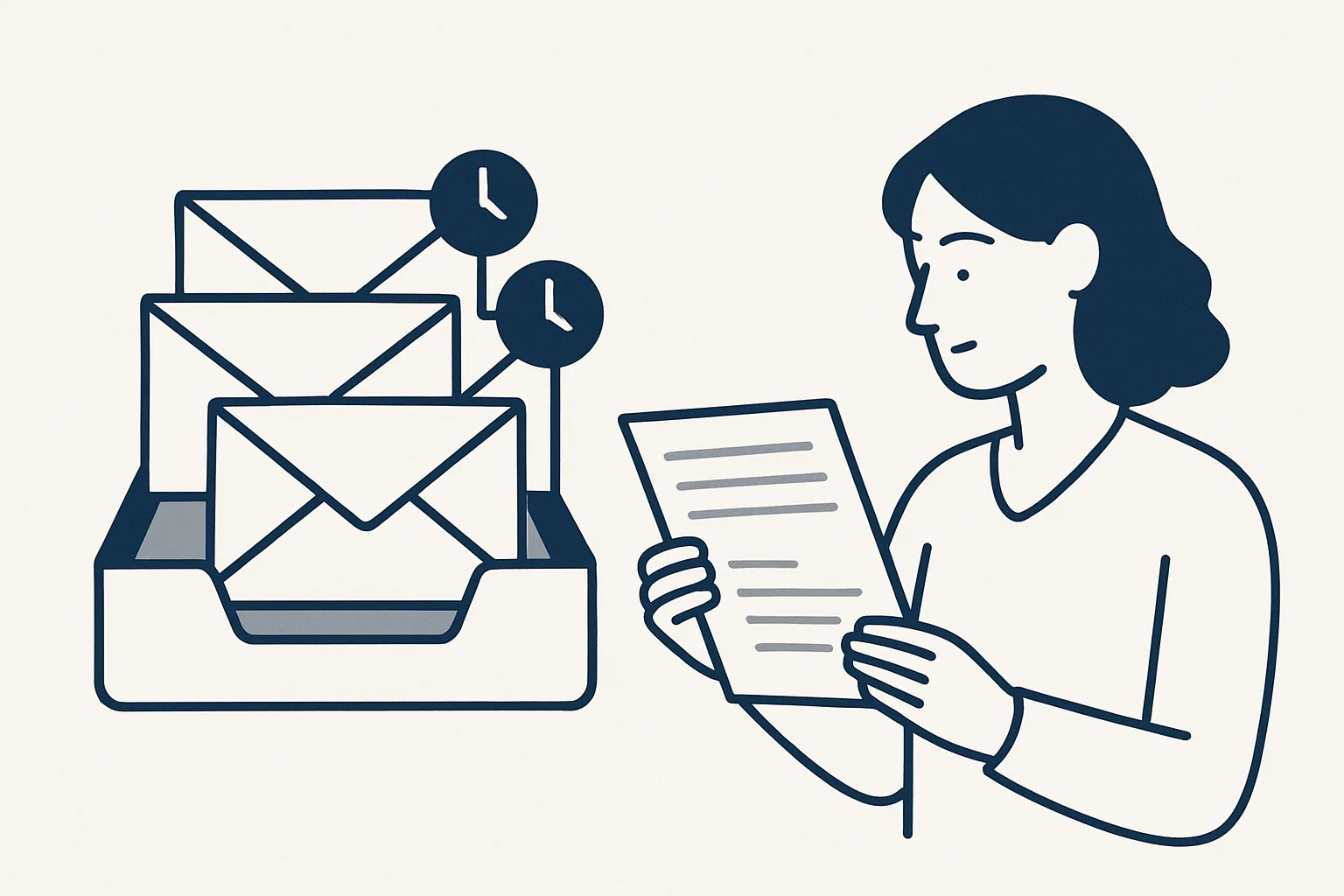
A no response email reminder flags threads where someone is waiting for your reply, or where you are waiting for theirs, so nothing quietly drops. Built-in nudges cover one mailbox; a daily digest can list unanswered emails across several mailboxes every morning.
Why emails go unanswered
Most emails go unanswered not because someone decided to ignore them, but because they were read at the wrong moment and then sank; a no response email reminder brings them back up.
An email opened on a phone between meetings is marked as read, and from then on it looks handled. A message that needs a figure from someone else waits for that figure and is forgotten. A customer writes to an address that only one person checks, and that person is away. None of this is carelessness. It is what happens when mail arrives faster than anyone can deal with it.
There are two directions to watch. Some threads are waiting for your reply: a customer's question, a supplier's query, a colleague's request. Others are waiting for someone else's reply: a quote you sent, a document you asked for, a decision you need. A good reminder covers both. The usual reasons threads slip are:
- The email was read on the move and marked as read without an answer.
- The answer depends on someone else, and the thread waits silently.
- The message landed in a mailbox you check less often.
- It was buried under newsletters, notifications and codes.
- Several people share the mailbox and each assumed another would reply.
- You sent something important and never noticed that no one wrote back.
Built-in reminders and nudges
Most mail apps already offer a basic no response email reminder, and for a single inbox it is worth switching on.
Other mail apps have similar tools under different names: a follow-up flag, a reminder date on a message, or a suggestion to reply that appears at the top of the list. Whatever the app, a built-in no response email reminder only sees its own inbox and only raises what it judges important, so treat it as a safety net rather than a system.
In Gmail the feature is called nudges. When it is on, older messages you have not answered, and messages you sent that got no reply, are brought back to the top of the inbox with a short note. Menu names change from time to time, so check the current settings screen, but the route is usually this:
- Open Gmail on a computer and select the settings gear.
- Choose to see all settings, and stay on the General tab.
- Find the Nudges section.
- Tick the option to suggest emails to reply to.
- Tick the option to suggest emails to follow up on.
- Scroll down and save the changes.
Tracking emails you are waiting on
The other half of a no response email reminder is tracking the emails you are waiting on: give them one visible home, such as a label, a flag or a snooze, and look at it on a fixed day.
Nudges are suggestions, and they choose which threads to raise. When a reply really matters, it is safer to mark the thread yourself. Most mail apps let you flag or star a message, add a label, or snooze it so it returns to the inbox at a set time. Sorting out Gmail inbox unread mail is the easy part: a search for unread messages in the inbox finds it. Threads you have already read and still owe a reply are harder, and need a label of their own.
The table compares the common methods. None of them is better in every case; the right one depends on how many threads you are waiting on and how many mailboxes they sit in.
| Method | Good for | Limits |
|---|---|---|
| Built-in nudges | A single inbox with a few slipped threads | The app chooses what to raise; one mailbox only |
| Star or flag | A short list of replies you must not miss | Easy to stop looking at the starred view |
| A waiting-on label | Threads where you need someone else's answer | Only works if you label every one |
| Snooze until a date | A reply you expect by a known day | The thread vanishes until then, which can feel risky |
| Daily digest across mailboxes | Several inboxes, several businesses or a shared address | Needs to be set up and looked after |
Nudges or a daily digest?
Tick each statement that is true of your email today. A low score means built-in nudges are probably enough; a high one points to a daily digest across mailboxes.
A daily digest across mailboxes
When you check more than one mailbox, a daily digest is the no response email reminder that scales: it lists every new and unanswered email from all of them in one place each morning.
Built-in reminders work inside one inbox. Many people run several: a personal address, a business address, a shared sales or accounts address, perhaps a second company. Each has its own nudges, if any, and checking each one every morning is exactly the habit that breaks first.
A digest also changes who notices. On a shared address, the gist of each unanswered email is in front of the owner every morning, so a question that everyone assumed someone else had answered shows up the next day instead of the next month.
Our daily mail digest is running today for a client. Every morning it gathers the previous day's new and unanswered emails across all the mailboxes of a group of companies, sorts them by business, and gives each a short gist with the full text one tap away. Newsletters and login codes are filtered out so the real messages stand out. A related mailbox watch, also running today, flags emails in a secondary mailbox that are not part of a known thread, so a customer who writes to the wrong address is still seen.
The digest reads; it does not answer. Nothing is sent by a robot. Drafted replies written from your own past answers are offered and built to order, and even then a person reads and sends each one. The digest is rented monthly, runs on our servers against your own mailboxes, and is priced as one monthly figure per workflow, stated in the quote.
Writing the follow-up
A good follow-up is short, names the original request and makes the reply easy.
When you are the one waiting, the question is how to follow up on an unanswered email without sounding impatient. Reply in the same thread, so the history is right there. Say in one line what you are asking for, give a reason for the timing if there is one, and offer a simple next step. Avoid opening with just following up on my last email and nothing more; it gives the reader nothing new to act on.
When you are the one who owes the reply, the same rule holds in reverse. A short answer today, even if it says the full answer will follow by a given day, is better than a perfect answer that never leaves the drafts.
An urgent follow up email needs the same structure with the deadline stated plainly and early. Put the date and what depends on it in the first sentence, and if email has not worked twice, pick up the phone. A few openings that tend to work better than a bare reminder:
- I am following up on the quote I sent on Monday; could you let me know by Friday whether to hold the price?
- To keep the delivery date, I need the signed order by Thursday. Is anything stopping it?
- Could you point me to the right person if this is not with you?
- A one-line yes or no is all I need for now.
Keeping the habit
The best reminder is a short, fixed daily look at what is waiting, done at the same time each day.
Any no response email reminder only works if someone looks at it. Pick one moment, usually first thing, to go through what the nudges, labels or digest show. Answer what you can in a sentence, label what needs someone else, and decide what can be closed. On a shared mailbox, agree who owns that moment, so it is not left to whoever happens to open the inbox.
Then trim the noise. Unsubscribe from newsletters you never read, filter notifications into their own folder, and keep the inbox for messages from people. Fewer emails in front of you makes every no response email reminder sharper. If you check one inbox, built-in nudges and a waiting-on label are often enough. If you check several, the self-check on this page will show whether a daily digest is worth it.
Questions
Can my mail app remind me if someone does not reply?
Many can. Gmail's nudges raise sent messages that got no reply, and most other mail apps let you flag or snooze a message so it comes back on a chosen day.
How do I see only unread mail in my Gmail inbox?
Search for unread messages in the inbox, or change the inbox type so unread mail is shown first. Remember that read but unanswered threads will not appear there; label those yourself.
How long should I wait before following up on an unanswered email?
It depends on the request and the person. For a routine business question, a few working days is common; if there is a deadline, say so in the first email and follow up before it, not after.
Is it rude to send a follow-up email?
Not if it is short, polite and in the same thread. Name what you asked for and make the reply easy. A bare reminder with nothing new is what reads as pushy.
Can a reminder cover several mailboxes at once?
Built-in nudges cover one mailbox each. A daily digest can gather new and unanswered emails from several mailboxes into one list each morning; ours is running today for a client.
Want hours back from this work?
Write to [email protected] with how many mailboxes you check and the hours they take you each week, and we will tell you plainly whether a daily digest fits.
Talk to us Related service: Mailbox digest

