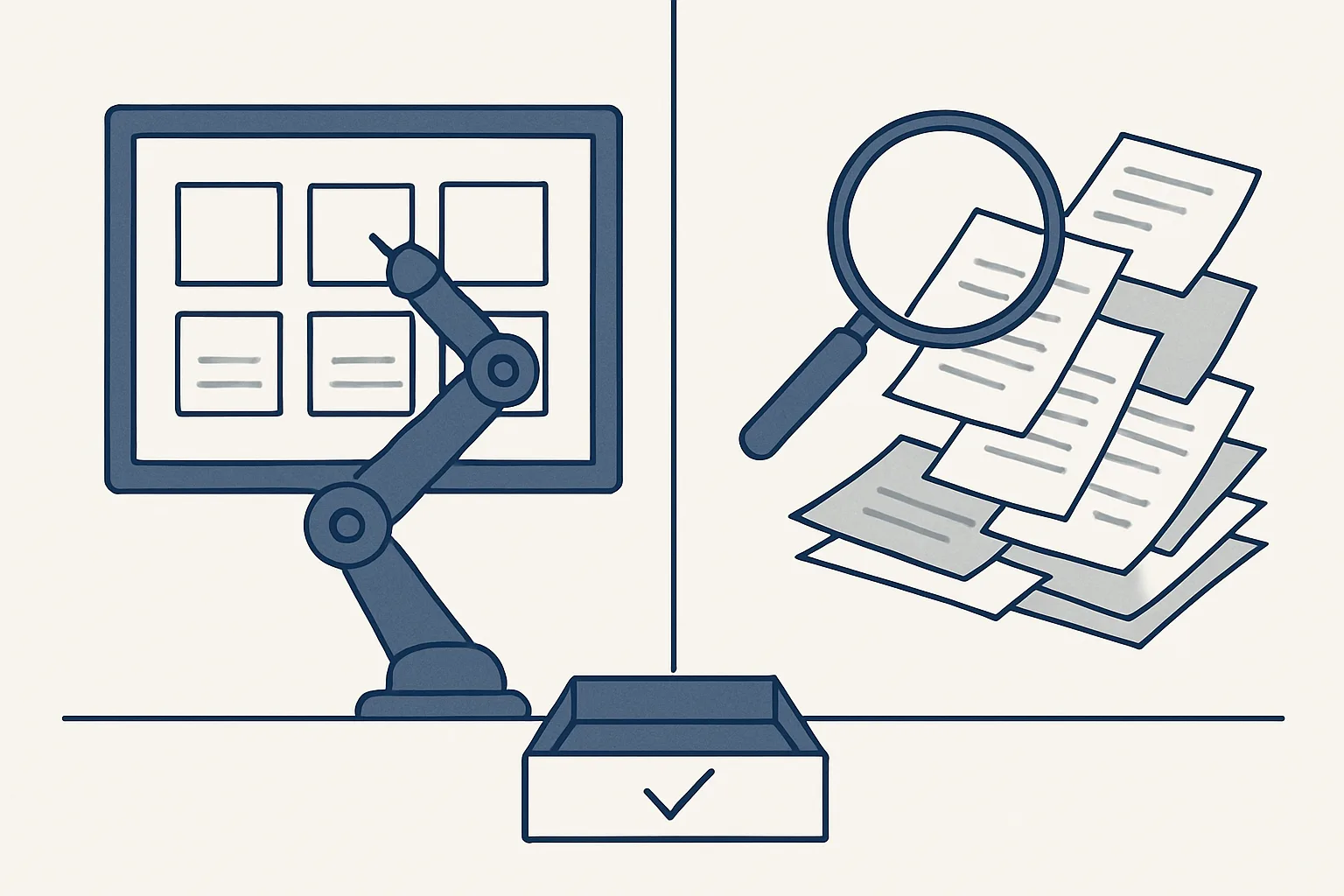
Robotic process automation repeats fixed clicks and keystrokes, so it is fast on tidy, unchanging screens but breaks when inputs vary. AI can read varied inputs such as emails and scanned invoices. The strongest set-ups use AI and robotic process automation together: rules where the work is fixed, AI where it is messy, and a person approving the output.
What RPA is
Robotic process automation, or RPA, is software that repeats the same steps a person would take on a computer: open this screen, copy this field, paste it there, press save.
The robot in the name is not a machine; it is a script that follows a recorded or written sequence exactly. If a task is the same every time, with the same screens and the same fields in the same places, RPA can do it quickly and without tiring. Typical examples are copying order details from one system into another, downloading the same report every morning or updating a status in several places at once.
Robotic process automation in business took off because many companies run old systems that do not talk to each other, and a script that types between them was cheaper than replacing them. Its strength is also its limit: it does exactly what it was told, in exactly the conditions it was told about.
This article explains AI and robotic process automation side by side: what each does well, where each fails, and why the most dependable office automation usually uses both, with the result checked before it is entered.
What AI adds
AI adds the ability to read inputs that vary, such as an email written in someone's own words, an invoice in a layout never seen before or a photographed receipt.
Rules need tidy inputs. Real offices are full of untidy ones. A supplier invoice arrives as a PDF from one supplier, a scan from another and a photo from a third. A customer writes a question in three paragraphs with the order number buried in the middle. A script that looks for a field in a fixed position will not cope; a language model can find the supplier, the number and the total on a page it has never seen, or work out what the customer is asking.
That reading ability comes with a cost. AI produces its best interpretation, and its best interpretation is occasionally wrong in a way that looks right. A script that fails usually stops with an error; a model that misreads a total produces a plausible number. That is why the question of AI vs automation is the wrong way round. The useful question is where each belongs in one process, and what checks sit between them.
Side by side: inputs, upkeep, mistakes
RPA is predictable and cheap to run on fixed work but brittle when anything changes; AI copes with variety but needs checks, because its mistakes are harder to spot.
The comparison is easiest to see dimension by dimension. Neither column is better overall; each is better at different parts of the same job.
One row deserves a second look: the typical mistake. A rules-based step that fails is usually loud, because it stops. An AI step that fails can be quiet, because it produces something plausible. A sound design for AI and robotic process automation working together accepts that difference and puts a fixed check straight after every AI reading, so a quiet mistake becomes a loud one before anything is entered.
| Dimension | RPA-style rules | AI reading |
|---|---|---|
| Best inputs | Fixed screens, structured files, the same layout every time | Emails, PDFs, scans and documents that vary |
| What it does | Repeats exact steps | Interprets content and extracts what matters |
| When the input changes | Usually breaks and needs re-recording | Usually copes, sometimes with lower confidence |
| Typical mistake | Stops with an error, or types into the wrong field after a screen change | A plausible but wrong reading |
| Upkeep | Updated whenever a screen or layout changes | Checked and tuned as new kinds of input appear |
| How you check it | Did it run, and did each step complete? | Does the result agree with itself and with what you already know? |
| Running cost per item | Low | Higher, so best kept for the inputs that need it |
Rules, AI reading or both?
Pick one task you want to automate. Tick each statement that is true of its inputs today. The more you tick, the more the task needs AI reading alongside rules.
When to use each
Use rules where the input and the steps are fixed, AI where the input varies, and both when a single job contains both kinds of work.
People often ask whether RPA is better than AI. Neither is better in general. Rules are better for the parts of a task that never change, because they are cheaper, faster and easier to check. AI is better for the parts that do change, because rules cannot read what they were not told about. Most office jobs mix the two, which is why automation vs AI is rarely an either-or choice. Some signs that point one way or the other:
- Rules fit when the data comes from one system in a fixed format, the steps never vary and the result can be checked by a simple test.
- AI fits when the input is written by people, comes in many layouts or arrives as scans and photos.
- Both fit when a job starts with reading something messy and ends with entering it somewhere structured, which describes most paperwork.
- Neither fits when every case needs a negotiation, a relationship or a judgment call; that work stays with people.
- If you cannot write down what a correct result looks like, no automation is ready yet, of either kind.
Combining both, with approval first
The most reliable set-up reads with rules where it can, reads with AI where it must, checks the result against fixed tests, and hands a draft to a person.
Our supplier bills AI employee, running today for a client, is built exactly this way. Regular suppliers whose invoices look the same each month are read by template, which is a rule. Scans are turned into text by text recognition first. The rest, from occasional suppliers with unfamiliar layouts, are read with a model's help. Whatever did the reading, the same checks follow, and nothing is entered that fails them. The route a bill takes:
- A document arrives in the mailbox or a drop folder, and the robot decides whether it is an invoice, a credit note or something else.
- If the supplier's layout is known, the template reads it; this is the rules part.
- If it is a scan, text recognition turns the image into text first.
- If the layout is unfamiliar, a model reads the supplier, number, date and amounts; this is the AI part.
- Fixed checks follow: known supplier, amounts that add up, a number not entered before.
- If every check passes, a draft bill is created with the PDF attached and filed; if any fails, the document goes to a person.
- The draft is reviewed and approved; the robot cannot pay anything.
Questions to ask before choosing
Before choosing any automation, ask how it handles inputs it has not seen, what it does when it is unsure, and who approves the result.
Feature lists for AI and robotic process automation tools look alike. The answers to a few plain questions do not. Ask how the system reads a document from a new supplier or a customer email in an unusual format. Ask what happens when a check fails: does it stop and pass the case to a person, or does it carry on with its best guess? Ask whether it creates drafts or final entries, and whether it can send anything by itself. Ask what record it keeps, and how you would stop it.
Our answers are short. Our AI employees are rented monthly and run on our servers against your own accounts, today Google Workspace mailboxes, Google Drive, Google Sheets and Xero. They use rules where the work is fixed and AI where it is messy. The robot drafts, and every result waits in your own systems. Every action is written to a log, anything that cannot be done exactly goes to a person instead of being guessed, and one command stops any robot at once.
A pilot on one job is the cheapest way to answer the question for your own work. Run it on real documents for a few weeks, count how many went to a person and why, and decide from that.
What it does not do is replace the people who decide. Approving, paying, answering for the books and handling the unusual case stay with them.
Questions
Is RPA better than AI?
Neither is better in general. Rules are better for fixed, tidy work; AI is better for varied inputs such as emails and scans. Most office jobs need both, with a person approving the result.
What is the difference between AI and automation?
Automation follows instructions it was given. AI interprets inputs it was not given exact instructions for. Automation can use AI for the reading and rules for the rest.
Is RPA still relevant?
Yes, for work that is fixed and structured, such as moving data between systems with stable screens. It is a poor fit for inputs that vary, which is where AI reading helps.
Can AI replace RPA?
For varied inputs, AI does what rules cannot. For fixed steps, rules remain cheaper and easier to check. Replacing one with the other usually loses something; combining them keeps both strengths.
What are examples of robotic process automation in business?
Copying order details between systems, downloading and filing the same report each day, updating a status in several places, and entering structured data into an accounting system.
Tell us your workflow. We will build it around you.
Write to [email protected] with one task and the hours it takes you each month. We will tell you plainly whether rules, AI reading or both fit it.
Talk to us Related service: Services

