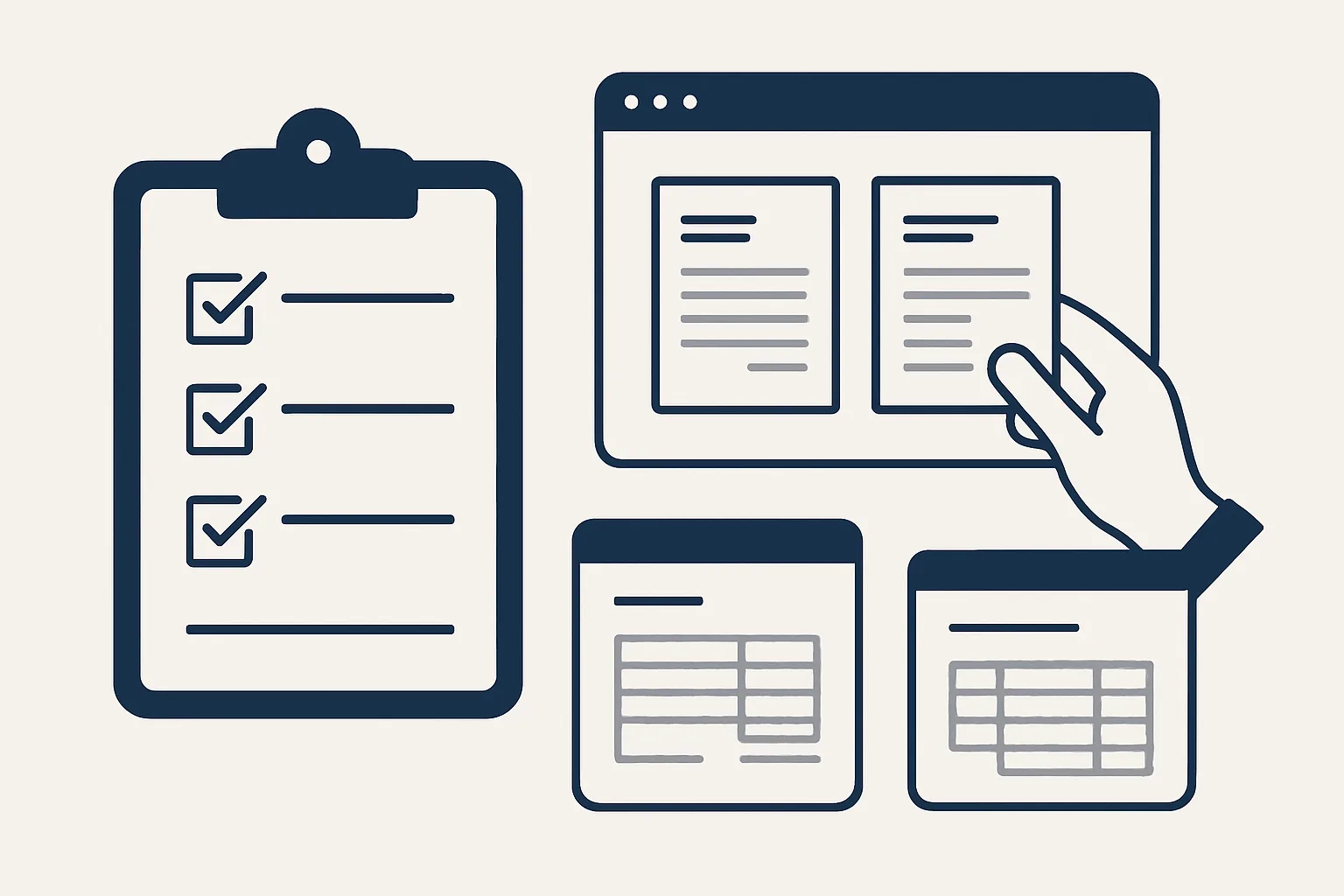
Before choosing accounts payable automation software, check how it captures invoices, how it handles credit notes and unknown suppliers, whether a person approves every bill, where the PDFs are filed and how the cost grows with volume. Software is one route; a done-for-you automation inside your existing accounting system is another.
Software, add-on or done-for-you
There are three routes to automating supplier bills: standalone accounts payable automation software, an add-on to your accounting system, or a done-for-you automation built and run for you.
Each route can work. They differ in who sets it up, who looks after it, where your documents end up and what happens when you stop. Standalone accounts payable automation software is a separate system your team logs into; bills are captured there and pushed to your books. An add-on sits inside or beside your accounting system and usually covers capture and entry. A done-for-you service builds the job around the way you already work and runs it for you.
As a rough guide, standalone accounts payable automation software suits a finance team with time to run another system and a volume that justifies it. An add-on suits a bookkeeper who wants capture inside the books they already keep. A done-for-you route suits an owner or a small team who want the job off their desk without learning a new tool, and who are happy to approve drafts rather than operate software.
We are in the third group, so read this checklist knowing that. The questions below are the ones we would ask of any option, including ours, and the table sets out the trade-offs between the three accounts payable automation solutions.
| Route | Who sets it up and runs it | Where documents live | Watch for |
|---|---|---|---|
| Standalone software or platform | Your team, after training | Often in the vendor's system, pushed to your books | A second system to learn; what you can export when you leave |
| Add-on to your accounting system | Your team or your bookkeeper | Usually in your books, sometimes in the add-on | How much it reads well beyond clean PDFs |
| Done-for-you automation | The provider, against your own accounts | In your own mailbox, folders and books | How exceptions reach you; how it is stopped |
Invoice capture and reading
Good capture picks up invoices where they already arrive and reads scans and odd layouts as well as clean PDFs.
Most accounts payable automation software looks excellent with a tidy PDF from a large supplier. The test is the rest of your post: the scanned delivery invoice, the photo taken on a phone, the supplier who sends three invoices in one file, the email where the invoice is in the body rather than attached. Ask to see your own worst documents, not a sample.
Reading usually combines three methods: templates for suppliers whose layout never changes, optical character recognition for scans, and an AI model for everything else. What matters is less the method than the check that follows: are the supplier, the totals and the invoice number compared with what you already know before anything is entered? Questions to ask:
- Where does it collect invoices from: a mailbox you already use, a forwarding address, a shared folder, an upload screen?
- Does it read scans and phone photos, and what happens when it cannot?
- Does it split a file that holds several invoices?
- Does it compare the lines with the total and stop if they disagree?
- Does it notice the same invoice arriving twice?
- Can it tell an invoice from a statement, a reminder or a quote?
Exceptions: credit notes, refunds, new suppliers
The best accounts payable automation software is the one that hands you its exceptions cleanly instead of guessing.
A credit note entered as an invoice doubles a cost instead of reducing it. A refund entered against the wrong bill leaves two open items where there should be none. An unknown supplier created automatically fills your supplier list with near-duplicates that someone has to merge later. These mistakes are rare per document and expensive in total, because they are found late.
Ask each option what it does in each case. The answer you want is that a credit note is recognized as one, that anything it cannot enter exactly goes to a person with the document attached and a plain note of what was unclear, and that a new supplier is created only after a person approves it. That is how our supplier bills robot works, and it is running today for a client.
While you are asking, check what the person receives. An exception that arrives as a vague alert in another system is easy to ignore. One that arrives with the document, the reason and a clear next step is dealt with the same day.
Approvals and audit trail
Every bill should stay a draft until a person approves it, and every action should be on a record you can read.
Some accounts payable automation software can post bills and even schedule payments with no one looking. That may suit a large finance team with layered controls. For most businesses, the safer rule is the one ours run under: the software prepares drafts, a person approves each bill, and nothing is paid by a robot.
Check the audit trail as carefully as the reading. It should show when each document arrived, what was read, what was created, what was handed back and who approved it. When your accountant asks why a bill was coded a certain way, the answer should be on the record. Ask, too, how the system is stopped. Ours have a kill switch that stops any robot in one command.
Score one accounts payable option
Score one option at a time: tick each statement that is true of it. Repeat for every option you are comparing and note each score.
Filing and accounting-system fit
The PDF should be attached to the bill in your books and filed under the supplier in your own folders, and the tool should fit the accounting system you already use.
Filing is easy to overlook in a demonstration and painful to fix later. If the documents live only inside a vendor's platform, leaving it means an export, a migration and a gap in your archive. If every PDF is attached to its bill and also filed in a folder you own, nothing has to move when the arrangement ends.
Fit matters just as much. An accounts payable automation platform that asks you to change accounting systems, rename your suppliers or rebuild your chart of accounts is a larger project than it first appears. Ask what it needs from your books, how it codes regular suppliers, and whether it learns from the corrections your team makes.
Finally, ask who looks after the connection when something changes: a new mailbox, a supplier who changes layout, a renamed folder. With accounts payable automation software, that is usually your team's job. With a done-for-you route, it should be the provider's, and the contract should say so.
Pricing models to compare
Compare how the cost grows with your volume and what you keep if you stop, not just the starting price.
Pricing for accounts payable automation software comes in a few common shapes. Each can be fair; the right one depends on how many bills you handle and how that number moves through the year.
- Per document: you pay for each invoice processed. Simple, but busy months cost more.
- Per user: you pay for each person who logs in. Watch for approvers you must license just to say yes.
- Tiered subscription: a band of volume per month. Check what happens when you cross into the next band.
- Monthly fee per workflow: one figure for a job done for you. Ours are rented this way, stated in the quote.
- Set-up and exit: ask about any onboarding charge, any minimum term, and what you can take with you.
Running a fair trial
A fair trial uses your own documents, measures your own time, and compares options on the same month of bills.
Whatever you shortlist, judge it on evidence rather than a demonstration. The steps below keep the comparison even.
- Collect a month of real supplier documents, including scans, credit notes and anything awkward.
- Count them and note how long your team takes per bill today. The checklist on this page helps you score each option first.
- Give each option the same documents.
- Count how many were drafted correctly, how many came back as exceptions and how many were wrong without saying so.
- Time how long your team takes to review the drafts.
- Check where every PDF ended up and what the audit record shows.
- Ask how you would stop, and what you would keep if you did.
Questions
What is the best software for accounts payable automation?
The one that handles your own documents and exceptions well. Test options on a month of your real bills, including scans and credit notes, and compare what each drafts correctly and what it hands back.
How do you automate accounts payable?
Collect supplier invoices from where they arrive, read them, check them against your supplier list, create draft bills with the PDF attached, file the PDF under the supplier and pass anything unclear to a person. A person approves and pays.
Is AI replacing accounts payable?
It takes reading and typing out of the job. Approvals, supplier questions, payment decisions and the exceptions still need people.
What is the difference between accounts payable automation tools and a platform?
The words overlap. A tool usually does one part, such as capture. A platform tends to cover capture, approval and sometimes payment in one system your team logs into.
Do I have to change my accounting system?
You should not have to. Ask any option to work inside the accounting system you already use, and be wary of one that needs your books, suppliers or chart of accounts rebuilt first.
Want hours back from this work?
Write to [email protected] with how many supplier bills you handle each month and how long each takes, and we will tell you plainly whether our done-for-you route fits.
Talk to us Related service: Supplier bills

