AI and sales fit together best around the repeat work: finding leads, writing drafts, following up and keeping records. The human parts stay human: listening, advising, setting prices and closing. A small business gains time for the conversations that win customers.
How are AI and sales connected?
AI helps sales by taking the repeat jobs, so people have more time for the conversations that win customers.
Say a small bakery sells bread and cakes to cafes and offices. The owner spends her mornings baking, and her afternoons chasing orders: writing to new cafes, answering price questions and remembering who ordered last month. AI can prepare those messages and keep the list. She still tastes the bread and talks to the customers.
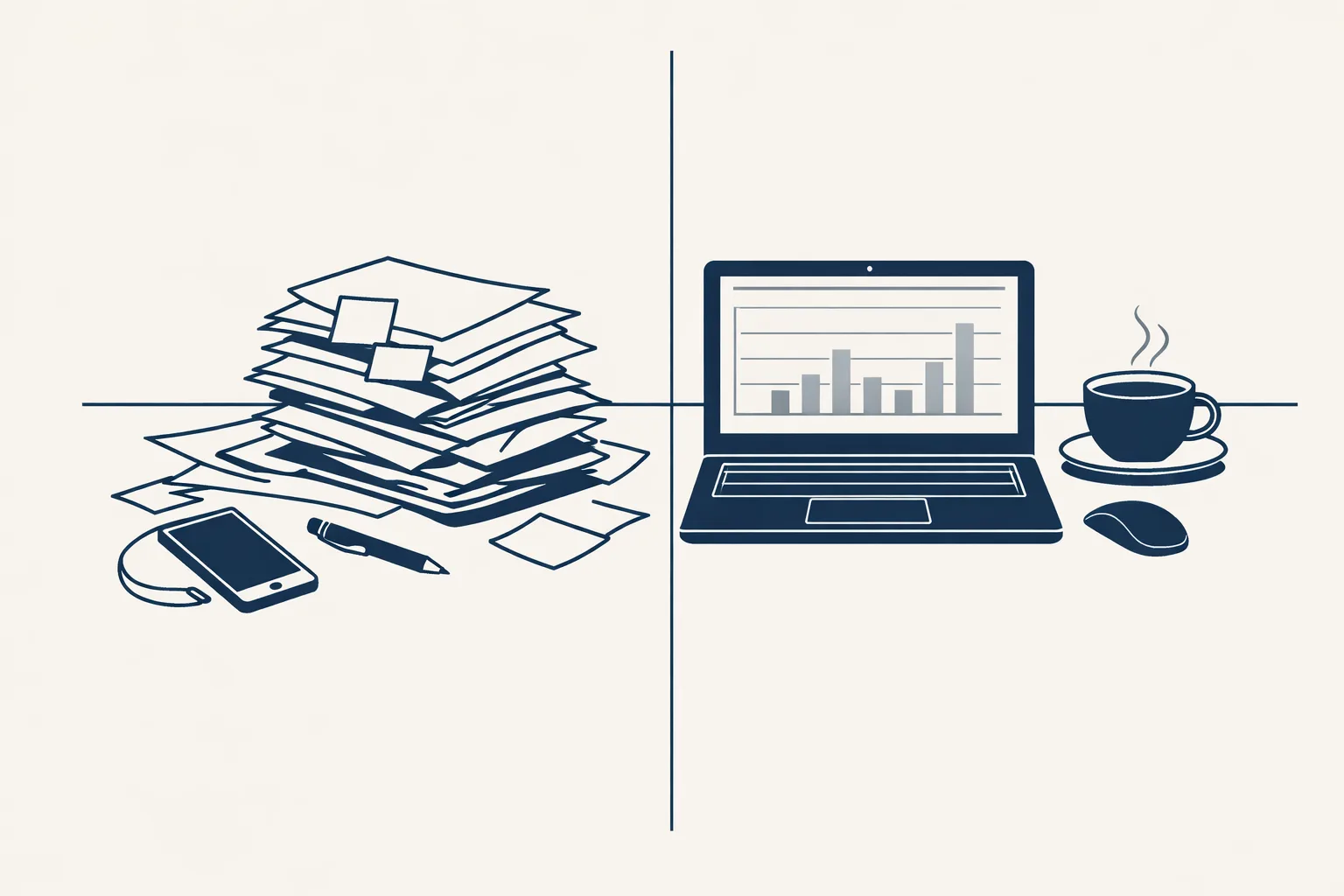
The change is not that a machine sells for you. The change is that the boring parts of selling stop eating your week.
Think of it as a good assistant who never gets tired of the dull parts. The assistant doesn't decide who you sell to or what you promise. It makes sure the list is ready, the draft is written and nothing is forgotten.
That's why the question for a small business isn't "should we use AI in sales?" It's "which job do I want back first?"
Which sales jobs change, and which stay human?
Jobs that repeat and follow clear rules change the most, while jobs that need trust and judgment stay with people.
Picture a small trading company. A first email to a new company is almost the same every time, so a draft can be prepared. A call with a buyer who is worried about delivery dates is different every time, so a person takes it.
A useful rule: the more a job depends on knowing the customer personally, the less it should be automated. The more it depends on a list and a date, the more it should be.
Here's a plain split:
| Sales job | Changes with AI | Stays with you |
|---|---|---|
| Finding companies that fit | A list is built and ranked from public sources | Deciding who you want as customers |
| First email | A draft is prepared, one per person | Approving the tone and offer |
| Follow-ups | Prepared on a schedule | Choosing the rhythm |
| Records | Updated as replies arrive | Reading them |
| Price and terms | Nothing | Everything |
| Talking to buyers | Nothing | Everything |
What are the risks for a small business?
The main risks are sending too much, sending to the wrong people and losing your own voice.
A small online shop might be tempted to email thousands of strangers because a tool makes it easy. That harms the sender's name, annoys people and breaks the trust a small business depends on. Faster is not better if it is careless.
Here's a small case. A wholesaler sends a follow-up to a buyer who already said no last week, because nobody updated the list. The buyer is annoyed, and the wholesaler looks careless. Good records prevent that, and records are exactly what a helper can keep tidy.
Keep these habits to stay safe:
- Write only to businesses that could really use what you sell.
- Take addresses from public business sources, never guess them.
- Never write to private individuals in a sales campaign.
- Put a clear way to opt out in every email.
- Stop at the first no, and never write again.
- Read what goes out in your name, especially at the start.
Which sales jobs would you like to hand over?
Tick the jobs that cost you time today. The more you tick, the more of your sales week could be freed up.
How do I try AI in my sales, step by step?
Start small: one job, one list, one month, and look at the result before you add more.
A family business could begin with its follow-ups. Today they depend on the owner's memory. With a sheet that lists every open quote and a date for the next step, a draft follow-up can be ready on the right day.
Keep a short weekly note. How many leads did we find? How many replies? How many hours did we spend? After a month you'll have your own answer to whether it helps, with no need to trust a sales pitch.
Here's a calm way to begin:
- Write down what a good customer looks like.
- Pick the one sales job that costs you the most time.
- Put the leads or quotes for that job into a single sheet.
- Run the job by hand for a couple of weeks and note how long it takes.
- Let a helper prepare drafts for that job only.
- Check the results every week and adjust before adding a second job.
Where do we fit in?
We build the helper for the repeat jobs and leave the selling to you.
Lead lists and outreach run today for our own brand. They use only public business sources, send one email to one recipient, carry an opt-out line, and stop on a reply, a bounce or a no thanks. Incoming enquiries on one register, with a draft first reply and draft follow-ups, are built to order. The helper works inside Gmail and Google Workspace, Google Drive and Google Sheets. You see every draft before it goes out, and you choose when it goes automatic.
We don't run phone or voice agents, chatbots on websites or paid ads. If you tell us which sales job you want back, we'll tell you honestly whether we can help.
Questions
How is AI used in sales?
Mostly for the repeat work: building lead lists, drafting emails, preparing follow-ups, reading replies and keeping records.
Will AI replace salespeople?
No. It takes over repeat jobs. People still listen, advise, set prices and close.
Is it safe to use AI for outreach?
Yes, if you write only to relevant businesses, use public sources, offer an opt-out and stop at the first no.
Can a small business afford AI in sales?
Start with one job and a sheet you already have. A small start costs little.
Do you run this today?
Lead lists and outreach run today for our own brand. For clients, we build to order.
Tell us your workflow. We will build it around you.
Tell us which sales job you'd like back. Write to hello@thenewaiemployee.com and we'll tell you honestly what we can do.
Talk to us Related service: Lead lists and outreach