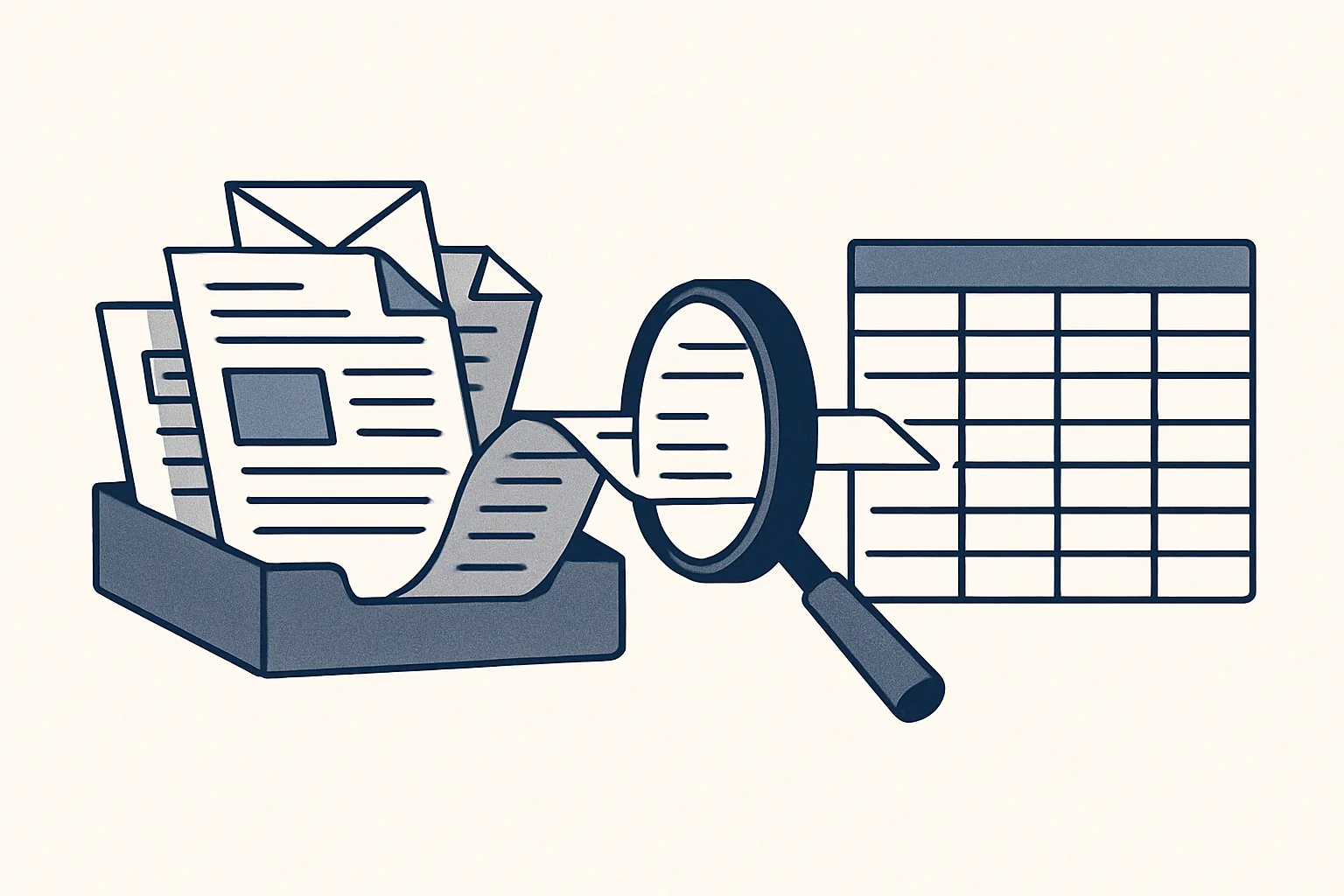
AI automation combines ordinary automation, which follows fixed rules, with AI that can read messy inputs such as emails, PDFs and scans. Together they can take a routine office job from the inbox to a finished draft, with a person approving the result.
What AI automation means
AI automation is ordinary automation with a reader added: fixed rules do the steps, and AI reads the messy inputs those rules could not handle on their own.
Ask what is AI automation and you will hear very different answers. Some people mean a chatbot. Some mean software that writes text or images. Some mean a robot that clicks through screens the way a person would. In an office, the useful meaning is narrower and more practical: a routine job, from the moment its input arrives to the moment a draft result is ready, done by software that can read the input and follow the rules.
Think of a supplier invoice arriving by email. Ordinary automation can move a file from one folder to another, or copy a field from one system to another, as long as the data is already tidy. It cannot read a PDF with an unfamiliar layout and work out which number is the total. AI can. Put the two together and the whole job can run: the AI reads, the rules check and file, and a person approves.
That combination of AI and automation is what we build. Each one does one named job, works inside the client's own accounts, produces drafts and passes anything unclear to a person.
How it differs from classic automation
Classic automation follows fixed rules on tidy data; AI automation can also read untidy data, such as free-text emails and scanned documents, and turn it into something the rules can use.
The question of AI vs automation is a false choice in most offices. Each is good at something the other is not. Rules are exact, cheap to run and easy to check, but they break when the input changes shape. AI copes with variety, but it can be wrong in ways rules never are, which is why its output needs checks and a person at the end.
A simple way to hold the two apart: rules answer the question what should happen next, and AI answers the question what does this document say. Most office jobs need both questions answered, many times a day.
The table sets out the difference in plain terms.
| Rules automation | AI automation | |
|---|---|---|
| Input it handles | Tidy, structured data: form fields, sheet rows, system exports | Also messy input: emails, PDFs, scans, photos |
| How it decides | Fixed rules written in advance | Reads and interprets, then applies the same fixed rules |
| When the input changes | Stops or fails | Usually copes, and flags what it cannot read |
| Kind of mistakes | Predictable, from a wrong rule | Occasional misreadings, caught by checks and review |
| Who checks the result | Often nobody, once trusted | A person, before anything leaves the company |
| Good for | Moving and copying data that is already clean | Turning incoming documents into draft records |
What it can read: emails, PDFs, scans
AI automation can read the documents that arrive in an ordinary business every day: emails, PDF attachments, scanned paper and photos.
Reading usually works in layers. Documents you see often, such as invoices from regular suppliers, can be read by template, which is fast and exact. Scans and photos are read with character recognition, which turns the picture into text. Anything unusual is read with a model's help. The result of each layer is then checked by plain rules: the tax should fit the total, the supplier should exist, the date should be sensible.
This is where AI for automation pays its way. The reading step is what used to need a person, because no rule could cope with a hundred different layouts. Once the reading is reliable and checked, the rest of the job is ordinary automation.
What it reads well, and what it reads less well:
- Reads well: typed invoices, credit notes, delivery notes, order confirmations, receipts and routine emails.
- Reads well: documents from senders it has seen before, in layouts it knows.
- Reads less well: handwriting, faded thermal paper, photos taken at an angle, documents in a language it was not set up for.
- Cannot read: what is not on the page, such as an agreement made by phone.
- Always passes to a person: anything it cannot read exactly, rather than guessing.
Rules automation, AI automation, or leave it manual?
Pick one task from your week. Tick each statement that is true of it. The result suggests which kind of automation fits, or whether it should stay with a person.
Where a person must stay in the loop
A person must stay in the loop wherever something leaves the company or money moves: sending, signing, approving and paying.
The rules ours run under are short. The robots only produce drafts. Nothing is ever sent by a robot. Every action is written to an audit record. Anything the robot cannot do exactly goes to a person instead of being guessed. A kill switch stops any robot in one command, and nothing is switched on without the client's yes.
That loop is not a weakness of AI automation; it is what makes it usable. A reading mistake caught at the review costs a minute. A reading mistake sent to a customer, or entered into the books as final, costs far more and is harder to find. Here is where the person sits in a typical job.
- The input arrives in a mailbox, a folder or a sheet.
- The robot reads it and checks what it read against known facts and rules.
- Clear cases become drafts: a draft bill, a draft invoice, a draft email.
- Unclear cases go to a person with a short note on what is unclear.
- A person reviews the drafts and approves, corrects or rejects each one.
- Only then does anything leave the company, and a person sends it.
Common first projects
Good first projects are routine office jobs that start with a document or an email and end with a record or a draft: invoicing, supplier bills, purchase orders, filing and mail digests.
Here are AI automation examples that run today for clients: sales invoices prepared from a sheet that remembers clients and products, with a draft invoice and a draft email; supplier bills read from the mailbox and entered as drafts with the PDF attached; purchase orders rendered from one sheet row; incoming invoices filed by month; a price history of every product line; and a morning digest of the previous day's unanswered email across several mailboxes.
Offered and built to order on the same engine: bank matching suggestions, payment reminders drafted, drafted customer replies, inquiries logged with draft follow-ups, expense receipts, onboarding paperwork and meeting minutes.
What these have in common is more useful than the list itself. Each job repeats often, follows rules you can write down, and ends in something a person can check faster than doing it by hand. If a job in your business fits that description, it is a candidate, whatever your trade.
A poor first project looks different. It happens rarely, every case is different, or the result cannot be checked without redoing the work. Negotiating with a supplier, deciding on credit or answering a complaint are examples. Those stay with people, and no amount of reading ability changes that.
How to judge whether AI automation is working
Judge AI automation by your own measure: the hours the job took before, the hours it takes now, and how often a person has to correct a draft.
Before you start, count the job by your own rule: how many times a month it happens and how long each one takes. That is the baseline, and it is the only measure we talk about. Afterwards, the same count shows the time spent reviewing drafts and handling the cases that were passed to a person.
Watch the corrections too. In the first weeks, a person will edit some drafts. Each correction points to a rule that needs tightening or a document type the robot has not yet seen. If corrections fall over time, the job is settling. If they do not, the job may be a poor fit, or part of it should stay manual.
It also helps to name one person who owns the job on your side. That person reviews the drafts, answers the questions the robot passes on and decides when a rule should change. Without an owner, corrections pile up and nobody learns from them.
Ours are rented monthly and run on our servers against your own mailbox, folders, sheets and accounting system. If a job is not working, it can be changed or switched off, and everything it touched is already in your own accounts. The self-check above helps you sort one of your tasks before you write to anyone.
Questions
What is AI automation in simple terms?
Software that can read messy inputs such as emails and PDFs, then follow fixed rules to turn them into drafts or records, with a person approving the result.
Is AI automation the same as robotic process automation?
Not quite. Robotic process automation follows fixed steps on screens and tidy data. AI automation adds a reading step for untidy inputs, then uses the same kind of rules.
How can I automate my business using AI?
Start with one routine job that begins with a document or email and ends with a record or draft. Write its steps down, count its hours, and keep a person checking the result.
Does AI automation make mistakes?
It can misread a document. That is why ours checks what it reads against rules, passes unclear cases to a person, and only ever produces drafts.
Will AI automation replace office staff?
Ours does not. It takes typing, copying and filing out of a job. Checking, signing and decisions stay with people.
Want hours back from this work?
Write to [email protected] with one routine task and the hours it takes you each month, and we will tell you plainly whether rules, AI or a person should do it.
Talk to us Related service: Services

