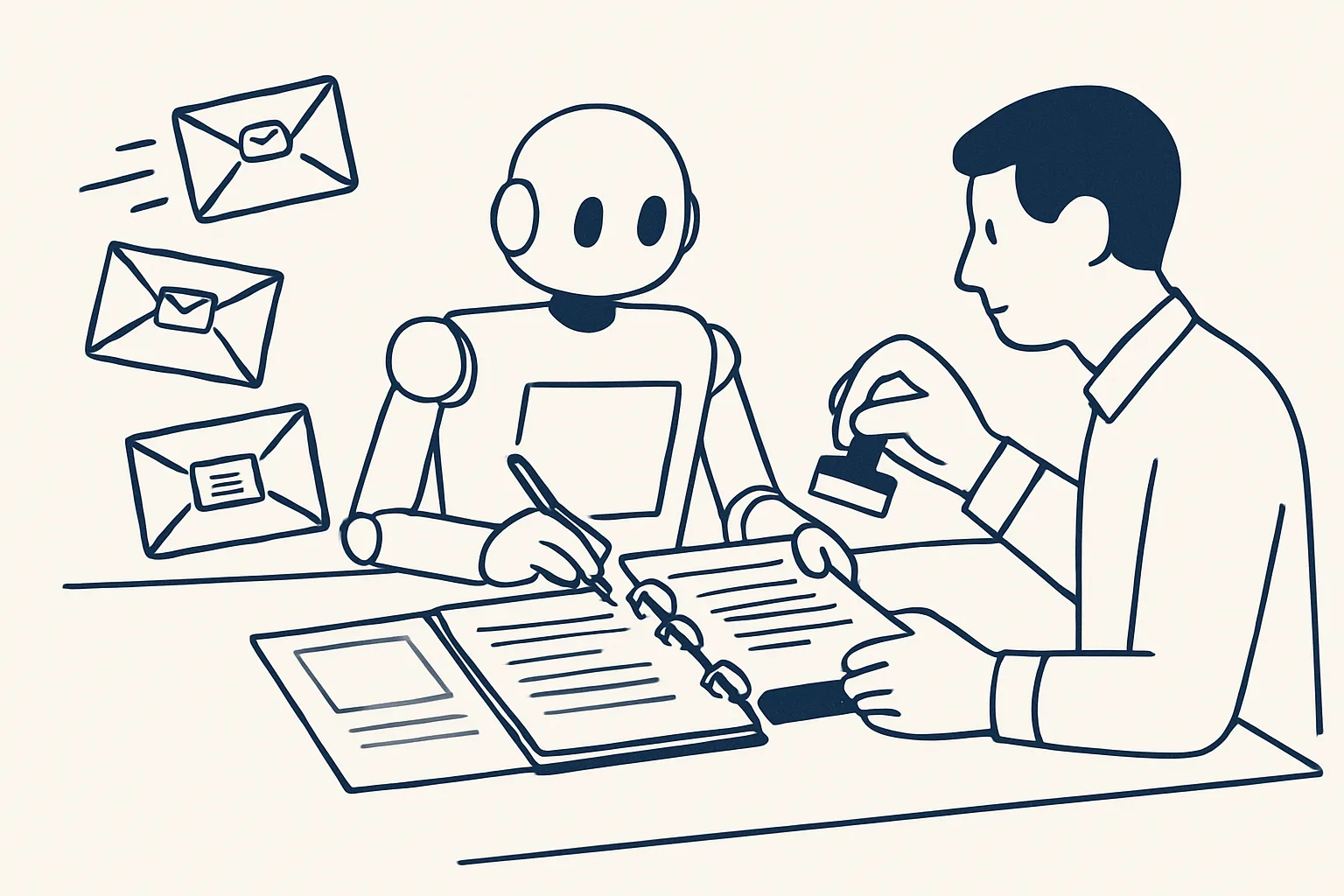
AI customer service does not have to mean a chatbot answering on its own. For email, AI can read each customer message, sort it and write a draft reply from your own past answers and documents; a person then checks it and sends it.
Chatbot versus drafted replies
AI customer service comes in two very different forms: a chatbot that answers customers by itself, or a robot that drafts replies for a person to check and send.
The chatbot is the version most people picture. It sits on a website or in a messaging app and answers whatever it is asked, straight away, with nobody reading the answer first. That can work for simple, low-stakes questions. It can also give a wrong answer to a customer in your name, with nobody noticing until the customer complains.
The drafted-reply version works in the inbox instead. Customer emails arrive as they always have. Each one is read, sorted and given a draft reply, written from your own past answers and documents. A person opens the draft, checks it, edits it if needed and presses send. The customer always gets a reply a person has read.
Ours is the second kind, and it is offered and built to order. It is not a chatbot on a website, and nothing answers a customer by itself. The table sets the two side by side.
Both are sold as AI customer service, which is why the distinction matters before you choose. If your customers mostly write by email about real orders, accounts and documents, the inbox version usually fits better than a bot.
| Chatbot | Drafted replies by email | |
|---|---|---|
| Where it works | A chat window on your site or app | Your own mailbox |
| Who sends the answer | The bot, straight away | A person, after checking |
| Where answers come from | Whatever it was trained or set up with | Your own past replies, policies and documents |
| Risk of a wrong answer reaching a customer | Present, and often unseen | Caught at the check before sending |
| Speed | Instant | As fast as a person can review a ready draft |
| Best for | Simple, public questions | Real customer emails about orders, accounts and documents |
How draft replies are written
Each draft is written from your own material: replies your team has already sent, your policies, price lists and product documents.
This is the core of how to use AI for customer service without losing your voice. The robot does not invent a policy or a promise. It looks for how your team answered the same kind of question before, checks the facts it needs against your own documents and sheets, and writes a draft in the same tone.
Good AI customer service by email also knows when not to draft. If a customer asks about something your records do not cover, the draft says so plainly, or no draft is written at all, rather than filling the gap with a confident guess.
Here is what happens to one customer email, step by step.
- A customer email arrives in the shared mailbox.
- The robot reads it and works out what kind of request it is, such as a delivery question, a document request or a complaint.
- It looks up the facts it needs in your own records, for example the order, the invoice or the product sheet.
- It finds how your team answered similar emails before and which policy applies.
- It writes a draft reply in the same thread, with any document attached, and marks what it is unsure about.
- If the email does not fit any known type, or needs a decision, it leaves no draft and flags the email for a person instead.
- A person checks the draft, edits it if needed and sends it.
Sorting and priority
Before any draft is written, each email is sorted by type and urgency, so the person on duty sees what matters first.
Sorting is often the quiet win of customer service automation. A shared inbox mixes orders, complaints, supplier messages, invoices, newsletters and spam. The robot separates them, labels each customer email by type and pushes the urgent ones, such as a failed delivery or an angry follow-up, to the top.
Urgency is set by your own rules. A business that ships goods may treat a delivery failure as urgent; a service business may treat a canceled appointment the same way. The rules are written down once and applied the same way to every email, which is something a busy person at the end of a long day cannot always promise.
One related job runs today for clients: a morning digest of the previous day's new and unanswered emails across several mailboxes, sorted by business, each with a short gist and the full text one tap away, with newsletters and codes filtered out. Drafting replies on top of that sorting is the part offered and built to order.
The benefits of AI in customer service, in this form, are practical rather than dramatic: fewer emails missed, the same answer to the same question, and less time spent looking up the facts before writing.
Which of your customer emails suit drafted replies?
Tick each type of email that is among your most common. Every item here suits a drafted reply; complaints, disputes and exceptions are left off on purpose, because they stay personal.
The human check before sending
Every reply is checked and sent by a person; the robot only produces drafts and nothing is ever sent by a robot.
The check is not a formality. It is where a person catches a draft that misread the customer, adds the personal touch the situation needs, or decides that this one needs a phone call instead. A good draft makes the check quick; it does not make it optional.
This is the line between AI customer service you can trust and AI customer service you have to watch. When a person reads every reply before it goes, a mistake costs a minute of editing. When nobody reads it, a mistake costs a customer.
Every action is written to an audit record: which email arrived, how it was sorted, what the draft said and who sent the final reply. When a customer later disputes what they were told, the answer is on the record.
A kill switch stops any robot in one command, and nothing is switched on without your yes.
What stays personal
Complaints, disputes, refunds outside policy, bad news and anything that needs a decision stay personal: the robot flags them rather than drafting a reply.
AI customer support works best on the questions your team answers the same way every week. AI customer service works badly on the conversations that decide whether a customer stays. Those deserve a person from the first word.
A sensible split for most businesses looks like this.
Your own split will differ. A wholesaler may draft quotes from a price list freely, while a clinic would keep anything about a booking change personal. The point of writing the split down is that the robot follows it every time, and that changing it is a decision, not an accident.
- Drafted: where is my order, when will it arrive, can you resend the invoice, what are your opening hours, how do I return an item, do you have this in stock.
- Drafted with care: changes to an order, requests for a quote from your price list, questions about a product's specification.
- Personal: complaints, damaged goods disputes, refunds outside your policy, legal threats, anything about a person's health or safety.
- Personal: any customer who has already written more than once about the same problem.
- Personal: anything that needs a decision on price, credit or an exception.
Getting started with your own answers
Start AI customer service with your own answers: collect the replies your team already sends to the most common questions and the documents they rely on.
Look at a month of customer email and list the types that come up most. For each, find two or three good replies your team has sent, and the policy or document behind them. That collection is what the drafts are written from, and it is usually already sitting in the sent folder.
Then decide who checks the drafts and where they appear: in the same thread, ready to send. Our AI employees are rented monthly and run on our servers against your own mailbox, so the emails, drafts and replies stay in your account throughout.
Expect the first weeks of AI customer service to need more editing than later ones. Each correction a person makes shows where a past answer was out of date or a policy was unclear, and fixing those at the source improves every draft that follows.
Finally, measure by your own rule: how many customer emails a week, and how long each takes today from opening to sending. That figure, in hours, is the only measure we use. The sorter above helps you see which of your email types suit drafted replies and which should stay personal.
Questions
Will AI customer service replace my support team?
Not ours. It drafts replies and sorts the inbox; people check, send and handle every conversation that needs judgment.
Can the robot reply to customers automatically?
No. Nothing is ever sent by a robot. Every reply is a draft until a person checks it and presses send.
How does it know what to say?
It writes from your own past replies, policies and documents. Where it cannot find a clear answer, it flags the email for a person instead of inventing one.
Do we need a chatbot on our website?
Not for this. Drafted replies work inside your existing mailbox. Whether a website chatbot also suits you is a separate question; we do not build one.
What are the benefits of AI in customer service by email?
Fewer emails missed, the same answer to the same question, and less time spent looking up facts before writing, while a person still reads every reply.
Want hours back from this work?
Write to [email protected] with how many customer emails you answer each week and how long they take, and we will tell you plainly whether drafted replies fit.
Talk to us Related service: Customer replies

