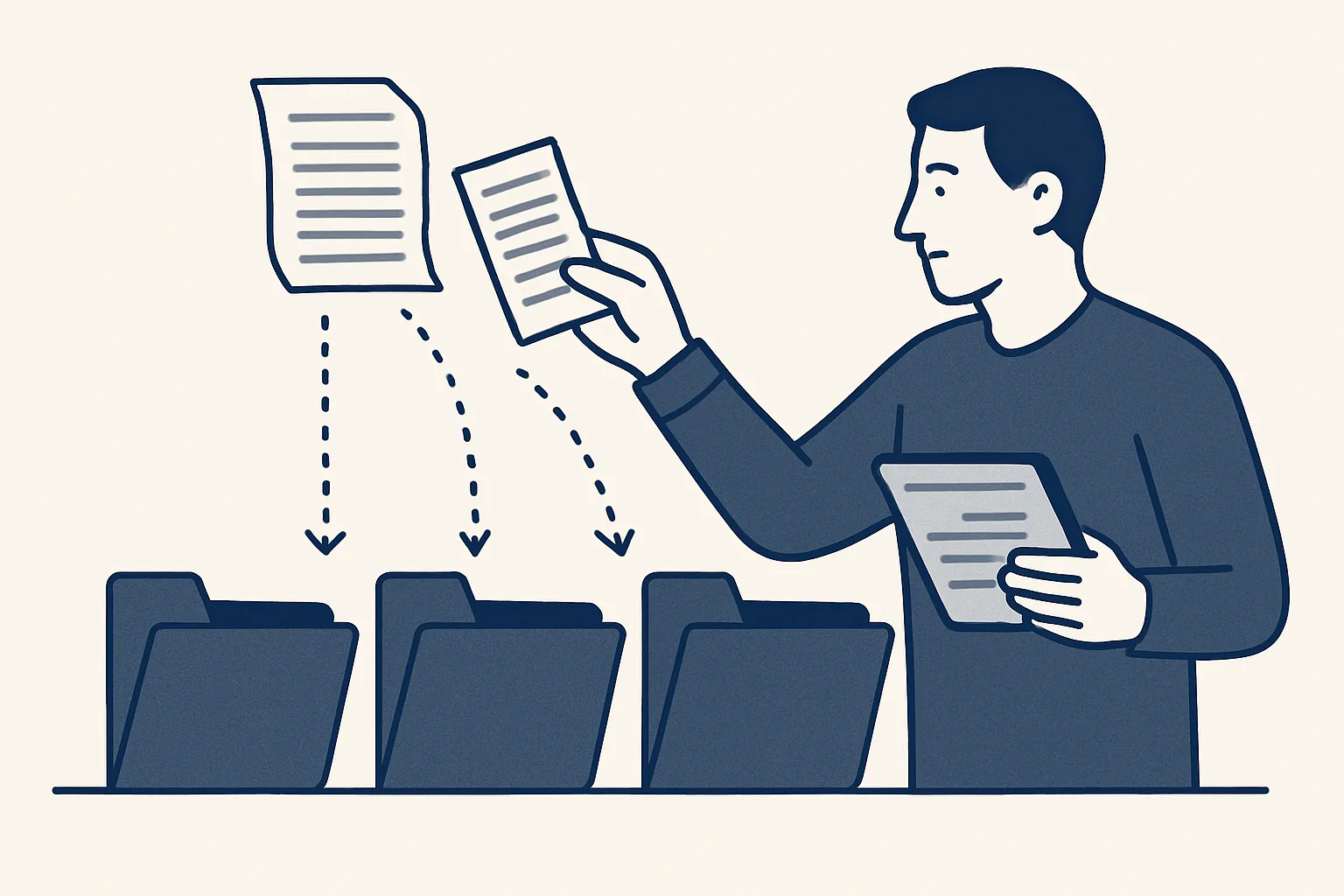
Bookkeepers use AI to take the typing out of the job: supplier bills and receipts read into draft entries with the PDF attached, documents filed by client and month, and missing items flagged. With AI for bookkeepers done this way, the bookkeeper reviews, approves and handles the exceptions.
Where a bookkeeper's week goes
Most of a bookkeeper's week goes on moving information from documents into the books, which is exactly the part AI for bookkeepers is built to prepare.
Look at a typical week in a small practice. Supplier bills arrive by email, in client portals and as photos. Receipts come in batches at month end, some readable, some not. Each document is opened, read, typed into the right client's accounting system, coded, attached and filed. Then come the gaps: a bill that never arrived, a receipt with no date, a client who forgot to send the bank statement.
The skilled work, such as coding decisions, matching the bank to the books, queries from clients and the conversations about what the numbers mean, gets squeezed into whatever time is left. That is why the question many bookkeepers ask is not whether bookkeeping AI can replace them, but whether it can take the typing away so they can do more of the work only they can do.
There is also the calendar. Month end, quarter end and year end arrive for every client at once, and the typing arrives with them. A practice that can keep up in a quiet week can fall behind in a busy one, simply because the same documents have to be entered before any of the real review can start.
Taking out the typing makes room. Whether that room goes to more clients, better service for existing ones or shorter evenings is the bookkeeper's choice. Nobody can promise a figure, and we do not.
Bills and receipts in
Supplier bills and receipts can be read as they arrive and turned into draft entries in the client's accounting system, with the PDF or image attached.
Our supplier bills robot is running today. It reads the mailbox and a drop folder, recognizes supplier invoices and credit notes, creates the draft bill in the accounting system with the PDF attached and files the PDF under the supplier. Anything it cannot enter exactly, such as a refund or an unknown supplier, goes to a person instead of being guessed. A new supplier is created only after approval. For a bookkeeping practice, each client gets its own setup against that client's own mailbox, folder and accounting system.
Expense receipts work on the same engine: photos and PDFs read into draft expense entries with the image attached, sorted by person and month. That service is offered and built to order.
What makes AI for bookkeepers practical rather than risky is the draft stage. It prepares what a junior would have typed, with the document beside it, ready for the bookkeeper. When the same correction keeps coming up, such as a supplier whose fuel charges go to a different account, it becomes a written rule, and the next draft applies it.
The route a document takes:
- The client's supplier emails a bill, or the client drops a scan or photo into their folder.
- The robot recognizes it as a bill, a credit note or a receipt, and reads the supplier, date, number, lines and totals.
- Layouts it knows are read by template, scans by text recognition, and the rest with the help of a model.
- If everything is clear, it creates a draft entry in that client's accounting system with the document attached.
- If anything is unclear, it goes to the bookkeeper's exception list with a short note.
- The bookkeeper reviews the drafts and approves them; every step is written to the log.
Filing by client and month
Every document can be filed automatically in the right client's folder, by month and by supplier, so the archive is complete without anyone dragging files around.
Our invoice filing robot is running today: invoices arriving in the company mailboxes are filed by month into the accounting folder. For a practice, the same rule applies per client, and this is one of the quieter gains of AI for bookkeepers: the archive keeps itself in order. When a client or an inspector asks for a document, it is where the rules say it should be, and the draft entry links to it.
A clean folder structure for each client usually looks like this:
- One folder per client, holding nothing else.
- Inside it, one folder per month, named the same way for every client.
- Supplier bills filed under the supplier's name within the month.
- Receipts filed under the person who spent the money.
- Credit notes kept beside the bill they relate to.
- A register sheet listing every document, its draft entry and its status.
Your monthly hours on document entry
Enter your own figures. The result is the time your practice spends each month on typing, attaching and filing documents today, by your own count; it is not a promise of what automation would change.
Exceptions and approvals
The bookkeeper's time moves from typing every document to checking drafts and deciding the exceptions.
This is where AI bookkeeping services differ most. Some post entries directly and leave the bookkeeper to find mistakes later. Ours work in the client's own accounting system, with the document attached and every action on record, and start every step with the bookkeeper's approval. A draft that is wrong costs a minute to correct; an entry posted wrongly can cost an afternoon to trace.
Approval itself can be quick when the drafts are tidy. Many bookkeepers work through a client's drafts in one sitting: open the draft, glance at the attached document, confirm the coding, approve. The ones that need thought are already separated out on the exception list, with a note of why the robot stopped.
The table shows how the work divides.
| Task | Robot | Bookkeeper |
|---|---|---|
| Reading bills and receipts | Reads and extracts the details | Checks the draft against the document |
| Coding | Applies the rules it was given | Decides new cases and changes the rules |
| Unknown supplier | Stops and passes it on | Approves or rejects the new supplier |
| Refunds and credit notes | Passes them to a person | Matches and enters them |
| Filing | Files the document by client and month | Nothing, unless a rule changes |
| Approval | Never approves | Approves every entry |
| Payments | Never moves money | Handled by the client or the bookkeeper as today |
Chasing client documents
Missing documents can be spotted and the request drafted, so chasing clients takes a review rather than a morning.
Every bookkeeper knows the gap between what a client should send and what arrives. A register built from the documents already received shows what is missing: the regular supplier with no bill this month, the bank statement not yet uploaded, the receipt with no date. Our client onboarding and document-request service, which drafts the requests, collects what comes back and checks for anything missing or expired, is offered and built to order.
The request is a draft in the bookkeeper's mailbox. The bookkeeper decides whether and when to send it, and how to word it for that particular client. The draft is ready the day the gap appears.
Clients notice the difference too. A short, specific request listing exactly what is missing is easier to act on than a general reminder to send everything, and it reaches them while the month is still fresh.
Piloting with one client
Start with one client whose documents arrive regularly and whose books you know well, and extend to others only when the drafts are clean.
Pick a client with a steady flow of bills from familiar suppliers. Write down the coding rules you already apply, the usual exceptions and where the documents arrive. Use the calculator on this page to see the hours your own practice spends on entry today, by your own count.
Run the pilot for a full month before judging it. The first weeks show the exceptions; by the end of the month you will know which suppliers read cleanly, which need a rule and how long your review of the drafts actually takes. That is the honest test of AI for bookkeepers in your own practice, measured by your own count rather than anyone's promise.
Our AI employees are rented monthly, run on our servers and work inside each client's own mailbox, folders and accounting system; the records stay the client's. The price is one monthly figure per workflow, stated in the quote. Questions of tax treatment and professional rules stay with you and your adviser. AI for bookkeeping, used this way, leaves the judgement exactly where it was.
Questions
Will AI replace bookkeepers?
It takes over typing, attaching and filing. Coding decisions, exceptions, bank matching, client conversations and approval stay with the bookkeeper, and every entry starts with a person's approval.
Can AI do bookkeeping by itself?
Not safely. It can prepare draft entries from bills and receipts and flag what is missing, but someone who knows the client and the rules has to review and approve them.
How accurate is AI at reading bills and receipts?
It varies with the document. Known layouts read reliably; poor scans and unusual documents are harder. That is why anything it cannot read exactly should go to a person rather than be guessed.
Does AI bookkeeping work with my clients' existing systems?
Ours works inside each client's own mailbox, folders, sheets and accounting system, so drafts land where you already work. Ask any provider the same question before you commit.
What do AI bookkeeping services cost?
Ours are rented monthly: one figure per workflow, stated in the quote, based on the hours the job takes and how complex it is. There is no one-off sale.
Tell us your workflow. We will build it around you.
Write to [email protected] with how many documents your practice enters each month and the time each takes. We will tell you plainly whether drafting them fits your work.
Talk to us Related service: Supplier bills

