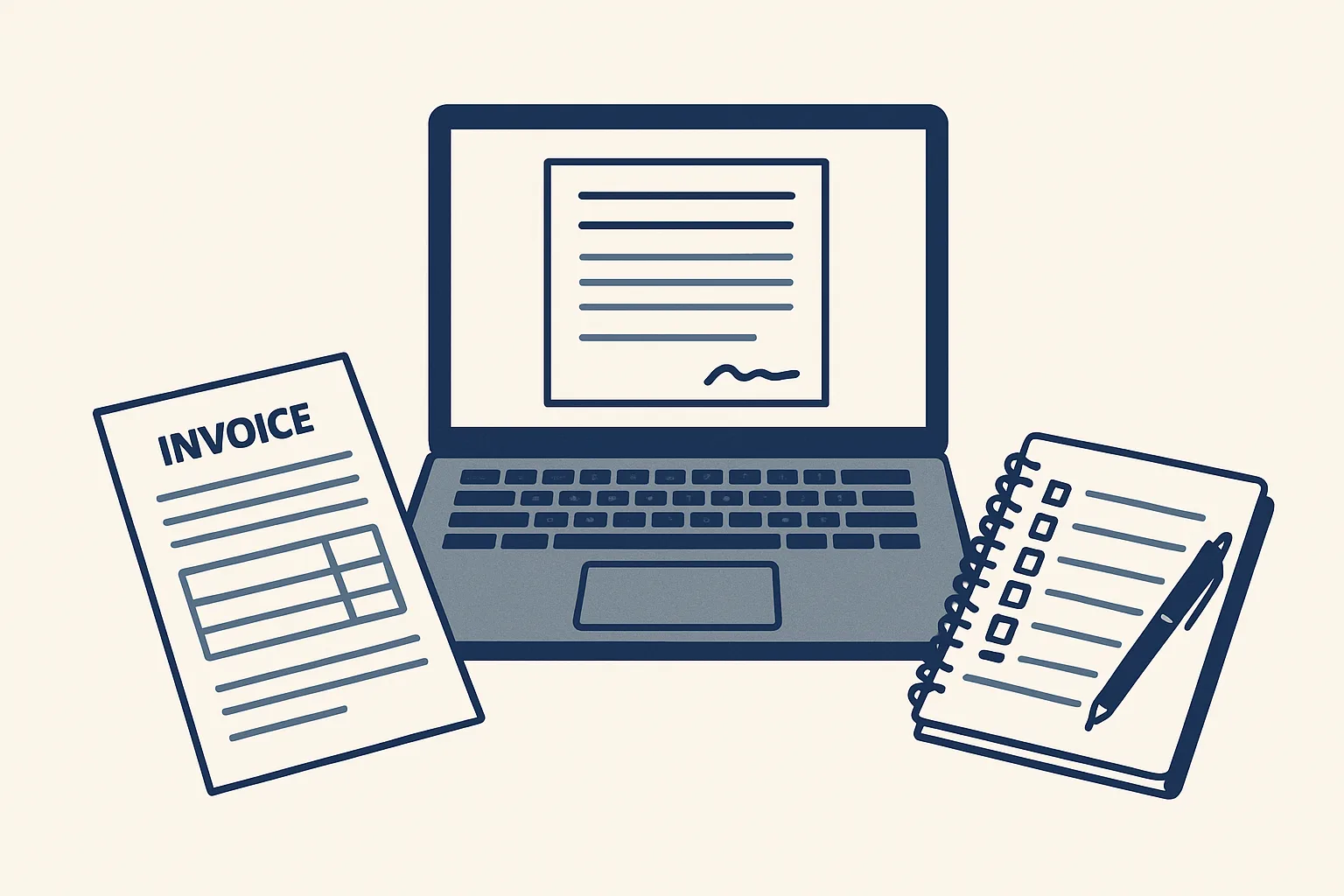
AI for consultants is most useful on the admin around the work, not the advice itself. Independent consultants and small firms hand it proposals sent as signable pages, invoices prepared from agreed fees, minutes and follow-ups drafted after client meetings, and expenses captured from receipts, with a person checking everything that goes to a client.
Admin around every engagement
The best use of AI for consultants is the paperwork that surrounds each engagement: the proposal, the contract, the invoices, the meeting notes and the expenses.
Consulting is paid for thinking, but a good share of the week goes on documents about the thinking. A new engagement needs a proposal, then a signed agreement. Each meeting produces notes, a list of actions and a follow-up email. Each month or each milestone produces an invoice, and travel produces receipts that must be rebilled or claimed. None of it is difficult. All of it repeats, and most of it happens in the evening.
That pattern, repeated and rule-based, is exactly what automation handles well. The advice, the client relationship and the judgment about what to recommend stay with you. The table shows where the admin falls across a typical engagement, what can be drafted, and whether our version of that job is running today or offered and built to order.
| Stage | Admin it creates | What can be drafted | Status with us |
|---|---|---|---|
| Winning the work | Proposal and terms | A private proposal page each party signs online | Running today |
| Starting the work | Signed agreement filed | A signature certificate filed with the proposal | Running today |
| Doing the work | Minutes, actions, follow-up emails | Draft minutes, an action list and draft follow-ups | Offered, built to order |
| Billing the work | Invoices by month or milestone | A draft invoice with the PDF and a draft email | Running today |
| Travel and costs | Receipts to rebill or claim | Draft expense entries with the image attached | Offered, built to order |
| Client questions | Routine replies by email | A draft reply from your own past answers | Offered, built to order |
Proposals signed online
A proposal can be sent as a private web page that the client reads and signs online, with a certificate recording who signed and when.
Most consultants still send a document, wait for it to be printed, signed, scanned and emailed back, and then file whichever version returned. Online contract signing removes the printing and the guessing about versions. Ours, running today, turns the proposal into a private page. Each party signs with a drawn signature, a typed name and a consent line, and a signature certificate PDF records who signed, when, and a fingerprint of the exact document, so any later change shows. No third-party signature service is involved.
This is one of the simplest places to start with AI for consultants, because a proposal that waits for a signature is work that has not started. For a consultant it also means the scope, the fee and the terms the client agreed are fixed in one record. When a question comes up months later about what was included, the answer is in the signed page and its certificate, not in an email thread.
The proposal itself is still yours. AI can draft the structure from your past proposals and the notes of the first call, but the scope, the price and the promise are decisions a consultant makes and signs.
Invoices from agreed fees
Invoice automation for consultants means each invoice is prepared from the fees you already agreed, with the PDF, ready for your approval.
Consulting fees usually follow a pattern: a monthly retainer, a fixed fee split into milestones, or days worked at an agreed rate. Once the client and the fee lines are recorded, the invoice is mostly copying. The mistakes that creep in are copying mistakes: the wrong client address, last month's reference, a missing purchase order number, the wrong tax wording for a client abroad.
Our invoicing AI employee is running today for a client. It works from a sheet that remembers clients and products, which for a consultant means clients and fee lines, and it applies the tax wording at creation. For a small consulting firm with several people billing time, the same sheet keeps every invoice in one format and one numbering, whoever prepares the row. Here is the route one invoice takes.
- You add one row to the invoicing sheet: the client, the fee line and the period or milestone.
- The sheet fills in what it already knows: the client's legal name, address, tax number and usual terms.
- A check confirms the row is complete before anything is created; you mark it ready.
- The robot renders the invoice PDF and files it in the client's folder.
- It creates a draft invoice in the accounting system with the PDF attached, and a draft email beside it.
- You review both, approve the invoice and press send yourself.
Which engagement admin should go first?
Think about your last few client engagements. Tick each admin task that costs you real time today.
Meeting notes and follow-ups
AI meeting notes are worth having when they end in something you can send: draft minutes, a list of actions with owners and dates, and a draft follow-up email.
Plenty of tools now produce a transcript. A transcript is not minutes. A client wants to know what was decided, who will do what and by when. The useful job is turning a recording, or your own rough notes, into that short document and a follow-up email, written in your voice, for you to correct and send.
This is offered and built to order on the same engine as our running robots. It works only from meetings the client chooses to record, or from notes you provide. The minutes and the follow-up wait in your mailbox, and you decide what the client sees. Recording a client meeting needs the client's agreement, and the rules on that vary, so check with your adviser before you start.
A sensible test of AI for consultants on this job is simple: after your next client meeting, compare the time you spent writing up and following up with the time it takes to correct a draft. If the draft is close enough that you only edit it, the job is a good fit; if you rewrite it every time, it is not, and we will tell you so.
Expenses
Receipts from travel and client work can be read and turned into draft expense entries, sorted by client and month, with the image attached.
For a consultant, expenses carry two jobs: claiming them in your own books and, often, rebilling them to the client. Both need the receipt, the amount, the date and which engagement it belongs to. The usual system is a pocket of paper slips and a folder of photos sorted at the end of the quarter.
Our expense receipts AI employee is offered and built to order, on the same engine as the supplier bills robot that is running today. What it does once built:
- Reads photos and PDFs of receipts dropped into a folder or forwarded to a mailbox.
- Creates a draft expense entry with the date, the supplier, the amount and the tax, with the image attached.
- Sorts entries by person and month, and by client where you mark it.
- Passes anything it cannot read exactly to you instead of guessing.
- Leaves approval, and any rebilling decision, with you.
Getting started, and what it does not do
Start with the admin task you repeat most often and resent most, which for many consultants is invoicing or chasing signatures.
The order matters more than the tools. Invoicing comes first for most people because it is running today, it touches every client, and once clients and fee lines are recorded in one sheet, every later step can use them. Signing comes next, then minutes and expenses as they are built for you.
Our AI employees are rented monthly and run on our servers against your own accounts, today Google Workspace mailboxes, Google Drive, Google Sheets and Xero. Graduated automation: every step starts with your approval, and you decide when it goes automatic. Every action is written to a log, and one command stops any robot at once. If the rental stops, the workflow stops, and every invoice, signed proposal and file stays in your own accounts.
Be clear about the limits. AI for consultants, as we build it, does not write your advice, set your fees, talk to your clients or send anything in your name. It does not replace your accountant either: tax questions about your invoices or expenses go to your adviser. What it does is take the typing, copying and filing off your evenings, so the hours go back to client work or to rest.
The self-check on this page lists the usual admin tasks of an engagement. Tick the ones that cost you time, and it will suggest which to hand over first.
Questions
How can consultants use AI?
On the admin around the work: proposals sent for online signing, invoices prepared from agreed fees, minutes and follow-ups drafted after meetings, and expenses read from receipts. The advice itself stays with the consultant.
Can AI write my meeting notes?
It can turn a recording you chose to make, or your rough notes, into draft minutes with actions and a draft follow-up email. You correct and send them. Ours is offered and built to order.
Is an online signature legally binding?
In many places electronic signatures are widely accepted for ordinary business contracts, but the rules depend on the country and the type of document. Check with your adviser for your own contracts.
Will AI send invoices to my clients?
Not ours. It prepares a draft invoice with the PDF and a draft email; you approve the invoice and press send.
Do I need new software to start?
No. Ours works inside your own mailbox, folders, sheets and accounting system, and it is rented monthly, priced per workflow in the quote.
Tell us your workflow. We will build it around you.
Write to [email protected] with the admin tasks that take your evenings and the hours they cost you each month. We will tell you plainly what fits.
Talk to us Related service: Sales invoicing

