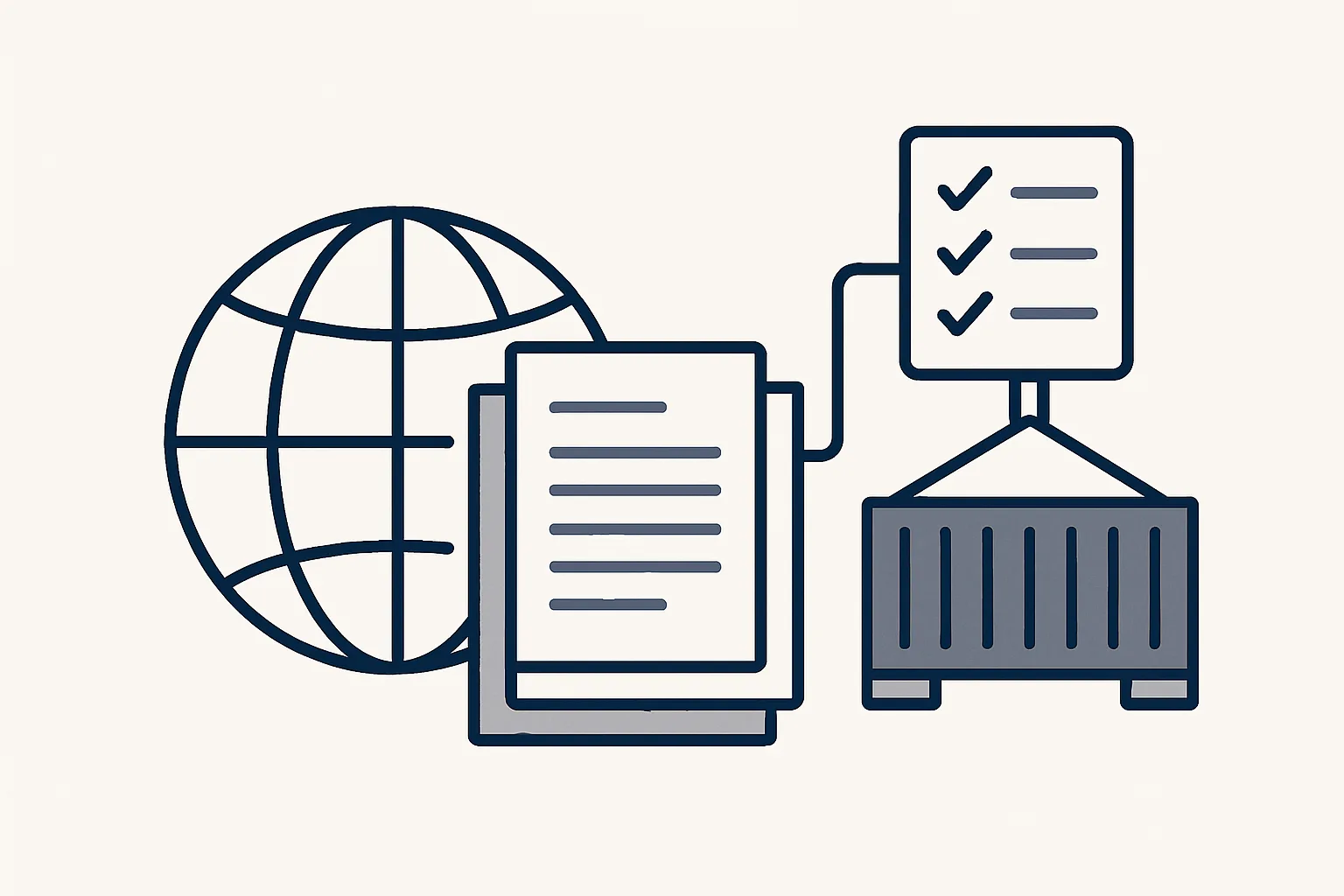
Import-export businesses run on documents: orders, invoices, packing lists, delivery notes and customs papers, often in several languages. AI for import export can read them from email, link them to the right shipment, check what is missing and prepare draft invoices and bills, while people make the customs decisions.
The paperwork of trading across borders
Trading across borders means every shipment carries a bundle of documents, and the office work is mostly finding, checking, linking and filing them.
A single container or truck can involve a purchase order, an order confirmation, a commercial invoice, a packing list, a transport document, a delivery note, customs records, sometimes a certificate of origin or an insurance document, then the supplier's bill and your own sales invoice. They arrive from different senders, at different times, in different formats and often in different languages.
None of these documents is hard to read. The work is in the volume and the matching: which bill belongs to which shipment, which packing list goes with which invoice, whether the delivery note has arrived yet. When that matching happens in someone's head and inbox, documents go missing and questions from the accountant or the customs broker take hours to answer.
AI for import export is useful for exactly this layer of work. It does not decide anything about customs, tariffs or tax. It reads, links, checks and prepares drafts, so the people who make those decisions have the documents in front of them. The same applies to AI for freight forwarders, whose days are full of the same papers seen from the carrier's side.
Reading documents in several languages
AI document processing reads the key details from a trade document, such as the parties, dates, numbers, quantities and amounts, and passes anything unclear to a person.
A business buying from one country and selling to another often receives invoices in one language, transport papers in a second and emails in a third. Reading them by hand means either speaking all of them or guessing from the layout.
Language is rarely the real difficulty. Trade documents follow familiar patterns: a seller, a buyer, a reference, a date, a list of goods, quantities and amounts. Once those fields are found, the language around them matters less. What matters more is consistency, so that the same supplier, product or reference is recognized every time it appears, however it is spelled.
Our supplier bills robot, running today, reads invoices and credit notes in three ways: by template for layouts it knows, by text recognition for scans and with a model's help for the rest. What it reads must agree with itself before a draft is created: the supplier must be known, and the net amount, tax and total must add up.
Reading other trade documents, such as packing lists and transport papers, uses the same engine and is offered and built to order, shaped around the documents your business actually receives.
| Document | What is read | Status |
|---|---|---|
| Supplier invoice or credit note | Supplier, date, number, amounts, tax | Running today |
| Sales invoice you issue | Prepared from your sheet, tax wording applied at creation | Running today |
| Invoices arriving by email | Filed by month into the accounting folder | Running today |
| Packing list, transport document, delivery note | Parties, references, quantities, dates | Offered, built to order |
| Shipment register | One row per truck or container, documents linked | Offered, built to order |
One shipment, all its documents
The cleanest way to manage trade documents is one register with one row per shipment, every document linked to its row and every gap visible at a glance.
Logistics document management usually fails at the linking stage. Documents are saved, but by sender or by date, not by shipment. When someone asks whether a container's paperwork is complete, the answer means opening five folders and two mailboxes.
A stock and shipment register, one row per truck or container with its documents linked, is offered and built to order. Because each row records what arrived and what left, the register also serves as the stock position. The route for each document is fixed.
The register is most useful when the expected documents are agreed per lane. An import by sea from one supplier may need a different set from an export by road to a regular customer. Writing those sets down once means each new shipment row starts with its own list of what should arrive, and the gaps show without anyone having to remember.
- A document arrives by email or in a shared folder.
- It is recognized by type: invoice, packing list, transport document, delivery note or other.
- Its references, such as the order number or container number, are read.
- It is linked to the matching shipment row and filed in that shipment's folder.
- The row shows which expected documents are still missing.
- A document that matches no shipment, or matches more than one, goes to a person instead of being guessed.
Is one shipment's paperwork complete?
Pick a recent shipment, inbound or outbound. Tick each document you can find within a minute, in one place, without asking anyone. Leave out anything that lane does not need.
Invoices and tax wording
Sales invoices for cross-border trade need the right tax wording for each kind of sale, and that wording is best applied at the moment the invoice is created, from rules your accountant sets.
Selling within one country, exporting outside a trade area and selling between businesses in different countries can each call for different wording, different tax treatment and different numbers on the invoice. Getting it wrong means reissued invoices and awkward questions at the end of the quarter.
Our invoicing robot is running today. It prepares each invoice from a sheet that remembers clients and products, applies the tax wording at creation according to the rules the accountants gave for each kind of sale, renders and files the PDF, and leaves a draft invoice in the accounting system with a draft email beside it. A person checks and sends.
A common source of trouble is the gap between what was shipped and what was invoiced. When the sales invoice is prepared from the same sheet that holds the order, the quantities, product descriptions and customer details match by construction rather than by retyping. That consistency is what an accountant or an auditor looks for when cross-border sales are checked.
The robot applies rules; it does not set them. Which treatment applies to a sale is a question for your accountant or tax adviser. We give no tax or customs advice; check with your adviser.
Supplier bills
Supplier bills from overseas suppliers can be entered as drafts with the PDF attached and filed under the supplier, like any other bill, with anything unclear passed to a person.
Import businesses often have a long tail of suppliers: the goods supplier, the carrier, the forwarder, the warehouse, the inspection company, the insurer. Each sends bills in its own format and currency.
Our bills robot reads the mailbox and a drop folder, recognizes invoices and credit notes, creates the draft bill in the accounting system with the PDF and files the PDF under the supplier, with one notification per bill. Its limits are part of the design:
- It creates a new supplier only after the owner approves it.
- It passes refunds and anything it cannot enter exactly to a person.
- It never pays a bill or touches a bank account.
- It does not decide which costs belong to which shipment unless the rule is clear; otherwise a person assigns them.
- It does not handle customs declarations or duty payments.
Getting started
Start with the documents that take the most hours today, usually supplier bills or sales invoices, and add shipment linking once those run cleanly.
Order matters with AI for import export, as with any automation. Bills and invoices follow the same rules for every shipment, so they settle quickly. Linking documents to shipments depends on how consistently your suppliers and forwarders quote references, which is worth checking on a few real shipments before anything is built.
AI for import export does not need a new accounting system or a new mailbox. Ours run on our servers against your own accounts, today with Google Workspace mailboxes, Google Drive, Google Sheets and Xero. They are rented monthly, one figure per workflow, stated in the quote, and every document stays in your own folders.
Use the checklist on this page to see which documents you can find for a recent shipment, and how quickly. The gaps show where the time goes. Then write down your usual trade lanes, the documents each one needs and who approves invoices and bills.
Customs decisions, tariff codes and tax treatment stay with your customs broker, your accountant and you. The robot prepares the paperwork around those decisions; it does not make them.
Questions
How can AI help import and export businesses?
By reading trade documents from email, linking them to the right shipment, checking what is missing and preparing draft invoices and bills. People keep the customs, tariff and tax decisions.
Can AI read invoices in other languages?
Ours reads supplier invoices by template, by text recognition for scans and with a model's help for the rest, whatever the language. Anything it cannot read exactly goes to a person.
Can AI fill in customs declarations?
We do not offer that. Customs declarations and tariff decisions stay with your customs broker or adviser; we prepare the commercial paperwork around them.
What is logistics document management?
Keeping every document for a shipment together and findable: the order, invoice, packing list, transport document, delivery note and customs records, linked to one shipment record.
Is AI useful for freight forwarders?
The same document work applies: reading, linking and filing papers by shipment, and preparing draft invoices and bills for a person to approve. Shipment registers are offered and built to order.
Want hours back from this work?
Write to [email protected] with the shipments you handle each month and the hours their paperwork takes, and we will tell you plainly where an AI employee fits.
Talk to us Related service: Documents and filing

