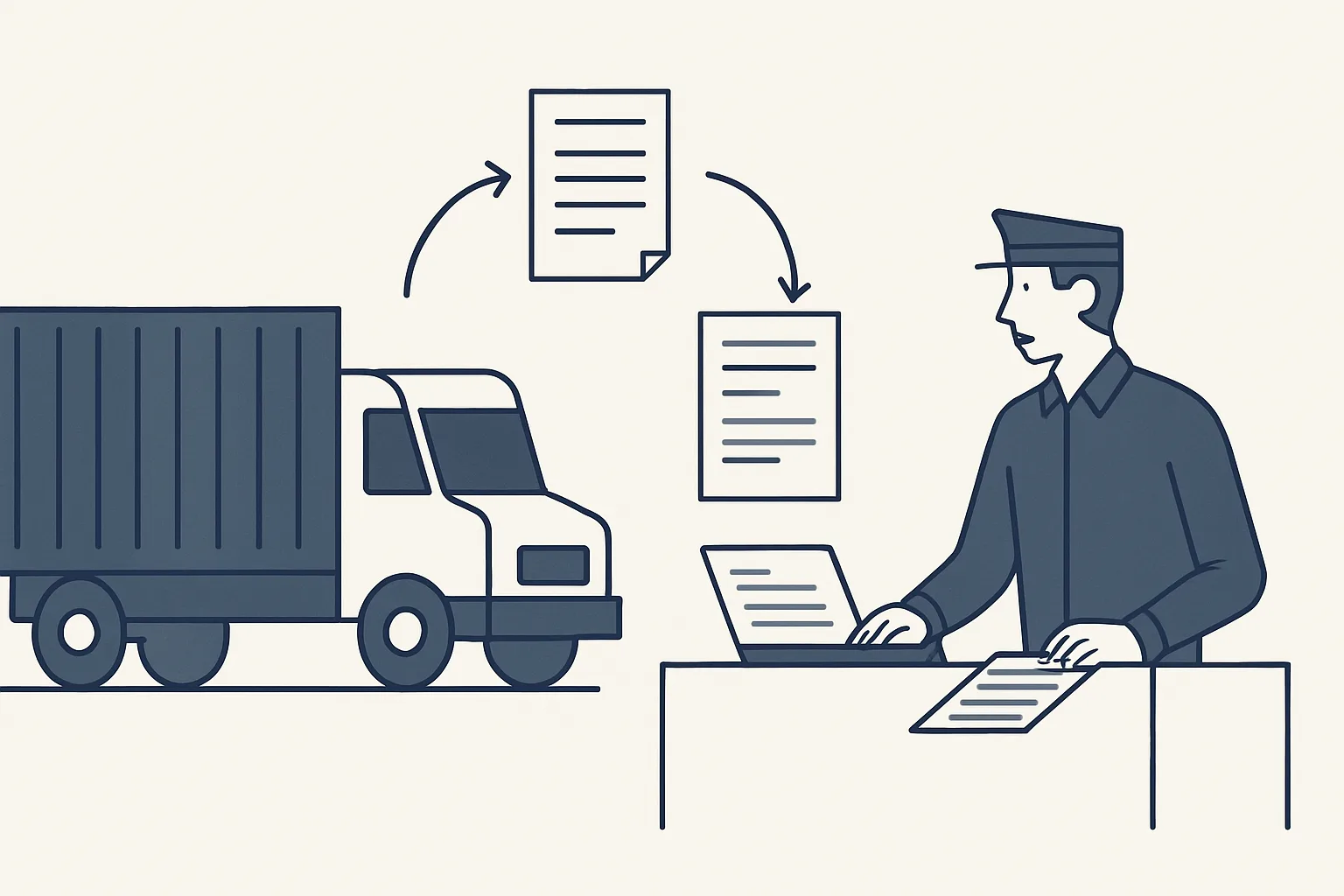
AI for logistics is most useful on the documents that travel with every load: reading delivery notes, invoices and customs papers from email, linking them to one register row per shipment and flagging what is missing. People handle exceptions and customers.
Documents that travel with every load
AI for logistics is most useful on paperwork: every truck, container or parcel shipment produces a set of documents that must be collected, matched and kept together.
A single load can involve an order confirmation, a pro forma, a commercial invoice, a packing list, a transport document, a delivery note signed at the other end, customs papers when a border is crossed, and a carrier's invoice afterwards. They arrive from different senders, at different times, by email, as scans and sometimes on paper in the cab.
The work of keeping that set complete falls on an office team who spend their day searching inboxes, renaming attachments, chasing the missing one and answering the same question: has the delivery note come back yet? That is the honest target for automation for logistics. Not the trucks, not the routes: the documents.
The table lists the documents most operations deal with, and what a robot can do with each.
| Document | Usually comes from | What the robot can do |
|---|---|---|
| Order or booking confirmation | Customer or your own sales team | Open the register row and record the reference |
| Commercial invoice and packing list | Seller or your own office | Read quantities, weights and values; link to the row |
| Transport document | Carrier or forwarder | Read the carrier, vehicle or container and dates; link to the row |
| Customs papers | Customs broker | Link to the row and flag when expected but missing |
| Signed delivery note | Receiver, via the driver or carrier | Link to the row and mark the shipment delivered |
| Carrier or supplier bill | Carrier, forwarder, warehouse | Draft the bill with the PDF and link it to the row |
One row per shipment
The core of the system is a register with one row per shipment, truck or container, with every document linked to it and its status shown at a glance.
Logistics document management usually fails because the documents live in many places: one in a mailbox, one in a shared drive, one in a folder on someone's desktop. A register pulls them back together. Each row is one load. Each column is a document or a key fact: dates, references, quantities, the carrier, the status. A link in each cell opens the document itself, filed in your own folders.
Because each row also records what was loaded and what was delivered, the register becomes the stock position as well. For a trading business that moves goods it never stores, the register is often the only place where stock in transit is visible.
A register also changes how AI for logistics is judged. Instead of asking whether the software is clever, the office asks a plain question each morning: is every row complete? Where it is not, the gap is named, and someone knows exactly which email to send.
This stock and shipment register is offered and built to order. It runs on our servers against your own mailbox, folders and sheets, and the register itself is your sheet. A typical row carries the following.
- Shipment reference, customer and supplier.
- Carrier, vehicle or container, and route as agreed on paper.
- Dates: booked, loaded, delivered.
- Quantities and weights loaded and delivered.
- Links to each document in the set, and a mark for each one still missing.
- Linked carrier and supplier bills, and their status in the accounting system.
- A notes column for the person who handles exceptions.
Reading documents from email
Documents are read from the mailbox as they arrive, matched to the right shipment by their references, and filed and linked without anyone dragging attachments into folders.
This is where AI for logistics differs from a plain filing rule. A rule can save every attachment from one sender into one folder. It cannot open a scanned delivery note, find the shipment reference in a stamp or a handwritten box, and work out which row it belongs to. AI reading can, and when it cannot, it says so.
References are the key. Most documents in a load carry at least one: an order number, a container or trailer number, an invoice number, a booking reference. The more consistently your own team uses one reference across the set, the more documents match on their own, and the fewer reach a person.
Here is what happens to one document.
- A document arrives in the operations mailbox, or a scan is dropped into a shared folder.
- The robot recognizes what kind of document it is.
- It reads the references, dates, quantities and parties it needs.
- It matches the document to a register row by reference, and if nothing matches, passes it to a person.
- It files the document in the shipment's folder in your own storage and links it in the row.
- It updates the row's status, for example marking the load delivered when the signed delivery note arrives.
- It writes the action to the audit record.
Build your shipment register layout
Tick each document that travels with a typical load of yours. Print the page: each ticked item becomes a column on your register, with a link to the document and a mark when it is missing.
Missing-document alerts
The register shows, row by row, which documents are still missing, and a person is alerted when one is overdue.
Missing paperwork is usually discovered late: when a customer will not pay without the signed delivery note, or when a carrier's bill cannot be checked because the transport document never came back. A register that knows which documents each type of shipment needs can flag the gap when it opens, not weeks later.
When something is overdue, the robot prepares a draft email to the sender asking for it. A person checks the draft and sends it. Nothing is ever sent by a robot, and every action is written to an audit record.
The same view answers the questions customers and managers ask most: which loads are delivered but not yet invoiced, which are still waiting for customs papers, which carrier bills are waiting for a delivery note before they can be approved.
Which documents each shipment needs is your rule, written once per type of load. An inland delivery may need only a delivery note and a carrier bill; a load that crosses a border needs more. Setting that rule clearly is most of the work of AI for logistics paperwork, and it is work your team already knows how to do.
Supplier and carrier bills
Carrier, forwarder and warehouse bills can be read from the mailbox, drafted in your accounting system with the PDF attached and linked to the shipment they belong to.
Our supplier bills robot runs today: it reads invoices and credit notes from a mailbox and a drop folder, creates the draft bill with the PDF, files the PDF under the supplier and sends one notification per bill. Anything it cannot enter exactly, such as an unknown supplier or a refund, goes to a person instead of being guessed. For a logistics business, the extra step is the link to the register row, which comes with the register built to order.
That link is what makes checking a carrier's bill quick. The approver sees, on one row, what was booked, what was loaded, what was delivered and what the carrier is charging, with the documents one click away. The robot never moves money; approval and payment stay with people.
Good AI for logistics billing work also catches the obvious mismatches early: a carrier billing for a load the register shows as canceled, a second bill for the same container, or a charge on a row with no signed delivery note yet. Those are flagged for a person, who decides.
What AI for logistics does not do, and getting started
AI for logistics, as we build it, does not plan routes, track vehicles live or talk to drivers; it keeps the paperwork complete and linked, and people handle exceptions and customers.
If you are looking for shipment tracking software that shows where a truck is right now, this is not that. AI for trucking companies is often sold as route planning or live tracking; ours stays in the office, with the documents. It also does not give customs advice; for classification and duties, check with your broker or adviser.
To start, pick one lane, one customer or one type of shipment, and list the documents each load needs. The template above turns that list into register columns. Then count the job by your own rule: how many loads a month, and how long the office spends on each one collecting and filing paperwork. That figure, in hours, is the only measure we use.
Our AI employees are rented monthly and run on our servers against your own accounts. A kill switch stops any robot in one command, and nothing is switched on without your yes.
Questions
Can AI track my trucks or containers?
Ours does not. It handles the paperwork: reading, matching, filing and flagging documents for each shipment. Live tracking is a different kind of software.
What is logistics document management?
Keeping every document that belongs to a shipment together, findable and complete, from the booking to the final bill.
How does the robot know which shipment a document belongs to?
By the references on it: order numbers, container or vehicle numbers, invoice numbers. When nothing matches, it passes the document to a person.
Does it send reminders to carriers or customers?
It prepares draft reminders when a document is overdue. A person checks and sends them; nothing is ever sent by a robot.
Is the shipment register running today?
It is offered and built to order. The supplier bills robot it builds on runs today.
Want hours back from this work?
Write to [email protected] with how many loads you move each month and how long the paperwork takes for each, and we will tell you plainly whether a shipment register fits.
Talk to us Related service: Stock and shipments

