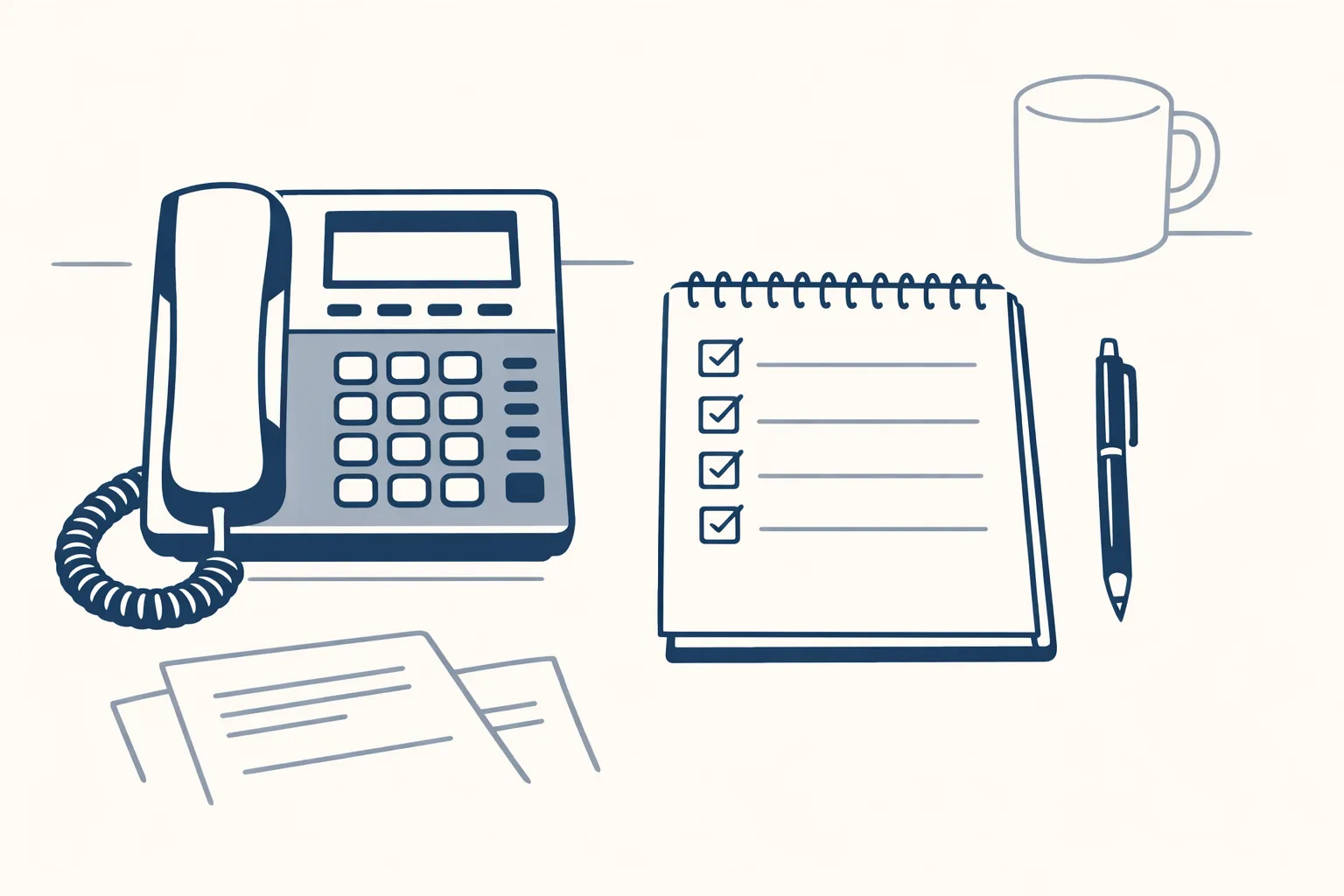
An AI secretary handles the paper side of a secretary's job: reading and sorting mail, filing documents, preparing drafts and keeping lists. It doesn't answer the phone or charm a visitor. Many small businesses split the job, with the AI on the paperwork and a person on the people.
What does an AI secretary actually do?
An AI secretary does the paperwork side of the job: it reads, sorts, files and drafts, and keeps your lists up to date.
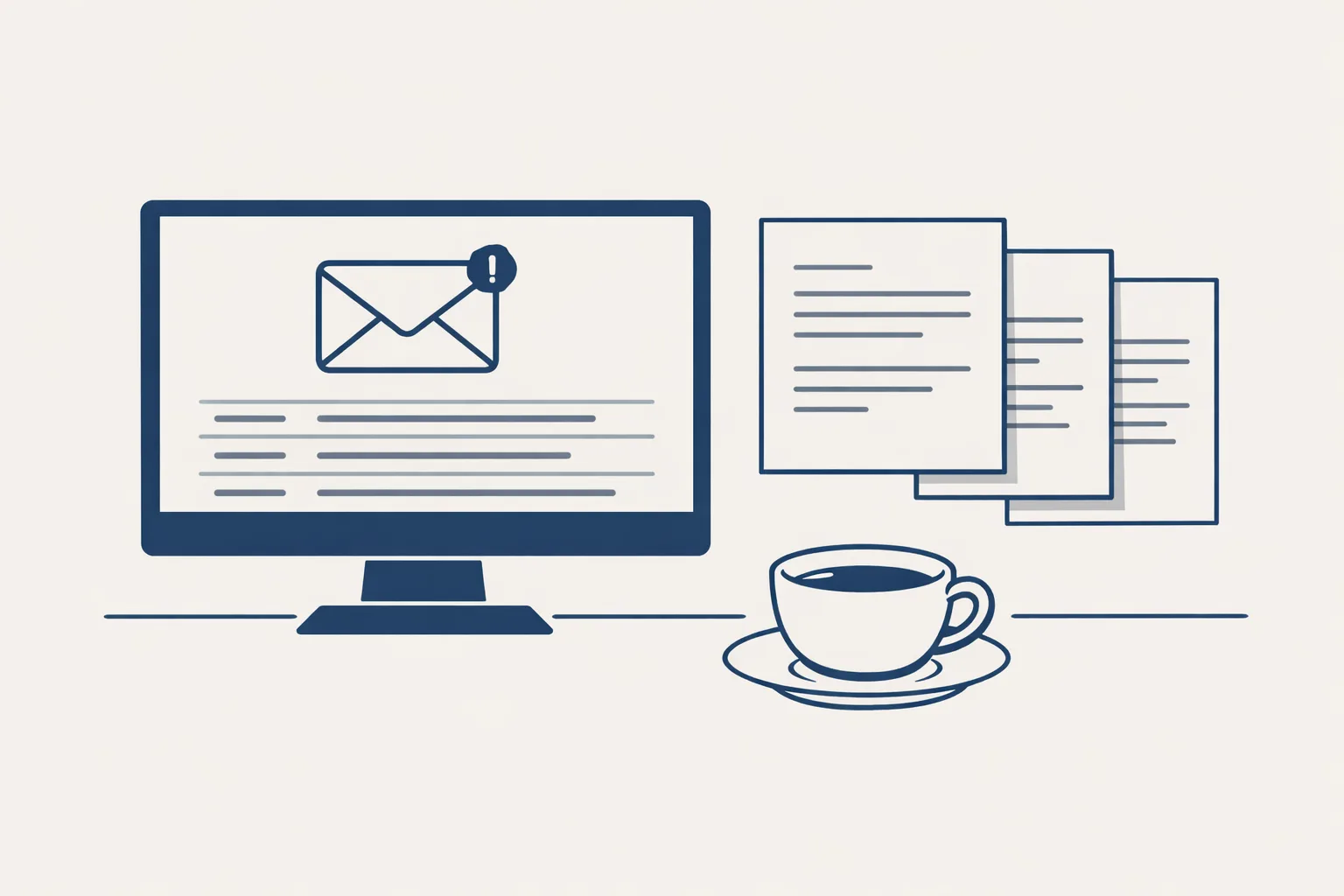
Say you run a small building firm. Each morning the inbox holds quotes, supplier invoices, client questions and a few newsletters. A good AI secretary sorts the pile, puts the invoices where they belong and gives you a short list of what needs an answer today.
It helps to remember that the job title matters less than the tasks. Most small businesses never had a full-time secretary. They had one person who did bits of everything.
A traditional secretary does more than paper. So it helps to split the job into pieces and see which ones software can take.
A secretary's job usually has these parts:
- Mail: reading, sorting, replying.
- Filing: documents in the right folder, with the right name.
- Lists and records: clients, suppliers, orders.
- Diary: appointments and reminders.
- Phone: answering and passing on messages.
- People: welcoming visitors and handling delicate moments.
Which parts can an AI secretary take?
It can take the mail, the filing and the lists, because those are reading and writing jobs inside software.
A bookkeeper's office gets client documents by email all day. An AI secretary can recognise each one, name it the same way, file it under the right client and tell you which ones are missing.
You may also see it called a virtual secretary ai, an ai office assistant or an ai secretary for small business.
Say a bookkeeper's client sends a photo of a receipt at midnight. By morning, it's named, filed and listed.
The result is a calmer start to the day. Instead of scrolling a hundred lines, you read a short list.
Here is what we run today for clients:
- A daily mail digest: yesterday's new and unanswered emails, sorted by business, each with a short gist and the full text one tap away.
- Invoice filing: invoices that arrive in the mailboxes are filed by month.
- Supplier bills: read from the mailbox and prepared as drafts in the accounts.
- Sales invoices and purchase orders prepared from a sheet.
- A business brain that reads a whole archive and indexes it with search.
What about calendar and calls?
Calls and the front desk need a person, and diary work is not something we run for clients today.
Think of a dentist's reception. The phone rings, a patient is nervous and a mix-up needs smoothing over. That's a human job, and a good one.
Some owners keep a person for the phone and an AI for the paperwork. That split is common, and it works.
You can set up simple rules yourself, such as a label for urgent clients, even without any AI.
We don't run phone or voice assistants. We also don't run chatbots on websites. If you want your calls answered, you need a person or a specialist service. Booking and diary tools exist in many mail systems, and they're worth using yourself.
It's better to say this plainly than to promise a secretary that does everything.
Which parts of a secretary's job eat your week?
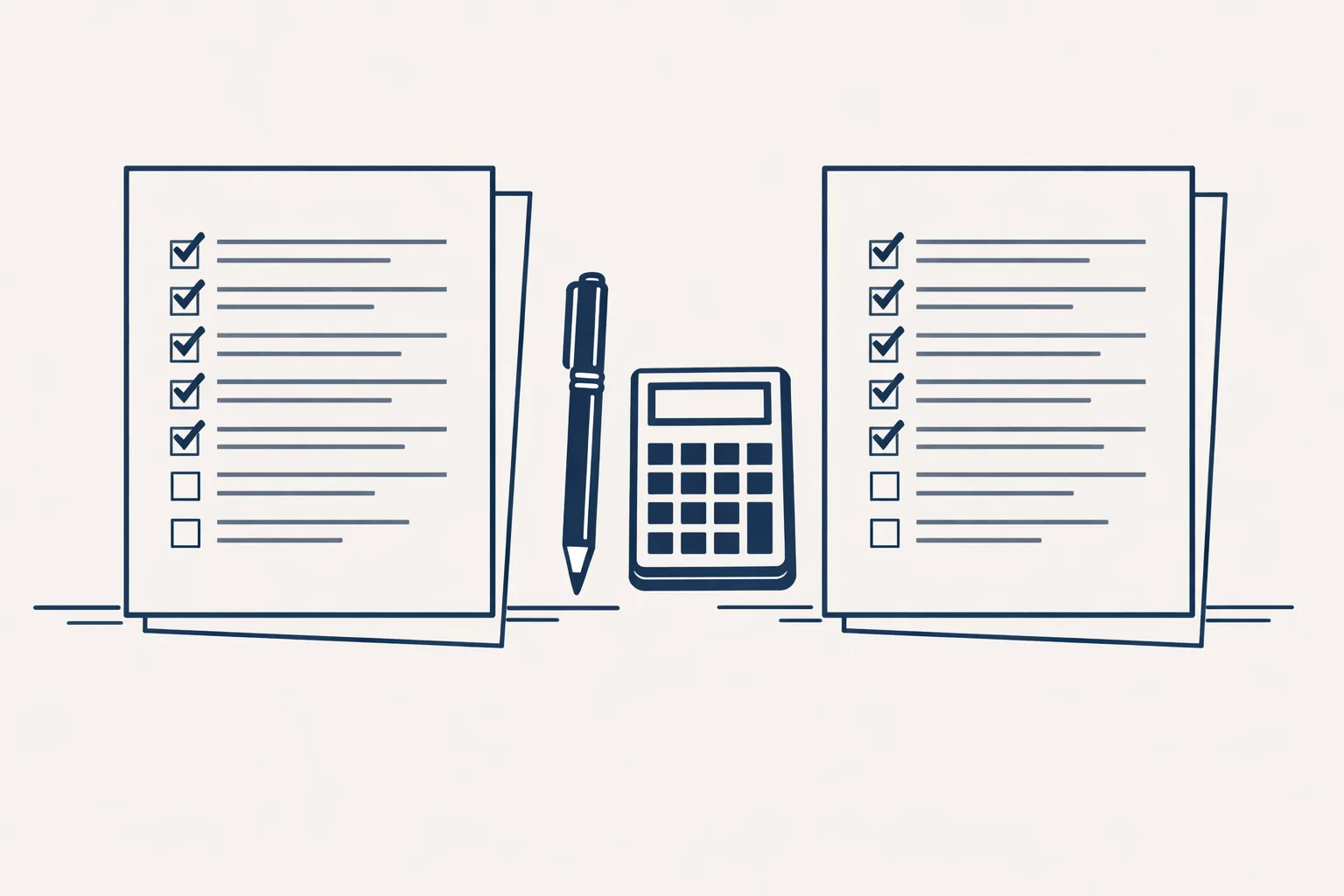
Tick each job that takes you time at least weekly. Mail, files and lists suit an AI secretary. Calls and visitors stay with a person.
How does it work with your existing mail?
It works inside the mailboxes, folders and sheets you already have, so there's nothing new to learn.
A family wholesaler keeps its mail in Google Workspace, its files in Drive and its accounts in Xero. The AI secretary works against those, from our servers. You don't move anything and you keep all your data.
It works the same way on a quiet day and on the Monday after a holiday, when the mail has piled up.
It also keeps the files where you'd look for them, not where it found them.
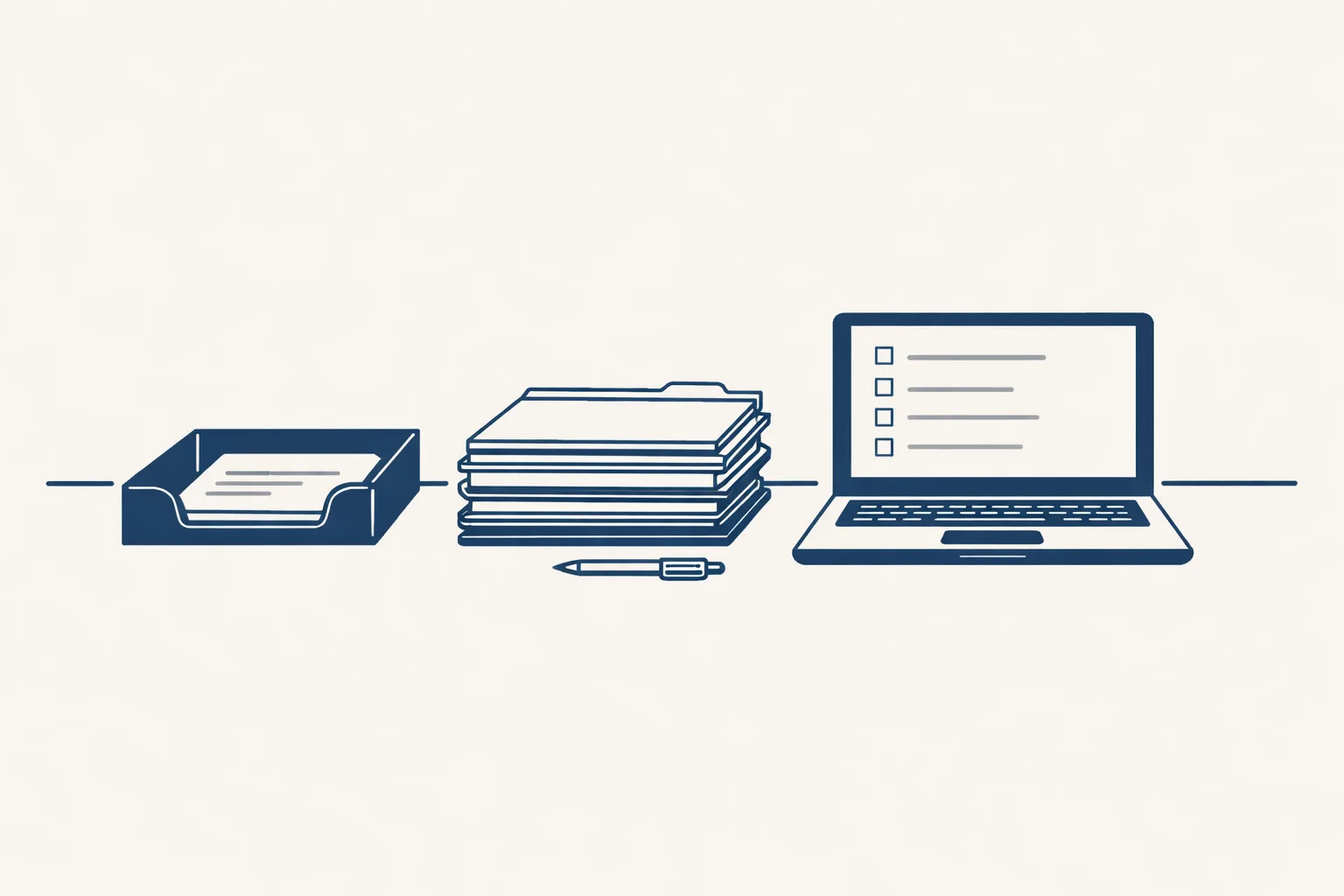
A morning in practice looks like this:
- Overnight, new mail and documents arrive as usual.
- The secretary reads everything and sorts it by business and by urgency.
- Invoices and bills are filed and prepared as drafts.
- A short list lands with you: what is new, what is waiting for a reply and what needs a decision.
- You open what matters and leave the rest.
Who stays in charge?
You do. The AI prepares the work and you decide what goes out.
Picture a small architect's practice. The secretary prepares a draft invoice and a draft email. The architect reads both and sends. Nothing leaves without a yes. Every step starts with your approval, then you choose when it goes automatic.
A last point: ask to see the log. It shows what was filed, what was drafted and what was passed to a person.
A log shows what was done and when, and anything it can't do exactly is passed to a person instead of being guessed.
Is an AI secretary right for you?
It's right when your paperwork is repeating and your calls are few, or already covered by a person.
A solo consultant who drowns in invoices and mail may feel the difference quickly. A busy clinic whose main pain is the phone needs something else.
If you're still unsure, try it on the mail alone for a few weeks. Mail is where most people feel the benefit first.
Use the checklist below to see which parts of a secretary's job eat your week.
Questions
What is an AI secretary?
It's software that does the paperwork side of a secretary's job: reading, sorting and filing mail and documents, and preparing drafts.
Can an AI secretary answer the phone?
Ours doesn't. We don't run phone or voice assistants.
Can it manage my calendar?
That isn't something we run for clients today. Many mail systems have good booking tools of their own.
Will it send emails for me?
It prepares drafts. You read them and send.
Do I need to change my email or software?
No. It works inside your mailbox, Drive and accounts.
Tell us your workflow. We will build it around you.
Tell us what piles up on your desk. Write to hello@thenewaiemployee.com and we'll show you what an AI secretary could clear.
Talk to us Related service: Services