AI video generation makes moving pictures from a written description or a few photos. It's good for short, simple clips and weak at long, exact ones. Small businesses do best by starting with low-risk topics and checking every clip.
What is AI video generation?
AI video generation is software that makes a video clip from a written description, a picture or both.
Say you run a small bakery. You type, "Warm loaves coming out of an oven, soft morning light, close-up." A moment later you have a few seconds of moving pictures that match. You didn't film anything.
Some tools make a whole short video: pictures, a spoken voice and captions. Others only make the moving clips, and you join them together. Either way, you start with words and end with video.
It's a young tool. It improves quickly, but it has clear limits, and knowing them saves you time and embarrassment.
There are two common routes. One is text to video, where you describe a scene and the tool films it for you. The other is picture to video, where you give it a photo and it adds gentle movement. The second is often safer for a business, because the picture is yours.
What is it good at, and where does it slip?
It's good at short, simple, atmospheric clips and weak at anything long, exact or full of detail.
A garden center could use it for a calm clip of flowers in sunlight, to sit behind a spoken tip. It would struggle to show an exact product label or a person's hands doing a precise job. Here are the two sides.
| Usually good | Often weak | |
|---|---|---|
| Length | A few seconds at a time | Long, continuous scenes |
| Look | Moods, backgrounds, simple objects | Exact products, labels and logos |
| People | Distant figures, silhouettes | Faces, hands and speech that must look real |
| Text on screen | Added afterwards as captions | Words generated inside the picture |
| Consistency | One clip on its own | The same look across many clips |
| Cost of a mistake | Low for a mood clip | High where facts or products must be exact |
Where should a small business start?
Start with low-risk clips where a small flaw won't matter, and keep real photos for anything that must be accurate.
A cafe could make a short background clip of steam rising from a cup, and put the real opening hours on top as text. The clip is mood. The facts are typed by a person. That split works well.
These are good first uses.
- Background clips behind a spoken tip or a quote.
- Short openers and transitions for a longer video.
- Seasonal greetings and announcements.
- Explaining an idea with simple pictures, such as "how a bill gets approved".
- Turning your own product photos into a short, gentle motion.
Is your business ready for AI video generation?
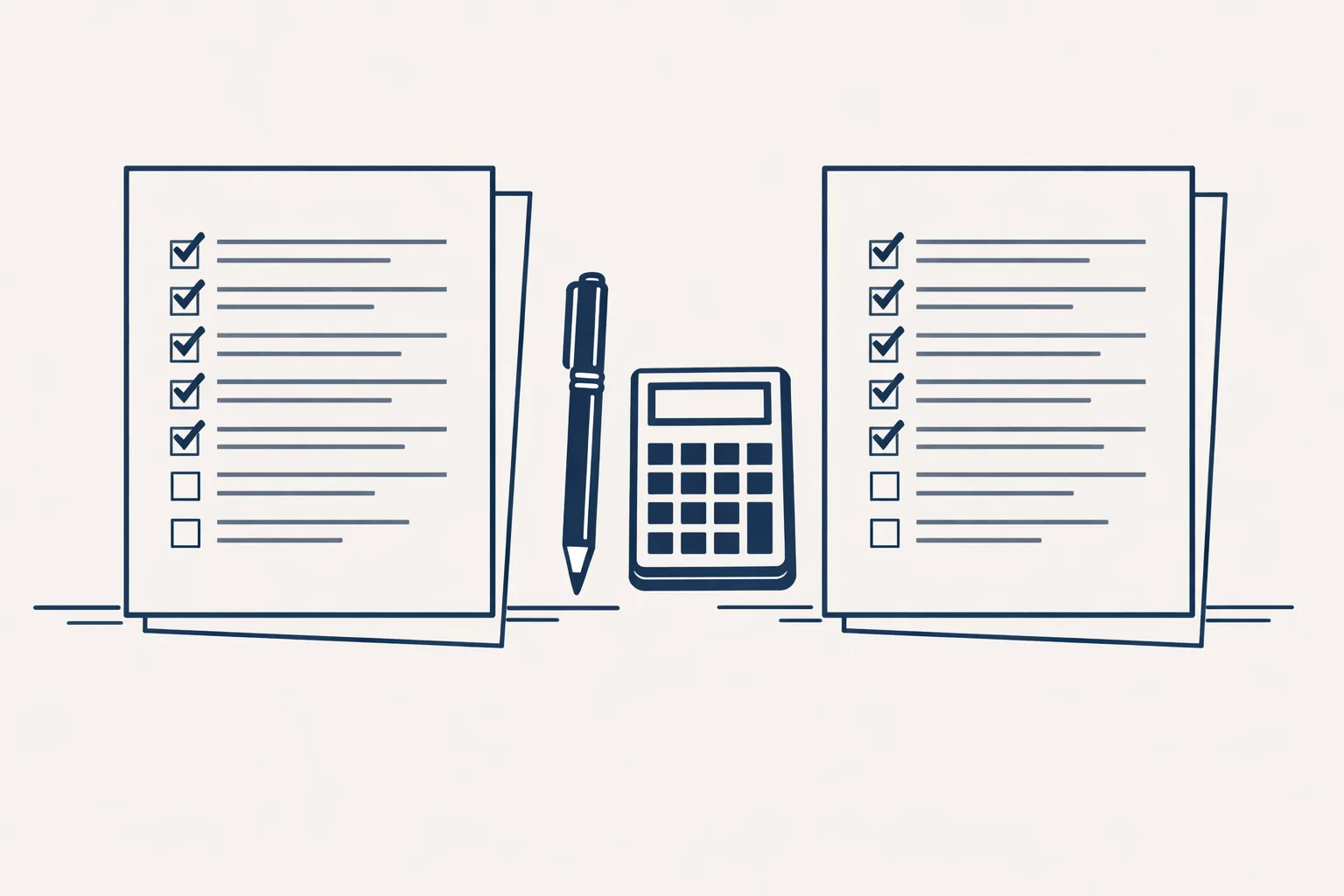
Tick each line that's true today. It shows how ready you are to start.
What should you check before posting?
Check the facts, the look and the rules, in that order, before any clip goes out.
Take a bakery that makes a video about a new loaf. The clip must show something that looks like the real loaf, the text must have the right name and price, and the tool's terms must allow business use.
Run through this short list each time.
Yes, if you use it honestly. Be clear about what's real and what's atmosphere.
A florist who shows an AI-made clip of roses opening, then states real prices and real delivery areas in text, isn't misleading anyone. A florist who shows an AI bouquet and sells a very different one is.
A simple rule helps: the clip may set the mood, but the facts must come from you. Don't show a product that doesn't exist, don't invent a customer and don't put a real person's face or voice on words they never said.
If a platform asks you to mark AI content, do it. Honesty costs you nothing and protects the trust you've built.
- Watch the whole clip with the sound on, then off.
- Check every fact, name, price and claim against your own records.
- Look for odd details: strange hands, melting objects, garbled words.
- Check the tool's terms allow use for a business.
- Make sure you aren't copying a real person's face, voice or brand.
- Save the final version and a note of what it was made from.
What does it cost in time?
AI makes the clip fast, but writing, choosing and checking still take your time.
A small shop might spend ten minutes writing the idea, a few minutes waiting for clips, and twenty minutes picking, trimming and checking. That's far less than a film shoot. It isn't zero.
The honest saving is in the filming and editing. The thinking and the checking stay with you.
Where do we fit in?
We build short vertical videos from a content calendar: a voice, pictures in a house style, captions and an end card. We make them for our own brand today. For your business it would be built to order.
We also run a LinkedIn posting robot on working days from an approved calendar in a sheet, which runs today on our own brand. We don't make phone or voice agents, and we don't run paid ads.
Every step starts with your approval, then you choose when it goes automatic. The checklist below shows whether your business is ready for AI video.
Questions
What is AI video generation?
It's software that makes a video clip from a written description, a picture or both.
Can AI video replace filming my products?
Not for exact products. It's better for moods, backgrounds and simple pictures, while real photos suit anything that must be accurate.
How long can an AI-generated clip be?
Usually a few seconds per clip. Longer videos are built by joining several clips with a voice and captions.
Is AI video safe for my brand?
It can be, with checks. Watch every clip, verify the facts and avoid copying real people or other brands.
Do I need special equipment?
No. A computer and a clear idea are enough to start.
Tell us your workflow. We will build it around you.
Write to hello@thenewaiemployee.com with a topic you'd like to turn into a video, and we'll tell you plainly what it would take.
Talk to us Related service: Social media and video