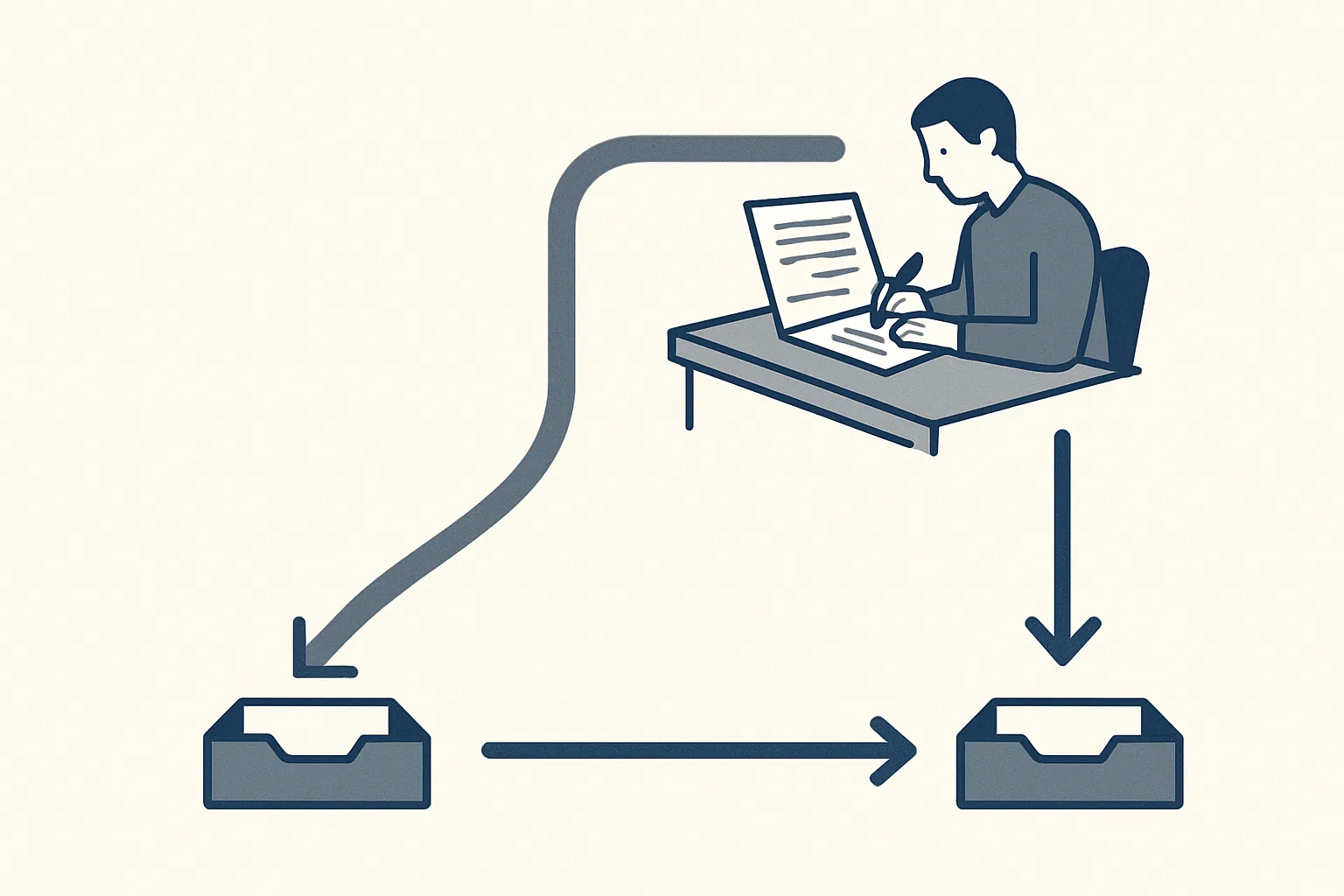
An automated email response sends a fixed or AI-written reply without anyone reading it first; a drafted reply is prepared automatically but sent by a person. Auto-responses suit simple acknowledgements; anything with prices, commitments or complaints is safer as a draft.
Two approaches
There are two ways to speed up email replies: an automated email response that goes out by itself, or a drafted reply that is written for you and sent by a person.
An automatic email response is a message the system sends as soon as an email arrives, with nobody reading either the incoming email or the reply. The classic example is the out-of-office message. Newer versions use AI to write a reply that looks personal, still with nobody checking it before it leaves.
A drafted reply is prepared automatically too. The difference is the last step: the draft waits in the mailbox until a person reads it, corrects it if needed and presses send. Speed comes from not having to write from a blank page; safety comes from a person seeing every word before the customer does.
The table below sets the two side by side.
| Question | Automated email response | Drafted reply |
|---|---|---|
| Who reads the incoming email? | Nobody, before the reply goes | The system, then a person |
| Who writes the reply? | A fixed template or an AI model | The system, from your own past answers and documents |
| Who sends it? | The system, at once | A person, after reading it |
| Speed | Instant | As fast as a person can check a ready draft |
| Risk of a wrong commitment | High if it says anything beyond an acknowledgement | Low, because a person checks first |
| Best for | Acknowledgements and out-of-office notices | Anything with prices, dates, complaints or decisions |
Where an auto-response is fine
An auto email response is fine when it only confirms receipt and sets expectations, without saying anything that commits the business.
Some messages carry no risk because they promise nothing. They tell the sender the email arrived, when a person will look at it and where to go if it is urgent. Used this way, automated email responses are polite and useful. The safe ones include:
Even a safe acknowledgement deserves a little care. Write it in the same voice as the rest of your emails, keep it to a few lines, and make sure the promised reply time is one your team can actually keep. An automated email response that promises an answer today and is followed by silence for a week does more harm than no automatic reply at all. Check, too, that it does not fire back at mailing lists or other automatic senders, which can create loops of messages answering each other.
- Out-of-office notices with the return date and an alternative contact.
- Confirmation that an enquiry, a document or an application was received.
- A note of when the sender can expect a reply from a person.
- Pointers to information that is already public, such as opening hours.
- Confirmation of an automatic process the sender started, such as a password reset they requested.
Where it causes harm
An automated email reply causes harm when it states a price, a date, a commitment or an opinion that nobody at the business has checked.
A customer asks whether an order can arrive by Friday, and an AI-written reply says yes because the question sounded routine. A supplier sends a revised price list, and an automatic reply thanks them for the new terms, which reads like acceptance. A customer complains, and receives a cheerful message that ignores the complaint. In each case the message carries your name, and the other side is entitled to treat it as your answer.
The risk grows with AI-written replies, because they sound confident and personal. A fixed template is at least obviously a template. A fluent reply that gets one detail wrong is harder for the reader to spot and harder for you to take back.
There is a quieter harm as well. When customers learn that the first reply is always automatic, they stop trusting it and write again, or phone, which doubles the work it was meant to save.
Some kinds of email should never get an automatic answer beyond an acknowledgement: prices and quotes, orders and changes to orders, delivery dates, complaints, refunds and cancellations, payment details and anything legal or contractual. These are where a drafted reply earns its place.
How drafted replies work
A reply is written from your own past answers and documents and left in your mailbox, ready for your approval.
Our customer replies service works this way. It is offered and built to order, not running for a client today. It is not a chatbot on a website, and nothing answers a customer by itself. The route an email takes:
- A customer email arrives in your mailbox.
- The robot reads it and sorts it: an order question, a delivery query, a complaint, a request for documents, or something it does not recognize.
- It looks for the relevant facts in your own past replies, price lists and documents.
- It writes a draft reply in the same thread and leaves it in your mailbox, with a note of anything it could not confirm.
- Anything it cannot answer exactly is marked for a person instead of being guessed.
- A person reads the draft, corrects it if needed and presses send.
- Every step is written to the log of actions.
Are your automatic replies saying too much?
Acknowledgements and out-of-office notices are safe to send automatically. Tick each kind of email below that your business currently answers automatically with more than an acknowledgement.
Speed without losing control
Drafted replies give most of the speed of automation while keeping a person between the business and the customer.
The slow part of answering email is rarely typing. It is finding the facts: the last price quoted, the delivery terms, the document the customer needs. A draft that has already gathered those facts lets a person check and send in a fraction of the time it would take to write from scratch, while still catching the one detail that is wrong.
Drafts also help with consistency. When the same question is answered by different people on different days, the answers drift. A draft built from the business's own best past reply gives everyone the same starting point, and the person sending it adjusts for the customer in front of them.
Our rule is graduated automation: every reply starts with your approval, and you decide when a type of reply can go out on its own. That applies to customer replies as much as to invoices and bills. Every action is recorded, one command stops any robot at once, and nothing is switched on without the client's yes. Our AI employees are rented monthly, run on our servers and work inside the client's own mailbox, so every email and draft stays in the client's own account.
One related service is running today: the daily mail digest, which lists the previous day's new and unanswered emails across several mailboxes, sorted by business, each with a short gist. It sends nothing; it shows a person what still needs an answer.
Setting up a mix of both
The safest setup uses an automated email response for acknowledgements only and a drafted reply for everything that says something of substance.
Start by sorting the emails you receive into types, and decide for each type whether a plain acknowledgement is enough. Keep the automatic message short and factual: received, when a person will reply, who to contact if it is urgent. Then route every other type to a draft for a person. Use the self-check on this page to see whether any of your current automatic replies go further than they should.
A simple way to sort is to ask one question of each type: if this reply went out with a mistake in it, would you need to call the customer to put it right? If the answer is yes, it belongs in the drafted group.
Review the mix from time to time. If a type of email keeps getting the same drafted answer with no changes, the draft is working, and the check takes no more than a glance.
What drafted replies do not do
Drafted replies do not decide anything on your behalf, and they do not remove the need for a person to read the inbox.
The robot can only draw on what exists in your past replies, price lists and documents. If a question is new, the draft will say so rather than invent an answer. It does not negotiate, offer discounts, accept terms or apologize on behalf of the business for something it cannot verify. It will not send a single message by itself, and it does not run a chat window on your website. Those limits are deliberate: they keep every commitment the business makes in the hands of the people responsible for it.
Questions
What is an automated email response?
A reply the email system sends by itself as soon as a message arrives, with nobody reading either email first. Out-of-office notices and receipt confirmations are the common examples.
Should I let AI reply to customer emails automatically?
Only for plain acknowledgements. Anything with prices, dates, complaints or decisions is safer as a draft that a person reads and sends, because an AI-written reply can sound right and still be wrong.
What should an automatic acknowledgement say?
That the email arrived, when a person will reply and who to contact if the matter is urgent. It should not answer the question, quote a price or promise a date.
What is the difference between an auto-reply and a drafted reply?
An auto-reply is sent by the system without anyone reading it. A drafted reply is prepared by the system and left in the mailbox until a person checks it and presses send.
Can drafted replies be fast enough?
Usually, because the slow part of replying is finding the facts, not typing. A draft that has already gathered them lets a person check and send quickly while still catching mistakes.
Tell us your workflow. We will build it around you.
Write to [email protected] with the kinds of email your team answers most and the hours they take each week. We will tell you plainly which ones we can take over.
Talk to us Related service: Customer replies

