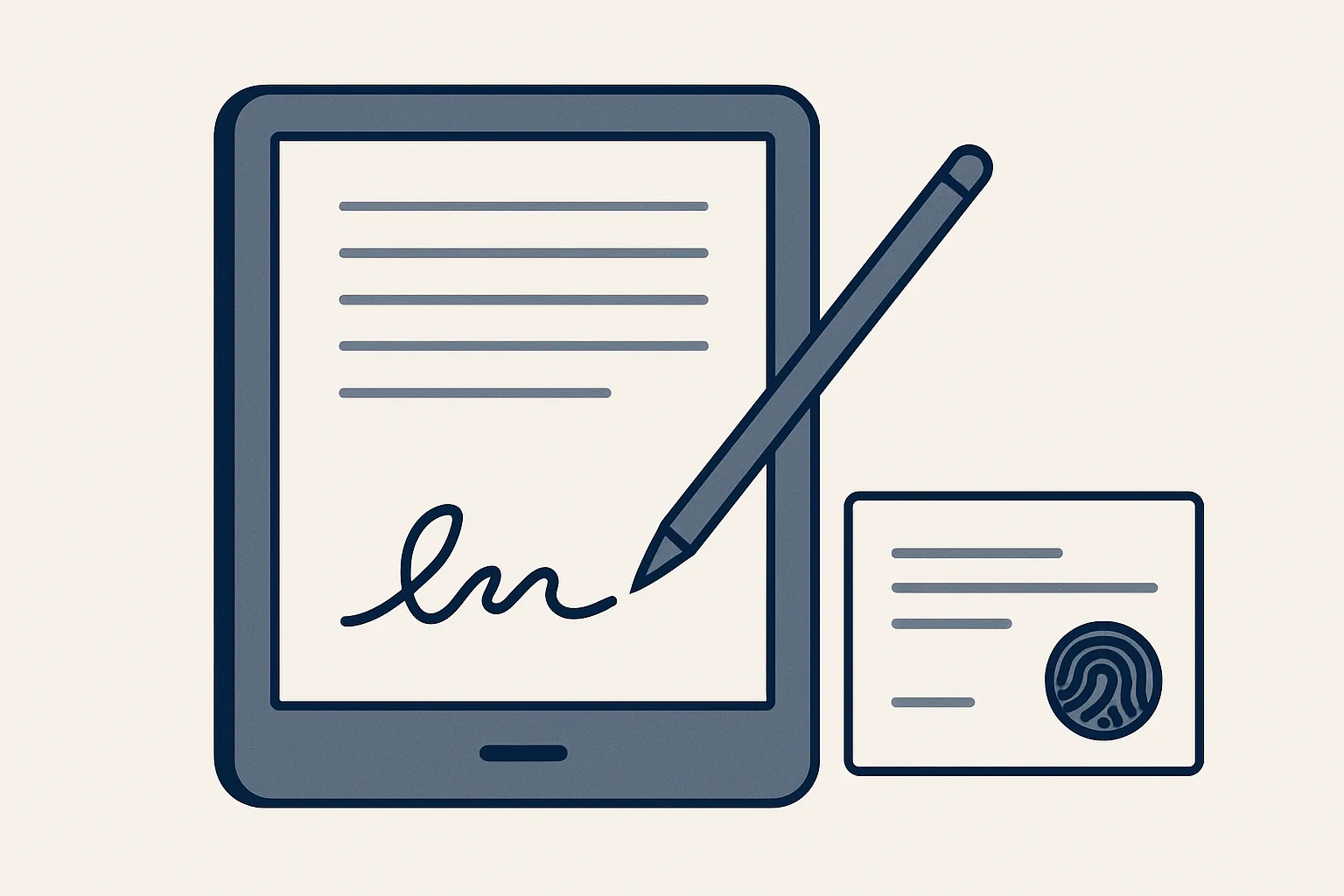
An electronic signature records that a named person agreed to a specific document: they open a private link, sign, type their name and confirm consent. A certificate records who signed, when, and a fingerprint of the exact document, so any later change shows.
What an electronic signature is
An electronic signature is any electronic way a person shows they agree to a document, and in practice it means signing on a screen instead of on paper.
The simplest forms are familiar: ticking a box to accept terms, typing your name at the end of an email, or drawing a signature with a finger on a tablet. Online contract signing adds structure around that moment. The document is shown on a private page, the signer is identified, the act of signing is recorded, and a record is produced that ties the signature to that exact document.
The value is not in the drawing of the signature. A scribble on a screen proves little on its own. The value lies in the evidence around it: who opened the document, what they saw, when they agreed and whether the document has changed since.
For esignature for small business use, the practical gain is speed and order. No printing, scanning or posting; no chasing a signed copy that went missing in the post; no hunting for the final version months later. The signed document and its record sit together, filed where they belong.
It helps to separate two questions that often get mixed up. The first is practical: did this named person agree to this exact document, and can we show it? A good electronic signature record answers that. The second is legal: is this kind of signature accepted for this kind of document where we are? That depends on local law, which is why the section below on when to ask a lawyer matters.
What gets recorded
A sound signing record captures who signed, how they confirmed their agreement, when they did it and exactly which document they signed.
Contract signing software differs a great deal in what it records. Some tools capture little more than an image of a signature placed on a PDF. Others keep a detailed trail. Before relying on any tool, look at what its record actually contains; that record is what you would show if a signature were ever questioned.
The table lists what a careful signing record holds, and why each item matters.
| Recorded item | What it shows | Why it matters |
|---|---|---|
| Signer's typed name | The person states who they are | Ties the signature to a named individual |
| Drawn signature | The familiar mark of agreement | Shows a deliberate act, not an accidental click |
| Consent line | The signer confirms they agree to sign electronically | Records that agreement was given knowingly |
| Company and role | Who signs on behalf of which party | Shows the person signed for the business, not only for themselves |
| Date and time | When the signature was made | Fixes the order of events |
| Document fingerprint | A unique code calculated from the exact file | Any later change to the document shows |
| Certificate | One page bringing all of the above together | Evidence you can file and show |
Document fingerprints and later changes
A document fingerprint is a short code calculated from every character of a file; change anything in the file and the code changes, so a signed document can always be checked against its record.
The technical name is a hash. You do not need to understand the mathematics to use it. What matters is the property: the same file always gives the same fingerprint, and any edit, even a single changed digit in a price, gives a completely different one. It cannot be worked backwards to recreate the document.
That is why the fingerprint goes on the signature certificate. Months later, if two versions of a contract appear, you calculate the fingerprint of each and compare it with the certificate. The one that matches is the one that was signed. The other was changed afterwards.
Here is how a typical signing runs from start to finish, using the route of the signing page we run today.
- The document is prepared and turned into a private web page with its own link.
- The exact document is fixed, so its fingerprint can be recorded.
- Each signer opens their private link and reads the full document.
- They draw their signature, type their name and tick the consent line.
- The date and time of each signature are recorded.
- When every party has signed, a certificate PDF is produced listing who signed, when, and the document's fingerprint.
- A person files the signed document and its certificate together.
What does your signing record show?
Take the last contract your business signed electronically, or the tool you use now. Tick each item its record shows.
Signing on behalf of a company
When a contract is between companies, each company signs through a person with authority to bind it, and the record should show both the person and the company.
A contract between two businesses is not signed by the businesses themselves. It is signed by people acting for them: usually a director, or someone the company has authorized. A good signing record names the company, the person and their role, so there is no doubt later about who agreed on whose behalf.
Our online contract signing page is running today. The proposal is a private web page, and each party, meaning each company by its director, signs with a drawn signature, a typed name and a consent line. A signature certificate PDF records who signed, when, and a fingerprint of the exact document; any later change shows. It is our own page, with no third-party signature service in between.
When several parties sign, each receives their own private link, and the certificate is completed only when the last one has signed. The order can matter. A supplier agreement may be signed first by the supplier and then countersigned by the buyer; a proposal may be signed first by the client. Agree the order before the links go out, so nobody signs a version the other side has not seen.
Whether the person signing actually has authority to bind the company is a question for the parties, not for the software. The record shows who signed and in what role; it cannot confirm that a board or a shareholder agreement allowed it.
When to ask a lawyer
Ask a lawyer or adviser before signing electronically whenever the document is high-stakes, unusual or governed by rules you are not sure of.
Laws on electronic signatures differ from country to country, and they often treat different kinds of documents differently. Some documents may need extra formalities, a witness, or a particular kind of signature. We do not give legal advice and we make no claim about the legal standing of any signature in any country. Check with your adviser.
The cases below are the usual reasons to ask before you rely on an electronic signature, whatever the size of the business.
None of this means electronic signing is risky for ordinary business paperwork such as proposals, supplier agreements and engagement letters. It means the tool is one part of the decision, and the type of document, the parties and the place are the others.
- Documents about property, land or inheritance.
- Documents that normally need a witness or a notary.
- Contracts governed by the law of another country.
- Agreements where a dispute is already likely.
- Anything where you are unsure who has authority to sign for a company.
Filing signed documents
File each signed document together with its certificate, in a folder named so anyone on the team can find it, and keep both for as long as the agreement matters.
A signature is only useful if the signed copy can be found. The common failure is not a disputed signature; it is a signed contract sitting in someone's downloads folder. Agree one place for signed agreements, one naming pattern, such as the customer or supplier, the document type and the date, and file every document the same way.
Keep the certificate with the document, not in a separate system. If the fingerprint is ever checked, both files are needed side by side.
It is also worth deciding who on the team may send documents for signing, and from which mailbox. A clear rule avoids two versions of the same proposal going out from two people, each with its own signing link, and nobody sure which one the client signed.
Finally, know what any signing tool does not do. It does not check that the terms are fair, that the person had authority, or that the contract says what you meant. It records agreement to a specific document. Reading the document carefully remains the signer's job, and the electronic signature is only as good as the reading that came before it.
Questions
Is an electronic signature legally binding?
Many countries recognize electronic signatures, but the rules differ by country and by type of document. We make no claim about legal standing anywhere; check with your adviser for your own documents.
What is the difference between an electronic signature and a digital signature?
People use the terms loosely. Electronic signature is the broad idea of agreeing on screen; digital signature usually refers to methods that use cryptographic codes, such as a document fingerprint, to show the document has not changed.
How do I sign a document electronically?
Open the private link you were sent, read the whole document, draw your signature, type your name and confirm the consent line. Keep the certificate you receive with the signed copy.
What is a document fingerprint?
A short code calculated from every character of a file. Any change to the file gives a different code, so comparing fingerprints shows whether a document is the one that was signed.
Do I need a third-party signing service?
Not necessarily. Our signing page is our own, with no third-party service. Whatever you use, check what its record contains and file the certificate with the document.
Want hours back from this work?
Write to [email protected] about the contracts and proposals your business sends each month and the hours they take. We will tell you plainly whether our signing page fits.
Talk to us Related service: Contracts and signing

