Email warmup means starting a new sending address with a few emails and growing slowly, so mail providers learn to trust it. Email warmup tools do this growth for you with fake conversations. You often don't need one, because real emails to real people build trust too.
What is email warmup?
Email warmup is the slow start you give a new sending address, so providers see steady, normal behavior before you send more.
Think of a new bakery. If it opens and bakes ten thousand loaves on day one, the neighbors get suspicious. If it opens with a few dozen loaves and builds up, nobody blinks. Mail providers think the same way about a brand new address.
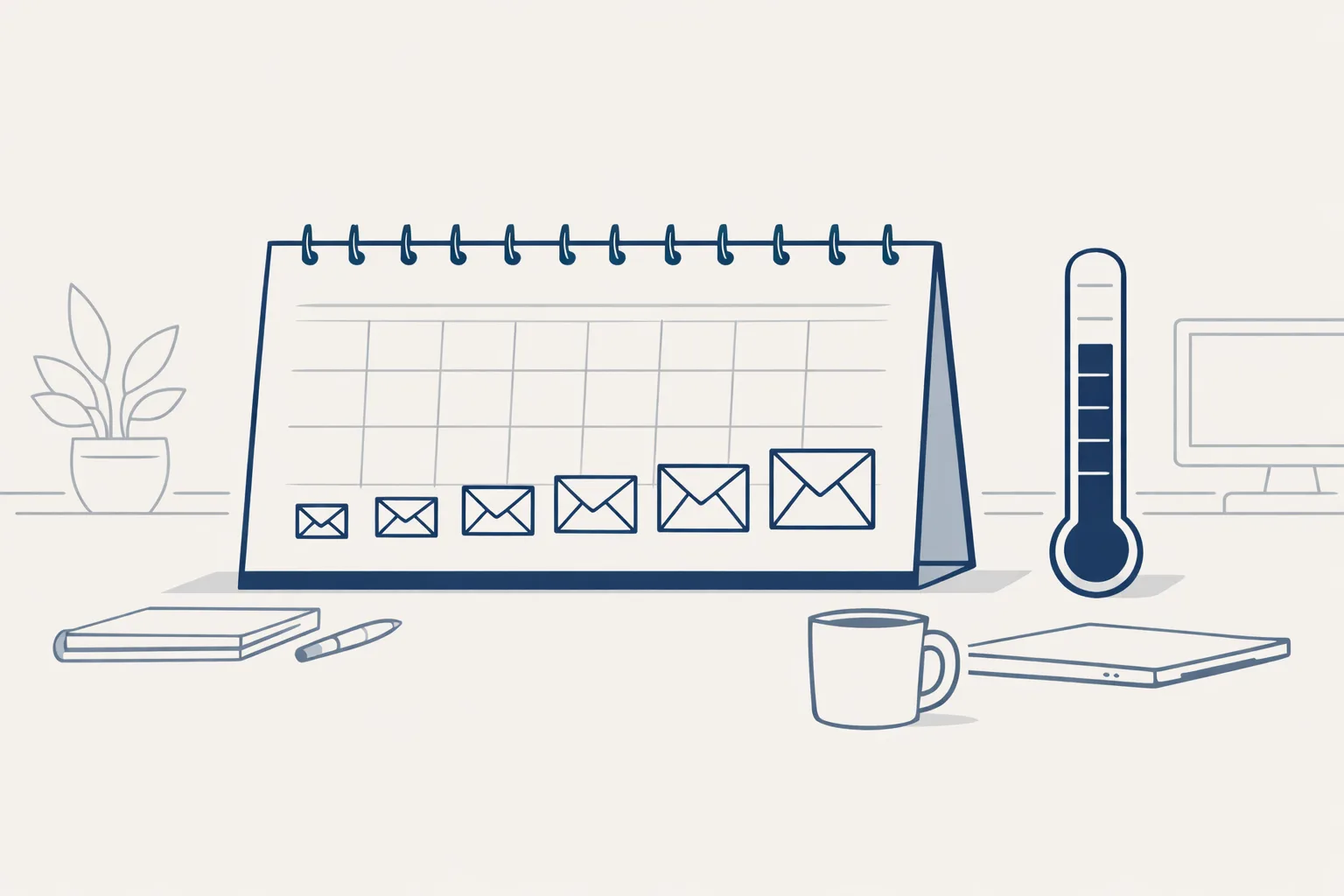
A new address has no history. Providers like Gmail watch it closely. Sudden large volume, or lots of cold mail, can send everything to spam. So the safe way is to start small, send to people who reply, and grow week by week.
Email warmup tools try to speed this slow start up. Whether they help is the question this article answers.
What do email warmup tools actually do?
Email warmup tools send and answer emails between a network of accounts, so your address looks active and wanted.
Say a small consultancy buys a warmup tool. The tool sends a few emails a day from the new address to other accounts in its network. Those accounts open the emails, reply, and pull them out of spam if they land there. Over weeks, the volume rises.
In theory this builds a good name. In practice, it is a trick. The conversations aren't real, and providers keep getting better at spotting patterns. Some tools work for a while. Others become useless, or even harmful.
Providers also look at what happens to each email. Was it opened? Was it answered? Was it moved to spam, or rescued from it? A warmup tool fakes those signals. Your real customers give them for free.
A word of caution on the sales pitch. Some tools promise to fix any address in days. Be wary of that. Trust grows from a long record of behavior, and a few days of fake activity rarely changes it.
Here is a fair comparison between the two ways of warming up an address.
| Warmup tool | Slow real sending | |
|---|---|---|
| How it works | Fake emails between tool accounts | Real emails to real people who expect you |
| Cost | A monthly fee | Your own time |
| Speed | Looks fast | Takes a few weeks |
| Risk | Providers may spot the pattern | Low, if the list is good |
| What it builds | A name made of fake replies | A name made of real replies |
Do I need an email warmup tool?
Most small businesses don't need one, because careful real sending builds trust just as well.
A plumber who emails regular customers each week has no need for a tool. The customers know him, open his emails and reply. That is the best warmup there is.
A tool might make sense in two cases. You must send many emails from a new address very soon, or you have a damaged address you are trying to recover. Even then, the basics matter more than the tool.
There is also a hidden cost. A tool adds one more account, one more password and one more thing to watch. For a team of three people, that is a lot of effort for a trick that may not last.
Before you buy anything, check:
- The sender records (SPF, DKIM and DMARC) are set up for your domain.
- Your list is made of real addresses, and people have a reason to hear from you.
- You send from a real name, with a way to opt out.
- You can pause quickly if emails start to bounce.
- You are ready to start with a handful a day, not hundreds.
How long would your ramp-up take?
Type your own numbers. The result is a simple plan, not a promise that any provider will agree with it.
How do I warm up a new address by hand?
Start with a handful of emails to people who know you, then add a few more each day.
A family business opening a new sales address could write to ten friendly customers on day one: a real question, a real update. Their replies are the best signal a provider can get.
Keep a short note of each day: how many emails went out, how many bounced and how many replied. After two weeks, that note tells you more than any tool's dashboard.
Here is a simple plan:
- Set up SPF, DKIM and DMARC for the domain.
- Use the address for normal, two-way emails for the first week or two.
- Start your outreach with a handful of emails a day, to the most likely replies.
- Add a few more each day only while replies come and bounces stay low.
- Pause the moment bounces or spam complaints rise. Find the cause, then restart slowly.
- Keep going for a few weeks, until you reach your steady daily number.
How do we handle this ourselves?
We don't sell warmup tools. We grow sending slowly and let real emails do the work.
Our own outreach runs today on a fixed rhythm. One email goes to one recipient, each carries an opt-out line, and it stops on a reply, a bounce or a polite no. If too many emails bounce, it pauses itself. That is warming up in practice: slow, careful and honest.
For a client, outreach is built to order. We would start from a small daily number and grow it carefully.
Use the calculator below to see how many days your own ramp-up would take.
Questions
What are email warmup tools?
They are tools that send and answer emails between a network of accounts, to make your new address look active. Their value is mixed.
Do I need to warm up a new email address?
Yes, in the sense that you should start small and grow. You don't always need a tool to do it.
How long does email warmup take?
Usually a few weeks, depending on how fast you grow and how people react.
Can warmup tools hurt me?
They can, if providers spot the pattern or if you rely on them and skip the basics like sender records and a clean list.
What matters more than a warmup tool?
Sender records, a clean list of real addresses, a clear way to opt out and emails people want to read.
Tell us your workflow. We will build it around you.
Planning to send from a new address? Write to hello@thenewaiemployee.com and we'll talk through a safe start.
Talk to us Related service: Lead lists and outreach