Private AI means using AI while you stay in control of your company data. It comes down to a few plain questions: where does the data go, who can see it, what is kept and how do you stop it. Ask every provider those questions in writing before you share a single file.
What does private AI really mean?
Private AI means you decide what the AI sees, where your data goes, who can read it and how to switch it off.
Say a small accountancy practice wants help reading client papers. Those papers hold names, bank details and tax numbers. If someone pastes them into a free website, they may leave the practice's control for good. Private AI is the opposite: the work happens in a setup where the practice still holds the keys.
The word "private" is used loosely. Some providers use it for a nice login page. Others mean the data never leaves a closed system. So the word alone proves nothing. You need to ask what is behind it.
A simple picture: a private AI is like a locked meeting room, and a public one is like a busy cafe. You can talk business in both, but you choose what you say in the cafe.
Here are the four things to find out.
- Where your files go when the AI reads them.
- Who at the provider can see them.
- What is kept afterwards, and for how long.
- How you stop it, and what happens to your data when you do.
Which questions should I ask any AI provider?
Ask plain questions and expect plain, written answers.
Picture a family business about to share its supplier contracts. Before they upload anything, the owner sends the provider a short list of questions. A good provider replies clearly. A vague reply is an answer too.
Keep the replies. If a provider's answer changes later, you'll have the written version to point to. It also helps a colleague who joins next year and wonders what was agreed.
Ask the same questions again whenever something changes, such as a new feature or a new outside service. Privacy is not a one-time tick.
Questions worth asking:
- Where is my data stored, and in which accounts?
- Does anyone at your company read my files? When, and why?
- Is my data used to improve your product? Get the answer in writing.
- Can I see a log of every action the AI took?
- Can I stop it at once, and is that easy?
- What do I get back, and what is deleted, when I leave?
- Which parts are done by outside services, and who are they?
What should I keep out of AI altogether?
Keep out anything that you could not afford to see in the wrong hands, or that rules say you may not share.
A plumber's office might share job notes freely but keep staff medical papers out. A small trading firm might share contracts but not the owner's personal bank statements.
It also helps to think about what the AI really needs. A job that sorts supplier bills doesn't need to see staff papers. Giving a helper only the folder it needs is the simplest protection there is.
Make a short list before you start. Common candidates are:
- Staff records, health details and anything personal.
- Passwords, keys and bank login details.
- Papers covered by a confidentiality agreement with a customer.
- Anything where a law or contract limits who may see it.
- Files you do not need the AI to read at all.
Is your company data safe with an AI provider?
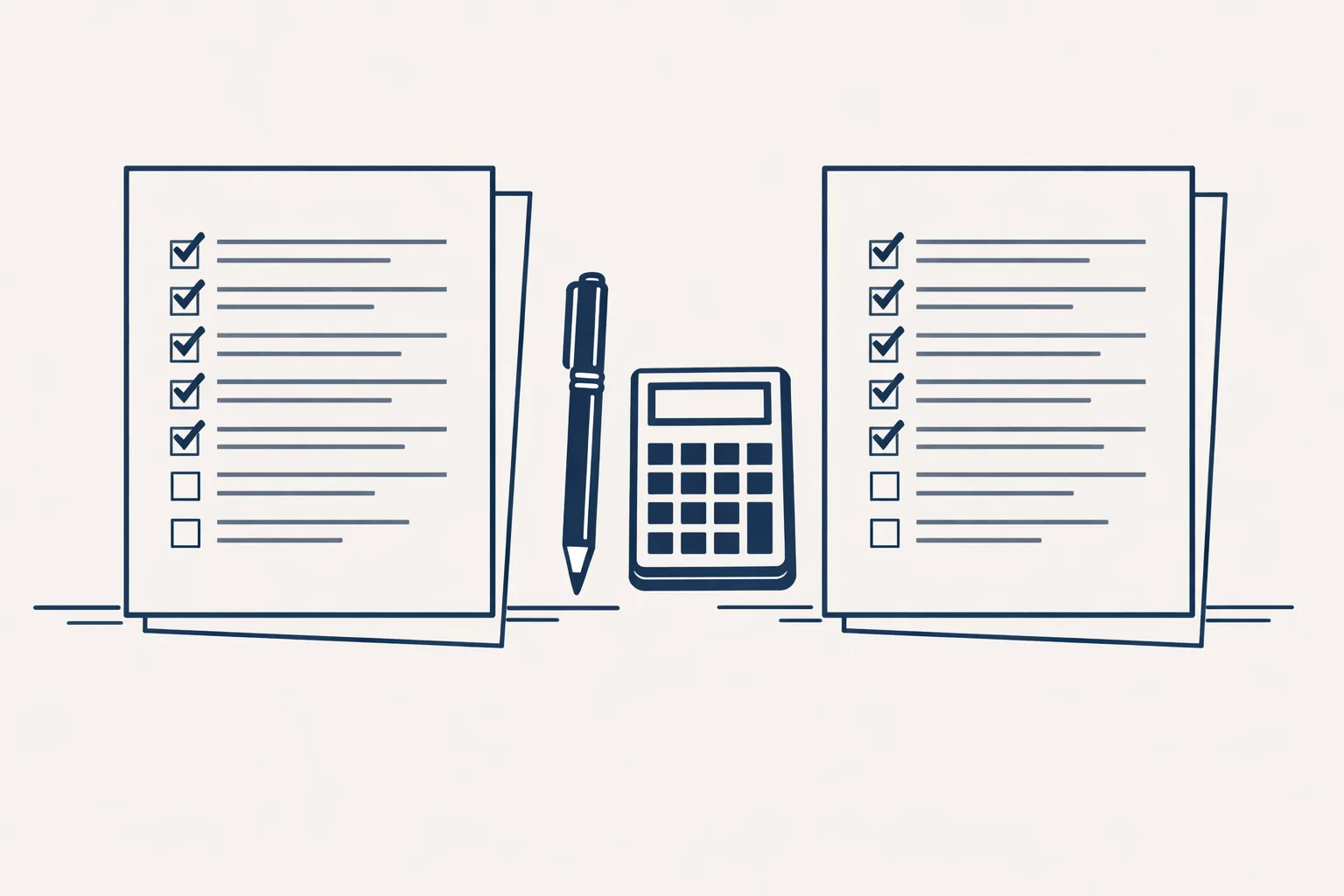
Tick every question you have asked and had answered in writing. The result shows how well protected you are.
How does our setup treat your data?
Our helpers run on our servers against your own accounts, and your data and documents stay yours.
That is the rental model. Your mailbox, your Google Drive, your sheets and your accounting stay with you. Our dashboard and our helpers do the work. If you stop the subscription, the helpers stop, and you keep all your data and documents.
We don't claim any certification, and we won't promise more than we can show. What we can show is the log, the one-command stop and the fact that your data stays in your own accounts.
A few more plain facts about how we work:
- Every action is written to a log you can look at.
- One command stops any helper.
- Nothing is switched on without your yes.
- Anything a helper can't do exactly goes to a person, instead of being guessed.
- It works with Gmail and Google Workspace, Google Drive, Google Sheets and Xero.
How do I get started safely?
Start with one low-risk job, one folder and one named person who checks the result.
A small online shop might start with the supplier bills folder and leave customer details out for now. Once the first job runs well and trust is built, the next one follows.
Write down who checks the results, and how often. A named person with a weekly look at the log catches problems early.
Here's a careful route:
- List what you will and won't share.
- Send your questions to the provider and keep the written answers.
- Pick one low-risk job and one folder.
- Give access only to what that job needs.
- Check the log after the first week.
- Widen the job only when you are comfortable.
Questions
What is private AI?
Using AI while you stay in control of your data: you decide what it sees, where it goes, who reads it and how to stop it.
Is a free AI website private?
Not by default. Ask where your text goes and what is kept before you paste anything sensitive.
What should I never share with an AI tool?
Passwords, health records, staff details and anything a law or contract says to keep restricted.
Do you use my data to train a model?
Ask every provider this in writing, us included. We claim no certification. What we can show is this: our helpers run against your own accounts, every action is logged and one command stops them.
What happens to my data if I leave?
The helpers stop. You keep all your data and documents, because they stayed in your own accounts.
Tell us your workflow. We will build it around you.
Want to use AI without losing control of your data? Write to hello@thenewaiemployee.com and ask us anything, in writing.
Talk to us Related service: Business brain