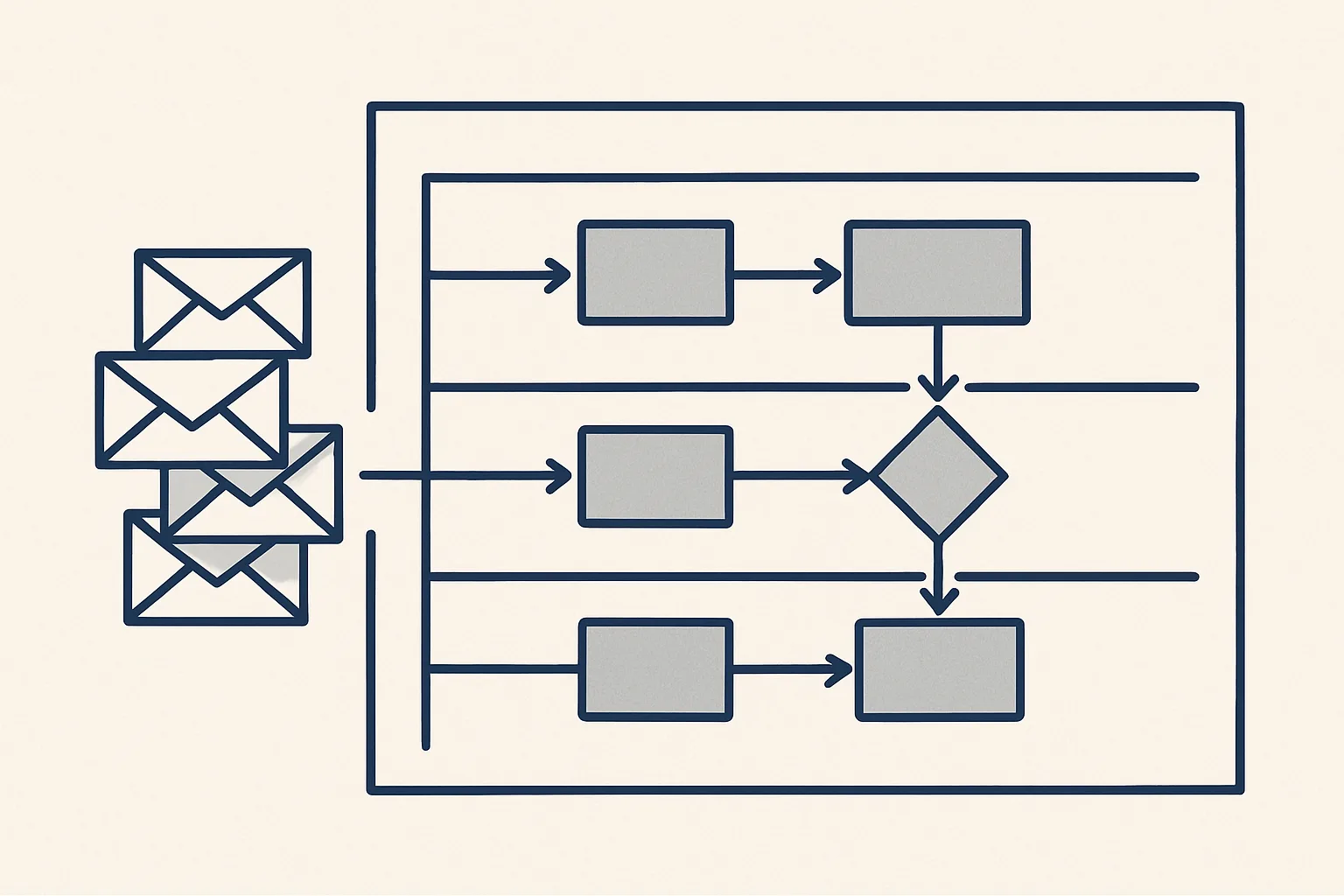
Process documentation records how work actually gets done: what starts it, the steps, people, systems and deadlines, so it survives holidays, growth and departures. The most accurate source is the trail the work leaves behind, such as emails, attachments and files, read and summarised into a written process.
Why most processes are undocumented
Most processes are undocumented because they grew one task at a time, inside one person's head, and nobody ever had a quiet week to write them down.
Process documentation is a written description of how a piece of work is done: what starts it, who does each step, which systems are used, what the result is and when it is due. In a small or growing business, very little of this is written. The office manager knows which supplier needs a purchase order number on every invoice. The bookkeeper knows that one customer pays only after a statement is sent. It works until that person is on holiday, off sick or leaving.
Then the gap shows. Someone covers the role and discovers tasks nobody knew existed: a monthly report a bank expects, a renewal that falls due once a year, a customer who must be called before a delivery. The work was real; it was simply never written down.
Good process documentation fixes this before it hurts. It is not paperwork for its own sake. It is the description a new starter needs, the map a manager needs to see who does what, and the brief anyone needs before part of a job can be automated.
What good process documentation contains
Good process documentation answers six questions for each process: what starts it, what the steps are, who does each one, which systems are used, what it produces and by when.
Many teams start from a standard operating procedure template, and that is a sensible frame. The template matters less than the content. A page that answers the questions below for one process is more useful than a long manual that answers them vaguely for twenty.
Pitch the detail at the level of a capable new starter. Leave out what anyone in the trade would know, and spell out what is specific to your business: the customer who needs a reference on every invoice, the folder where signed contracts go, the colleague who must approve anything above an agreed amount. Screenshots and links to the actual files help more than long explanations. If a step needs a judgement call, say who makes it and what they usually weigh up, rather than pretending it follows a fixed rule.
| Element | Question it answers | Example from a wholesale business |
|---|---|---|
| Start | What starts the process? | A customer order arrives by email |
| Steps | What is done, in what order? | Check stock, confirm price, raise the order, book the delivery |
| Owner | Who does each step? | Sales confirms the price; the warehouse books the delivery |
| Systems | Where is each step done? | Mailbox, stock sheet, accounting system |
| Output | What does it produce? | An order confirmation and a delivery booking |
| Deadline | By when? | Confirmation the same day; delivery within the agreed window |
| Exceptions | What goes differently? | Out-of-stock items, new customers, special prices |
Mapping from the work trail, not memory
The most accurate process map comes from the trail the work leaves, because memory leaves out the rare tasks and the small steps people no longer notice.
Ask someone to describe their job and you will get the main tasks done most often. Business process mapping from interviews alone misses what happens once a quarter or once a year, the workarounds, and the informal agreements with particular customers. The mailbox does not forget. Every request, reply, attachment and reminder is there, dated, with the people involved.
This is how our handover robot works, and it is running today. When a key person is leaving, it reads that person's mailbox history and attachments, read-only, and writes what the role actually did, what is still open, the deadlines coming up and a handover plan, all before the last day. The same reading can produce process documentation for any role, whether or not anyone is leaving.
The route from mailbox to written process looks like this:
- With the owner's yes, the robot is given read-only access to the mailbox and folders of one role.
- It reads the history and groups the messages by recurring task: who asked, what was sent, how often, and by when.
- It lists the systems and documents each task touches, and the people inside and outside the business involved.
- It writes a draft description of each process, with what starts it, the steps, owners, outputs and deadlines.
- It lists what is still open and what falls due soon, as an employee handover document.
- The person in the role, or their manager, reads the result, corrects it and approves it.
How well is this process documented?
Pick one process your business relies on. Tick each statement that is true of its written description today.
Swimlanes and owners
A swimlane diagram shows one process as a row of lanes, one lane per person or team, so you can see who does what and where the work changes hands.
Each step sits as a box in the lane of whoever does it. Arrows show the order. Wherever an arrow crosses from one lane to another, the work changes hands, and those crossings are where delays and mistakes usually happen: a request waits in someone's inbox, or a document is sent to the wrong person.
You do not need special software to draw one. A whiteboard, a sheet with one column per lane or a few sticky notes will do. What matters is that every step has exactly one owner. Some useful rules for drawing them:
Take a supplier bill at a small distributor as an example. The first lane is the mailbox, where the bill arrives. The second is the office administrator, who enters it and files the PDF. The third is the owner, who approves it for payment. Drawn out, the diagram shows that bills often wait in the second lane at month end, and that the owner sees them only in a batch. That one picture says more about the process than a page of text.
- One process per diagram, from one starting point to one output.
- One lane per role, not per named person, so the map survives staff changes.
- Every box starts with a verb: check, send, approve, file.
- Mark each handover between lanes and note how it happens: email, sheet or system.
- Show the main exceptions as a side path rather than hiding them.
- Note the system used for each step inside the box.
Keeping it alive
Process documentation stays useful only if someone owns it and it is updated whenever the work changes.
The usual failure is a document written once, praised and never opened again. Six months later the supplier has changed, the system has moved and the page describes a job nobody does any more. Give each process an owner, keep the documents where the team already works and review them on a simple schedule, such as once a quarter or whenever a person changes role.
Small changes are easier to record as they happen. When an exception becomes routine, add it. When a step disappears, delete it. A short note of what changed and when is enough. Reading the work trail again from time to time is also a quick way to catch drift between the page and the practice.
Store the documents where the work happens: in the shared drive next to the files the process uses, not in a separate wiki nobody visits. Link each one from the register or sheet the team opens every day. Process documentation that is one click away gets used and corrected; documentation that has to be searched for gets forgotten.
Using it for automation
Clear process documentation is also the brief for automation, because a robot can only follow rules that someone has written down.
Once a process is described with its start, steps, systems and exceptions, it is easy to see which steps are typing, copying and filing, and which are decisions. The typing steps are candidates for an AI employee; the decisions stay with people. Our AI employees are rented monthly, run on our servers against your own accounts, and work under one rule: graduated automation, with every step starting with your approval.
Writing the process down has value even if nothing is ever automated. It protects the business from the day a key person is away, and it shows the hours each process takes. Use the self-check on this page to see how complete the documentation for one of your processes is today.
Questions
What is process documentation?
A written description of how a piece of work is done: what starts it, the steps in order, who does each one, which systems are used, what it produces and by when. It lets someone else do the work correctly.
What should a standard operating procedure include?
The purpose, what starts it, the steps in order with an owner for each, the systems and documents used, the expected output, the deadlines and the common exceptions. Keep it to what a new starter needs to do the job.
What is the difference between process mapping and process documentation?
Process mapping draws the flow of work, often as a swimlane diagram, to show who does what and where work changes hands. Process documentation is the full written description, which usually includes the map.
What goes into an employee handover document?
The recurring tasks of the role, what is still open, the deadlines coming up, the systems and contacts involved and a plan for who takes over each part. Reading the person's mailbox history is the most reliable way to find it all.
How often should process documentation be updated?
Whenever the work changes, and at a regular review such as once a quarter. Each process should have an owner who is responsible for keeping its description current.
Tell us your workflow. We will build it around you.
Write to [email protected] with the role or process you most need written down and the hours it takes each month. We will tell you plainly how to draft its documentation from the work trail.
Talk to us Related service: Process mapping and handover

