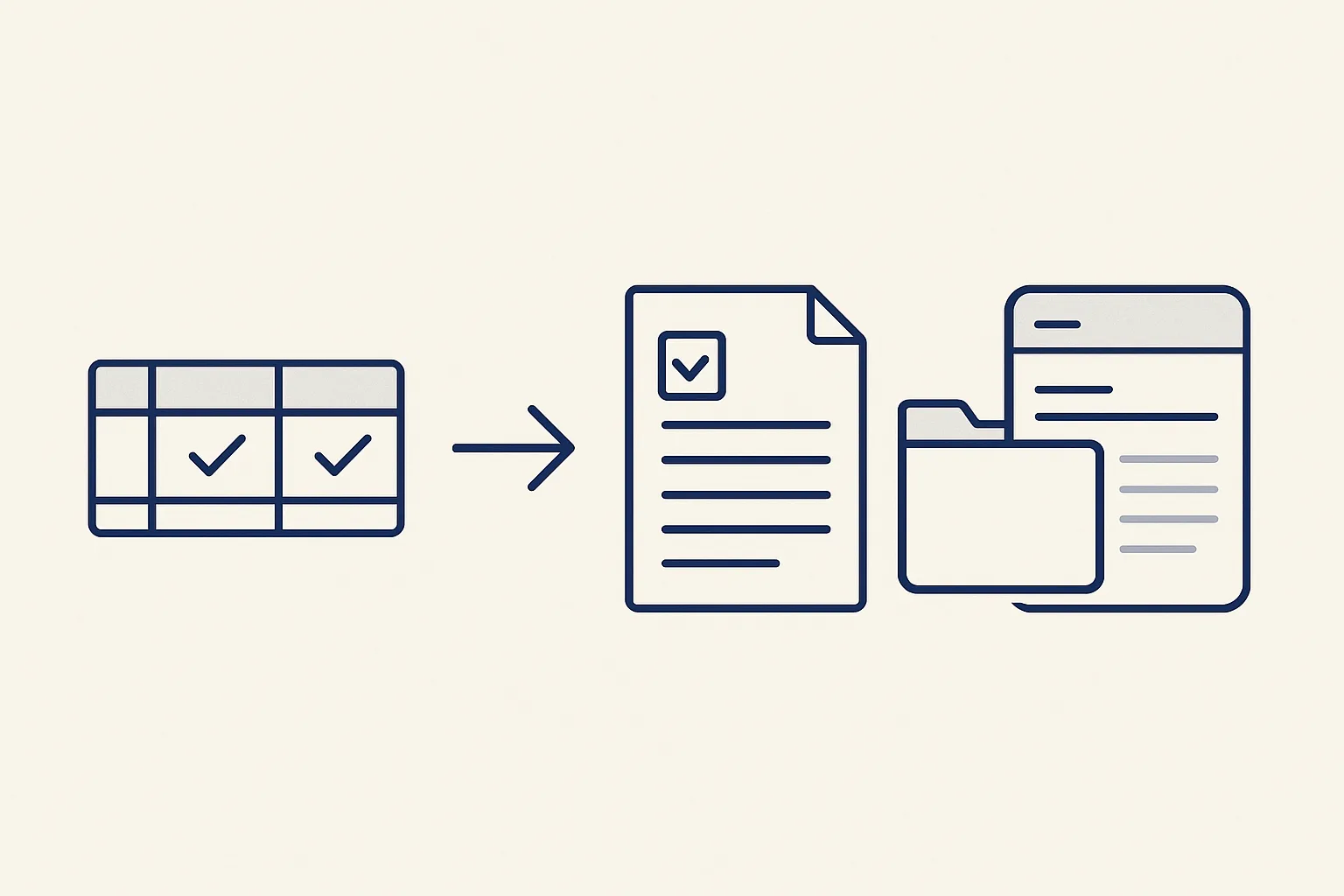
A good purchase order process has five steps: request, price check, approval, issue, and matching the order against the delivery and the invoice. A robot can turn one row in a sheet into a finished PO after two confirmations, file it, and prepare the email to the supplier.
Why use purchase orders at all?
A purchase order process puts every purchase in writing before it happens, so you know what you committed to, at what price, and can check the delivery and the invoice against it.
A purchase order, or PO, is your own document. It says what you're buying, from whom, how much, at what price, and on what delivery and payment terms. Once the supplier accepts it, both sides work from it. Without one, the order lives in an email thread or a phone call, and the only written price is the one on the supplier's invoice.
Say a small restaurant orders cheese for the week. With a PO, the price is agreed before the cheese arrives, not discovered when the bill does. The owner sees the order before money is committed. When the delivery comes, there's something to check it against.
Not every purchase needs one. Small everyday buys, like cleaning supplies on a card, can stay outside. The trick is a clear line: above this amount, or for these kinds of goods, you need a purchase order.
What are the five steps?
The five steps are request, price check, approval, issue, and matching against the delivery and the invoice.
Each step has an owner and leaves a record. In a small firm one person may do several steps. What matters is that, for big amounts, someone other than the requester says yes.
- Request: someone says what's needed, how much, by when and, if known, from whom.
- Price check: the price is compared with the last one paid and, if it matters, with other quotes.
- Approval: the person with authority for that amount says yes.
- Issue: the PO is made with its own number, sent to the supplier and filed.
- Matching: when the goods and the invoice arrive, both are checked against the PO before payment.
How do I check prices and ask for quotes?
Check prices against what you actually paid before, line by line, and ask for written quotes when a purchase is large or new.
A price history register is running today for a client. It lists every product line ever bought, with its price per unit, rebuilt from past invoices and kept current automatically. Before you issue a PO, you see the last price paid for the same item, from whom, and when. A rise since last time shows before you accept it, not after.
For bigger or unusual buys, send a request for quotation to several suppliers. RFQ management in a small firm just means a short list: who was asked, what they quoted, by when. Keep it with the request, so whoever approves can see why you chose that supplier. It can live in the same sheet as your POs.
It doesn't need to be fancy. For a routine reorder, a glance at the last price is enough. The aim is that nobody accepts a new price without seeing the old one first.
Who should approve what?
Approval rules say who can approve which purchases, usually by amount and kind of spending, and they work best written down and followed every time.
Good rules are short. They name people, limits and exceptions, and say what happens when the approver is away. Here's a typical layout. The names and limits are yours to set.
Keep the rules next to the PO sheet, where buyers work, not in a policy file nobody opens. Record every approval on the PO row itself, with a name and a date.
| Purchase | Who approves | What gets checked |
|---|---|---|
| Everyday goods from a regular supplier, small amount | The buyer, noted on the row | Last price paid |
| Everyday goods, larger amount | The operations manager | Last price and quantity |
| A new supplier | The owner | Supplier details and terms, before any order |
| A large or unusual purchase | The owner | Written quotes from several suppliers |
| Urgent, with the approver away | The named deputy | Same as above, reviewed on return |
Check your own purchase order process
Tick each statement that's true of how your business buys today. The result shows which of the five steps need attention first.
Can a PO be made from one row in a sheet?
Yes. Purchase order automation can turn one row in a sheet into a finished PO: after two confirmations, the robot makes the PDF, files it and prepares the email to the supplier.
Our purchase order robot is running today for a client. The buyer fills one row: supplier, goods, quantity, price, delivery and payment terms. They confirm the row, then confirm it again, so nothing goes out by a slip. The robot makes the PDF, files it in the right folder, drafts the email to the supplier with the PDF attached, and posts a message in the client app. The buyer reads the draft and presses send.
This is order management automation that suits small and mid-sized firms. It uses the sheet your team already works in and keeps numbering and filing neat. It doesn't pick suppliers or haggle over prices. A new supplier is added only after the owner says yes.
The double confirmation matters more than it seems. One tick in a busy sheet is easy to hit by mistake. Two separate confirmations make an issued PO a deliberate act.
How do I match the delivery and the invoice?
Before paying a supplier invoice, check it against the PO and against what was actually delivered, line by line.
This is where the process pays for itself. Without a PO, the only way to know if an invoice is right is to ask whoever ordered and hope they remember. With one, the check is simple: quantities against the delivery note, prices against the order. You find differences before paying, when they're easy to settle.
Three papers must agree: the order, the delivery note and the invoice. When they do, you approve the bill fast. When they don't, someone finds out why first. Common differences:
- Short delivery: fewer goods arrived than were ordered and billed.
- Price difference: the invoice price isn't the PO price.
- Substitution: a different product or grade turned up.
- Extra charges: freight or surcharges that weren't on the PO.
- Duplicate invoice: the same delivery billed twice.
How should I number and file POs?
Give each PO a unique number in an unbroken sequence and one place to be filed, so you can find any order from the invoice, the delivery or the supplier.
Numbering by hand leaves gaps and repeats, especially when several people raise orders. When the system hands out each number, the sequence looks after itself. File the PDF in one folder per supplier or per month, with the PO number in the file name.
Cancelled or changed orders keep their numbers. Mark them on the row and file the new version beside the original, so the history can be followed.
On the supplier side, our bills robot, running today for a client, enters supplier invoices as draft bills with the PDF attached and files them under the supplier. Anything it can't enter exactly goes to a person. With POs and bills filed the same way, matching means opening two files side by side. Every action goes in a log, and one command stops any robot.
Questions
What are the steps in the purchase order process?
Request, price check, approval, issue, and matching the PO against the delivery and the supplier's invoice before payment.
Does every purchase need a purchase order?
No. Most businesses set an amount or kind of spending above which a PO is required, and leave small everyday buys outside.
What is purchase order automation?
Software that makes the PO document from approved details, numbers and files it, and prepares the email to the supplier. Ours does it from one sheet row after two confirmations. At the start you send the email yourself.
What is matching against order and delivery?
Checking that the PO, the delivery note and the supplier invoice agree before the invoice is paid.
Who should approve purchase orders?
Someone with authority for that amount, usually not the requester for bigger purchases. Write the limits and a deputy down.
Tell us your workflow. We will build it around you.
Tell us how many purchase orders you issue each month and how long they take. Write to [email protected] and we'll say plainly whether a one-row PO fits.
Talk to us Related service: Sales desk and orders

