Summarize AI reads a long email, thread or document and gives you the few lines that matter. It saves reading time, but it can miss a detail. Treat the summary as a good first look, and open the original when the stakes are high.
What does summarize AI actually do?
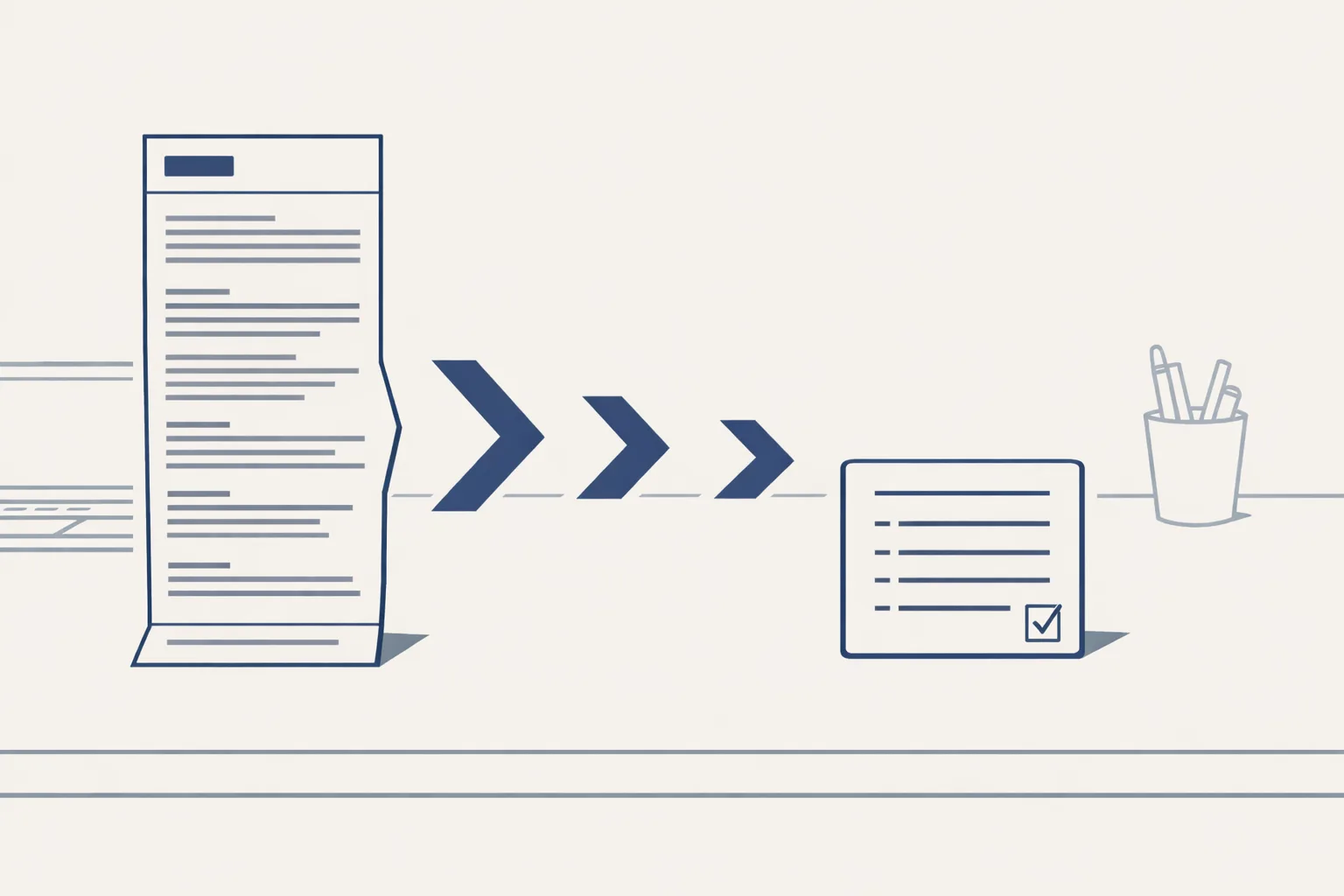
Summarize AI reads a long text for you and hands back the short version: who wrote, what they want and what happens next.
Say a supplier writes a long email with three attachments and a price table buried in paragraph six. You could read it all. Or you could read five lines that say: new prices from next month, two items out of stock, a reply is needed by Friday.
Think of it like a good assistant at a front desk who says, 'Three things need you today.' You still make the calls. You just know where to look.
That is the whole job. It doesn't replace the email. It points you to the part you need.
It works on more than emails. It can shrink:
- A long thread with twenty replies, so you see where it ended up.
- A contract or report, so you know which pages to read closely.
- A set of notes from a call.
- A pile of overnight emails, so your morning starts with a short list.
How do you get a good summary?
You get a good summary by telling the AI who it's for and what you need to decide.
A bakery owner reading a supplier email wants to know one thing: does it change my costs? A summary written for that question will look different from one written for a lawyer.
Some people search for an ai email summary, how to summarize email with ai or an ai summarizer. They all mean the same short-version idea.
Here are a few requests that work well. 'What does this email want from me?' 'List every date and amount in this thread.' 'What changed since the last message?'
The more exactly you ask, the more useful the answer.
Short, clear requests work best. Here are the steps:
- Paste in the email or thread, or point the tool at it.
- Say what you need: the decision, the deadline, the amounts or the questions asked.
- Ask for a fixed shape, such as five lines or three bullets.
- Read the summary and check any number or date against the original.
- Reply, forward or file, knowing what the message says.
Where can a summary go wrong?
A summary can go wrong by leaving out something small that matters, or by sounding surer than the text.
Picture an email that says, near the end, 'unless you confirm by Thursday, we will ship the larger size.' A lazy summary says 'supplier will ship the order.' The condition is lost.
It can also mix up who said what in a long thread, especially when people reply inside each other's text. Check the name before you act on a promise.
Numbers and dates deserve a second look. So do words like unless, except and subject to. They carry the fine print.
A good habit: if a message could cost real money or change a promise, open the original. Use the summary to find the right line, then read that line yourself.
How long do you spend reading email?
Type in your own numbers. The result is the time you spend reading email today, by your own count. It's not a promise of what a summary would save.
What about a whole morning of email?
The biggest gain isn't one summary. It's a morning list that sorts the whole inbox for you.
We run a daily mail digest today. Every morning it lists the previous day's new and unanswered emails across all the mailboxes of a group of companies, sorted by business. Each one has a short gist, and the full text is one tap away. Newsletters and codes are filtered out.
A manager gets the list with her coffee. She taps the two that matter and leaves the rest for later. That is a few minutes saved before the day has begun.
A small trading company with three people sharing a few mailboxes can start the day knowing what's waiting, what's urgent and what can sit.
The same engine can feed other lists, such as the status of open enquiries.
What about meetings and documents?
The same idea works for a recording or a stack of files, and some of it we do today.
Say you run a family business with a shared drive full of old files. Our business brain reads an archive file by file and writes a one-line gist for each, so you can find a document without opening fifty.
A quick tip: ask for the summary in the order you read, such as the decision first, then the deadline, then the rest.
Minutes from a meeting recording, with actions, owners and dates, are offered, built to order. We use only the recordings or notes you choose to give us.
We don't promise that a summary replaces reading. We promise it helps you decide what to read.
How much time could it give back?
It gives back the time you spend reading things that turn out not to matter.
Most people read far more than they need. A few seconds saved on each message adds up over a month.
Over a year, small savings like that add up to days. The point isn't to read less for its own sake. It's to spend your attention where it counts.
Use the calculator below to see how much time your own inbox takes. It only uses your numbers, and the result is today's reading time, not a promise of savings. Every step starts with your approval, then you choose when it goes automatic.
Questions
What is summarize AI?
It's a tool that reads a long email, thread or document and gives you the short version.
Can AI summarize my emails?
Yes. It can shrink one email, a long thread or a whole morning's inbox into a short list.
Can I trust an AI summary?
Mostly, but not blindly. Check numbers, dates and conditions against the original when it matters.
Does it work on meetings?
Minutes from a recording are offered, built to order. We use only recordings you choose to share.
Is my email safe?
It reads inside your own mailbox and accounts. Nothing is sent from it. Ask us how we handle access.
Tell us your workflow. We will build it around you.
Tell us which emails eat your morning. Write to hello@thenewaiemployee.com and we'll show you a short list built from them.
Talk to us Related service: Business brain