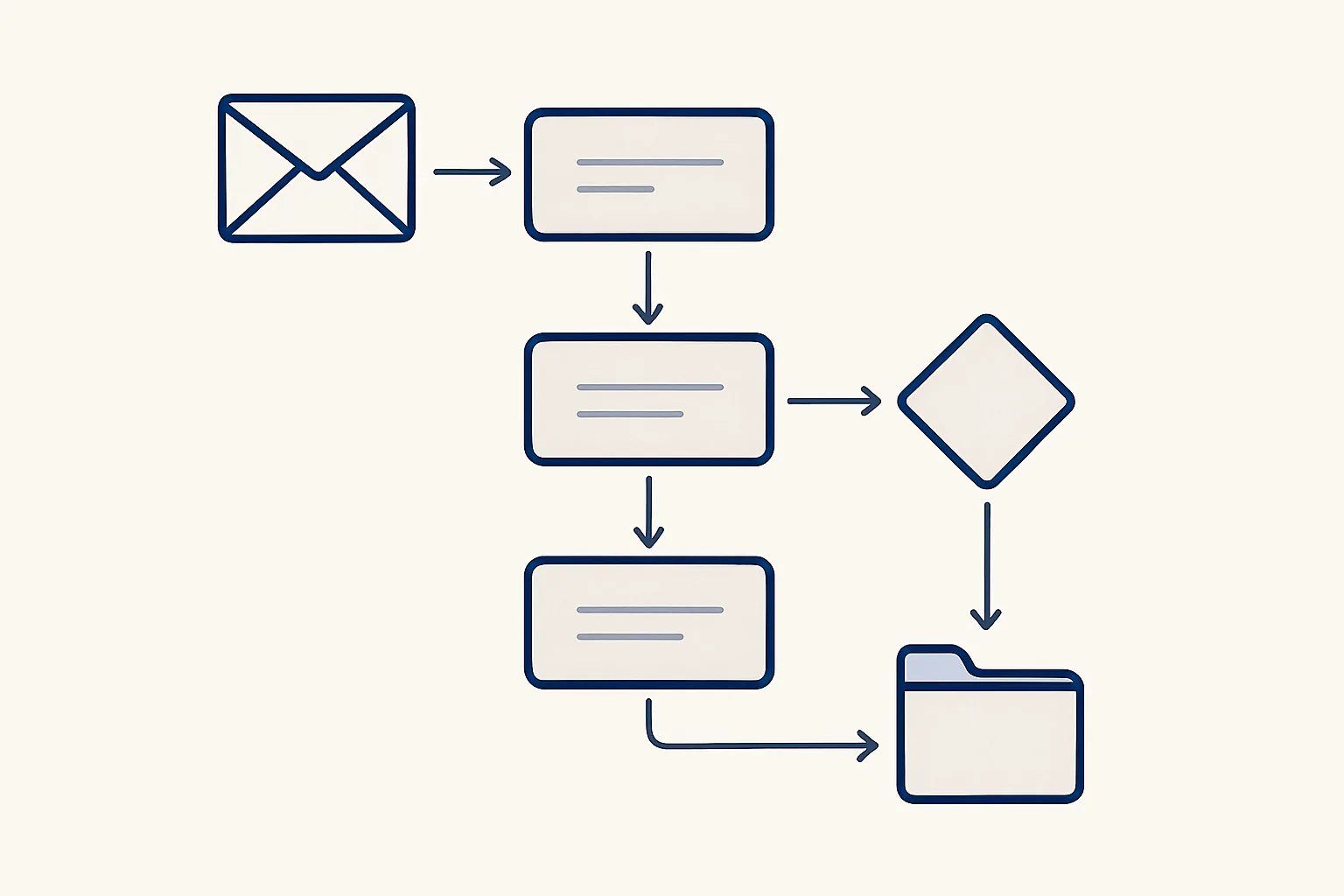
What is workflow automation? It is setting up a routine so that each step, such as receive, check, record, file and notify, happens by itself in the right order every time it starts. People stay on the steps that need judgement or approval.
Workflow automation in one paragraph
Workflow automation means a routine runs its steps by itself, in a fixed order, each time something starts it, while people keep the steps that need a decision.
So, what is workflow automation in everyday office terms? Think of any job your team does the same way many times a month. A supplier invoice arrives, someone opens it, types the figures into the accounts, saves the PDF in a folder and tells a colleague. Each of those steps follows a rule. Workflow automation hands the rule-following steps to software and leaves the person with the one step that needs them: checking and approving.
A workflow is simply the sequence of steps that takes a piece of work from where it arrives to where it ends. An automation workflow is that same sequence, with the routine steps carried out by software. People who ask what is automation workflow, or what is workflow automation, are asking the same question from two ends: one about the thing, the other about the practice. Nothing about the work itself changes; what changes is who does the typing, copying and filing.
It is not the same as a single shortcut, such as a rule that moves emails into a folder. That automates one step. Workflow automation covers the whole route, including what happens when something does not fit.
Asking what is workflow automation also means asking what it is not. It is not a robot that runs the business, and it is not a promise that nobody will ever touch the work again. It is a set of agreed steps, written down once, carried out the same way each time, with people kept at the points that matter.
The anatomy of a workflow: start, steps, approval
Every workflow has three parts: an event that starts it, a series of steps that do the work, and an approval point where you decide, at first on every item and later only on the exceptions.
Once you know what is workflow automation in general, these three parts are what you look for in any routine you want to automate.
The start is the event that sets things going: an email arriving in a mailbox, a file dropped into a folder, a row in a sheet marked ready or a set time of day. A good start event is unambiguous: it either happened or it did not.
The steps are the work itself: read, check, record, file, notify. Each one should be simple enough to write down as a rule. Where a step needs judgement, it is either turned into a rule with clear limits or handed to a person.
The approval point is where a person looks at the result and says yes. In the workflows we run, every item that leaves the company, such as an invoice, an email or a purchase order, stops here at first; you move it to automatic once it has proven itself.
Here is one complete example, a purchase order routine, which runs today for a client:
- Start: someone fills in one row in the purchase order sheet and confirms it twice.
- Read: the robot reads the supplier, the items, the quantities and the prices from the row.
- Prepare: it renders the purchase order as a PDF in the company's own layout.
- File: it saves the PDF in the right folder under the supplier's name.
- Draft: it prepares a draft email to the supplier with the PDF attached, and a message in the team's app.
- Approve: a person checks the draft email and sends it.
- Record: every step is written to a log of actions.
Tools versus done-for-you
You can build workflows yourself with workflow automation tools, or have them built and run for you; the right choice depends on how complex the routine is and who will look after it.
Workflow automation software comes in many forms. Some products connect apps with simple if-this-then-that rules. Others let you draw a flow on screen and add conditions. They suit routines with clean inputs and few exceptions, and they suit teams with someone who enjoys setting them up and keeping them current.
Routines with messy inputs, such as scanned documents, emails written in different ways or rules that depend on the customer, are harder to build with a drag-and-drop tool. That is where a done-for-you build fits: someone studies how the work is done today, builds the workflow around your own accounts and runs it.
Our AI employees are the second kind. They are rented monthly, run on our servers and work inside the client's own mailbox, folders, sheets and accounting system. The table compares the two routes.
| Question | Workflow automation tools | Done-for-you workflow |
|---|---|---|
| Who builds it? | Your team | The provider |
| Best for | Clean inputs, few exceptions | Messy documents, many rules, varied cases |
| Who changes it when rules change? | Your team | The provider, from your instructions |
| Where does the data live? | Varies by product | In your own accounts and files |
| Who approves, and who decides when approval is no longer needed? | Whoever you set up | Always a person |
Map one routine as a workflow
Pick one routine your team repeats. Tick each part you can already name clearly. The parts you cannot tick are the gaps to fill before automating it.
Where AI fits in
AI fits into a workflow at the steps that involve reading or writing language, such as understanding an email or extracting fields from a PDF, where fixed rules break easily.
Classic workflow automation needs tidy data. It can move a value from one box to another, but it cannot read a supplier invoice whose layout it has never seen. AI changes that. A model can read the document, recognize the supplier, the date and the totals, and hand clean fields to the rest of the workflow.
That flexibility comes with a condition. AI can be confidently wrong, so a sound workflow treats its output as a proposal. Fields are checked against what is already known, such as the supplier list or last month's price, and anything that does not match goes to a person instead of being guessed.
In practice, the most reliable workflows mix the two: fixed rules for everything that can be written down, AI for reading and drafting, and a person at the approval point.
This is why the honest answer to what is workflow automation has changed in recent years. It used to mean moving tidy data between systems; with AI reading documents and drafting text, it can now take on the messy front end of office work, as long as a person still approves the result.
Benefits you can check yourself
The benefits of workflow automation are best measured on your own work: the hours a routine takes today, the errors it produces and how easily anyone can see where things stand.
Claims about time saved mean little unless they are about your routine. The useful version of the question what is workflow automation worth is always local: worth to you, on this routine. Before automating anything, count how often the job happens each month and how long each one takes. That gives a figure in hours that you can check again afterwards, by the same rule.
The benefits that can be checked in your own business usually include:
- Hours: the time spent typing, copying and filing, counted before and after.
- Consistency: every case handled the same way, every time it runs.
- Fewer retyping errors, because figures are read once rather than copied by hand.
- A record: every step written down, so questions can be answered later.
- Visibility: anyone can see what is waiting and what is done.
- Continuity: the routine does not depend on one person's memory.
How to map your first workflow
To map your first workflow, pick one routine, write down what starts it, every step and the approval point, and note what happens when a case does not fit.
Choose a routine that happens often, follows the same steps and ends in a document, an entry or an email. Sit with the person who does it and write down exactly what they do, in order, including the small things they no longer notice, such as checking a supplier's name against a list.
Mark the start event, the steps that follow a rule, the steps that need judgement and the point where a person approves. Then write down the exceptions: what happens when a document is unreadable, a customer is new or a figure looks wrong. Exceptions are where most workflows fail, so a clear answer for each is worth more than any tool.
The checklist above walks through the same points. If you can tick most of them for one routine, you have a workflow that can be automated, whichever route you choose. If you cannot yet answer what is workflow automation going to do with the exceptions, write those down first; that list is the real specification.
Questions
What is an automation workflow?
It is a sequence of steps, started by an event such as an email or a ready row in a sheet, in which the routine steps are carried out by software and a person handles the decisions.
How do you automate a workflow?
Write down the start event, every step and the approval point; mark which steps follow rules; decide what happens with exceptions; then build it with a tool or have it built, and check its results closely at first.
Can you give me an example of a workflow?
A purchase order routine: a row is filled in and confirmed, the order PDF is rendered and filed, an email to the supplier is prepared, and at the start you check and send it.
What is the difference between workflow automation and AI?
Workflow automation is the routine running by itself. AI is one ingredient that can sit inside it, usually for reading documents or drafting text where fixed rules break.
Do I need workflow automation software?
Not necessarily. Tools suit simple routines with clean inputs and someone to maintain them. Complex routines may be better built and run for you.
Tell us your workflow. We will build it around you.
Write to [email protected] with one routine and the hours it takes each month, and we will tell you plainly whether it can be automated and how.
Talk to us Related service: Services

