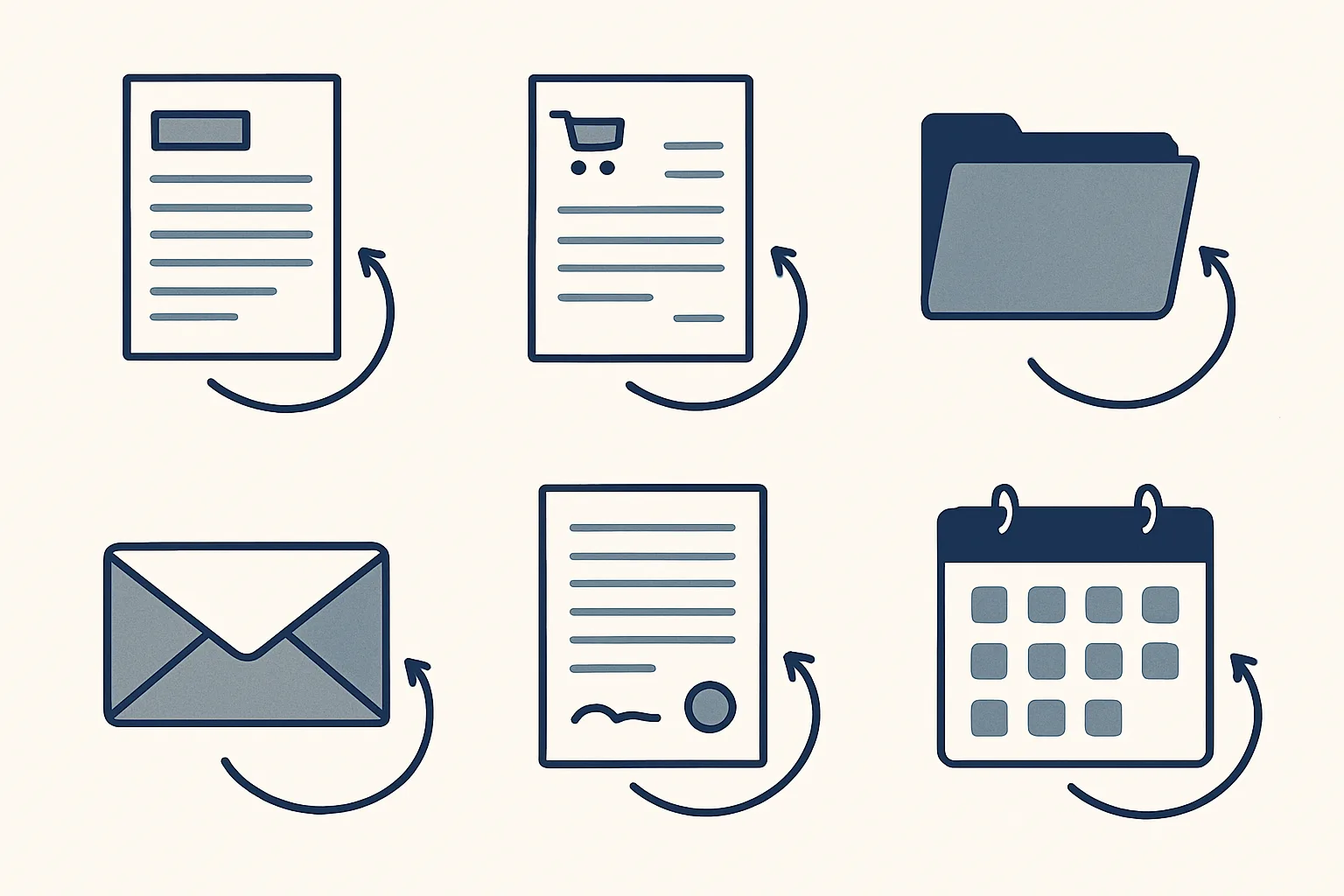
Typical workflow automation examples in an office are supplier bills read from email, sales invoices prepared from a sheet, purchase orders made from one row, documents filed by month and a morning list of unanswered emails. Each has a clear start and fixed steps.
What makes a good workflow automation example?
These workflow automation examples all share the same shape. A good one has something you can point to at the start, steps that are mostly the same every time, and a result you can see at the end.
Think of a baker who gets the same flour order every Friday. The start is an email. The steps are the same. The result is a purchase order. That's a workflow, and it's a good one to automate.
A bad example is a job with no clear start, where every case is different, like negotiating a big deal. Keep that with a person.
Those are the business process automation examples that work best. They repeat, they have a trail, and a person can check the result in seconds.
Below, each example says whether it runs today for a client or is built to order. We keep that honest.
Which finance workflows can be automated?
The best finance examples are the ones with a paper trail: bills coming in, invoices going out, and the matching in between.
Here are AI automation examples from the money side of a small office.
Say a supplier sends a bill as a PDF. Today, someone types it into the accounts by hand. With us, a robot reads it, creates a draft bill with the PDF attached and files the PDF under the supplier. If it can't enter something exactly, like a refund or an unknown supplier, it passes it to a person.
Sales invoices work the other way. A sheet remembers your clients and products, the tax wording is applied, the PDF is made and filed, and a draft invoice and a draft email are ready to review.
Bank matching and payment reminders are built to order. They're not running for a client yet.
| Workflow | Starts when | What the robot does | Status |
|---|---|---|---|
| Supplier bills | A bill lands in the mailbox | Reads it, makes a draft bill, files the PDF | Running today |
| Sales invoices | A row is marked ready | Makes the PDF, files it, drafts invoice and email | Running today |
| Bank matching | Bank lines arrive | Suggests which invoice each one pays | Built to order |
| Payment reminders | An invoice is overdue | Drafts a polite reminder | Built to order |
What about sales and purchasing?
Purchasing and quoting are full of small repeat jobs. A good example is the purchase order.
Picture a small factory. A buyer fills in one row of a sheet: supplier, item, quantity, price. Two confirmations later, the robot makes the purchase order PDF, files it and prepares the email and a message. The buyer doesn't open a template.
Another example is price history. A register of every product you've bought and sold, with its price per unit, rebuilt from past invoices and kept up to date. When a customer asks 'same price as last time?', the answer is one lookup away.
A small online shop could do the same for restocking. One row says what's needed, and the order is ready for the buyer to read.
Customer replies and enquiry follow-up are built to order. A reply is drafted from your own past answers, and you read it first.
What are the mailbox and admin examples?
Mail and admin are where hours quietly disappear. Here are four that suit automation:
Each of these takes a few minutes of someone's day. Add them up over a month and you're looking at days.
- Daily mail list: every morning, the previous day's new and unanswered emails across several mailboxes, sorted by business, each with a short summary. Running today.
- Mailbox watch: mail in a secondary mailbox that isn't part of a known thread is flagged to you. Running today.
- Invoice filing: invoices arriving in your mailboxes are filed by month into the accounting folder. Running today.
- Meeting minutes: from a recording or notes you provide, draft minutes, actions with owners and dates, and draft follow-up emails. Built to order.
Which example fits your own week?
Pick one task from the examples above that your team does today. Tick each statement that is true of it.
Which HR and onboarding workflows fit?
HR suits automation at the two ends of a job: joining and leaving. The paperwork is heavy and the steps repeat.
When someone joins, a starter pack is prepared from your templates, signed on our own online signing page and filed in the employee's folder. The signing page runs today. The starter pack is built to order.
When a key person leaves, a handover robot reads their mailbox history read-only. It writes down what the role actually did, what is still open, the deadlines, and a plan for the handover before the last day. That runs today.
The same idea suits a new customer or supplier. The documents are requested by draft email, collected, checked for gaps and filed. That one is built to order.
Say a restaurant hires a dishwasher. The pack is made, the signature collected on a phone, and the file is in the right folder by the end of the first shift.
What do these examples not do?
None of these examples decides, sends or pays on its own. Each stops at something you can check.
That's on purpose. Every step starts with your approval, then you choose when it goes automatic. It's the only place we say it in this article.
They also don't make judgment calls. A robot can flag a supplier invoice that looks odd. Whether to pay it is yours.
And none of them is a chatbot on your website. They work on your own mailbox, folders, sheets and accounts.
How do you turn an example into your own workflow?
Pick one task from your own week and write it as a route: where it arrives, what happens, who checks. Then tell us.
If you're asking what is an example of a workflow automation tool, the honest answer is: a robot built around one of your routes, working inside the software you already use. That's what we build.
A good first pick is the job you'd be happiest never to retype again. Say a family business keeps entering the same wholesaler's bills by hand every week. That's the one.
Don't pick the biggest job. Pick the smallest one that's annoying. It proves the idea fast, and then you add the next.
Tick the list below with one such task in mind.
Questions
What is an example of workflow automation?
Reading supplier bills from email and turning them into draft bills in the accounts, with the PDF filed under the supplier.
Which examples run today?
Supplier bills, sales invoices, purchase orders, invoice filing, price history, the daily mail list, the mailbox watch, online signing and the handover robot.
Which are built to order?
Bank matching, payment reminders, expense receipts, onboarding packs, meeting minutes, customer replies and enquiry follow-up.
Do I need new software?
No. The robots work inside your mailbox, Google Drive, Google Sheets and Xero.
Can you build one for my own task?
If you can describe the steps, we can build it. Tell us the task and how often it happens.
Tell us your workflow. We will build it around you.
Tell us one workflow from your own week and how many hours it takes each month. Write to [email protected] and we'll tell you plainly whether it fits.
Talk to us Related service: Services

