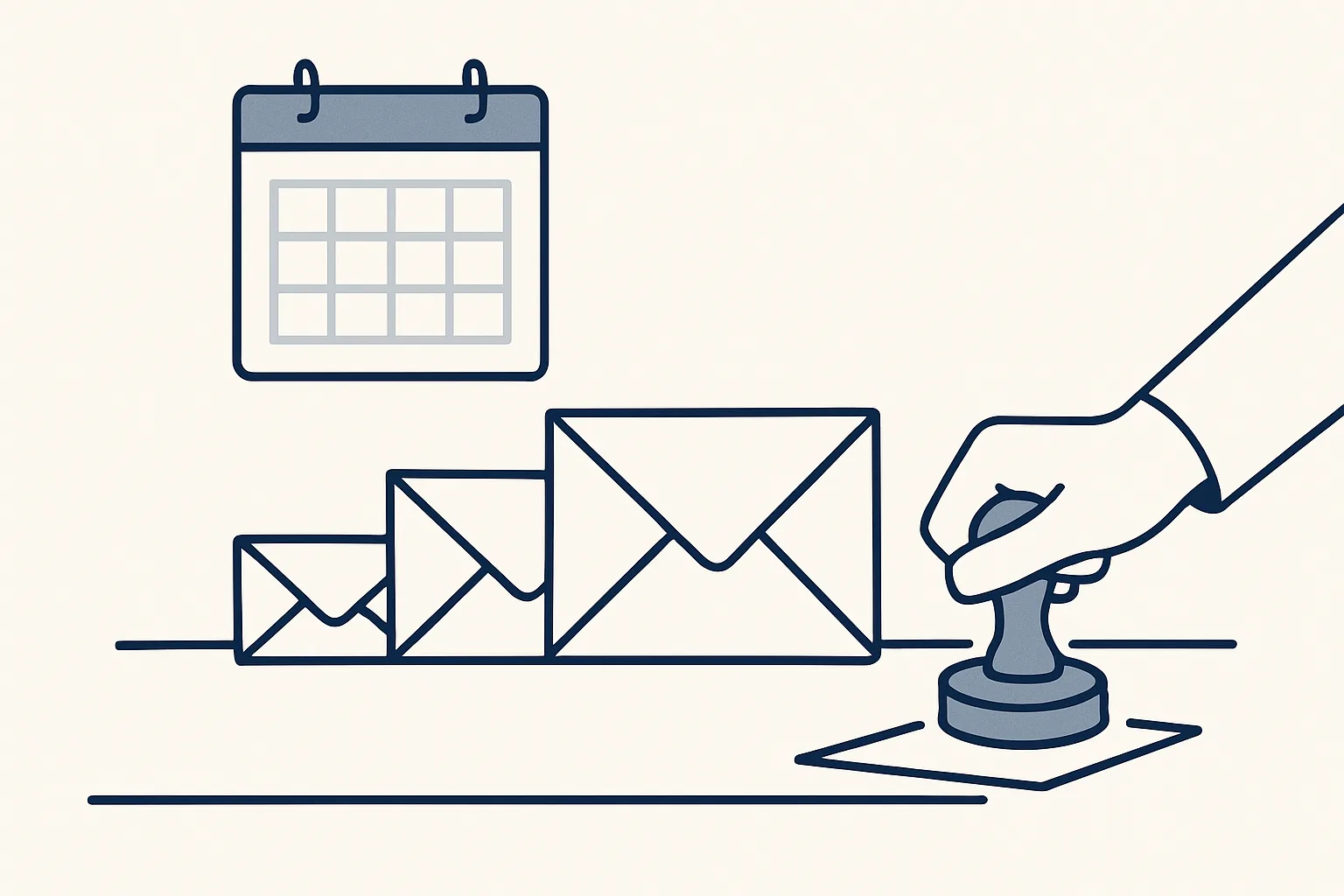
Automated payment reminders are prepared from your list of overdue invoices: a polite first reminder, a firmer second and a final notice, each as a draft with the invoice attached. You approve each one at first, because the customer relationship matters more than the schedule.
Why reminders slip
Payment reminders slip because chasing is awkward, irregular and always less urgent than today's work, so automated payment reminders help most by making sure each one is ready on time.
Most late payments are not disputes. The invoice went to the wrong person, sat in an approval queue, or was simply forgotten. A short, polite reminder at the right moment is usually all it takes. The trouble is that someone has to notice the invoice is overdue, find it, write the email, attach the copy and send it, for every overdue invoice, every week.
In a busy business that task drifts. Reminders go out in a batch when someone has a quiet afternoon, or when cash is tight, which makes them feel sudden and sharp to the customer. Some customers get chased twice and others not at all.
Accounts receivable automation addresses the drift. The list of overdue invoices is read from your accounting system, the right reminder is drafted for each one on the right day, and a person decides what goes out. The schedule stops depending on someone's memory, and the tone stays consistent.
Fewer reminders: invoices that get paid
The best way to need fewer automated payment reminders is to send invoices that are easy to pay on time.
Many late payments start with the invoice itself. It went to a general address instead of the person who approves payments. It lacked the purchase order number the customer's accounts team needs. The payment terms were not on it, or the bank details were out of date. Each of these turns a willing payer into a late one.
A few checks at invoicing time can prevent some of the chasing later. Confirm who receives invoices at each customer and what reference they need. Put the due date, not just the terms, on every invoice. Send the invoice the day the work is done or the goods leave, not at month end. And keep a copy filed where anyone can find it, so a request for a duplicate is answered in minutes.
Our sales invoicing robot, running today for a client, helps with this side: each invoice is prepared from a sheet that remembers clients and products, the PDF is filed, and the draft invoice and its email are ready to go. Reminders then start from invoices that were right the first time.
A reminder schedule
A simple schedule has three stages after the due date, plus an optional friendly note before it, each a little firmer than the last.
The exact timing depends on your terms and your customers. Some trades expect a reminder the day after the due date; others would find that rude. Agree the timing once, write it down, and apply it to everyone unless there is a reason not to. The table shows a common pattern; adjust the intervals to suit your business.
| Stage | When | Tone | What it includes |
|---|---|---|---|
| Courtesy note | A few days before the due date | Friendly, informative | Invoice number, amount, due date, a copy attached |
| First reminder | Shortly after the due date | Polite, assumes an oversight | The same details and how to pay |
| Second reminder | A couple of weeks after the first | Firmer, asks for a payment date | The same details and a request for a reply |
| Final notice | After the second has gone unanswered | Clear and formal | What happens next, as set out in your terms |
Wording for each stage
Good reminder wording is short, specific and polite at every stage: the invoice number, the amount, the due date and what you are asking for.
The first reminder should assume a simple oversight. The second should ask for something concrete, such as a date by which payment will be made. The final notice should say plainly what will happen next, in line with your terms. Avoid threats you would not act on, and avoid sarcasm; reminders are often forwarded to people you have never met.
Every draft, at every stage, should carry the same core details.
- The customer's name and the right contact person, if you know them.
- The invoice number, date and amount, with the invoice attached.
- The original due date and how many days it is overdue, in words.
- How to pay, or a reminder of the payment details on the invoice.
- What you are asking for: payment, a payment date or a reply.
- A name and a direct way to reach a person, not a no-reply address.
Before you send this reminder
Pick the stage and tone that fit this customer, then tick each check before pressing send. Use it for any reminder, drafted by hand or by software.
Drafts, not automatic sends
The safest automated payment reminders are drafts: prepared on schedule with the invoice attached, then checked and sent by a person who knows the customer.
Most credit control software can send reminders automatically on a schedule. That saves a click, but it removes the moment when someone who knows the customer can say: not this one. The customer who paid yesterday by a transfer that has not been matched yet. The one whose manager you are meeting tomorrow. The one who has already called to explain. A reminder sent to any of them on autopilot costs goodwill that no schedule can buy back.
Our approach is graduated: your approval first, then your choice. Receivables chasing is offered and built to order on the same engine as our running work: the overdue list is read from your accounting system, each reminder is prepared on schedule in your own mailbox with the invoice attached, and at the start you check and send it. Every reminder is ready on the day it is due. Every action is written to a log, and one command stops the robot.
A note on invoice payment automation: the term sometimes means software that collects or moves money. Ours does not. It prepares the reminder; the payment is between your customer and your bank. The weekly routine looks like this.
- The robot reads the list of unpaid invoices and their due dates from your accounting system.
- For each invoice that has reached a stage, it drafts the matching reminder in your mailbox, with the invoice attached.
- Invoices with a note against them, such as a dispute or a promised date, are passed to a person instead of being drafted.
- A person reviews the drafts, edits or deletes any that should not go, and sends the rest.
- The robot records which stage each invoice has reached, so the next reminder is drafted at the right time.
Handling disputes
When a customer disputes an invoice, the reminders for it should stop at once, and the dispute should go to a person who can resolve it.
Automated payment reminders make this rule more important, not less, because a schedule will keep drafting until something tells it to stop.
Chasing a disputed invoice with a standard reminder is one of the fastest ways to sour a relationship. The customer has told you there is a problem, and the next thing they receive is a firmer request for payment. Any reminder process, by hand or automated, needs a simple way to mark an invoice as disputed or on hold.
In our set-up, any invoice marked as disputed, on hold or subject to a payment plan is left out of the drafting and passed to a person. The robot does not decide whether a dispute is fair, propose a settlement or issue a credit note. Questions about late payment charges or interest depend on your terms and on local rules; check with your adviser before adding them to any reminder.
Tracking replies
Every reply to a reminder should be recorded against the invoice, so the next step is based on what the customer said, not on the calendar alone.
Well-run automated payment reminders read this register before drafting, so a customer who has promised a date gets a thank-you rather than a second reminder.
Replies to reminders are often the most useful information you get about a late payment: a promised date, a request for a copy, a change of contact, a complaint. If they stay in one person's inbox, the next reminder may ignore them. A simple register, one row per overdue invoice with its stage, the last reply and the next action, keeps everyone working from the same facts.
Use the checklist on this page before sending any reminder, whether it was drafted by hand or by software. It is a short list of the checks a person makes in the moment that a fully automatic send would skip.
Our receivables work runs on our servers against your own accounting system and mailbox, and is rented monthly at one figure per workflow stated in the quote. If the rental stops, the workflow stops, and every invoice, reminder and reply stays in your accounts.
Questions
What are automated payment reminders?
Reminders for overdue invoices prepared on a schedule from your accounting records. In our approach, each one is prepared with the invoice attached, and at the start you check and send it.
How many payment reminders should I send?
A common pattern is a courtesy note before the due date, then a first reminder, a second and a final notice. Adjust the timing to your terms and your customers.
Should payment reminders be sent automatically?
Drafting them automatically saves the work; sending them automatically removes the check. A person who knows the customer can stop the reminder that should not go.
What is accounts receivable automation?
Software that handles the routine work of collecting what customers owe: reading overdue invoices, preparing reminders and recording replies. Ours starts with your approval and never moves money.
Can I add late payment interest to reminders?
That depends on your terms and on local rules. Check with your adviser before adding charges to any reminder.
Tell us your workflow. We will build it around you.
Write to [email protected] with the hours you spend chasing overdue invoices each month, and we will tell you plainly whether drafted reminders fit.
Talk to us Related service: Bank and receivables

