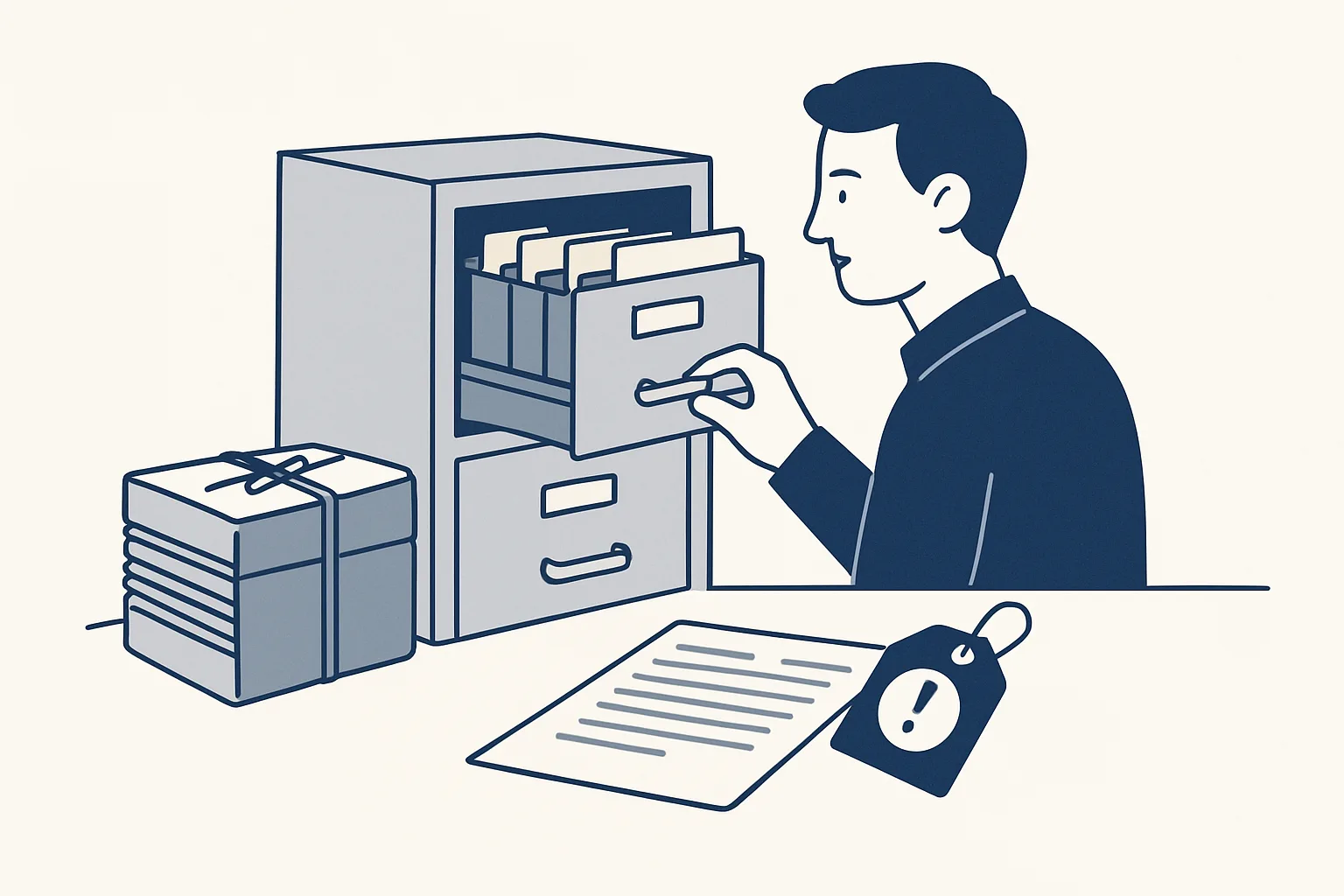
For a small team, HR automation works best on paperwork: starter packs built from your own templates, documents signed online, files kept in each employee's folder, and reminders when something is about to expire. Hiring, pay and people decisions stay with you.
What can you automate in HR?
HR automation is for the repeat paperwork around people, not the people decisions. If a task is copying, filing, chasing or reminding, a robot can do it.
Picture a small hotel hiring a seasonal cook. Someone copies the name and start date into a contract, finds the right forms, emails them, waits, chases, and files what comes back. It takes an afternoon, and it happens again next month.
That's human resources workflow automation at its most useful: the dull, repeatable parts. It doesn't need a big HR system. It works with the mailbox, folders and sheets you already have.
Almost every HR workflow automation project starts with the same short list:
- Filling a contract draft from your template.
- Putting forms and policies into one starter pack.
- Sending documents to sign and chasing the ones not returned.
- Filing each signed copy in the employee's folder.
- Keeping a list of who returned what.
- Reminding you when a permit or certificate is about to expire.
What is a starter pack?
A starter pack is everything a new person needs on day one, prepared from your own templates: a contract draft, forms, policies and a first-week checklist.
Say a bakery takes on a new baker. The pack has the contract with her name and start date filled in, the food-safety form, the bank-details form and a checklist for her first week. The manager reads it, fixes anything, and sends it.
Say the manager wants to change one clause for a part-time role. They change it in the template once, and every later pack carries the change.
This is employee onboarding automation in its simplest form. Nobody retypes a name ten times. Nothing leaves the building until you've read it.
Preparing these packs is built to order. It isn't running for a client yet. The signing and filing that come next are different, as the next section shows.
How does online signing and filing work?
Each document becomes a private page with its own link. The new starter signs with a drawn signature, a typed name and a consent line. A certificate records who signed, when, and which exact document.
This part is running today. We built the signing page ourselves, so there's no outside service in the middle. When the starter signs, the signed copy goes into their folder next to the certificate.
Think of a small accountancy firm with a new junior. On day one, the junior opens one link on their phone and signs the contract, the confidentiality form and the data form. By lunchtime, three signed copies are filed under their name.
Whether a signature is enough for a given document depends on your country and the document. Check it with your adviser. We build the route; the legal advice is theirs.
The starter also gets a reminder if they haven't signed. You don't spend your Thursday chasing.
For new hire onboarding, the benefit is simple: fewer emails, fewer lost forms, and a file you can find in a minute.
Which HR paperwork do you still do by hand?
Tick each task your team still does by hand today. These are all paperwork tasks. Decisions about hiring, pay and performance are left out on purpose, because they stay personal.
How do expiry reminders work?
A register holds every date that matters, and you get a reminder before each one. Work permits, driving licences, food-handling certificates, probation endings, contract ends.
A builder with a dozen workers has a dozen sets of dates. Today they live in a notebook, a calendar, and one person's head. When a certificate lapses, the site might stop for a day. A register with a reminder four weeks ahead turns that into a quick phone call.
Setting this up is built to order. It isn't running for a client yet.
Say a restaurant keeps food-handling certificates for every cook. One expires in March. The reminder reaches the manager in February, with a link to the old certificate and a note on who needs to renew.
One thing we already do: when a key person leaves, a robot can read their mailbox history read-only and write down what the role actually did, what is still open, the deadlines and a handover plan, before the last day. That is running today.
What should you not automate?
Leave the people decisions to people: who to hire, what to pay, how someone is doing, and what to say in a hard conversation.
A robot can tell you a probation period ends on Friday. It can't tell you whether the person should stay. It describes the work; it doesn't judge the person.
The same goes for probation. A robot can list who is nearing the end of the period. What you decide about them is your business.
We also don't do payroll or give legal advice. The templates come from you and your adviser, and every document is yours.
Our rule is simple: every step starts with your approval, then you choose when it goes automatic. One command stops any robot.
Where is the easiest place to start?
Start with your next new hire. One template set, one signing route and one folder structure. Add expiry reminders once the files are in order.
You don't need to sort your whole archive first. The next person through the door gets the new route. Existing staff can be added when their next date comes up.
If you hire only a few people a year, start even smaller: just the signing and filing.
A sensible first month: pick one role, prepare one starter pack, send it for signing, and check the copies land where they should. Then add the reminders.
Our AI employees are rented by the month and work with your own mailbox, folders and sheets. Your employee files stay in your own accounts. If you stop, the workflow stops, and every document stays where it was filed.
Tick the list below to see how much you still do by hand.
Questions
What is HR automation?
It's software that handles the repeat paperwork around people: contract drafts, starter packs, signing, filing and expiry reminders.
Does it make hiring or pay decisions?
No. Those stay with you. It handles paperwork only.
Is it running today?
Online signing and the handover robot run today. Starter packs and expiry reminders are built to order.
Can it handle payroll?
No. We don't do payroll or legal advice.
Where are the employee files kept?
In your own folders, under each employee's name. If you stop, they stay exactly where they are.
Tell us your workflow. We will build it around you.
Tell us which HR paperwork your team does by hand and how many hours it takes each month. Write to [email protected] and we'll tell you plainly what fits.
Talk to us Related service: Employee onboarding

