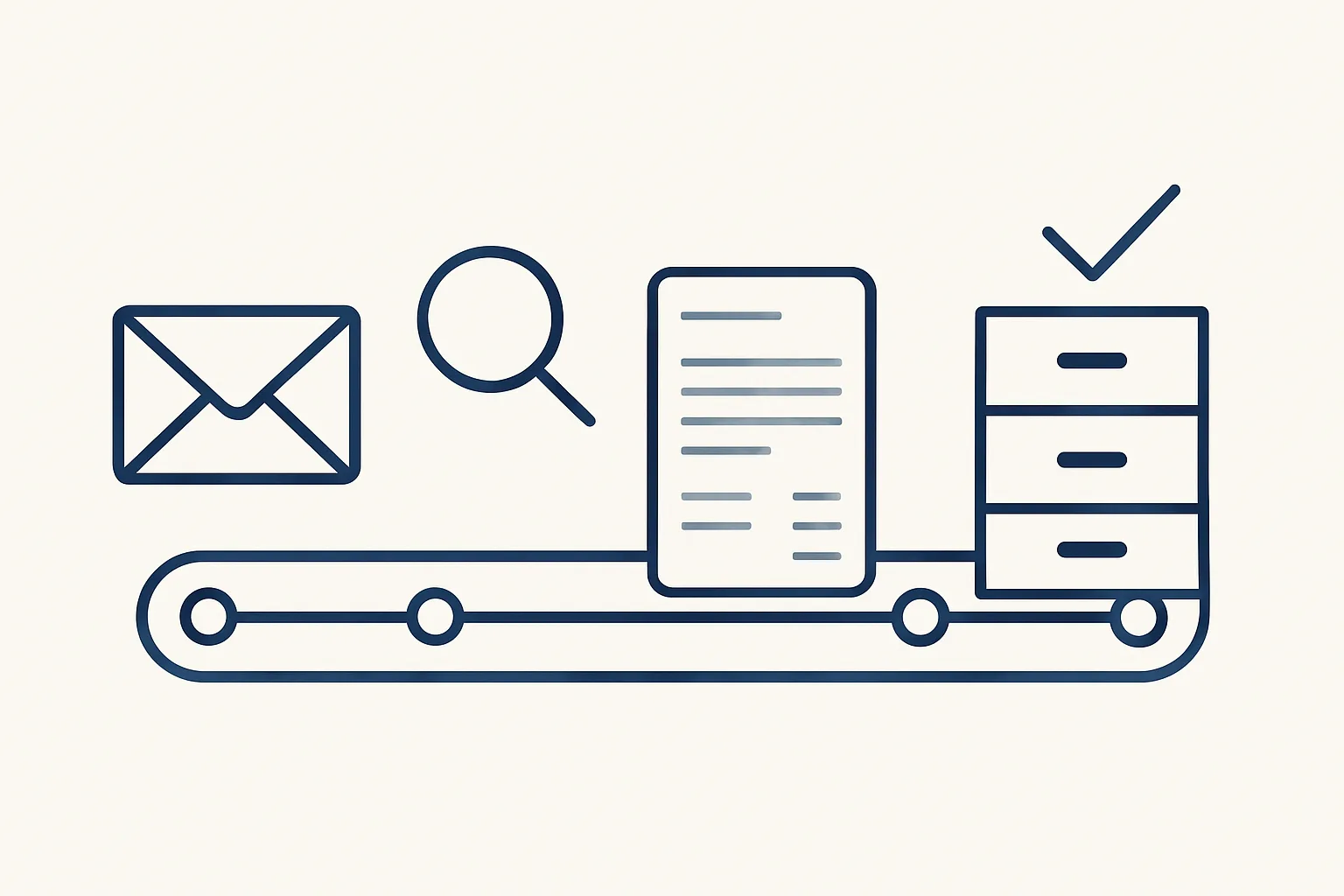
Invoice processing automation captures each incoming invoice, reads its details, checks them against the supplier and past bills, creates a draft entry with the PDF attached and files the document. People handle approvals and anything that does not match.
The stages of invoice processing
Invoice processing automation handles each supplier invoice in five stages: capture, read, check, draft and file, with a person deciding at the end.
Every business that buys anything processes supplier invoices, whether it calls it that or not. Someone opens the email, saves the PDF, reads the supplier, number, date and amounts, types them into the accounting system, attaches the file, saves it in the right folder and tells whoever approves. Multiply that by every invoice in a month and it becomes a real part of someone's job.
This article follows one invoice through those stages. Our separate guide on accounts payable covers the whole process around it, from approval to payment; here the focus is the per-invoice pipeline, where most of the typing happens.
The point of invoice processing automation is not speed for its own sake. It is that the same invoice is handled the same way every time, by rules you wrote down, with a record of every step and a person at the end who signs.
The table shows each stage and where the line falls between the robot and a person.
| Stage | What the robot does | What a person decides |
|---|---|---|
| Capture | Picks up invoices from the mailbox and a drop folder; sets aside anything that is not an invoice | Where invoices should be sent |
| Read | Reads supplier, number, date, amounts and tax by template, OCR or a model's help | Nothing, unless the reading is unclear |
| Check | Compares what it read with the supplier record and past bills | Any case that does not match |
| Draft | Creates a draft bill in the accounting system with the PDF attached | Approve, correct or reject |
| File | Saves the PDF under the supplier and writes the action to the audit record | Nothing; the file is where it belongs |
Capturing invoices from mail and folders
Capture means picking up every invoice wherever it arrives, usually one or more mailboxes and a shared folder for scans, and setting aside anything that is not an invoice.
Invoices arrive in untidy ways. Some come as PDF attachments, some as links, some as scans of paper that arrived in the post, and some buried in a long email thread about something else. A mailbox also carries statements, reminders, order confirmations and marketing that look a lot like invoices at first glance.
Our supplier bills robot runs today on exactly this. It reads the mailbox and a drop folder, recognizes supplier invoices and credit notes, and leaves the rest alone. A good capture stage needs a few simple agreements from you.
Capture is where invoice processing automation most often fails quietly. If an invoice never reaches the agreed address, no later stage can find it, so the agreements above matter more than any software setting. Ask your regular suppliers once to update the address they send to, and the stream settles quickly.
- One address, or a short list of addresses, where suppliers send invoices.
- One shared folder where anyone can drop a scan or a photo of a paper invoice.
- A rule for invoices that arrive in a personal mailbox: forward them to the agreed address.
- A list of the senders whose emails are never invoices, so they are skipped quickly.
- A decision on statements and reminders: filed for reference, not entered as bills.
Reading: templates, OCR, AI
Reading works in three layers: templates for layouts the robot knows, OCR for scans and photos, and AI for everything else.
Templates come first because they are exact. If a regular supplier always puts the invoice number in the same place, the robot reads it there every time. Our bills robot reads a set of regular suppliers this way.
OCR, or optical character recognition, turns a scan or photo into text, so a paper invoice can be read like a digital one. It is only as good as the image: a crooked photo of faded paper will read poorly.
AI invoice processing covers the rest: new suppliers, unusual layouts and invoices where the details are spread around the page. A model reads the document and returns the fields. Because a model can misread, its output is never trusted on its own; it goes straight into the check stage like everything else.
Most invoice processing automation uses all three layers at once. Each invoice goes to the most exact method that can read it, and only falls through to the next layer when that method cannot. Over time, more of your regular suppliers move from the AI layer to templates, which makes reading faster and more predictable.
Which stages still take your time?
Go through the five stages of invoice processing. Tick each statement that is true of your process today. The more you tick, the more of the pipeline is still done by hand.
Checks against suppliers and history
Each invoice is checked against what is already known, the supplier record and past bills, before any draft is created.
Checks are what separate useful invoice processing automation software from a fast typist. The robot asks plain questions of every invoice, written down once as your own rules. Typical checks are below; which ones apply depends on your business and is agreed before anything is switched on.
A new supplier is a special case. Ours never creates one by itself: an invoice from an unknown supplier goes to the owner, and the supplier is created only after the owner approves it.
- Is the supplier known, and does the document match how that supplier usually invoices?
- Do the line amounts, tax and total add up?
- Has this invoice number from this supplier already been entered?
- Is the date sensible, neither far in the past nor in the future?
- Does the price per unit sit close to what was paid before, using the price history where it exists?
- Is it really an invoice, or a credit note, a refund or a statement that needs different handling?
- If every answer is clear, move to the draft; if any is not, pass the invoice to a person with a note.
Drafting and filing
When the checks pass, the robot creates a draft bill in the accounting system with the PDF attached, files the PDF under the supplier and sends one notification.
The draft is not a posted bill. It waits in the accounting system for a person to approve it, with the original document one click away, so the approver can compare the two without opening the mailbox. Nothing is paid by the robot, because it never moves money.
Filing happens at the same moment. The PDF is saved in the supplier's folder in your own storage, named consistently, so it can be found later by anyone who needs it. Our invoice filing robot, which also runs today, files invoices arriving in the company mailboxes by month into the accounting folder, so the accountant finds the whole period in one place.
For the approver, invoice processing automation changes the job from typing to reviewing. Instead of entering a bill and then checking it, they open a draft that is already complete and decide.
Every action is written to an audit record: what arrived, what was read, which checks passed and what was created.
Handling mismatches in invoice processing automation
Anything that does not match is passed to a person instead of being guessed: unknown suppliers, refunds, credits that do not tie up, unreadable scans and totals that do not add up.
This is the single most important design choice in accounts payable invoice automation. A robot that guesses is right often enough to be trusted and wrong often enough to cause damage, and every one of its entries then has to be checked as if by hand. A robot that hands over the unclear cases cleanly lets a person spend time only where a decision is needed.
A handed-over invoice comes with a short note: what was read, which check failed and why. The person decides, and if the answer is a rule that will apply again, such as a new supplier or a new type of credit, the rule is added so the next one goes through.
Over the first weeks, the share of invoices handed over usually tells you most about the process itself: suppliers who change layouts, invoices sent to the wrong address, credits issued without a reference. Fixing those at the source helps the people as much as the robot.
Invoice process automation of this kind is rented monthly from us and runs on our servers against your own mailbox, folders and accounting system. A kill switch stops it in one command, and nothing is switched on without your yes. Use the stage checklist above to see which parts of your own process still take a person's time.
Questions
What is invoice processing automation?
Software that picks up incoming supplier invoices, reads their details, checks them, creates a draft entry with the PDF attached and files the document, leaving approval to a person.
Can it read scanned or paper invoices?
Yes, through OCR, as long as the image is clear. Anything it cannot read exactly is passed to a person rather than guessed.
Does the robot approve or pay invoices?
No. Ours creates drafts only. A person approves each bill, and payments are made by people because the robot never moves money.
What happens with credit notes and refunds?
Credit notes are recognized and drafted like invoices when they match cleanly. Refunds and credits that do not tie up go to a person.
Do we need new accounting software?
No. Ours works with your existing mailbox, folders and accounting system, and everything stays in your own accounts.
Want hours back from this work?
Write to [email protected] with how many supplier invoices you process each month and how long each takes, and we will tell you plainly which stages are worth automating.
Talk to us Related service: Supplier bills

