A no code AI agent builder lets you set up a simple AI helper by clicking and typing, with no programming. It works well for small, low-risk jobs. For work that touches money, customers or your accounts, many teams prefer one built and looked after for them.
What is a no code AI agent builder?
A no code AI agent builder is a website where you make an AI helper by filling in boxes and joining blocks, without writing code.
Say you run a plumbing firm. You want a helper that reads each new enquiry, pulls out the address and the problem, and adds a line to a sheet. In a builder, you pick a start, an action and a place to save the result. No code needed.
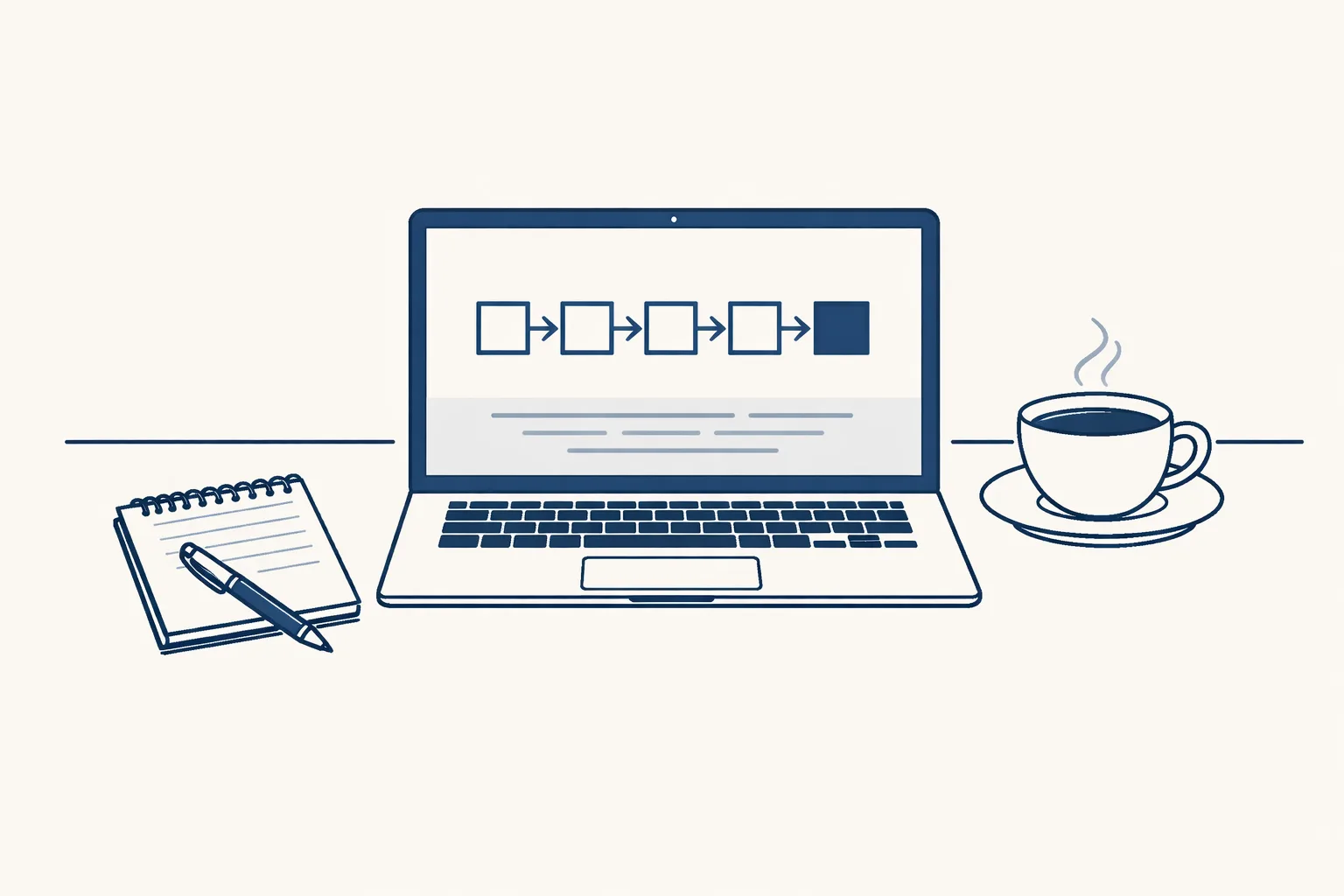
Most builders give you the same few parts. You choose what starts the job, what the AI should read, what it should write, and where the result goes.
Think of a kitchen kit. The pieces are ready. You still decide the recipe, and you still taste the result.
Builders differ in how much they help. Some give you ready-made templates, such as a helper that summarizes emails. Others give you a blank canvas. A template gets you going in minutes. A blank canvas lets you build more, but it takes longer to learn.
Either way, the AI is only as good as the instructions you give it. Short, plain instructions beat long, clever ones. Think of how you would brief a new colleague on their first day.
What can you build with one on your own?
On your own, you can build small helpers where a mistake costs little and a person reads the result.
A bakery could build a helper that turns a weekly list of orders into a tidy summary. A small shop could build one that sorts incoming emails into piles. If it goes wrong, someone notices and fixes it.
Notice the pattern in these jobs. Each has a clear input, a clear result and a person who would spot a mistake at once. When all three are true, a builder is a fair tool.
A small helper like this can save real time. It won't replace careful work, but it can take the dull first pass off your desk. Good first jobs share these traits:
- The job is short, with a clear start and a clear end.
- One tool is involved, or two at most.
- A wrong answer is easy to spot and cheap to fix.
- You are happy to check the result yourself.
Where does building your own get hard?
It gets hard when the helper has to run every day, touch real money or customers, and cope with messy cases.
Picture a wholesaler who wants every supplier bill read and entered in the accounts. The first ten bills work. Then one arrives as a blurry photo. Another is a credit note. A third comes from a supplier nobody has met. The simple helper guesses, and nobody notices until month-end.
A small mistake in a one-off test costs little. The same mistake repeated every day for a month costs a lot more. That is why daily jobs deserve more care than weekend experiments.
None of this means you shouldn't try. It means you should know what you're signing up for. These are the usual trouble spots:
- Odd cases: refunds, scans, missing details, new names.
- Keeping it running: logins expire and tools change.
- Checking: who reads the work, and where is the record?
- Connecting your own accounts safely.
- Your time: building is fun once, but maintaining it is a job.
Is a no code builder enough for your job?
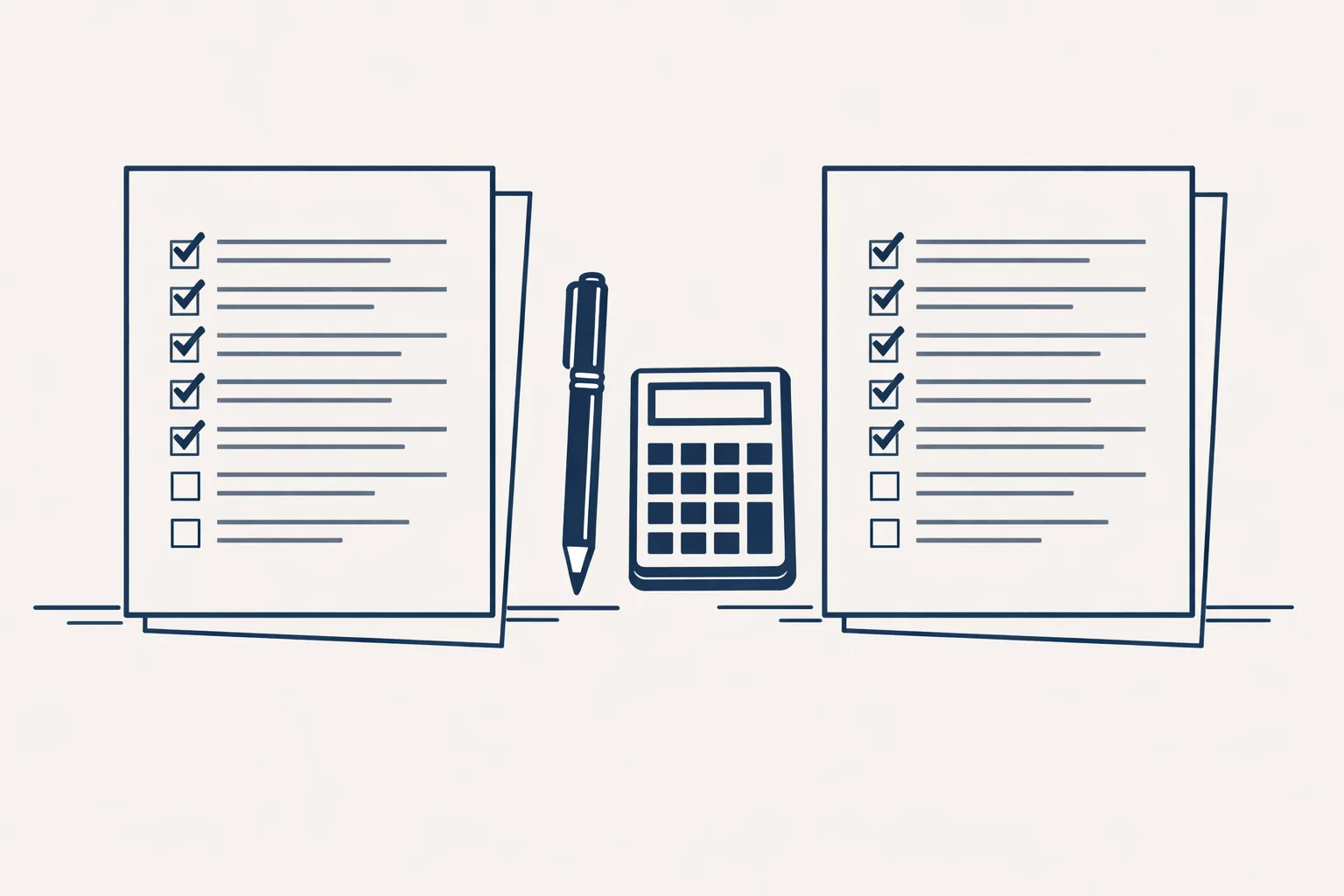
Tick each statement that is true for the job you have in mind. The more you tick, the more a built-for-you set-up is worth a look. This is only a rough guide.
How do you try a builder without regrets?
Start with one small job, use test data, and decide where you'll stop before you begin.
Say you run an accountant's office. Pick one boring task, such as sorting new client emails into folders. Try it for a week on copies. If it saves time and gets things right, keep it. If you spend more time fixing it than doing the job, stop there.
Keep notes as you go. Write down what you changed and why. When something breaks in three weeks, those notes will save you an hour of guessing.
A sensible way to test:
- Write the job in one sentence, from start to finish.
- List the odd cases you already know about.
- Build it on copies or test files, not live ones.
- Read every result for a week.
- Count the mistakes and the minutes saved.
- Keep it, widen it, or put it aside.
What should you ask before you pick a builder?
Before you pick one, ask what it does when something goes wrong, who can see your data, and what it costs to run.
Say you own an online shop and you're comparing two builders. Both look easy in the demo. The demo uses clean examples, so ask to see a messy one.
Here is what to look for, with no brand names needed:
- Can you see what the helper did, step by step, afterwards?
- What happens when it is unsure? Does it stop, or guess?
- Where does your data go, and who can read it?
- Can you pause it quickly if something looks wrong?
- How is it priced when the job runs often?
- Will it still work when the tool you connect to changes?
When is it better to have one built for you?
It's better to have one built for you when the job is important, runs often, or touches your accounts and customers.
A family business that sends many invoices a month needs the same tax wording every time. A trading company needs supplier bills filed and entered correctly. These jobs are less about clever AI and more about careful set-up and steady care.
That's the work we do. We build AI employees to fit how your business runs. They work inside the tools you already use, today Gmail, Google Drive, Google Sheets and Xero. Sales invoicing and supplier bills run today for clients. Other jobs, such as drafted customer replies, are built to order.
We run them on our servers and look after them, so you don't have to maintain anything. You check the work and decide when a step goes automatic.
Your own time matters here too. A helper that takes a weekend to build and an hour a week to fix isn't free. Add up the hours before you decide.
Questions
Is there a free no code AI agent builder?
Many builders offer a free plan with limits. Check what the limits are, since a job that runs daily can use them up quickly.
Can I build an AI agent without coding?
Yes, for small jobs. You fill in boxes and join blocks instead of writing code.
What can a no code AI agent do?
It can read text, sort it, summarize it, write a draft, and pass the result to another tool. Jobs with many odd cases are harder.
Do you offer a no code builder?
No. We build the AI employee for you, run it on our servers and look after it.
How do I know if I need something built for me?
If a mistake would cost real money, or the job touches your accounts or customers, it's worth asking.
Tell us your workflow. We will build it around you.
Tell us the job you have in mind. Write to hello@thenewaiemployee.com and we'll say honestly whether a builder is enough.
Talk to us Related service: Services