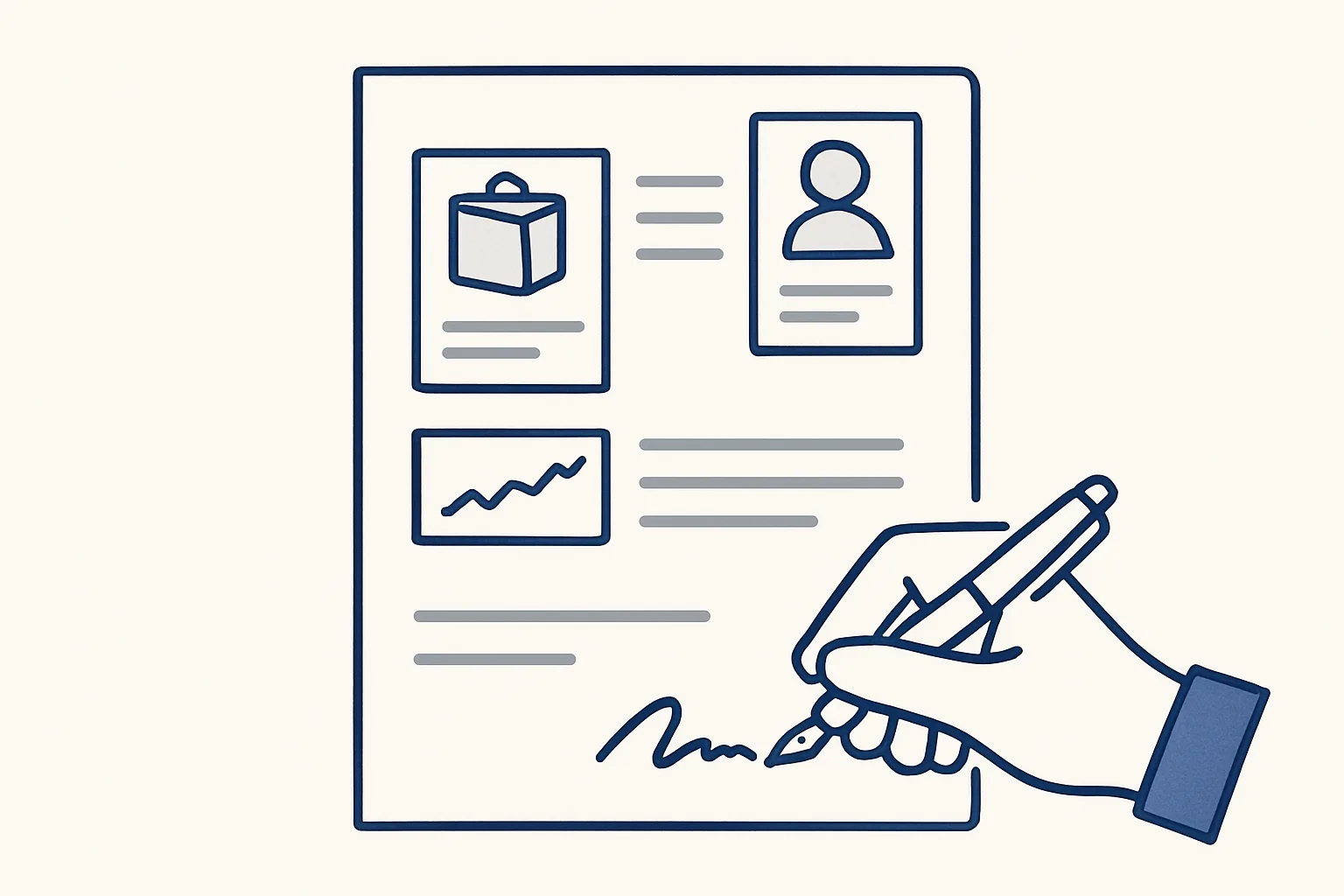
Quote automation prepares a quote from what you already know, the customer, the product and the last price you bought and sold at, so a draft quote is ready to check and send. The price history behind it is rebuilt from past invoices.
Why quoting is slow
Quoting is slow because the information a quote needs is scattered across old invoices, supplier bills and emails, and someone has to find it before they can price anything.
A customer writes asking for a price on a product you have sold before. The person answering searches the mailbox for the last invoice to that customer, then for the last supplier bill for the same product, checks whether anything has changed, works out the margin, types the quote and attaches it to a reply. The pricing decision takes a minute. Finding the numbers takes much longer.
Quote automation is about removing the finding and the typing, not the deciding. The figures are gathered from your own records and laid out as a draft; a person looks at it, adjusts it if needed and sends it. This matters most for businesses that receive many requests for quotation, where the same products come up again and again.
Speed is not the only issue. Quotes prepared in a hurry from memory carry errors: a price from the wrong year, a product description that does not match the invoice that follows, a margin applied to the wrong cost. Each one either loses money or loses a customer's trust. Starting every quote from the same verified data makes those errors less likely.
The table shows where the time goes in a typical quote, and which part automation can prepare.
| Step | By hand | With quote automation |
|---|---|---|
| Find the last selling price | Search old invoices to this customer | Read from the price history |
| Find the last buying price | Search supplier bills | Read from the price history |
| Check the product description | Copy from an old document | Taken from the product list |
| Apply the margin | Work it out by hand | Your own rule applied to the draft |
| Decide the final price | A person | A person |
| Write and send the quote | Typed, then sent | Drafted; a person checks and sends |
The data a quote needs
A quote needs four kinds of data: who the customer is, what the product is, what it cost you last time and what you charged last time.
The customer data covers the name, address, terms and any agreed pricing. The product data covers the description, unit and any codes. The price data is the heart of it: the last buying price, from your supplier bills, and the last selling price, from your own invoices, both with their dates.
Most businesses already hold all of this. It just sits in different places, often inside PDFs. Before any quote can be drafted automatically, that data has to be in one place and kept current.
Good RFQ management starts here too. A request for quotation that is logged on one register, with the customer, the products, the date received and the date answered, is far easier to follow up than one buried in an inbox.
- Customer: name, address, payment terms, any agreed prices.
- Product: description, unit of sale, codes used on past documents.
- Last buying price: supplier, date, price per unit.
- Last selling price: customer, date, price per unit.
- Your rule: the margin or markup you normally apply, and when it changes.
Using your own price history
A price history tracker is a register of every product line you have bought and sold, with its price per unit, rebuilt from past invoices and kept up to date as new ones arrive.
This is the part we run today. Our price history robot reads past sales invoices and supplier bills and builds one register of every line ever bought and sold, with the product, the date, the customer or supplier, the quantity and the price per unit. As new invoices and bills come in, the register is updated automatically. It is used to quote from the last price.
Even on its own, the register changes how quoting feels. Instead of searching, the person answering a request looks up the product and sees at once what was paid, what was charged, to whom and when. A price that has drifted, or a customer still on an old rate, is easy to spot.
Your own price history has one more advantage over any outside price list: it reflects your actual suppliers, your actual customers and your actual terms. A draft quote built from it starts from the truth of your own trade.
Rebuilding the history is mostly careful reading. The same product often appears under slightly different descriptions on different documents, in different units or with different codes. Lines that cannot be matched with confidence are listed for a person to confirm rather than merged on a guess, so the register can be trusted when a price is read from it.
Build a sample quote line
Pick one of your own products. Enter your last buying price, your usual markup and a quantity. The result is a sample quote line built only from your own numbers, the way a draft quote would apply your rule.
Draft quote, human check
The draft quote is prepared from the price history and your margin rule, and a person checks, adjusts and sends it; nothing reaches a customer without that check.
Drafting the quote itself is offered and built to order, on top of the price history that runs today. The route is short.
The check is quick when the draft is laid out well. Next to each line, the person sees the last buying price, the last selling price and their dates, so a stale cost or an unusual margin stands out at once. If the market has moved since the last trade, the person changes the price; the draft is a starting point, not a decision. Quote automation, as we build it, never has the last word on a price.
- A request for a quote arrives by email and is logged on the register.
- The customer and products are matched to your lists.
- The last buying and selling prices are read from the price history.
- Your margin rule is applied, and a draft quote is prepared with a draft reply.
- Anything that does not match, such as a new product or a new customer, is passed to a person instead of being guessed.
- A person checks the figures, adjusts them if the market has moved, and sends the quote.
From quote to purchase order
Once a quote is accepted, the same data can flow into the purchase order to the supplier, so nothing is typed twice.
This is where order management automation pays off. The customer accepts, and the products, quantities and agreed prices are already known. Our purchase order robot, running today, takes one row in a sheet and, after two confirmations from a person, renders the purchase order PDF, files it and prepares a draft email and a message in the client app. A person reads the draft and sends it.
Later, the sales invoice to the customer and the supplier bill for the same goods also feed back into the price history. Each completed trade makes the next quote more accurate.
What none of this does is commit you to anything. The robot never sends a quote or an order. A person decides every price and every order.
Starting with your top products
Start quote automation with the products you quote most often, where the price history is richest and the time saved is easiest to see.
Most businesses quote a core group of products far more often than the rest. Those are the lines where the price history fills quickly, where a draft quote is most often right as it stands, and where the person checking can confirm it fastest. Rare or custom products can stay fully manual for as long as you like.
It also helps to agree the margin rules before anything is built. Some businesses use one markup for everything; most use a few, by product group, by customer or by quantity. Written down, those rules become the instructions the draft follows. Where no rule applies, the line is left for a person to price.
Ours run on our servers against your own accounts, today with Google Workspace mailboxes, Google Drive, Google Sheets and Xero. They are rented monthly, one figure per workflow, stated in the quote. The price history stays in your own sheet; if the rental stops, the workflow stops and the register is still yours.
Use the mini-builder on this page to try your own margin rule on one of your own products. It uses only your figures. Then write down your top products, where the requests arrive and who approves prices, and that is a brief ready to send.
Questions
What is quote automation?
Software that prepares a draft quote from data you already hold: the customer, the product, and the last prices you bought and sold at. A person checks and sends it.
What is RFQ management?
Keeping track of requests for quotation: logging each one, preparing the quote, following up and recording the outcome, ideally on one register rather than in the inbox.
Where does the price history come from?
From your own past sales invoices and supplier bills. Ours is rebuilt from those documents and kept up to date automatically as new ones arrive.
Will it send quotes to customers automatically?
No. Quotes are prepared as drafts, and a person checks, adjusts and sends each one. Nothing is sent by a robot.
What about new products with no price history?
They are passed to a person instead of being guessed. Once the first invoice or bill exists, the product joins the price history.
Want hours back from this work?
Write to [email protected] with how many quotes you prepare each month and the hours they take. We will tell you plainly whether quote automation fits.
Talk to us Related service: Sales desk and orders

